ASHENG AE PLUGIN SERIES · AFTER EFFECTS PLUGIN
ASheng
FractureText
Same word,
a different material.
Gold leaf, marble, a torn poster, a rusty blue door, broken glass… 30 built-in presets; pick one and it works. To go further, cuts, crackle, wear, peel and text fill are all fine-tunable.
10 USD · 365-day license · 1 Mac
Downloading needs no wallet. Output is watermarked until a license is activated; price and license length follow the live plan on the purchase page.
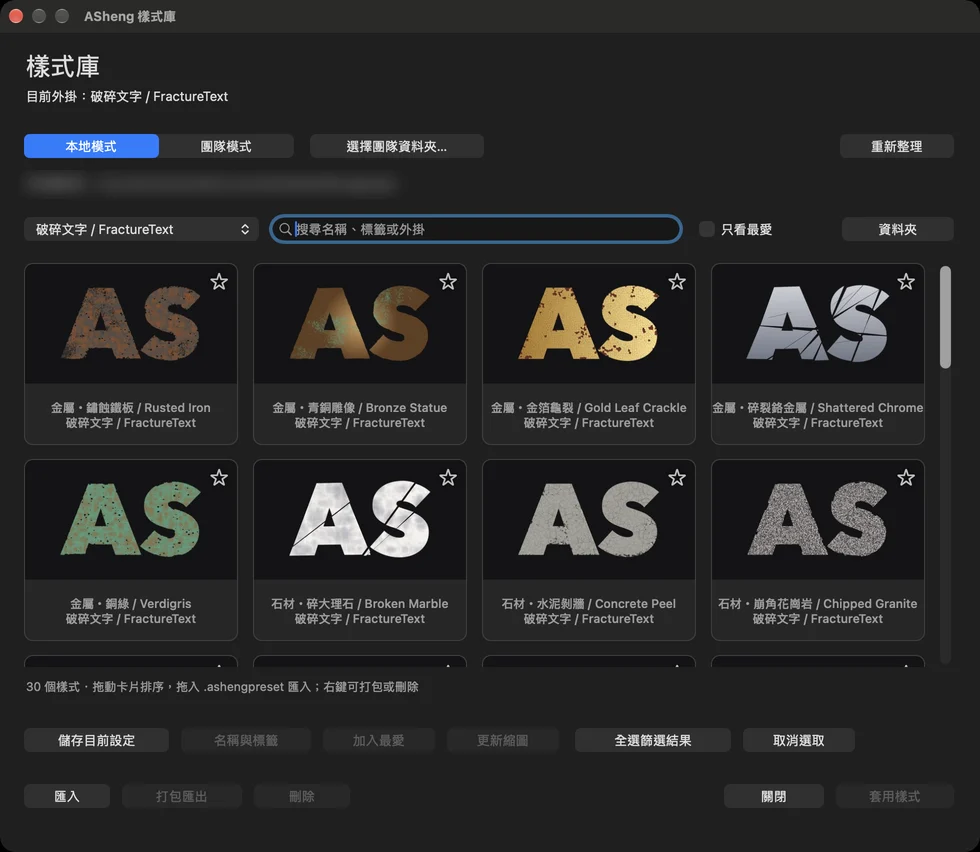
30 built-in presets
Pick one and apply it.
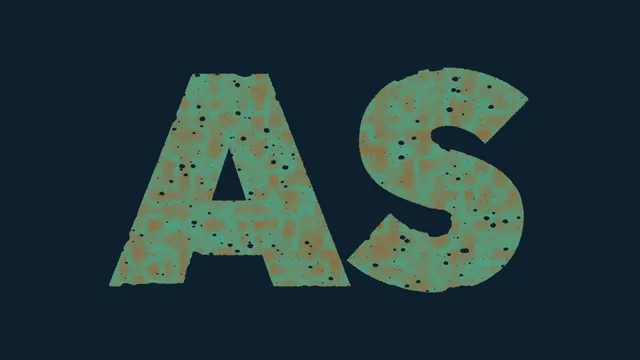
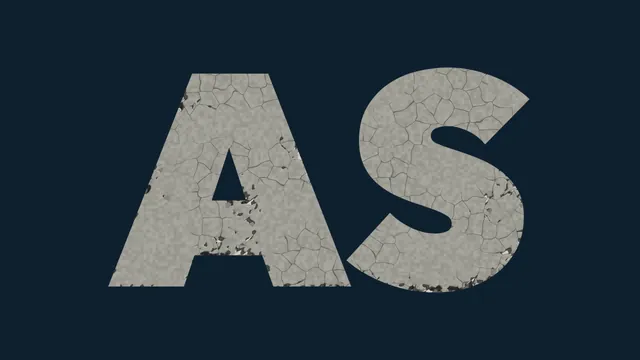
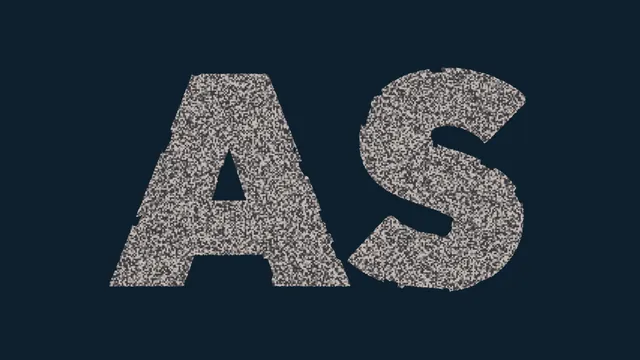
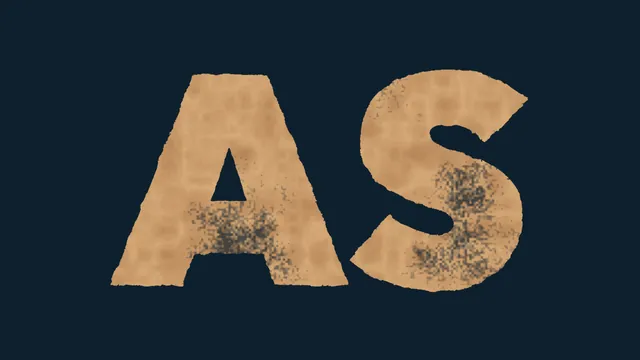
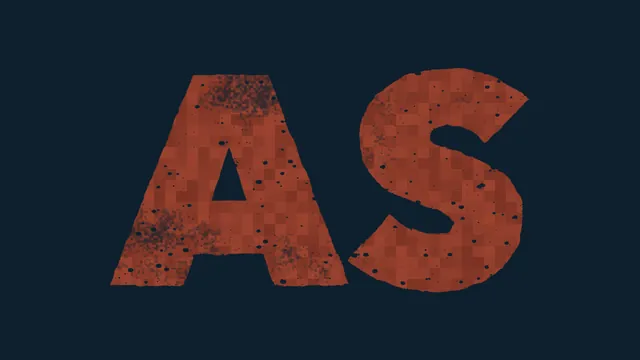
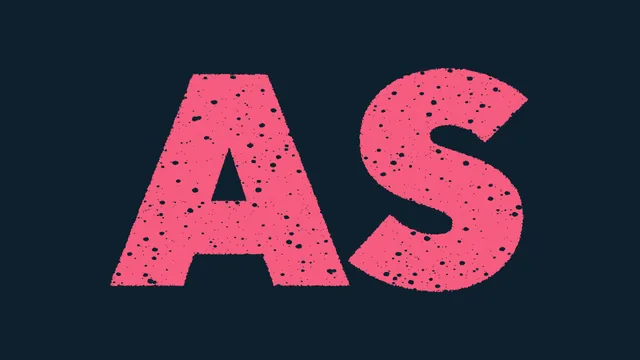
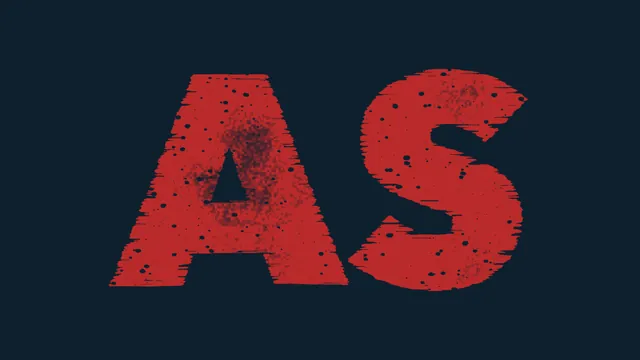
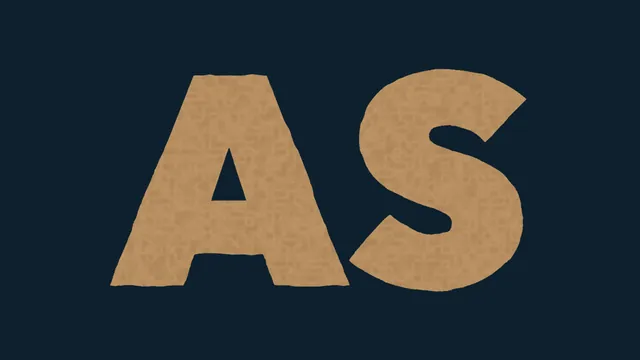
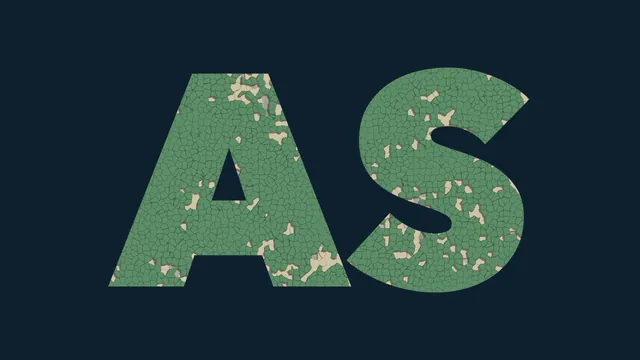
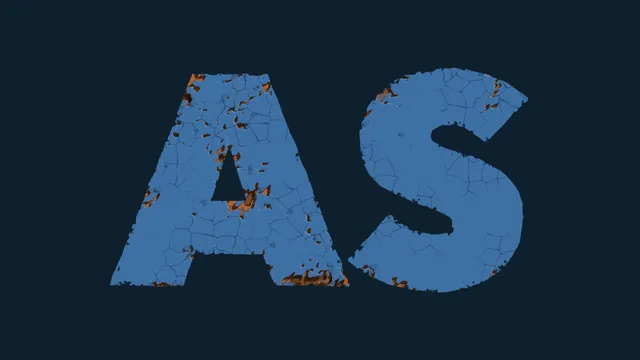
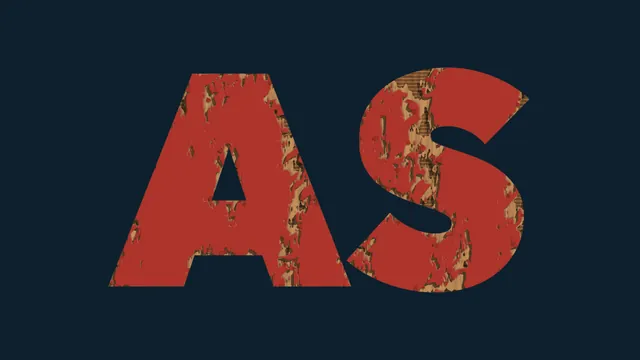
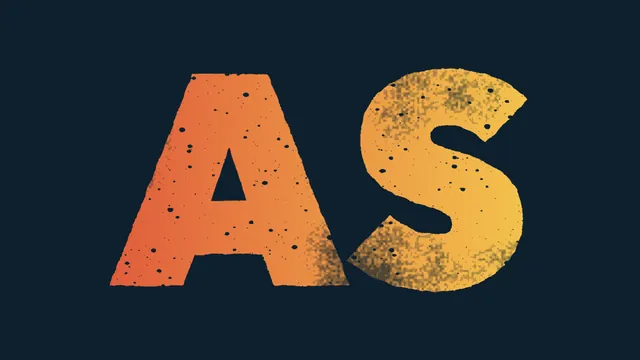
Six themes, five presets each. All tuned to “moderate”: the material shows at once and the text stays legible. Every image below is an actual plugin render.
Metal
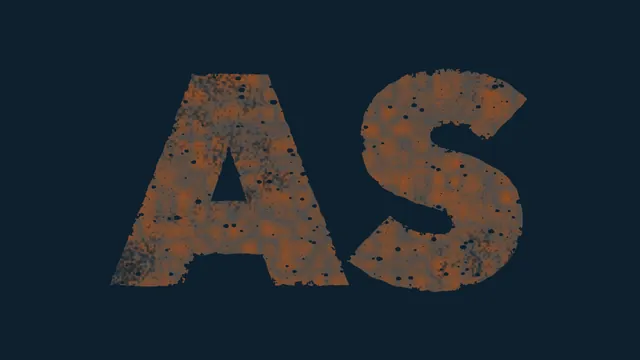
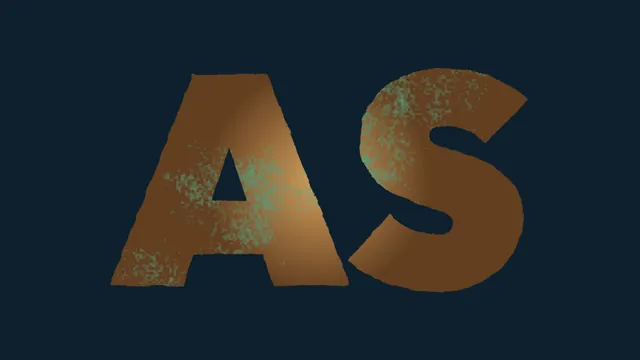
Gold leaf, rusted iron, bronze, chrome, verdigris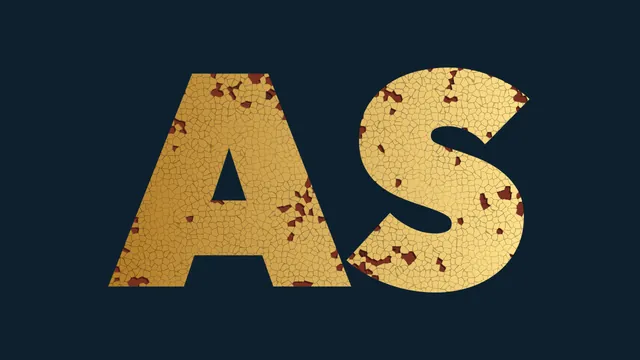

Stone
Marble, concrete, granite, sandstone, brick
Paper
Old newspaper, poster, risograph, stamp, kraft paper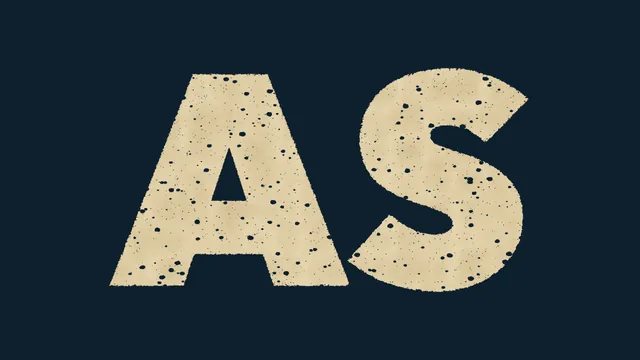
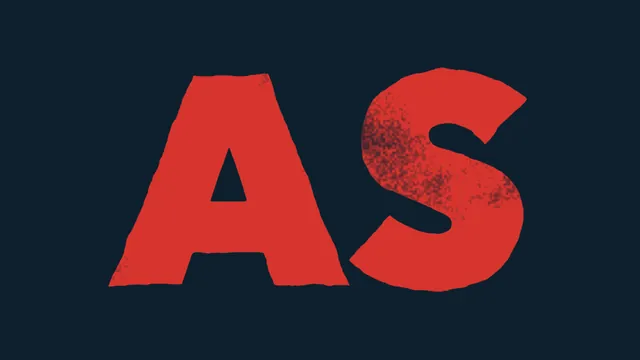
Paint
Peeling, crackle, rust, wood grain, faded sign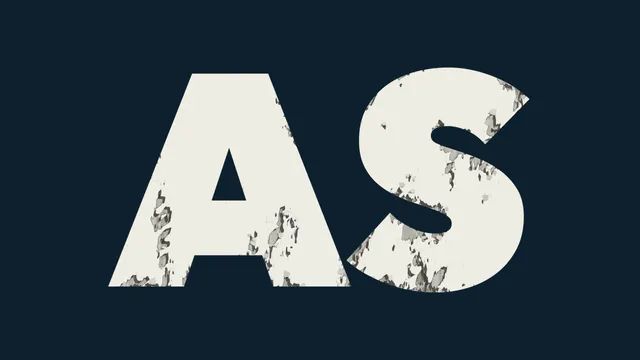
Impact
Glass, earthquake, blade, ice cracks, bullet holes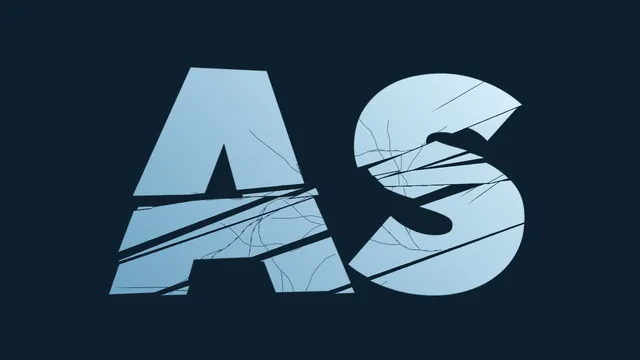
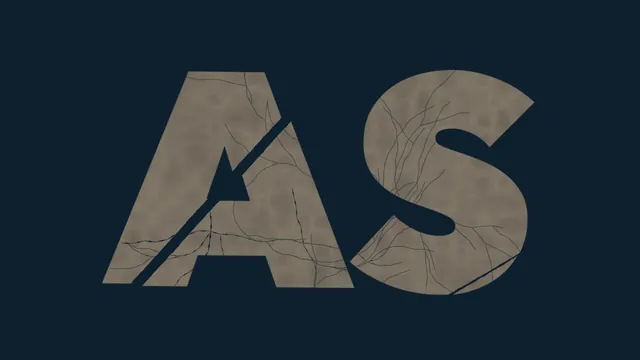
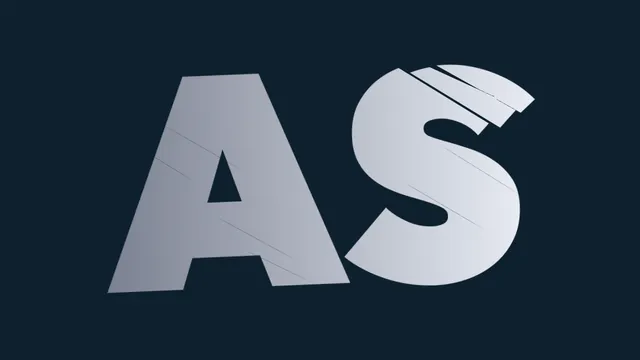
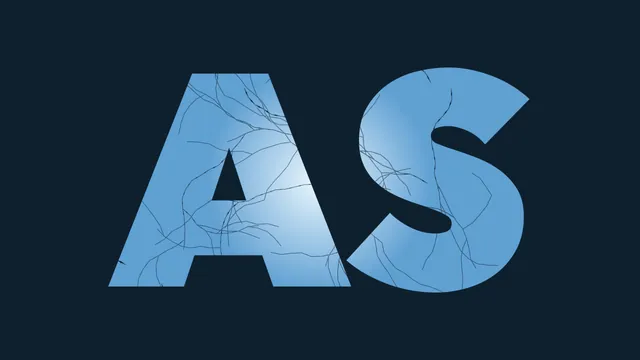
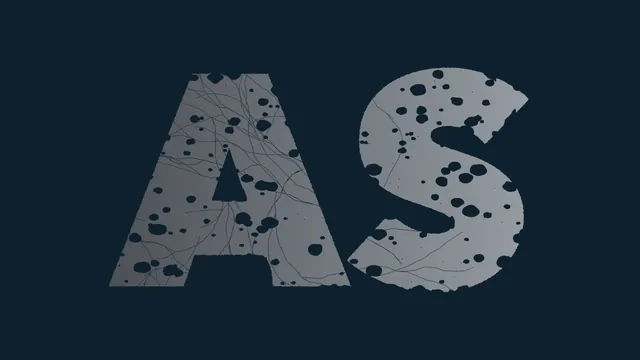
Scene
Ruins, relics, treasure, wanted poster, game title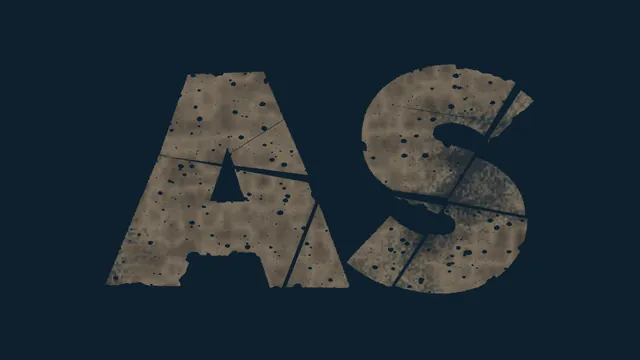
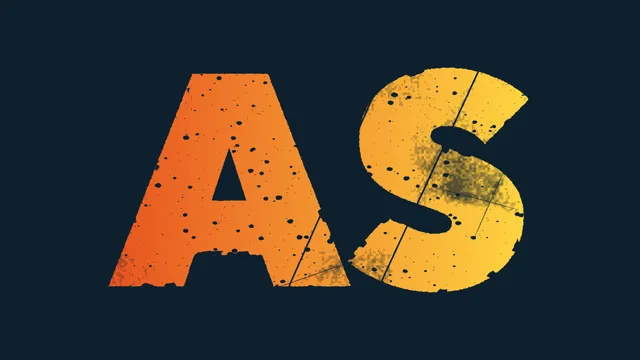
Key feature · One-click look
Out of ideas?
Just press the button.
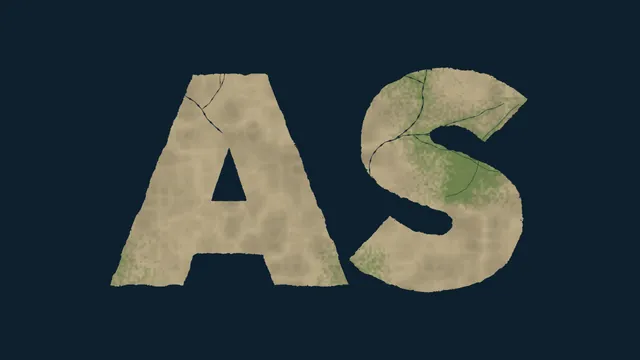
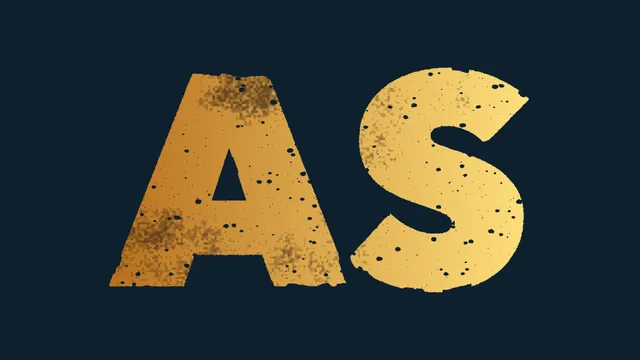
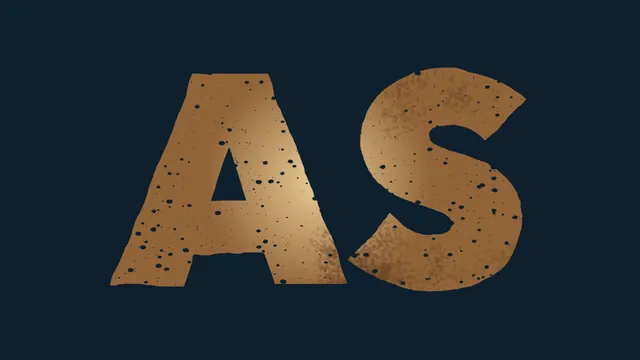
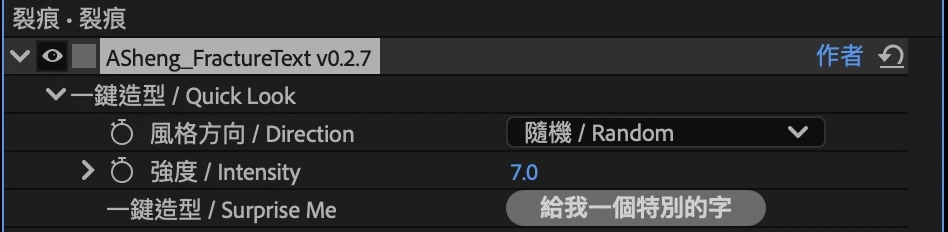
Choose a style direction (random, shattered, aged, torn, peeled, printed) and click “Give me a special look”. Each click composes a new look; stop at the one you like and use “Strength” to push it harder or softer overall.
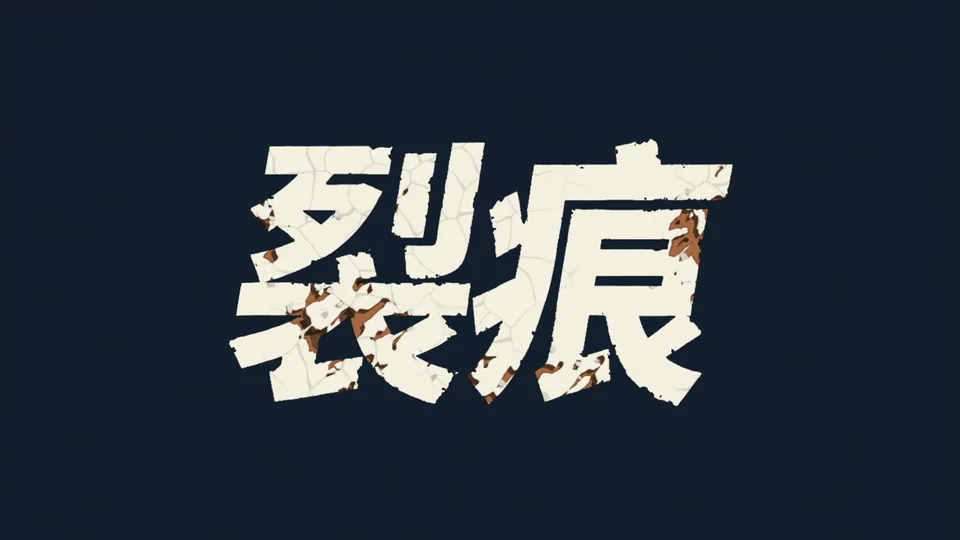
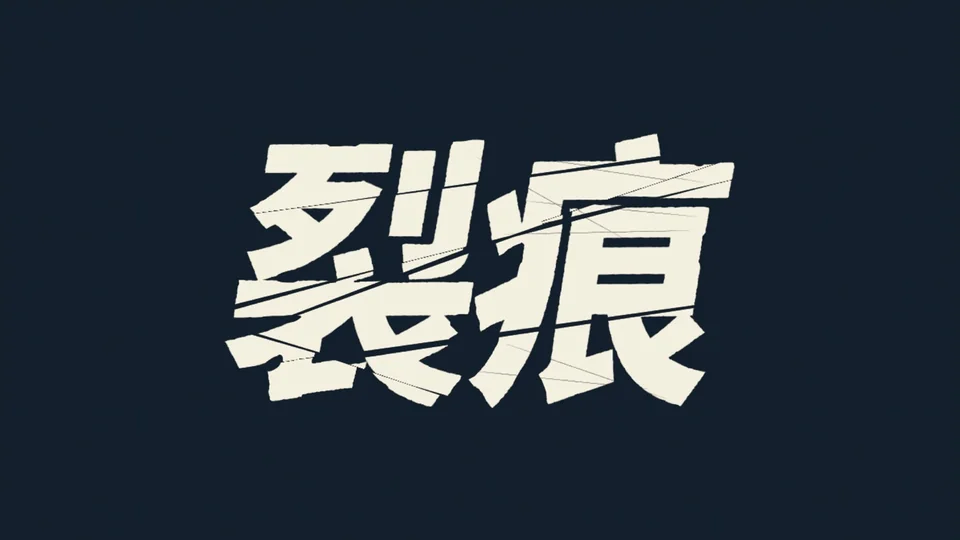
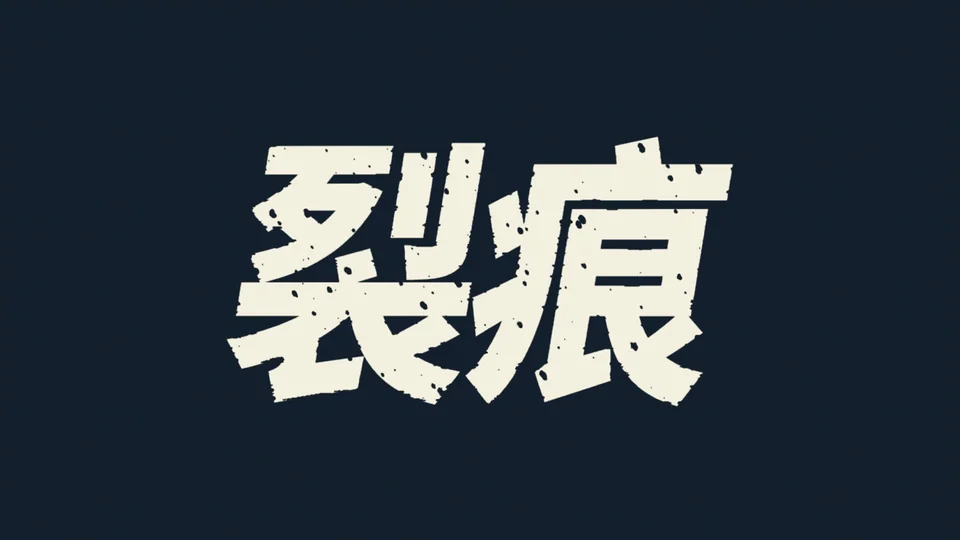
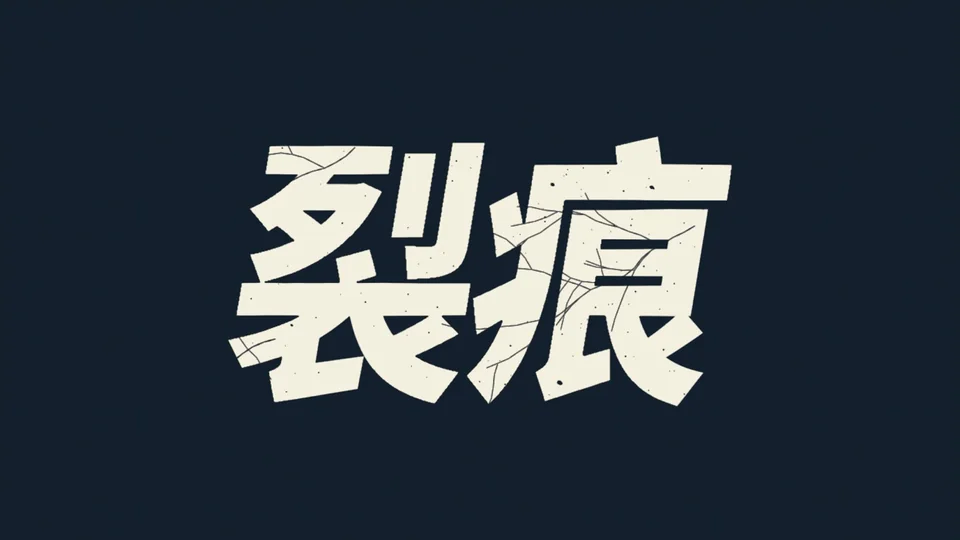
All of the above are actual frames from pressing “Give me a special look” repeatedly on the same word in After Effects.
Six effects · Stack freely
Add them layer by layer
to build the material you want.
Cuts, edge wear, paint peel, crackle web, mottling, speckle — each has its own switch and settings. One alone is clean; all of them stacked is heavy battle damage. How far you go is up to you.

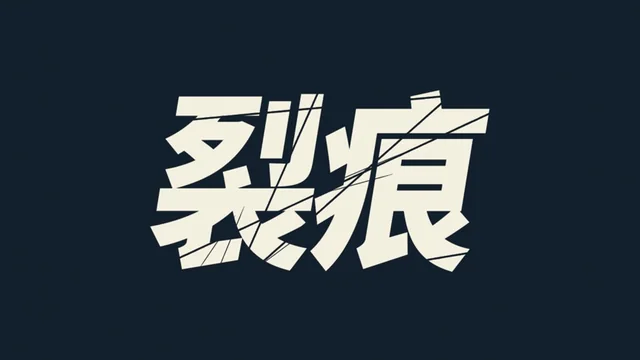
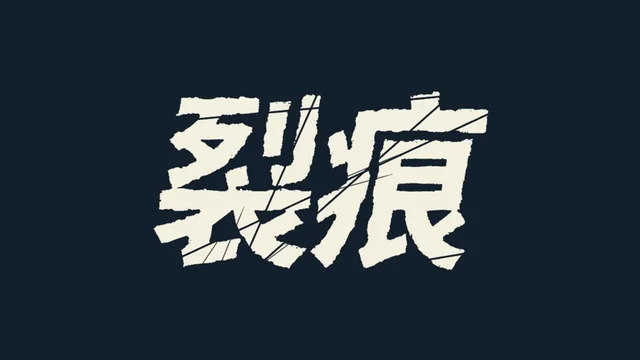
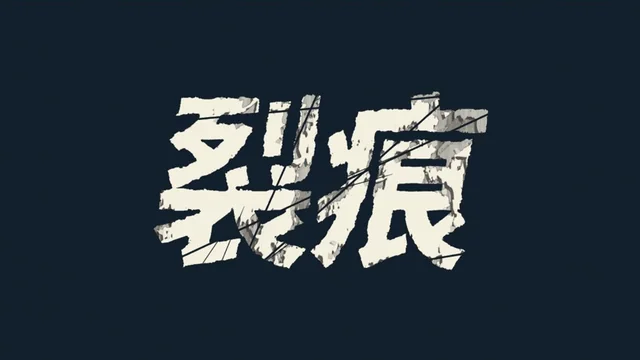
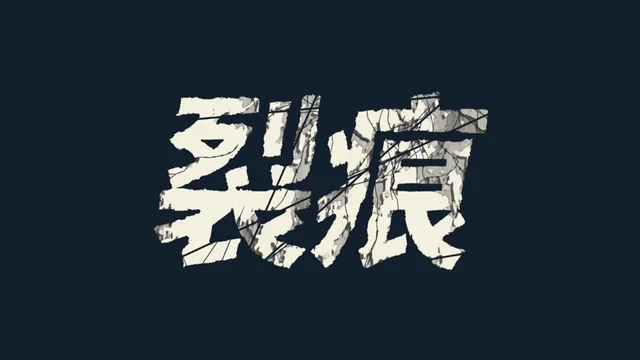
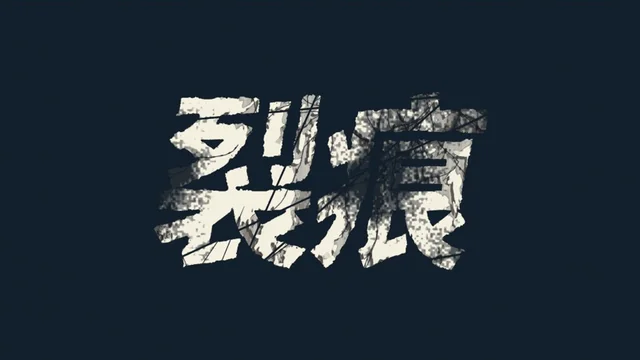
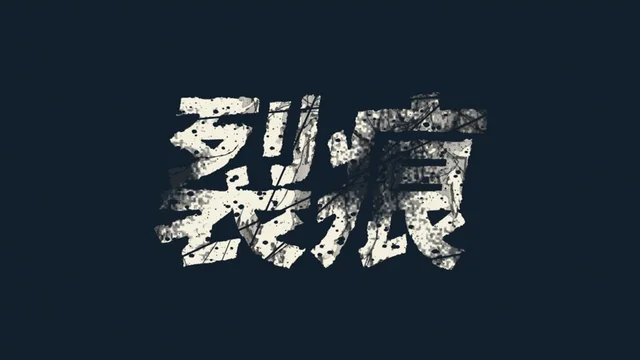
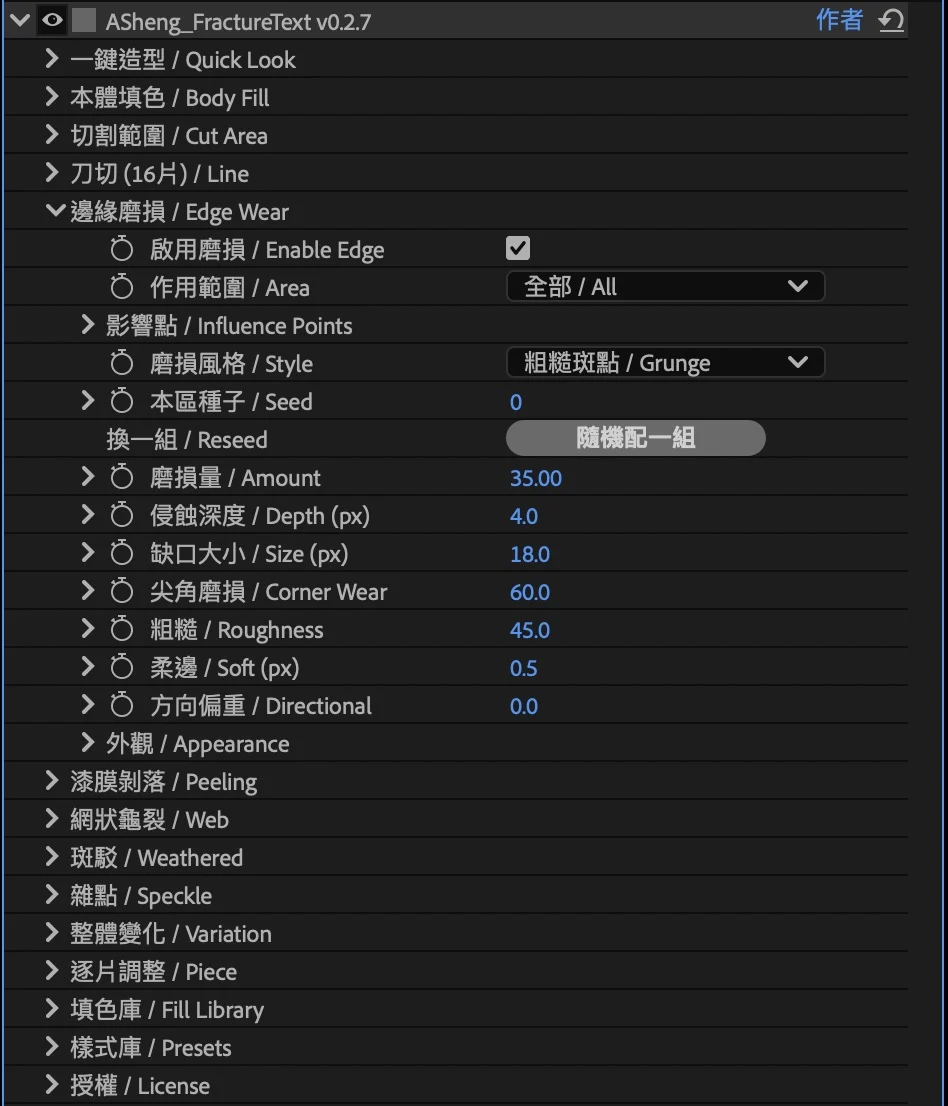
Every layer is fine-tunable
- CutsCount, angle, edge roughness; pieces can separate and rotate
- Edge wearSix wear styles: rough speckle, torn paper, rust, photocopy, chipped, dry brush
- Paint peelThree peel styles: curl, crackle, tear
- Crackle webFine cracks spreading from a point
- MottlingAge spots, cut out or filled with moss or rust tones
- SpecklePinholes and fine dust for a printed feel
Plus body fill: the text itself can take a gradient, noise or line texture.
Preset library · Local and team
Save your own style,
share the team’s.
Click “Save Current Settings” and your tuned look goes into the library for one-click reuse. Switch to “Team Mode”, choose a shared folder everyone can reach (a NAS or Google Drive for desktop, say), and every member’s presets live in one place, so brand titles and show cards stay consistent.
Getting started
Three steps
to add it to your work.
Apple Silicon Mac, macOS 14 or later, After Effects 2026. See the download page for the latest version and installation steps.
- Download the installer
Get the Mac installer from the download page and unzip it. The installer is Apple-notarized.
- Quit AE, then install
Save your project, quit After Effects fully with Cmd+Q, then run the installer. The 30 built-in presets are added to the preset library at the same time.
- Add it to a text layer and pick a preset
Reopen AE, find ASheng_FractureText under “Effect → ASheng - Text”, add it to a text layer and pick one from the “Preset Library”.
Good to know
Does it work with Chinese characters?
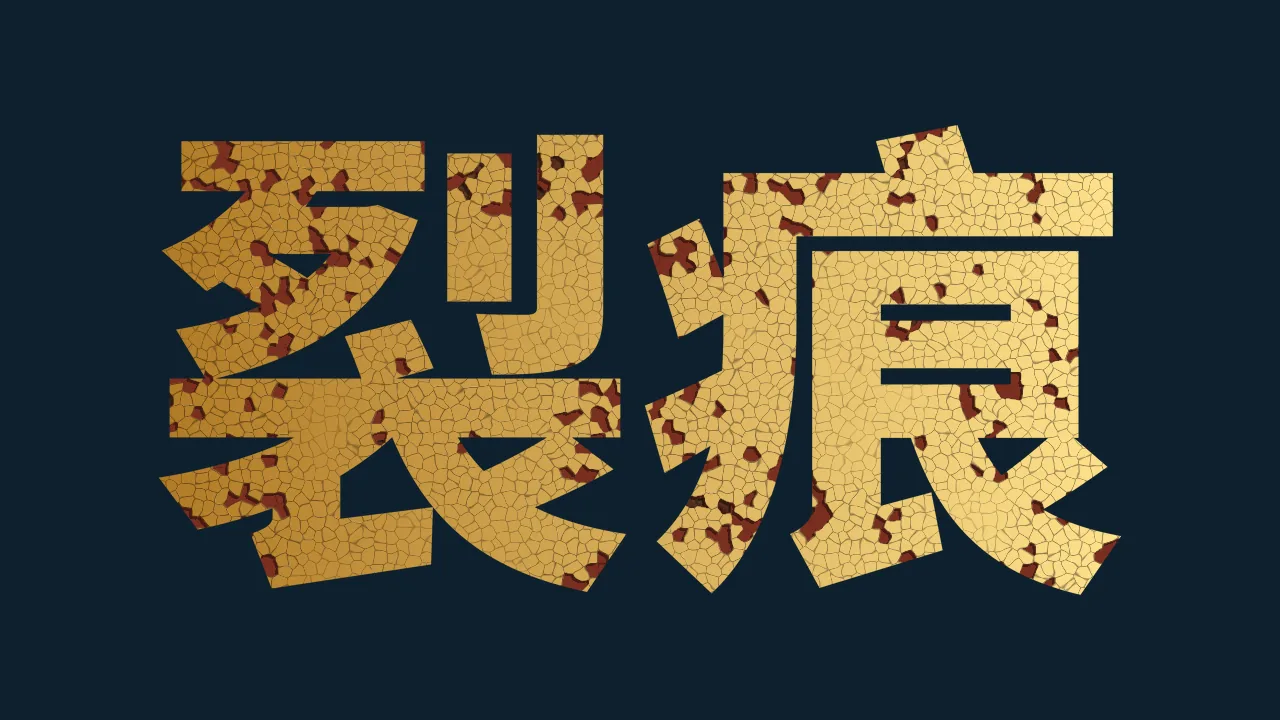
Yes. The effect works on the text layer’s shape, so Chinese, English and numerals behave the same; the “裂痕” at the top of this page is an actual render of Chinese characters.
Can it be animated?
Every value can be keyframed — let the peel spread slowly, or the cut pieces drift apart. The built-in presets are static looks for now.
Does it work on small text?
The built-in presets are tuned for large titles. On smaller text, lower the wear and crack strength a little for a more natural look.
Does downloading include a license?
Downloading gets you the software, buying gets you the license, and activating ties the license to this computer. Output is watermarked until a license is activated.
Does it support Intel Macs or Windows?
Currently Apple Silicon Mac only. See the download page for the latest compatible version and installation steps.