AFTER EFFECTS PLUGIN · SHADOW
ASheng
Shadow
Six shadows,
one effect does it all.
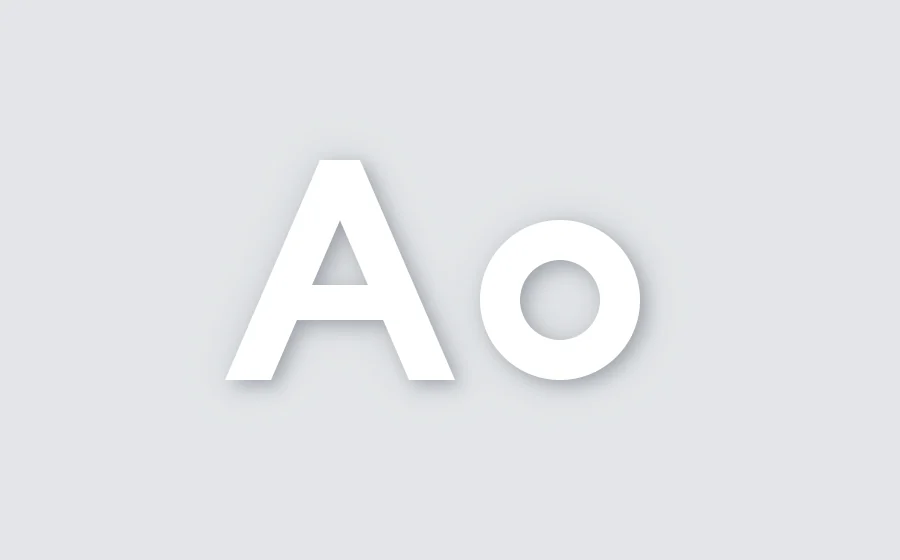
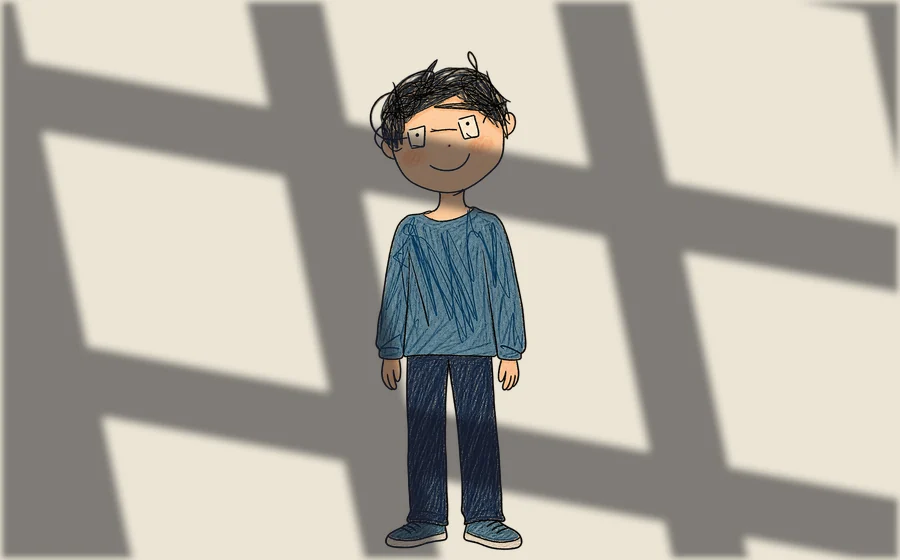
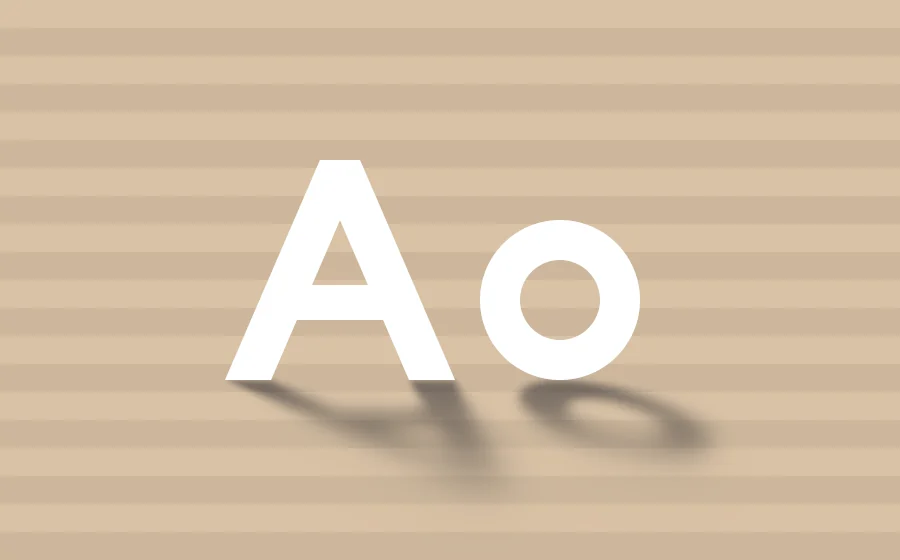
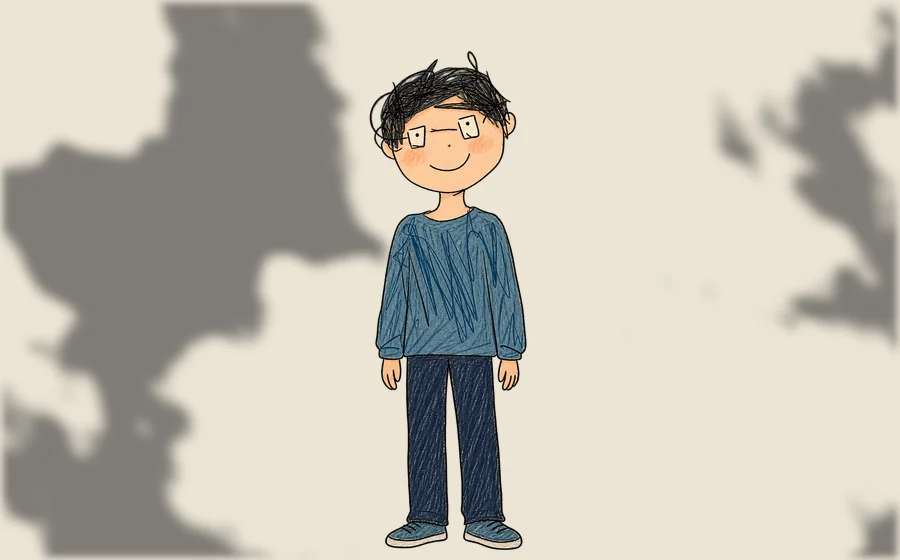
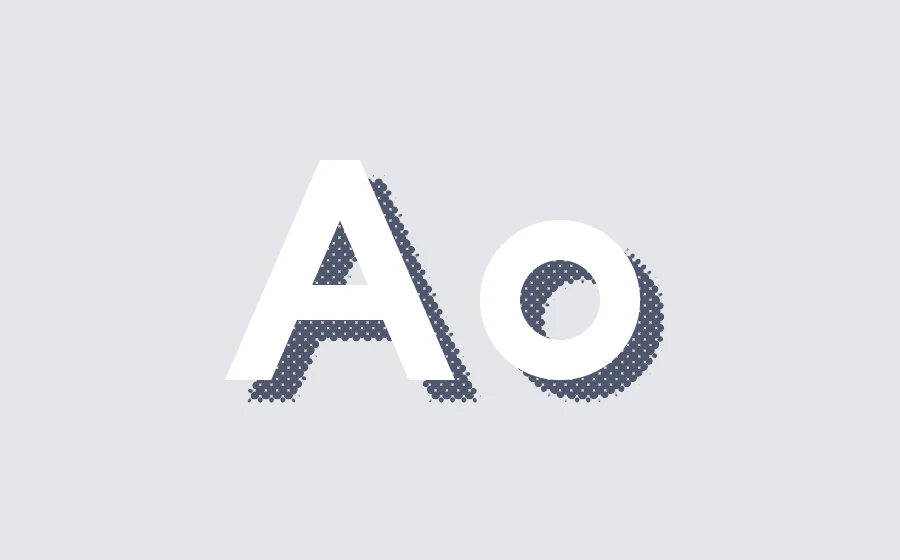
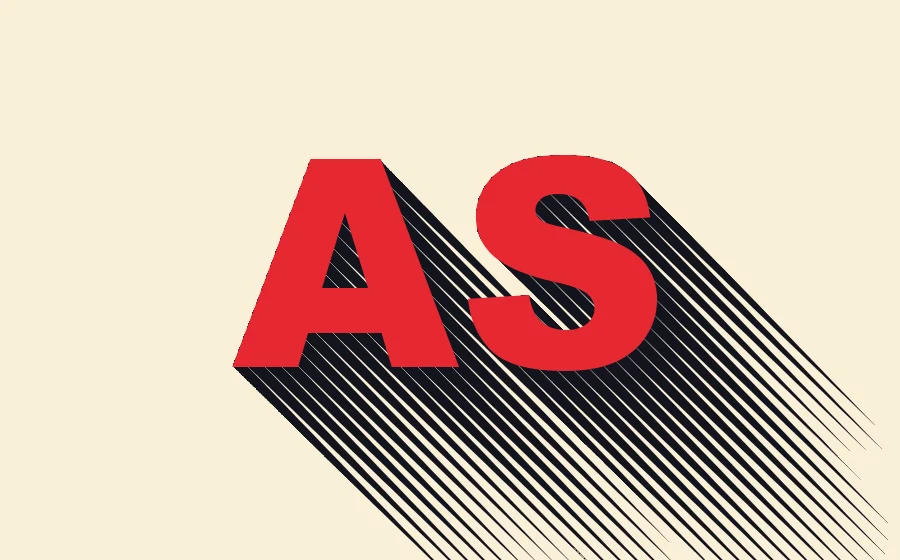
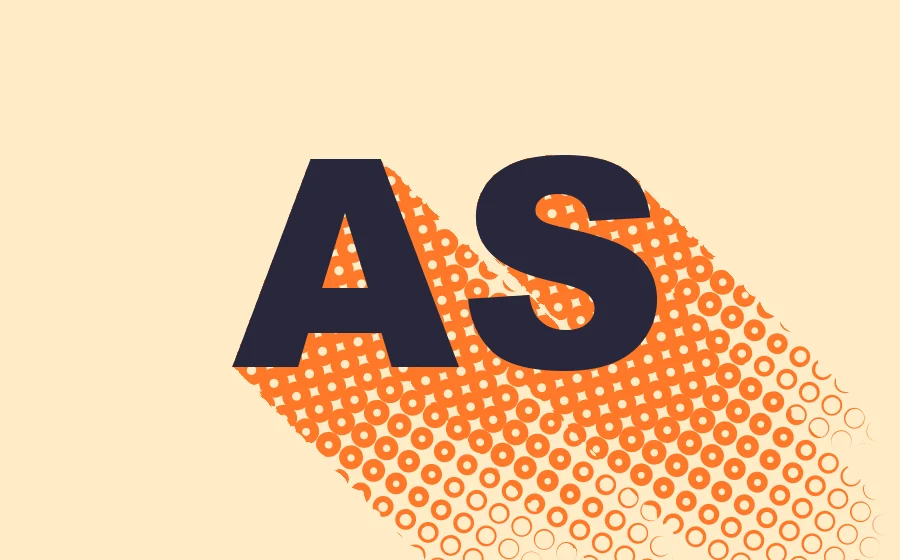
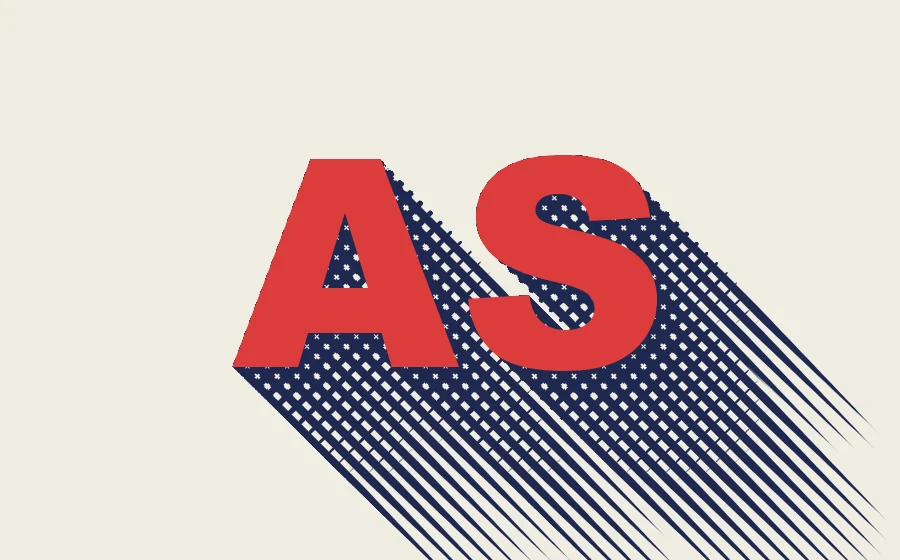
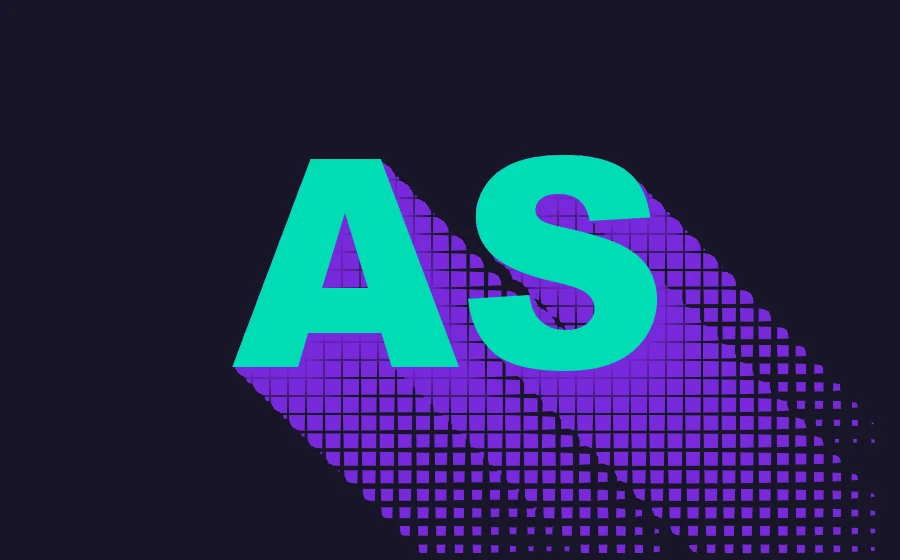
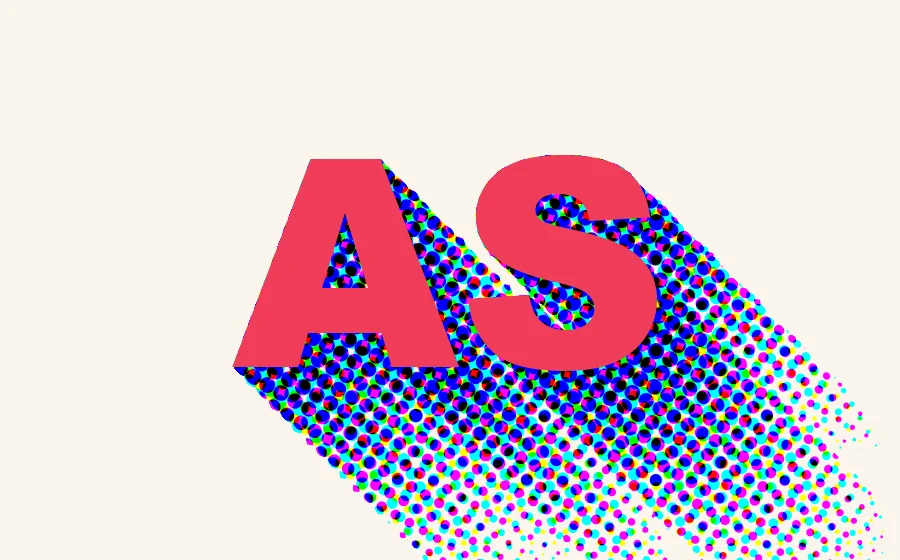
Drop, long, cast, inner, elevation and gobo, all switched within one effect. Shadows blur with distance; output the shadow alone, composite it onto a background, color it with a gradient or the layer’s own colors, or draw it in halftone dots, hatching, donuts, crosshatch, grid or CMY dots.
1 USD · 365-day license · 1 Mac
Output is watermarked until a license is activated. The license runs from the time of purchase and does not auto-renew; buy another to keep using it after it expires. Prices follow the live plan on the purchase page.
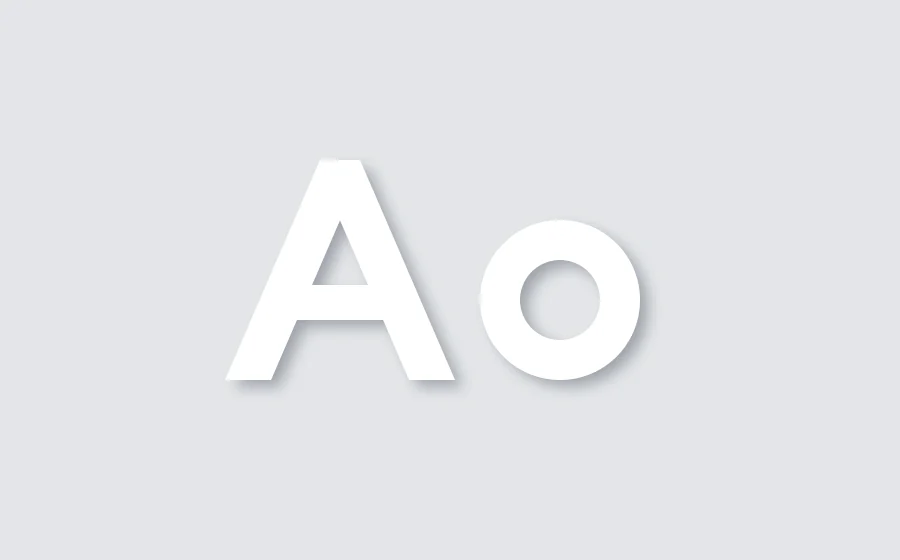
Six shadows
One effect —
just change the type.
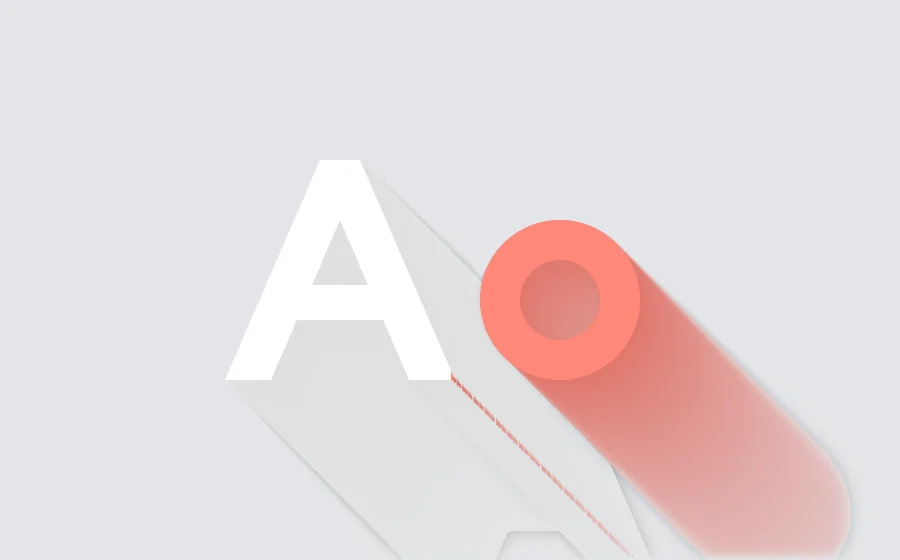
Choose one under “Type” in the effect panel; light direction, distance, softness and density are adjustable. The shadow blurs the farther it gets from the object, like real light.
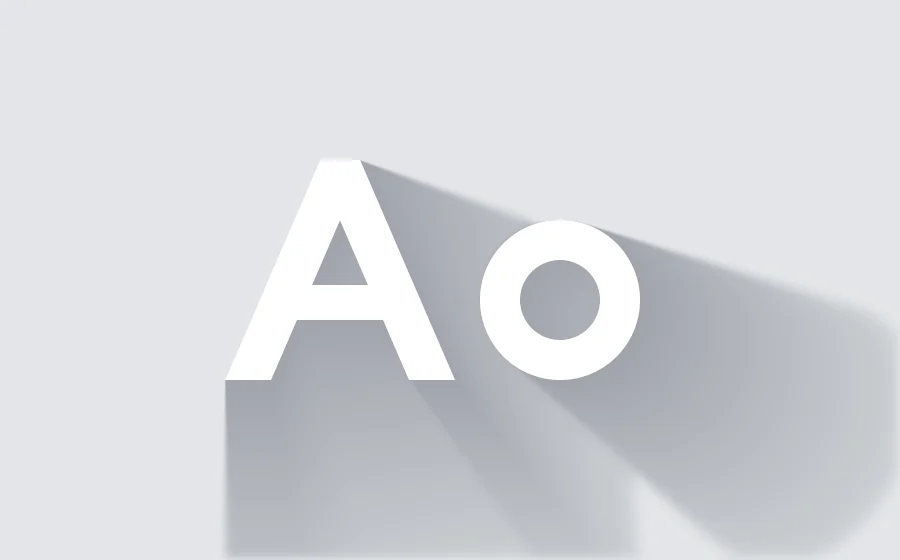
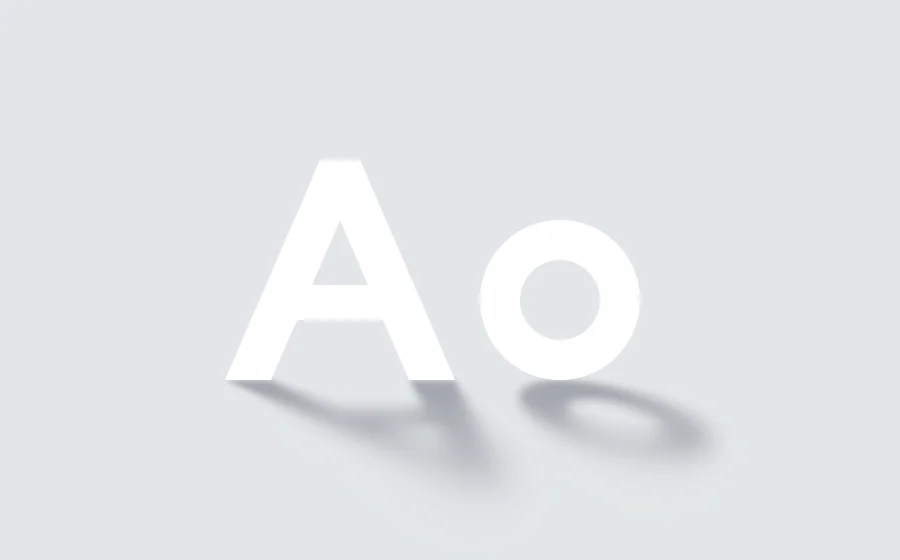
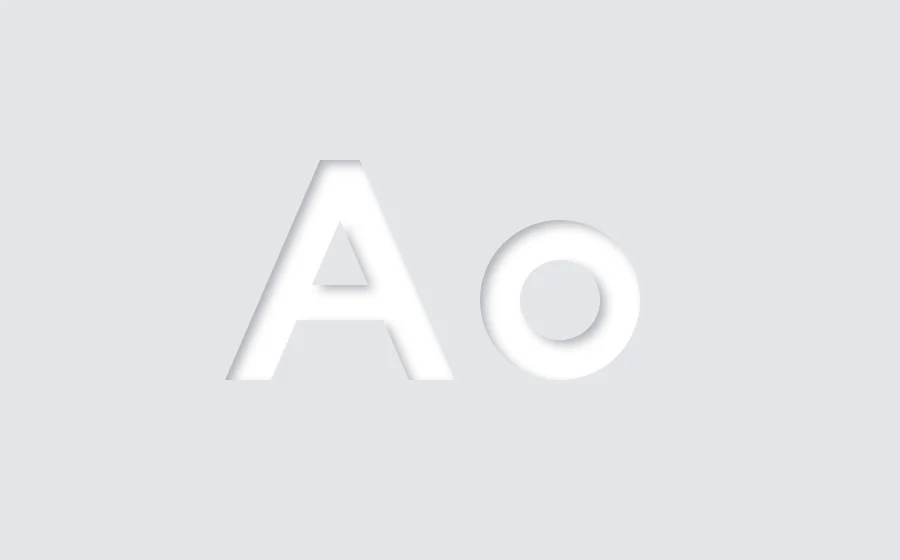
More looks
A shadow isn’t only gray.

Getting started
Three steps
to get started.
Requires an Apple Silicon (M-series) Mac, macOS 14 or later and After Effects 2026. No Intel Mac or Windows version yet.
- Download the installer
Click “Download for Mac”, get the latest version from the download page and unzip it. The installer is Apple-notarized.
- Quit AE, then install
Save your project, quit After Effects completely with Cmd+Q, then open the installer.
- Add it to a layer
Reopen AE, find ASheng_Shadow under “Effect → ASheng - Perspective”, add it to text or a layer, and choose a shadow under “Type”.
Good to know
Can I try it without a license?
Yes. Once installed you can apply it and experiment; output is watermarked until a license is activated.
What does US$1 buy?
A 365-day license, delivered as an NFT to your paying wallet, activatable on 1 Mac. Software updates during the license period are free.
What happens after the year is up?
No automatic charge. When it expires the plugin returns to trial mode (watermarked); to keep going, buy another.
Which layers can I use it on?
A text layer, or the content of a single layer (a cut-out image, a shape, a precomp). Chinese, English and numerals all work.
How do I update later?
Come back to this page and click “Download for Mac” for the latest version, or click “Check for Updates” in the plugin’s license helper.