AFTER EFFECTS PLUGIN · TEXT STYLE

ASheng
TextStyle

Flat text,
3D in a second.

Applied straight to a text layer: fill, bevel, reflection, outline, extrusion, lighting and shadow all in one effect. 50 built-in presets, and “One-click Look” when you need ideas. Change the words or the font and the effect updates; the text stays editable.

Apple Silicon · M seriesmacOS 14 or laterAfter Effects 2026Apple-notarized installer

10 USD · 365-day license · 1 Mac

Output is watermarked until a license is activated; price, license length and seat count follow the live plan on the purchase page.
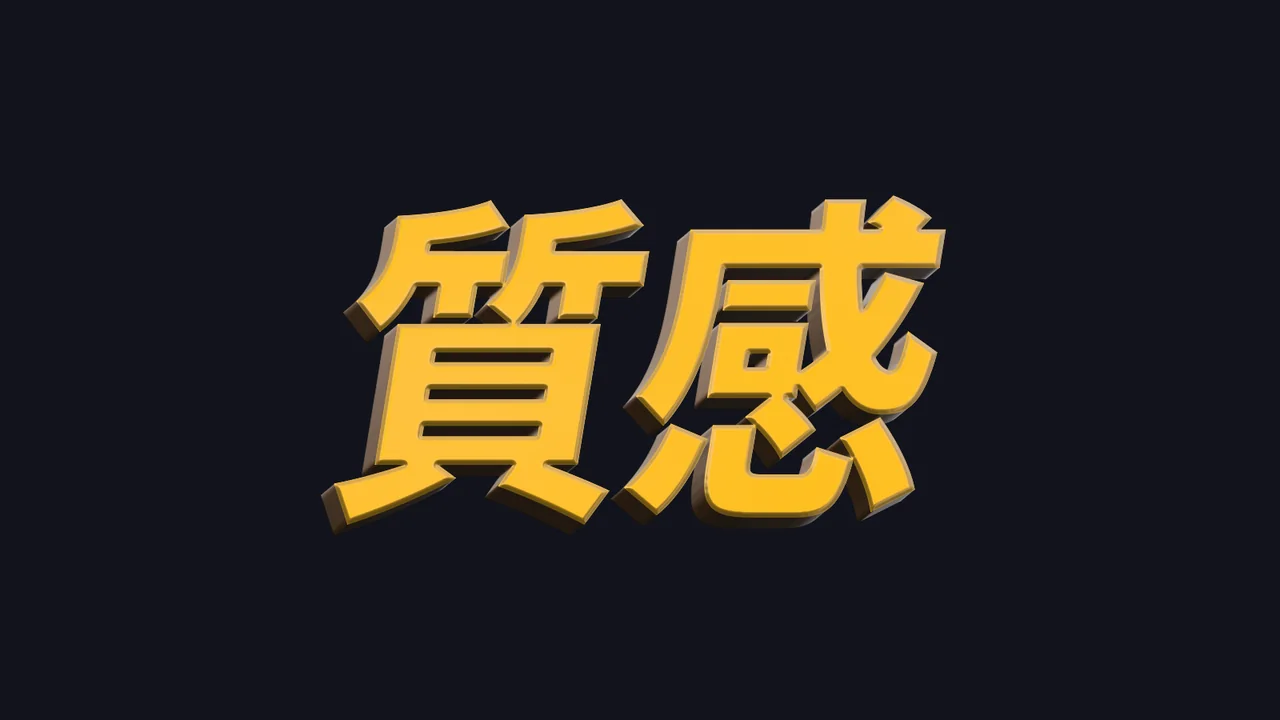
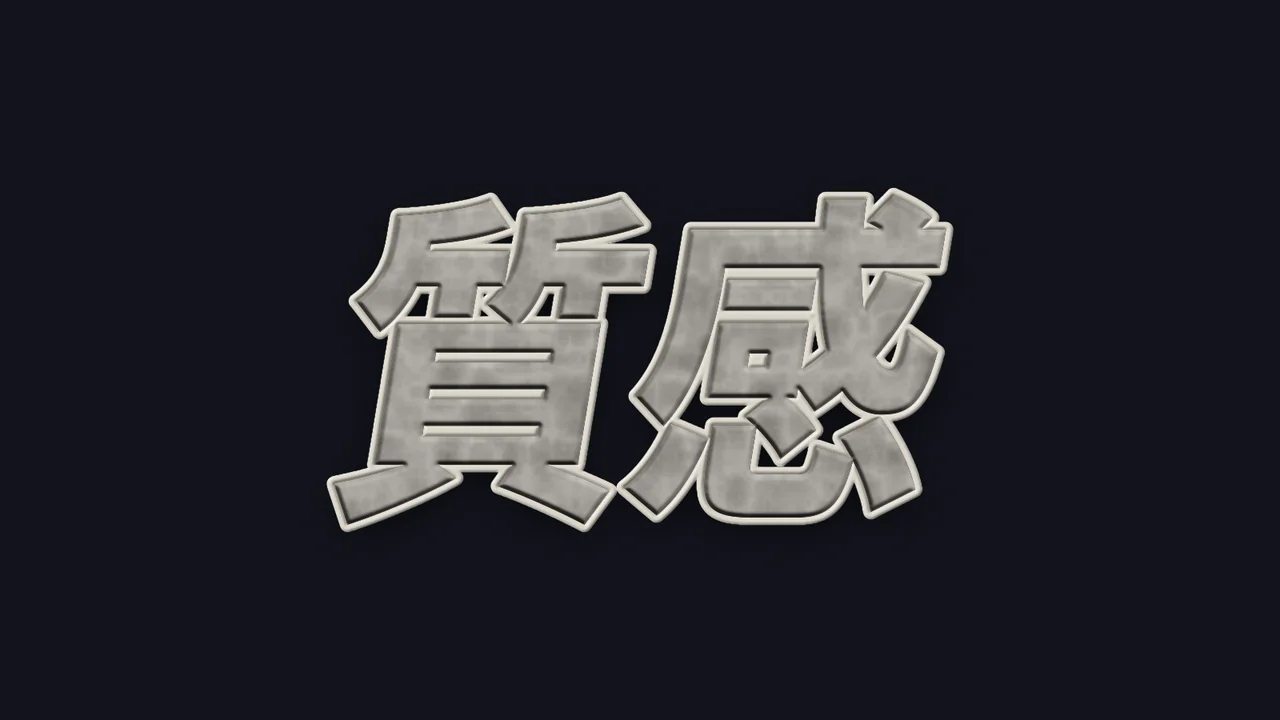
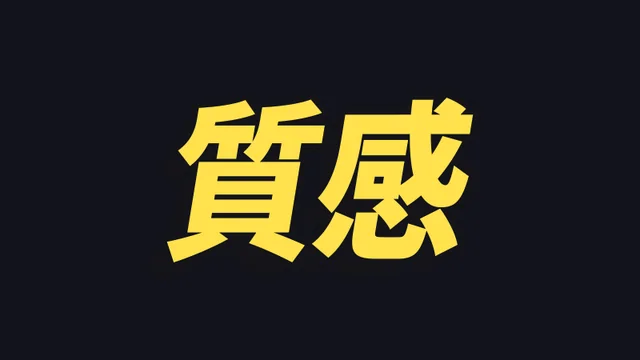
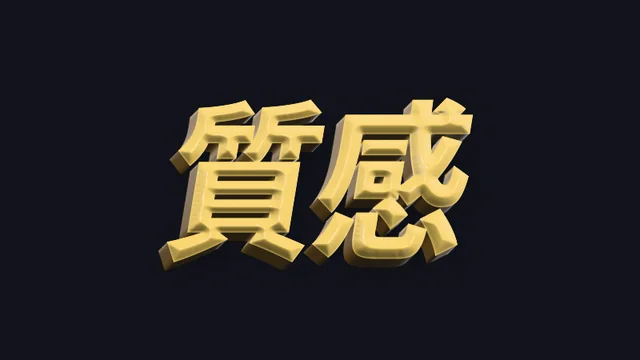
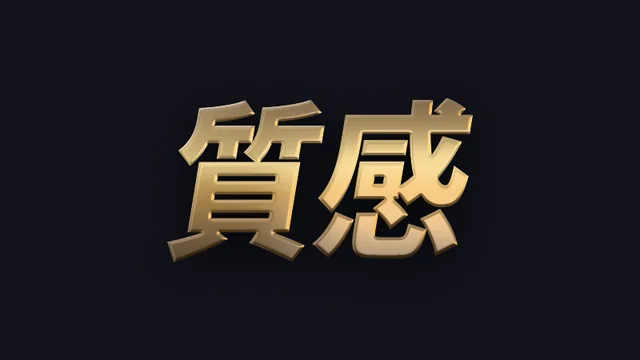
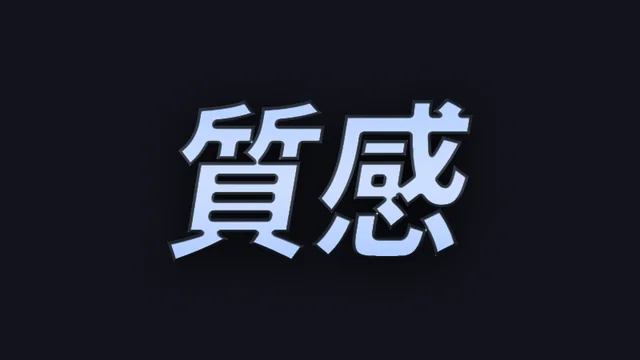
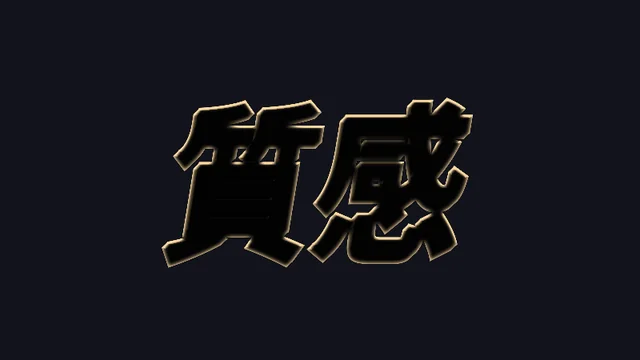
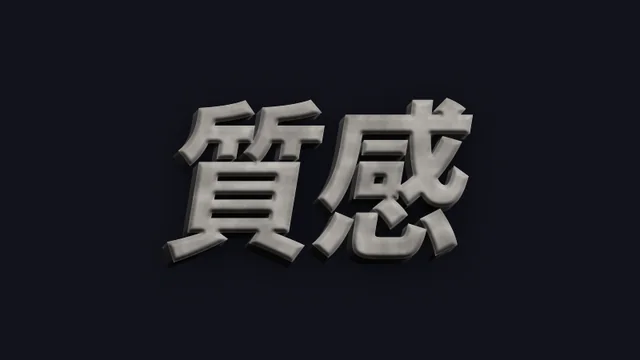
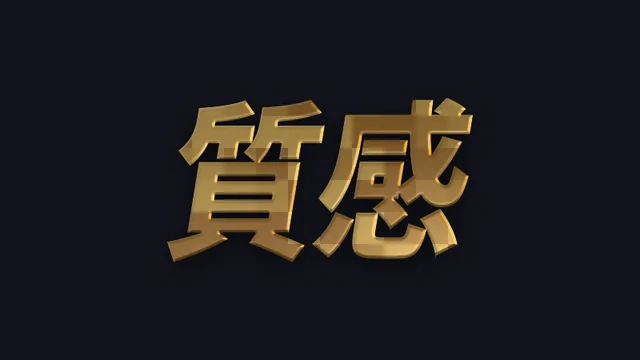
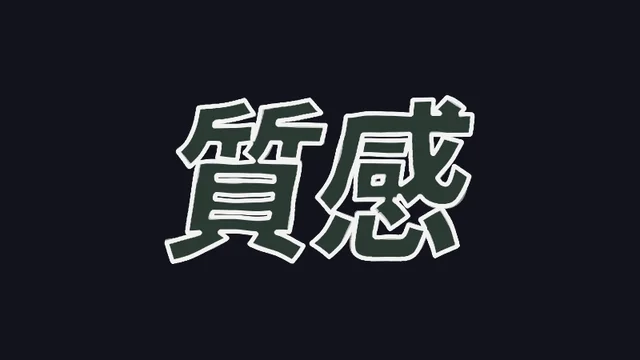
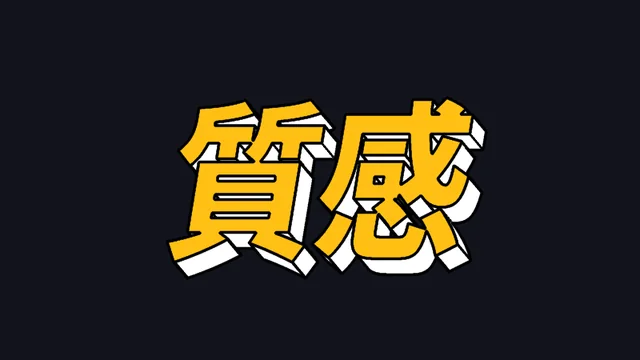
MetalThe characters “質感” (texture) with the Studio Gold preset, actual render
Click a preset above · rendered by the After Effects plugin, not a mock-up

Point one · 2D to 3D, fast

No 3D layers,
no camera to set up.

The text layer stays 2D; apply the effect and it gains depth, bevel and lighting, computed on the Apple Silicon Metal GPU so the preview stays smooth while you tweak. Extrude in parallel, or use “Center Perspective” for near-large, far-small depth.
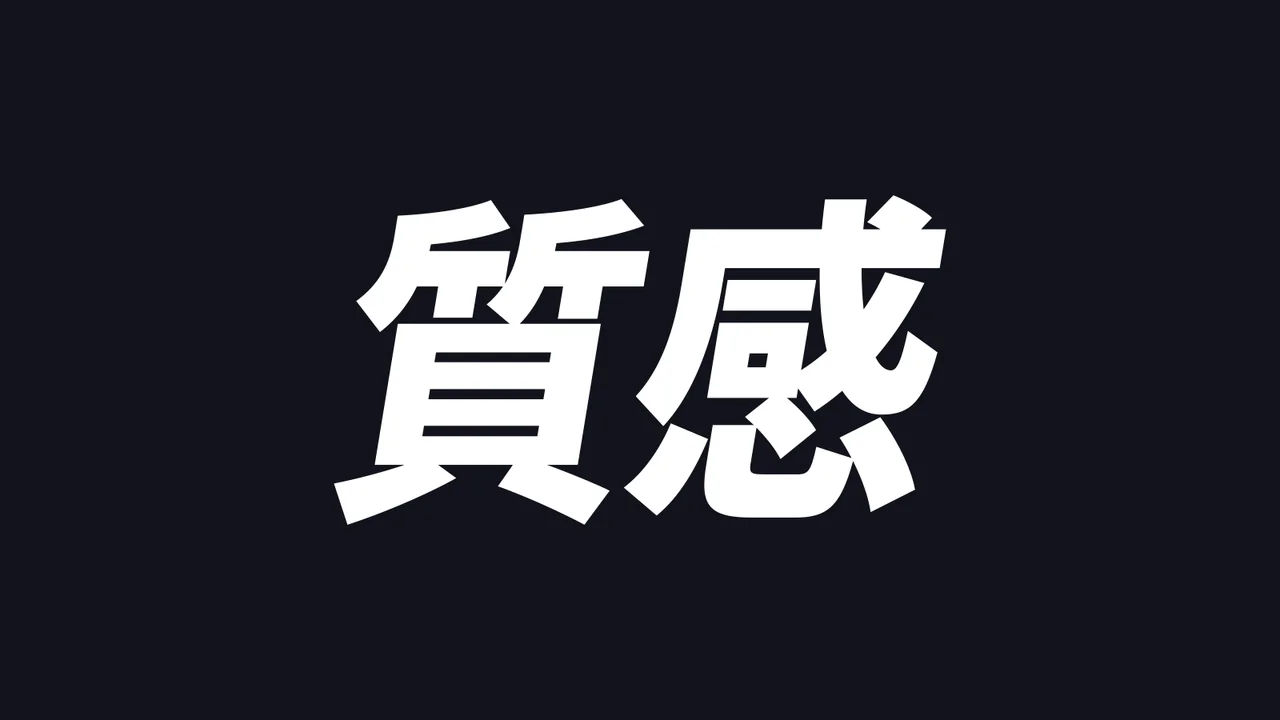
BeforeThe flat characters “質感” before the effect
The original text layer
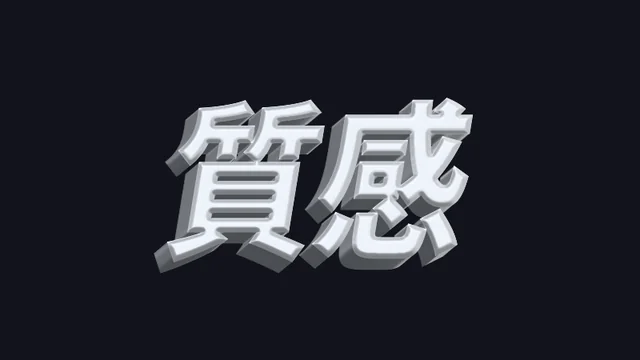
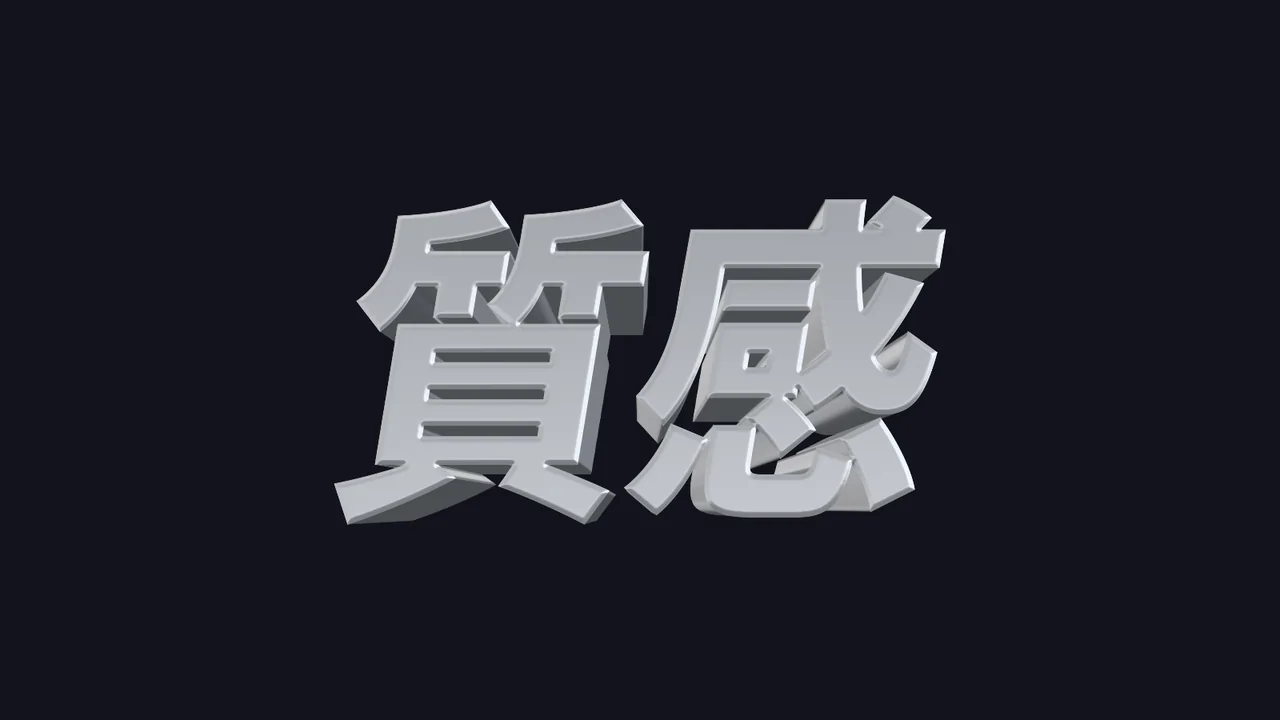
AfterSilver center-perspective 3D text after TextStyle
The same layer with the “Clear Sky Silver” preset + center perspective

Point two · One-click look to spark ideas

Out of ideas?
Just press the button.

Choose a style direction (random, metal, 3D, neon retro, cinema, East Asian, handmade, line art, variety) and click “Give me a special look”. Every click composes a new set — maybe an outline reflection, a switch to center perspective, a new hue set. Stop when you like one and use “Strength” to push it harder or softer overall.
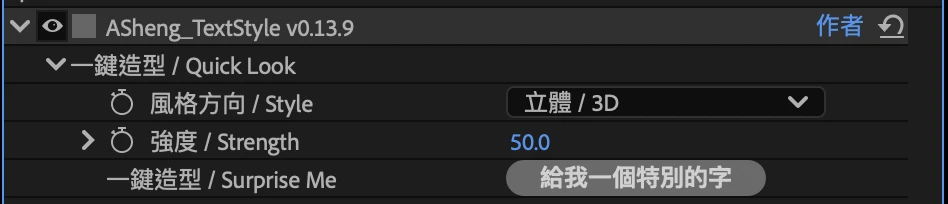
One-click look in the After Effects effect panel: style direction, strength and the “Give me a special look” button
Actual AE effect panel screenshot: one-click look sits at the top
  • Found one you likeSwitch the style direction back to “None”; the look stays and everything is yours to adjust.
  • Save itClick “Save Current Settings” to store it in the library, then apply it to any text with one click.
  • Wrong clickCmd+Z steps back to the previous set.
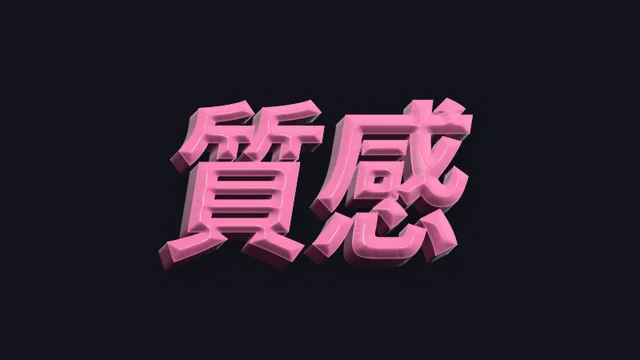
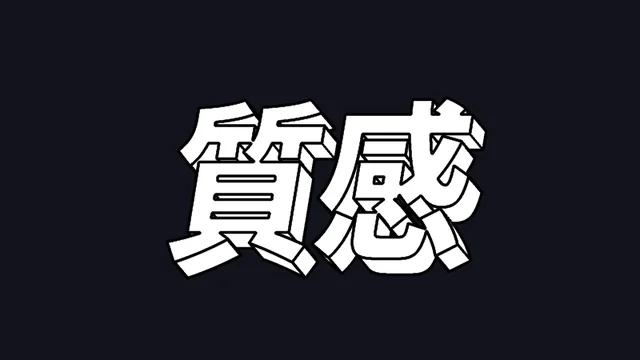
One-click look, press 1: center-perspective 3D
Press 1Center-perspective 3D
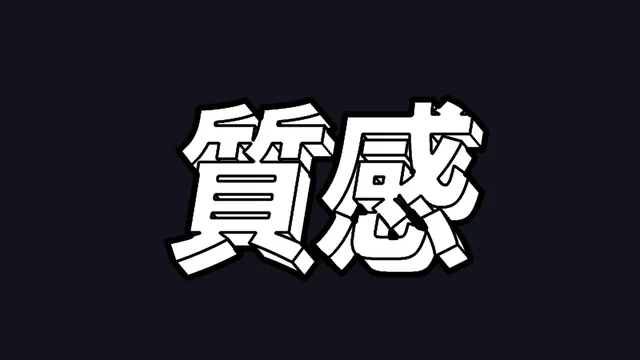
One-click look, press 2: outline reflection added
Press 2Outline reflection added
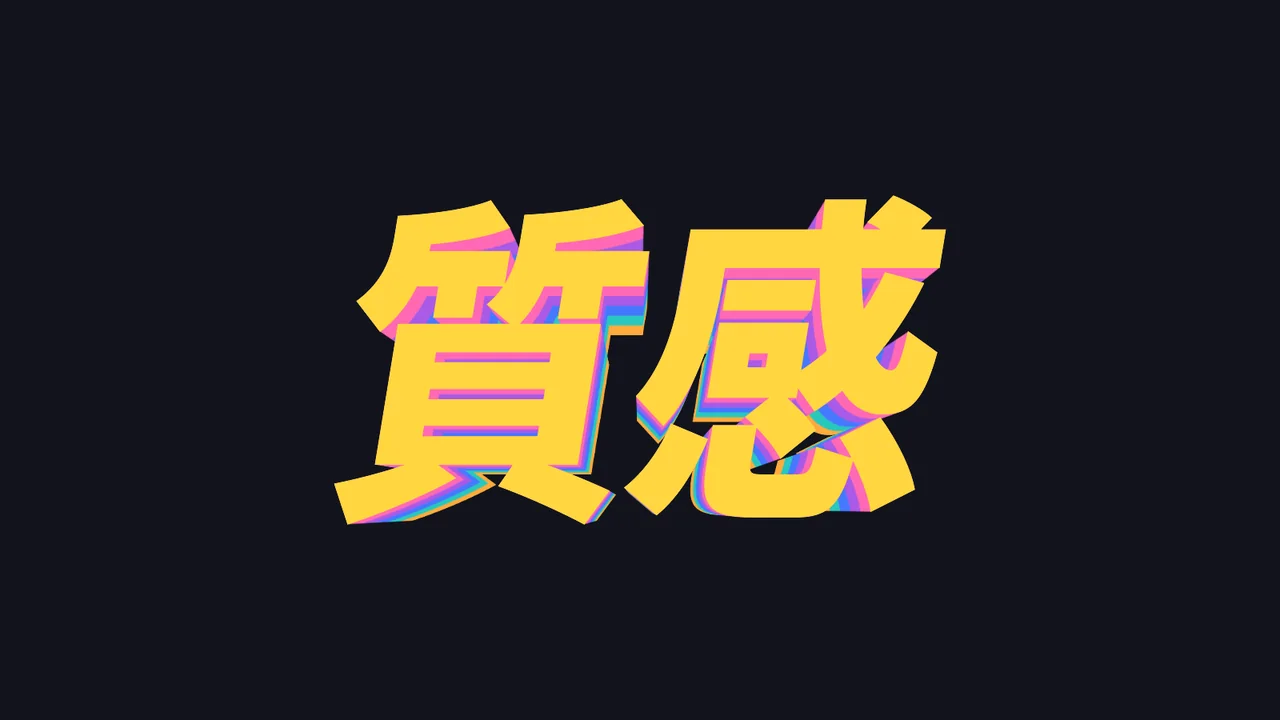
One-click look, press 3: a new hue set
Press 3New hue set
One-click look, press 4: gold beveled edge
Press 4Gold beveled edge

All of the above are actual frames from pressing “Give me a special look” repeatedly on the same word in After Effects.

Point three · One effect does it all

Build it layer by layer
without stacking a pile of effects.

What usually takes several stacked effects tuned not to fight each other, TextStyle does in one. Every section has its own switch; which layers you use is up to you.
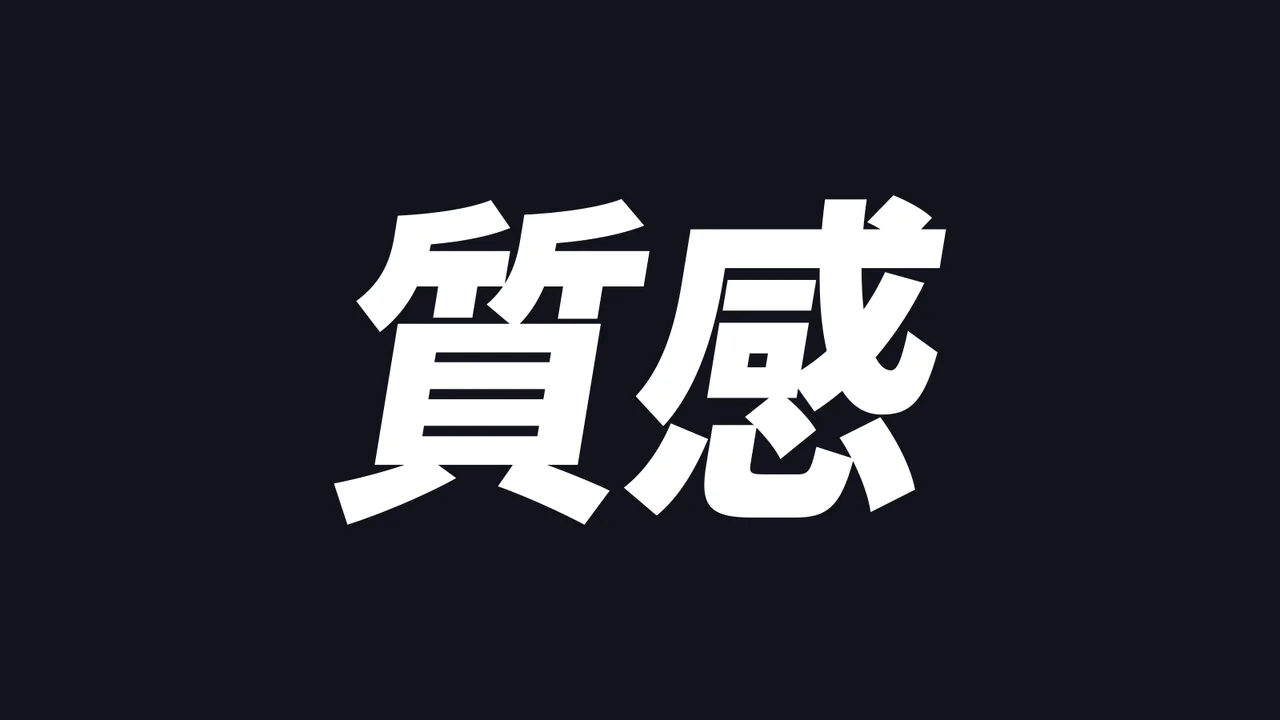
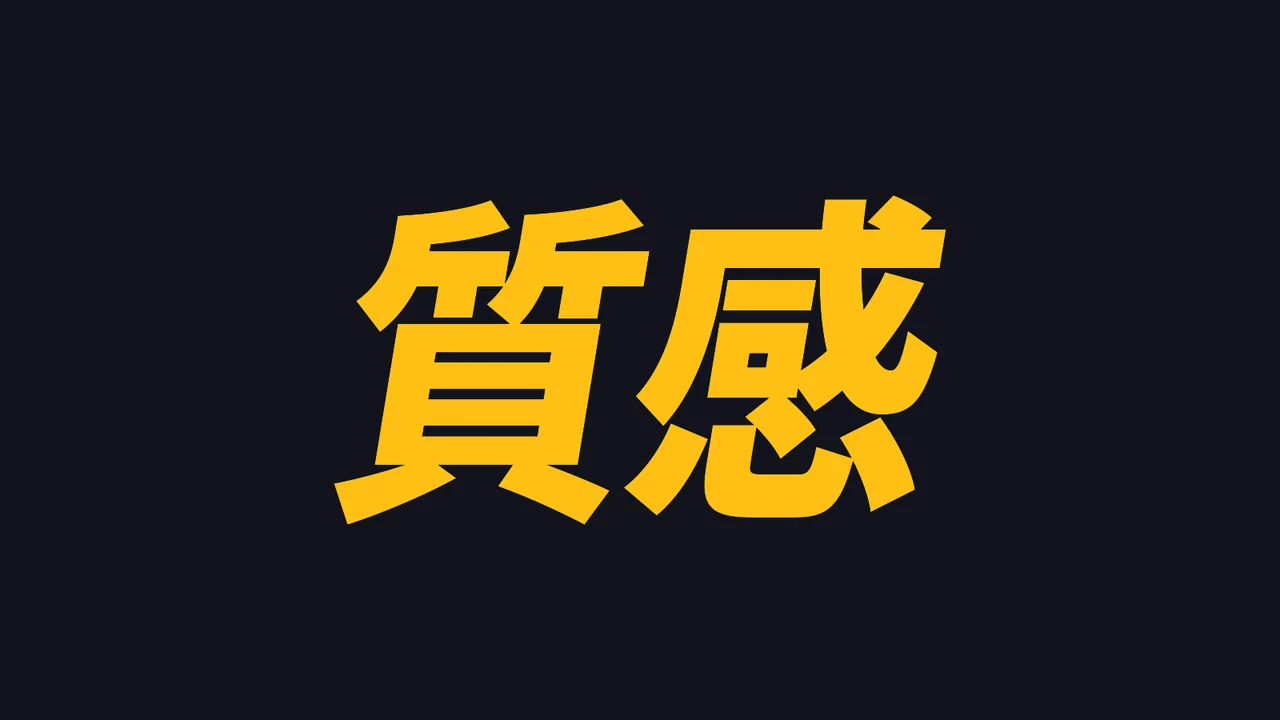
Layer by layer, layer 0: the original text
0Original text
Layer by layer, layer 1: + fill
1+ Fill
Layer by layer, layer 2: + bevel
2+ Bevel
Layer by layer, layer 3: + outline
3+ Outline
Layer by layer, layer 4: + extrusion
4+ Extrusion
Layer by layer, layer 5: + lighting
5+ Lighting

Face

Five fills: solid, gradient, texture layer, procedural noise, lines.

Bevel / Reflection

Bevel height, light and dark face strength, sweeping highlights for metal and plastic looks.

Outline

The outline gets its own bevel and reflection — gold or white edges in one step.

3D

Parallel extrusion or center perspective, colored with bands or gradients.

Line art

Nine line-art styles: cartoon, hatching, halftone, blueprint, hand-drawn.

Lighting

A light that orbits the text, built-in environment light, or a real photo as the environment.

Shadow

Spread, density and a contact shadow hugging the text so it sits firmly in the frame.

Backing box

A card backing with adjustable corner radius, padding and texture.

50 built-in presets

Pick one and apply it.

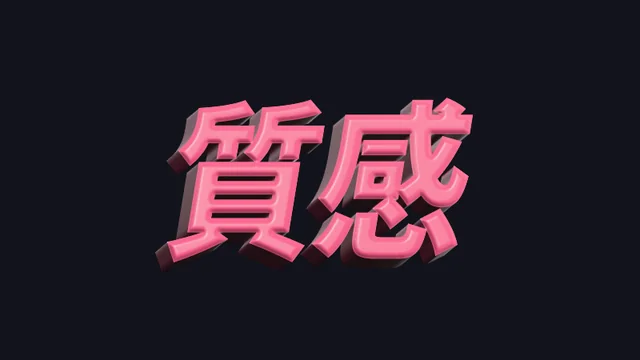
Eight style directions, added to the library at install. Every image below is an actual plugin render on the same text.
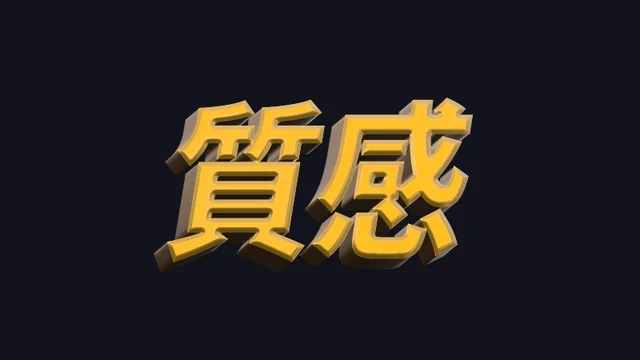
Metal

Studio gold, sunset rose, neon chrome, clear-sky silver, liquid chrome
Metal · Studio Gold preset on the characters 質感, actual render
Studio GoldMetal
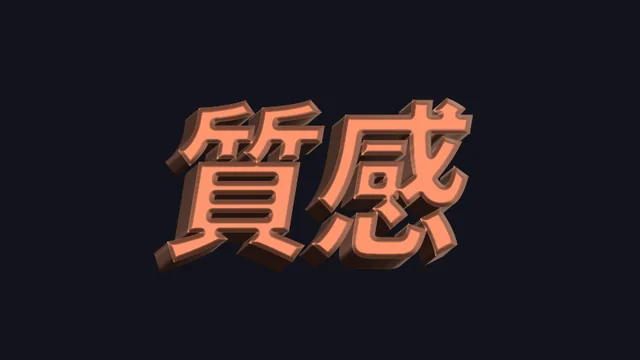
Metal · Sunset Rose Gold preset on the characters 質感, actual render
Sunset Rose GoldMetal
Metal · Neon Chrome preset on the characters 質感, actual render
Neon ChromeMetal
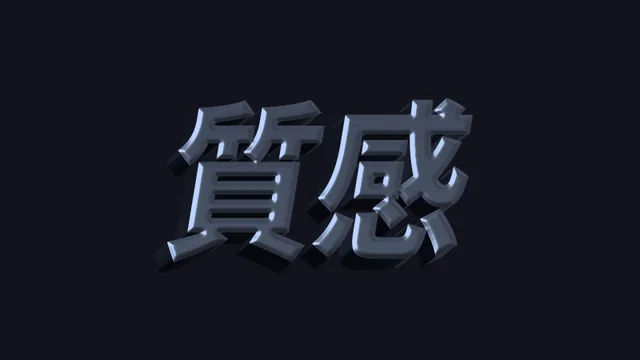
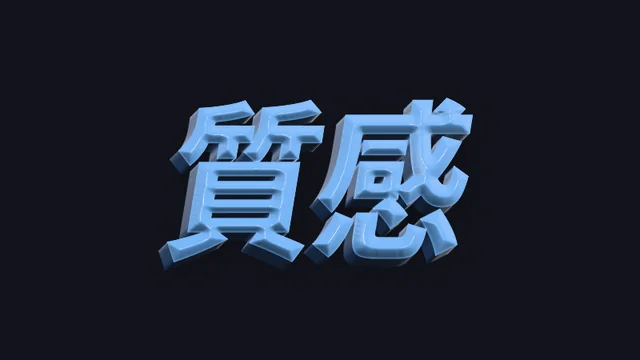
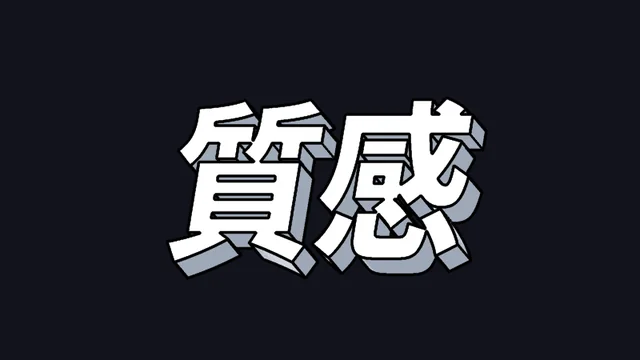
Metal · Clear Sky Silver preset on the characters 質感, actual render
Clear Sky SilverMetal
Metal · Moonlight Silver preset on the characters 質感, actual render
Moonlight SilverMetal
Y2K · Liquid Chrome preset on the characters 質感, actual render
Liquid ChromeY2K
Y2K · Rainbow Chrome preset on the characters 質感, actual render
Rainbow ChromeY2K
Y2K · Neon Chrome preset on the characters 質感, actual render
Neon ChromeY2K

3D

Candy bands, retro extrusion, puffy text, glossy plastic
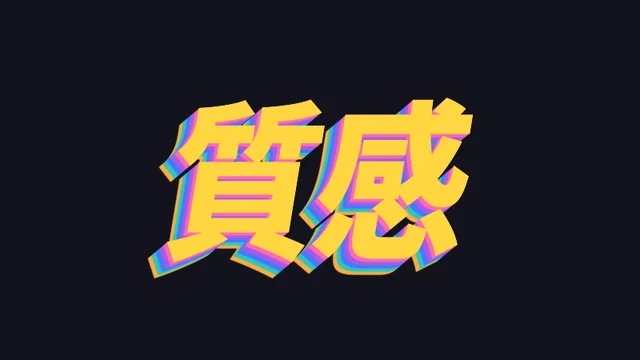
3D · Candy Bands preset on the characters 質感, actual render
Candy Bands3D
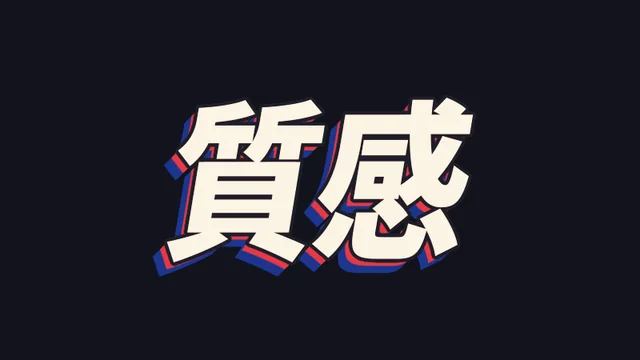
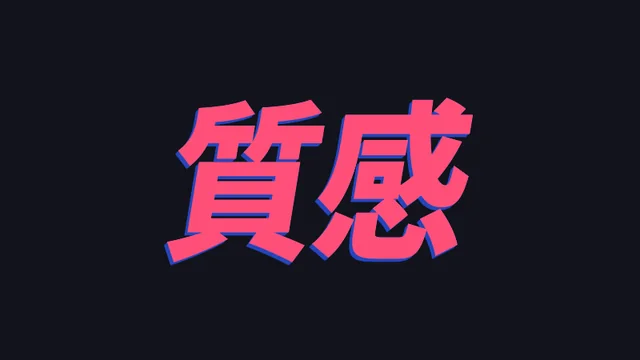
3D · Retro Red & Blue preset on the characters 質感, actual render
Retro Red & Blue3D
3D · Thick Block Shadow preset on the characters 質感, actual render
Thick Block Shadow3D
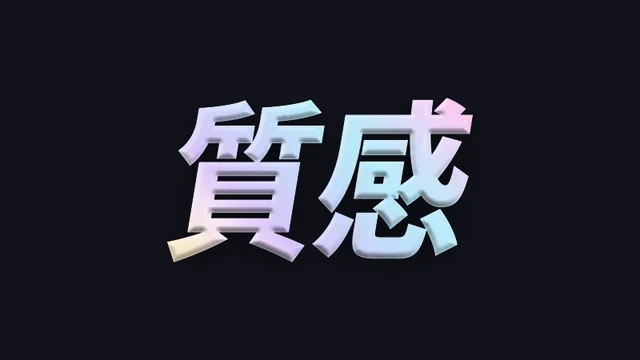
Plastic · Candy Gloss preset on the characters 質感, actual render
Candy GlossPlastic
Puffy · Bubble Pink preset on the characters 質感, actual render
Bubble PinkPuffy
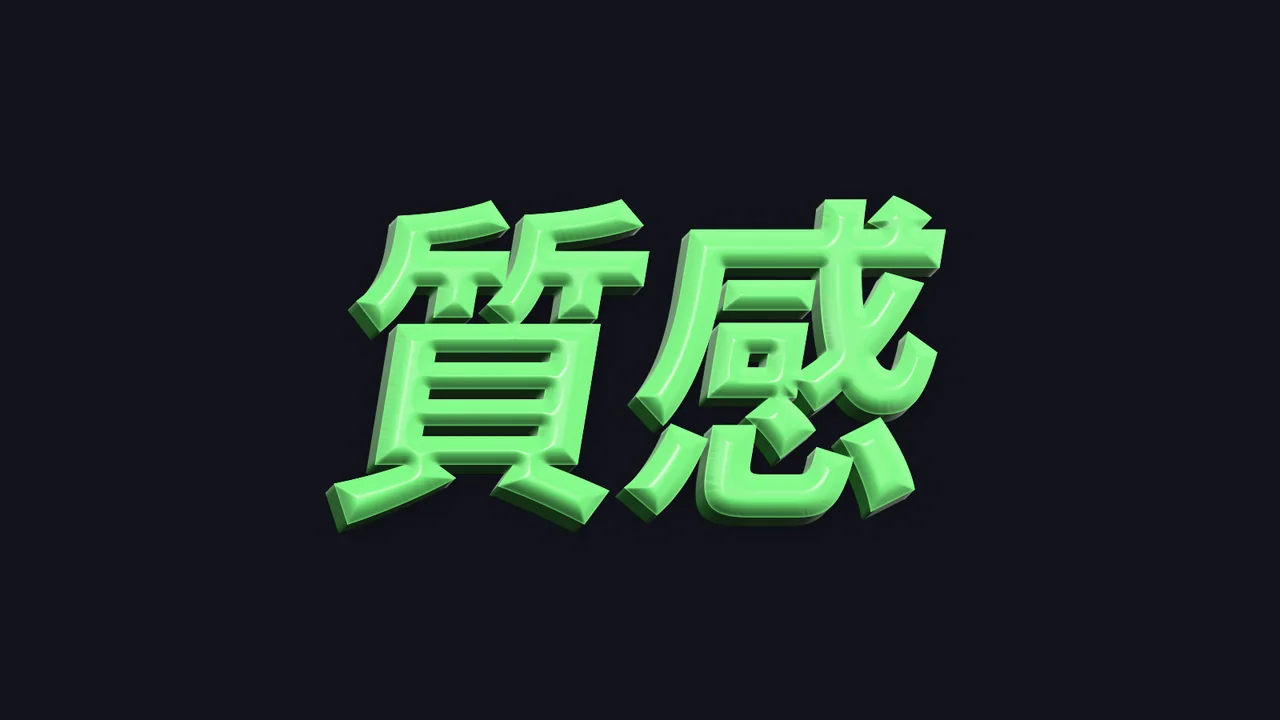
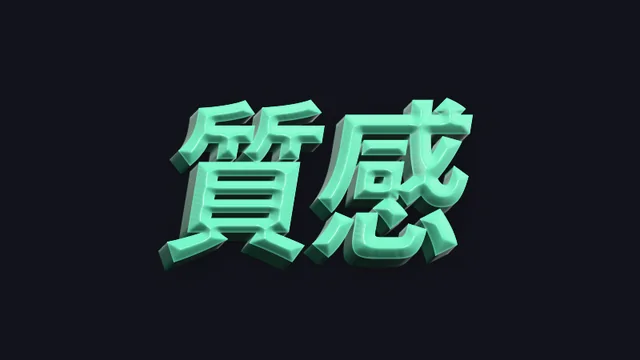
Puffy · Mint Green preset on the characters 質感, actual render
Mint GreenPuffy
Puffy · Sky Blue preset on the characters 質感, actual render
Sky BluePuffy
Puffy · Cream Yellow preset on the characters 質感, actual render
Cream YellowPuffy

Neon Retro

’80s chrome, electric light, pink glow
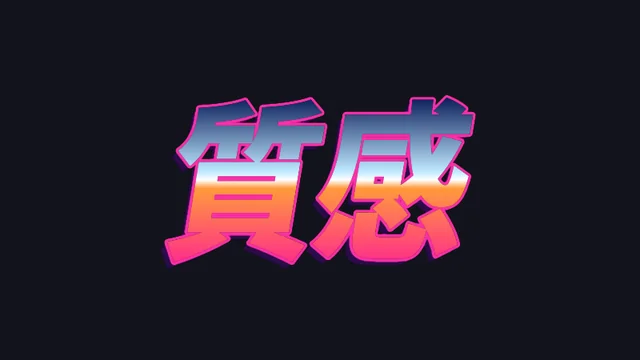
’80s · Sunset Chrome preset on the characters 質感, actual render
Sunset Chrome’80s
’80s · Electric Blue preset on the characters 質感, actual render
Electric Blue’80s
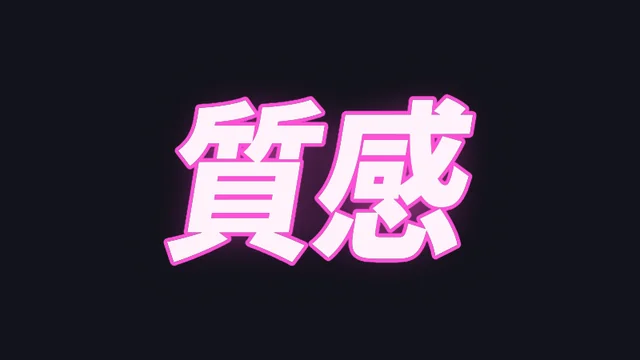
’80s · Pink-Purple Glow preset on the characters 質感, actual render
Pink-Purple Glow’80s
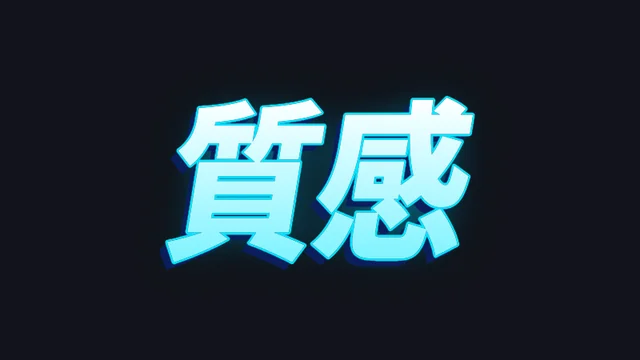
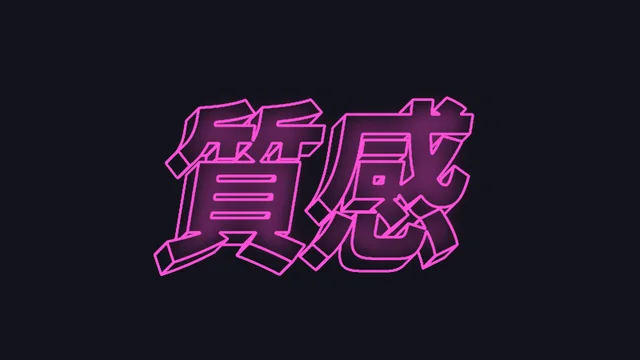
’80s · Neon Line preset on the characters 質感, actual render
Neon Line’80s

Cinema

Brushed gold, cold steel, backlight, stone carving
Backlight · Silhouette Rim preset on the characters 質感, actual render
Silhouette RimBacklight
Cinema · Brushed Gold preset on the characters 質感, actual render
Brushed GoldCinema
Cinema · Cold Steel preset on the characters 質感, actual render
Cold SteelCinema
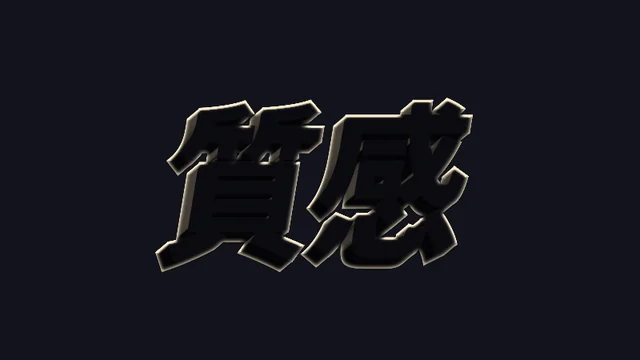
Cinema · Backlit Silhouette preset on the characters 質感, actual render
Backlit SilhouetteCinema
Cinema · Stone Carving preset on the characters 質感, actual render
Stone CarvingCinema

East Asian

Gold leaf, seal, ink and gold, gold on red
East Asian · Gold Leaf preset on the characters 質感, actual render
Gold LeafEast Asian
East Asian · Vermilion Seal preset on the characters 質感, actual render
Vermilion SealEast Asian
East Asian · Ink & Gold preset on the characters 質感, actual render
Ink & GoldEast Asian
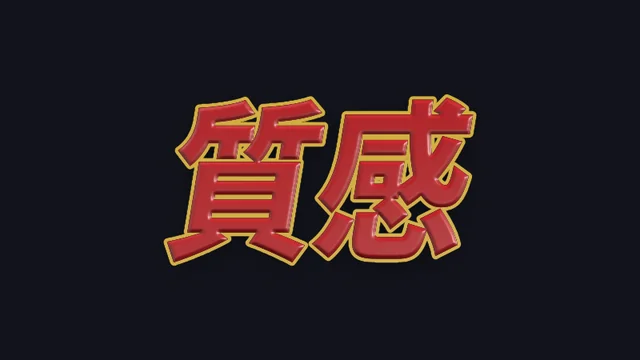
East Asian · Red & Gold Relief preset on the characters 質感, actual render
Red & Gold ReliefEast Asian

Handmade

Misprint, halftone, sticker, chalk
Handmade · Misprint preset on the characters 質感, actual render
MisprintHandmade
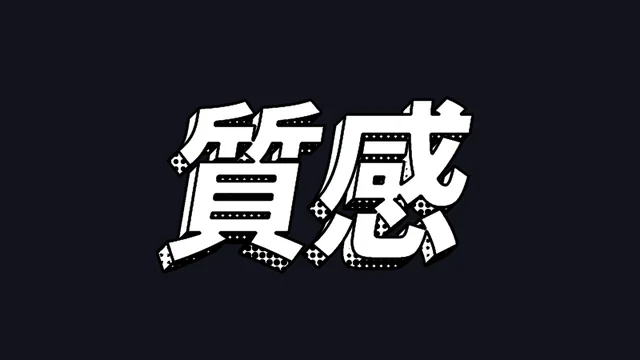
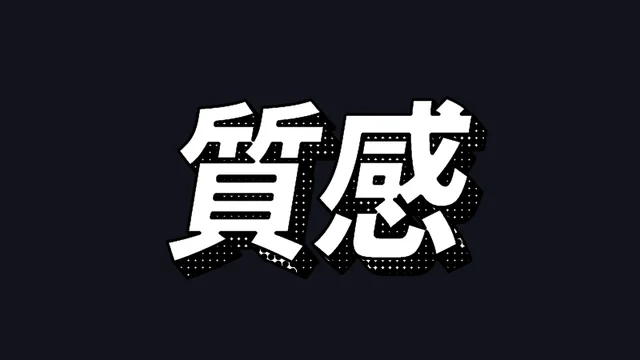
Handmade · Halftone Comic preset on the characters 質感, actual render
Halftone ComicHandmade
Handmade · Sticker preset on the characters 質感, actual render
StickerHandmade
Handmade · Chalk preset on the characters 質感, actual render
ChalkHandmade

Line art

Clean lines, cartoon, hatching, blueprint, hand-drawn
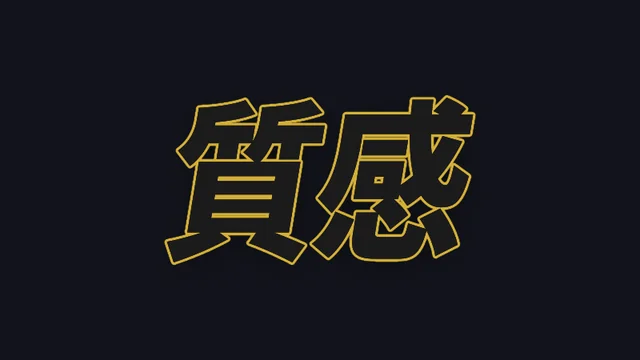
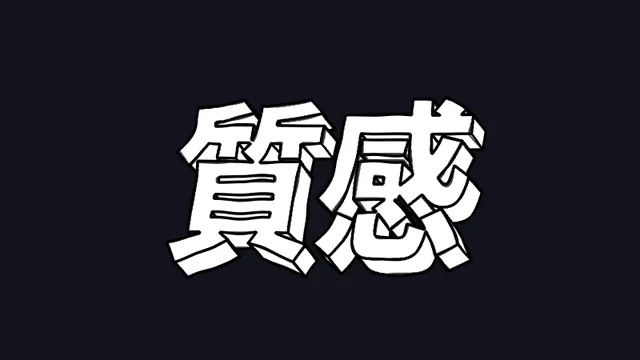
Line Art · Basic preset on the characters 質感, actual render
BasicLine Art
Line Art · Bold Outline preset on the characters 質感, actual render
Bold OutlineLine Art
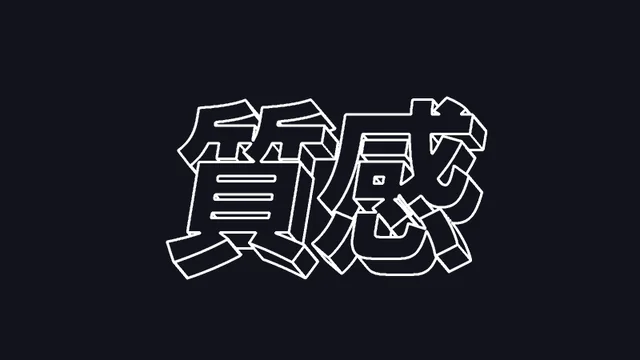
Line Art · Lines Only preset on the characters 質感, actual render
Lines OnlyLine Art
Line Art · Solid Face preset on the characters 質感, actual render
Solid FaceLine Art
Line Art · Cartoon Shading preset on the characters 質感, actual render
Cartoon ShadingLine Art
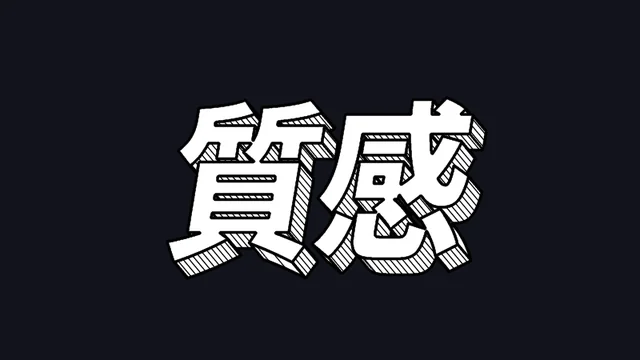
Line Art · Hatching preset on the characters 質感, actual render
HatchingLine Art
Line Art · Halftone preset on the characters 質感, actual render
HalftoneLine Art
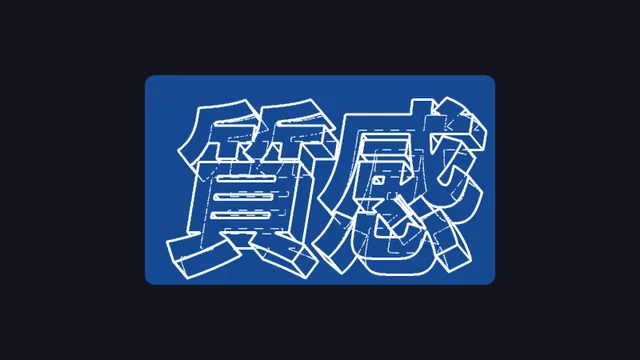
Line Art · Blueprint preset on the characters 質感, actual render
BlueprintLine Art
Line Art · Hand-drawn preset on the characters 質感, actual render
Hand-drawnLine Art

Variety · Info

Variety-show cards, finance up/down, info titles
Finance · Rising Red preset on the characters 質感, actual render
Rising RedFinance
Finance · Falling Green preset on the characters 質感, actual render
Falling GreenFinance
Finance · Data Blue preset on the characters 質感, actual render
Data BlueFinance
Finance · Dark Board preset on the characters 質感, actual render
Dark BoardFinance
Variety · Yellow on Red Frame preset on the characters 質感, actual render
Yellow on Red FrameVariety
Variety · White on Blue Frame preset on the characters 質感, actual render
White on Blue FrameVariety
Variety · Orange Gradient preset on the characters 質感, actual render
Orange GradientVariety
Variety · Burst Black Frame preset on the characters 質感, actual render
Burst Black FrameVariety

Getting started

Three steps
to get started.

Requires an Apple Silicon (M-series) Mac, macOS 14 or later and After Effects 2026. No Intel Mac or Windows version yet.
  1. Download the installer
    Click “Download for Mac”, get the latest version from the download page and unzip it. The installer is Apple-notarized.

  2. Quit AE, then install

    Save your project, quit After Effects fully with Cmd+Q, then run the installer. The 50 built-in presets are added to the preset library at the same time.

  3. Add it to a text layer

    Reopen AE, find ASheng TextStyle under “Effect → ASheng - Text”, add it to a text layer, then press One-click Look or pick a preset from the library.

Good to know

Can I try it without a license?

Yes. Once installed you can apply it and experiment; output is watermarked until a license is activated.

Does it work with Chinese characters?

Yes. Extrusion, bevel and materials are computed from the text’s outline, so Chinese, English and numerals behave the same; the “質感” on this page is an actual render of Chinese characters.

Can it be animated?

Yes. Every value can be keyframed — the light orbiting the text, the depth growing in — and the one-click look’s “Strength” can fade in too.

How do I share presets with a team?

Save a tuned look as a preset and apply it in other projects; switch the library to team mode and choose a shared folder everyone can reach, so every member’s presets live in one place. Each Mac in use needs its own license.

Can it be used on any layer?

TextStyle is designed for text layers; extrusion, bevel and materials are computed from the text’s outline.

How do I update later?

Come back to this page and click “Download for Mac” for the latest version, or click “Check for Updates” in the plugin’s license helper.

Buy license ↗Download for Mac