AFTER EFFECTS PLUGIN · CRTGLITCH
ASheng
CRTGlitch
The look of a broken old TV,
in one effect.
CRTGlitch puts a CRT television’s “signal problems” and “screen texture” into one effect. The first group is vertical roll, horizontal sync loss, phase jitter, hum bars and snow, each matching a real reason old TVs fail; the second is scanlines, phosphor masks, curvature, glow and convergence error, making clean footage look like it is playing on an old screen. Faults come and go on their own, no keyframes needed; for full manual control, keyframe “Progress” yourself. 13 built-in presets, then fine-tune with sliders.
10 USD · 365-day license · 1 Mac
Output is watermarked until a license is activated. A license starts when the purchase completes and does not auto-renew; buy another when it expires. The Golden Pass already includes CRTGlitch. The live plan on the purchase page sets the price.
Sync faults · part 1
Vertical roll and horizontal sync loss,
the two classic ways a TV breaks.
A real CRT television relies on sync signals to line up every scanline and every frame; when they slip, these two classic faults appear. Vertical roll is lost vertical sync: the whole picture keeps rolling up (or down) with a black blanking bar in between, pausing briefly when it almost locks, bouncing when the lock is unsteady. Horizontal sync loss is lost horizontal sync: the picture tears into slanted strips that drift sideways, exposing black edges and retrace lines, with the top bending to one side. Each has its own strength; 0 turns it off. Both clips below have only that one fault switched on.
Sync faults · part 2
Jitter, hum bars, snow:
the texture of being broken.
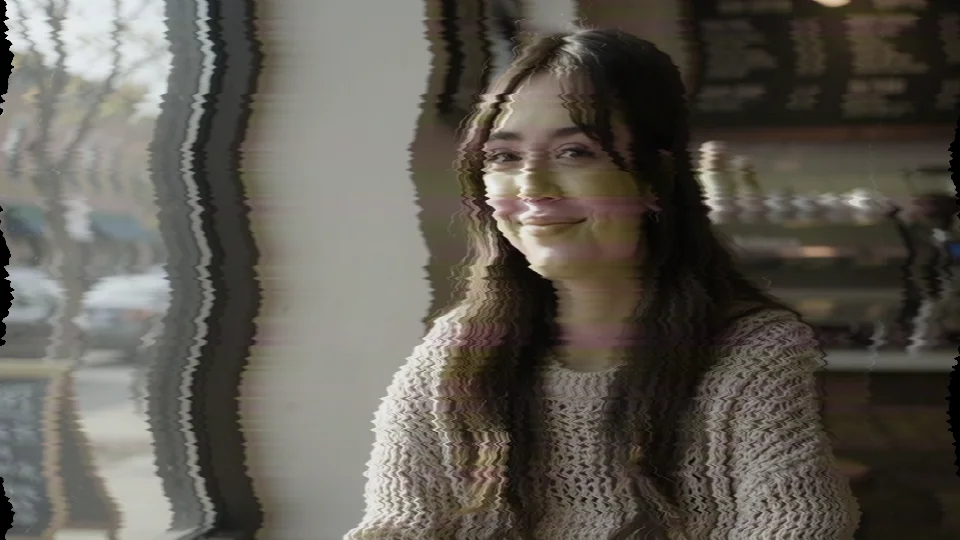
Phase jitter is an unstable time base: each line shakes slightly left and right (fine), on top of a broad side-to-side wave; color lags half a step and bleeds to the right, and the hue jumps line by line. Hum bars are mains hum leaking into the signal: one or two light and dark bands crawl slowly upward while bending the picture sideways. Snow is a weak signal: grain plus horizontally stretched noise streaks, occasionally tinted. All three have independent strengths.

CRT look
Even when nothing is broken,
it looks like an old screen.
This group is the screen itself and works without any faults. “Scanlines” darken the gaps between lines, with thicker lines where it is bright (the electron beam spreads in bright areas); “Line Pitch” sets the spacing. “Phosphor Mask” mimics the RGB phosphor layout as aperture grille, shadow mask or slot mask, with size and strength. “Curvature”, “Corners” and “Vignette” shape the convex glass frame; “Glow” blooms a soft halo around bright areas; “Convergence” misaligns the three electron guns so red and blue split further toward the edges. Brightness, saturation and a slight luminance flicker round it out.
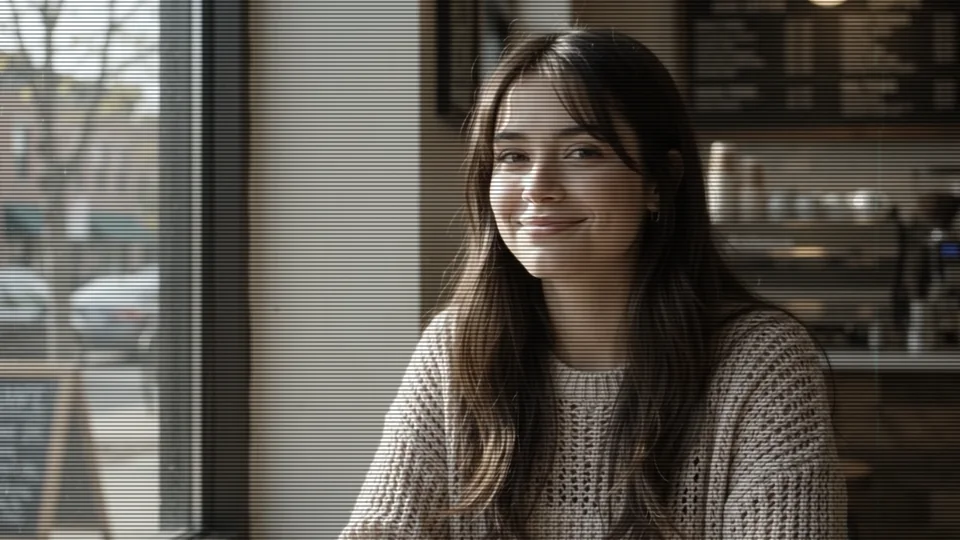
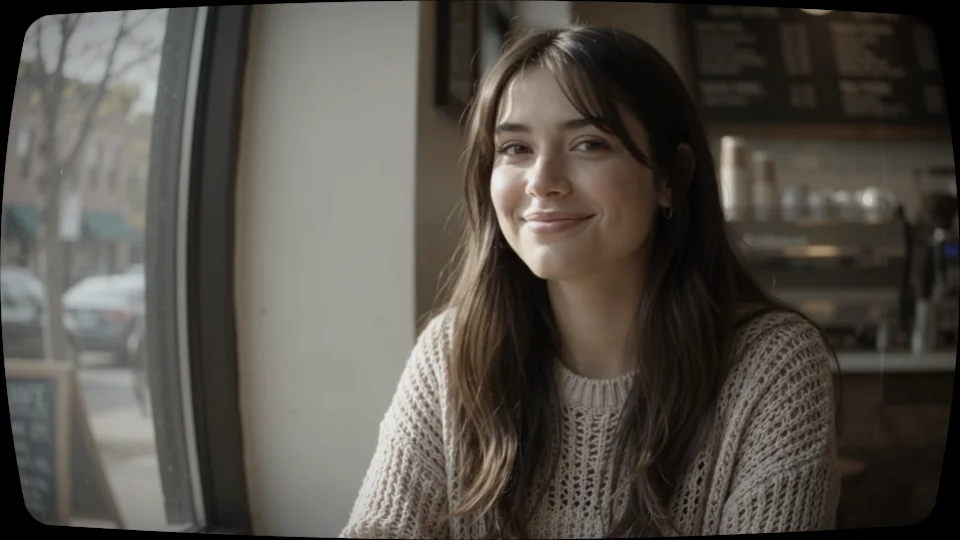
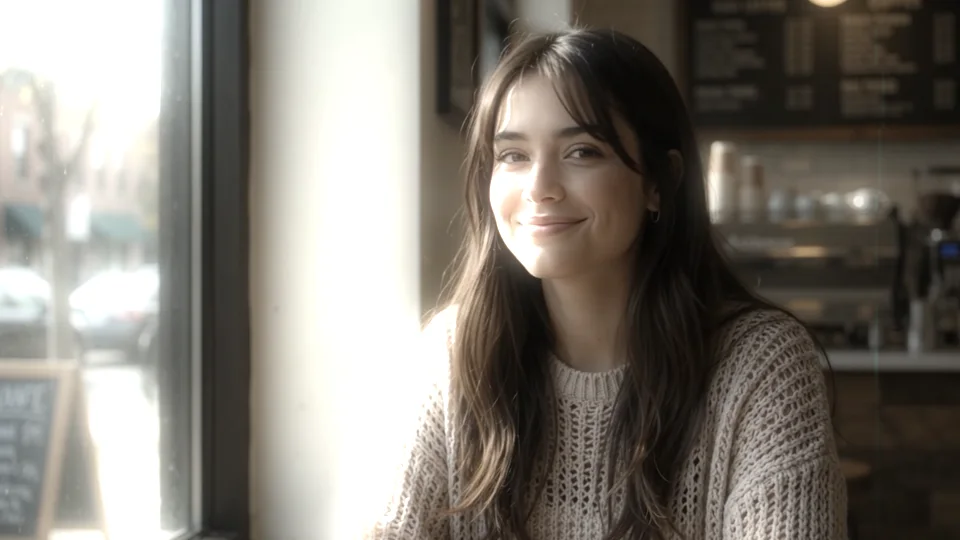
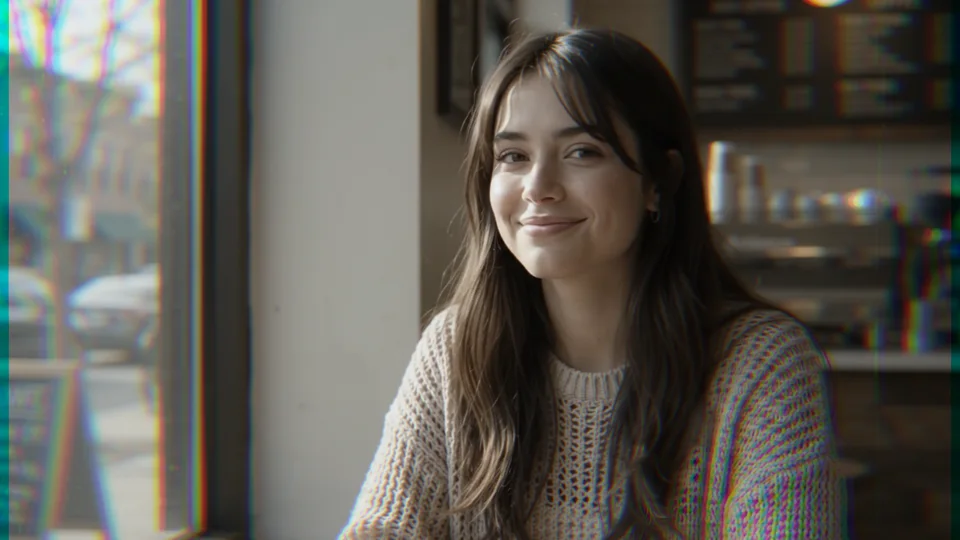
The three phosphor mask layouts, same photo, same strength:
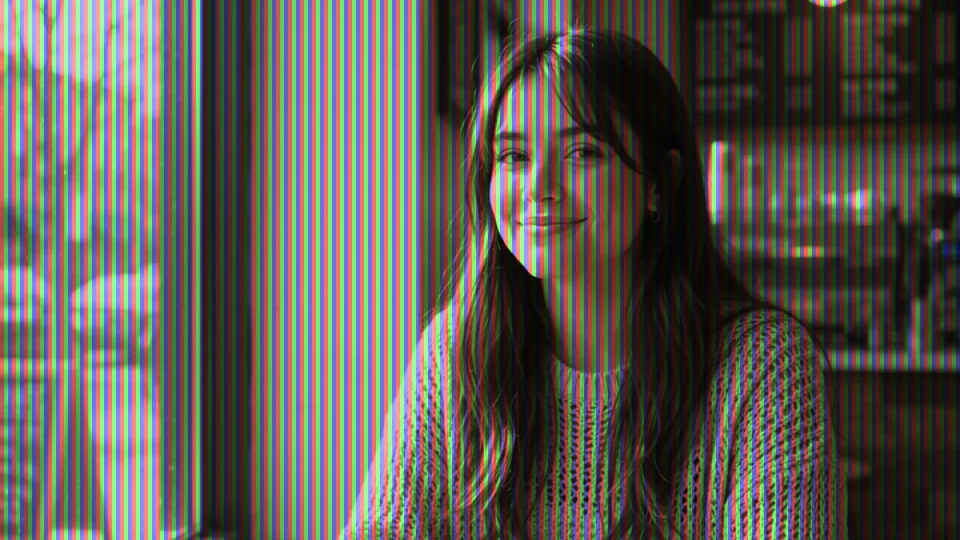
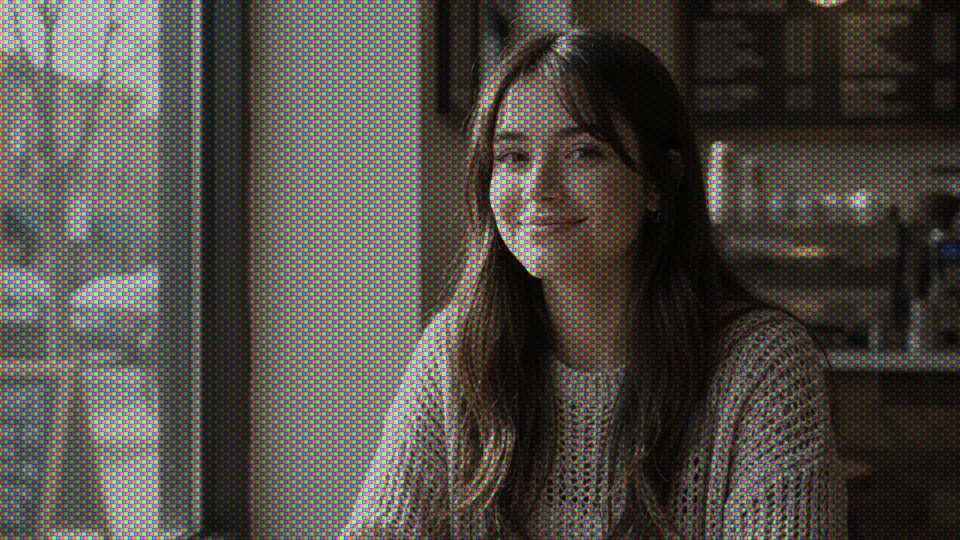
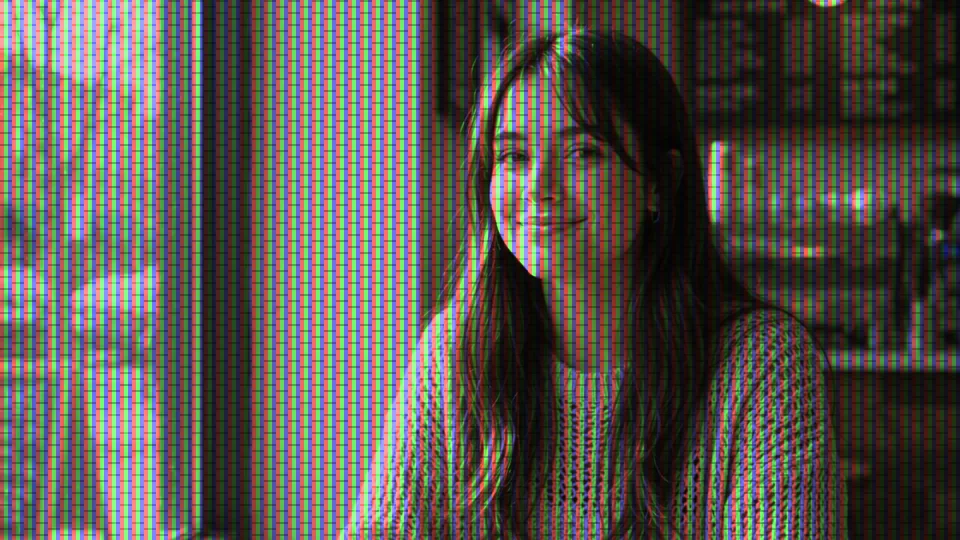
⏩ Automatic
Faults happen on their own,
no keyframes.
“⏩ Motion” has three modes. Occasional: the picture is quiet most of the time, faults arrive in bursts and fade out; “⏩ Trigger” sets the average bursts per second and “Hold” how long each lasts, independently, so a lower rate does not stretch the bursts. Constant: the fault is always there, for a whole broken stretch or for tuning a single item. Manual: keyframe “Progress” from 0 to 100 yourself and decide exactly which frame peaks. “Seed” picks a new random set and “⏩ Vary Each” makes every burst look different.
The two groups also have their own master amounts: “Screen” covers scanlines, mask, curvature and glow; “Fault” covers roll, sync loss, jitter and snow. For CRT texture with nothing broken, set Fault to 0; for faults without the texture, set Screen to 0. Strength controls both at once, and 0 is the original picture.
13 built-in presets
Old TV, security cam, arcade,
one click to apply.
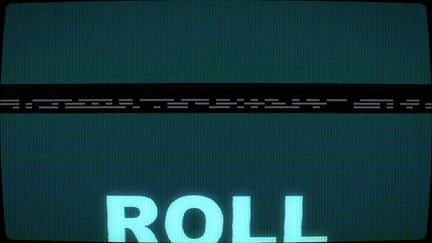
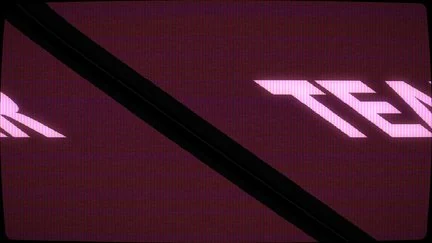
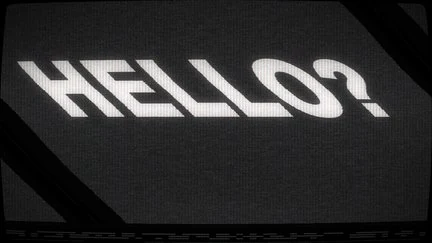
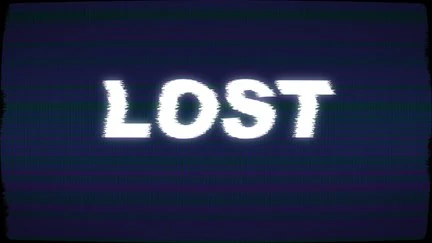
13 presets come built in: Late Night TV, Security Cam, Arcade Cabinet, Rabbit Ears, Vertical Hold, Sync Tear, Midnight Broadcast, Signal Lost, and five quieter, sparser ones (Warm Tube, Quiet CCTV, Arcade Glow, Weak Reception, Signal Collapse). Each is a complete parameter snapshot: apply it, fine-tune, and save your own; the library is shared, so your saved presets live alongside. All thumbnails are rendered by the plugin. The “Look” menu on the effect also has five quick starting points (Warm TV, CCTV, Arcade, Reception, Collapse) that load a whole set of suggested values at once.

Getting started
Three steps to get going.
Requires an Apple Silicon (M-series) Mac, macOS 14 or later and After Effects 2026. No Intel Mac or Windows version yet.
- Download the installer
Click “Download for Mac” on this page and unzip. The installer is notarized by Apple.
- Quit AE, then install
Save your project, quit After Effects completely with Cmd+Q, then open the installer; the 13 built-in presets are added to the library at the same time.
- Add it to a layer
Reopen AE, find ASheng_CRTGlitch in the “ASheng - Stylize” category, add it to a text, photo or video layer, then pick a preset or set each strength yourself.
Good to know
Where is it in AE?
In the Effect menu under “ASheng - Stylize”, named ASheng_CRTGlitch.
Will it glitch non-stop?
No. The default is “Occasional”: quiet most of the time, with bursts that fade out on their own. For a constant fault, set “⏩ Motion” to “Constant”; a trigger rate of 0 means no automatic faults.
Can I have the CRT look without the faults?
Yes. Set the “Fault” amount to 0 and only scanlines, mask, curvature and glow remain; set “Screen” to 0 instead and you get the signal faults only.
Can I decide exactly when the fault peaks?
Yes. Set “⏩ Motion” to “Manual” and keyframe “Progress” from 0 to 100; the start and end are clean, and “Recovery” shapes how the tail fades.
Does every burst look the same?
No. “⏩ Vary Each” changes the type and direction of each burst, and “Seed” swaps the whole random set. The same seed at the same time always gives the same result, so renders match the preview.
Does the Golden Pass cover it?
Yes. The Golden Pass includes every ASheng AE plugin, including future ones, so CRTGlitch activates right away.
Which bit depths are supported?
8-bit and 16-bit are both supported.
Does it use the GPU?
Yes. “GPU Acceleration” is on by default and renders on the Apple Silicon GPU (Metal); if the GPU is unavailable it falls back to the CPU with the same picture, just slower.
Does it support Premiere Pro?
After Effects only for now.
Can I use it without a license?
You can try it with a watermark on the output. With a valid CRTGlitch license or a Golden Pass, click “Open License Helper” in the “License” group of the effect panel to activate.