ALL-ACCESS PASS · EVERY AE PLUGIN
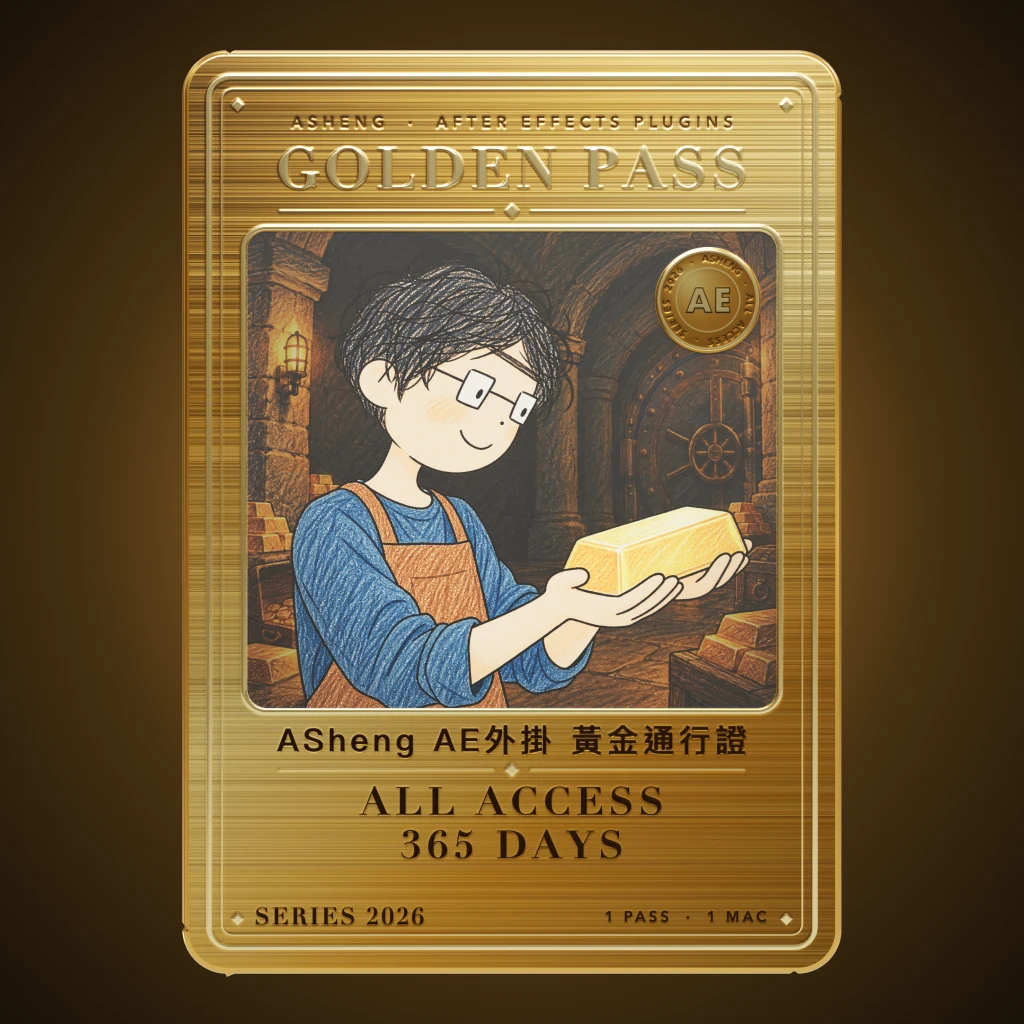
Golden Pass
ASheng AE Plugins All-Access Golden Pass
One license,
every AE plugin.
One Golden Pass unlocks every ASheng After Effects plugin, including future releases. Complete one activation in any plugin and every plugin on this Mac activates together.
120 USD · 365-day license · 1 Mac
The license runs from the time of purchase; it does not auto-renew and cannot be extended. Buy a new pass after it expires to keep going. Prices follow the live plan on the purchase page.
Included plugins
The twenty-three available now,
plus every one released later.
The pass covers every ASheng After Effects plugin. New plugins join automatically when they launch, with nothing to set up.
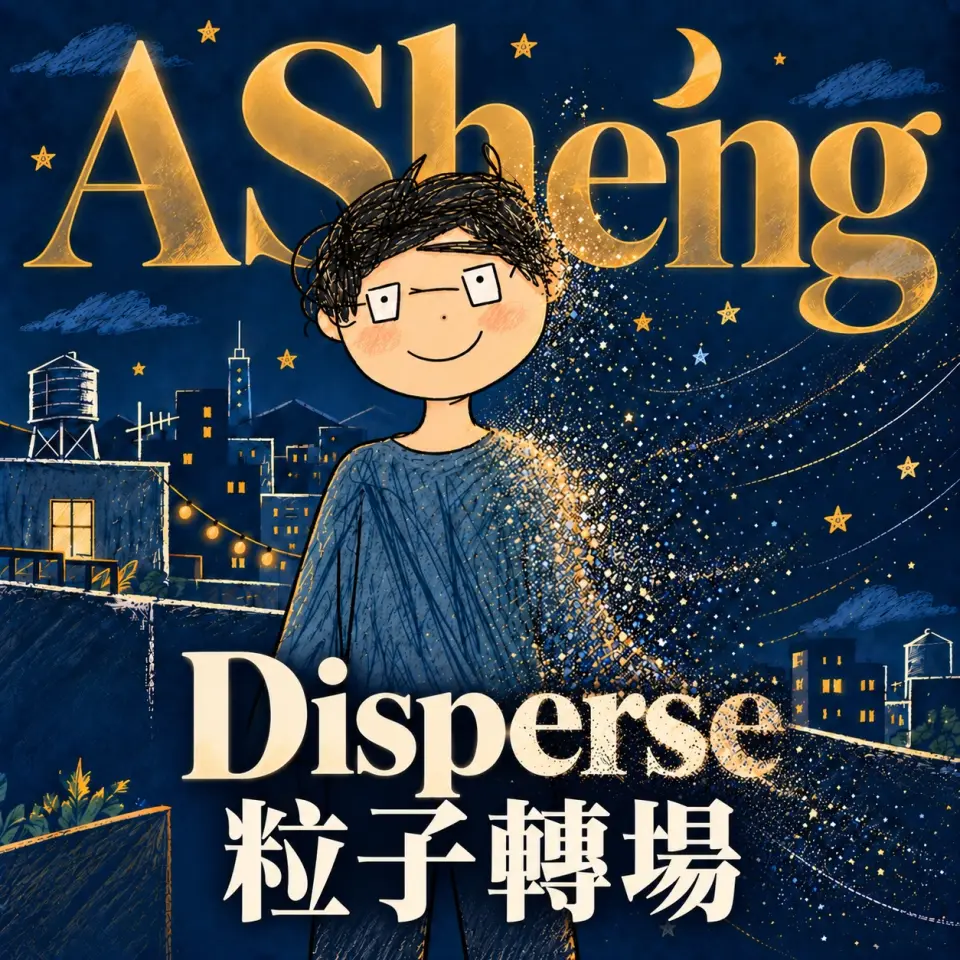 ASheng DisperseScatter the picture into particles
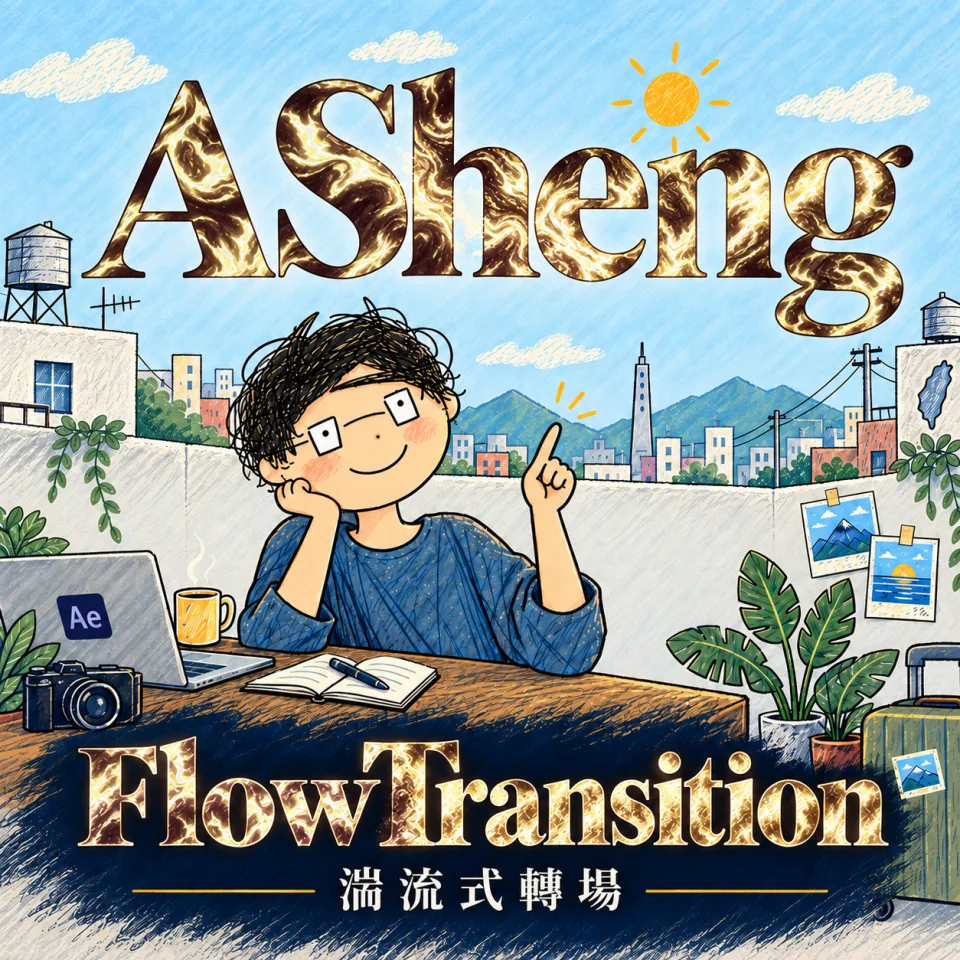 ASheng FlowTransitionTransitions along turbulent flow
 ASheng TextStyleText styles and 3D shaping
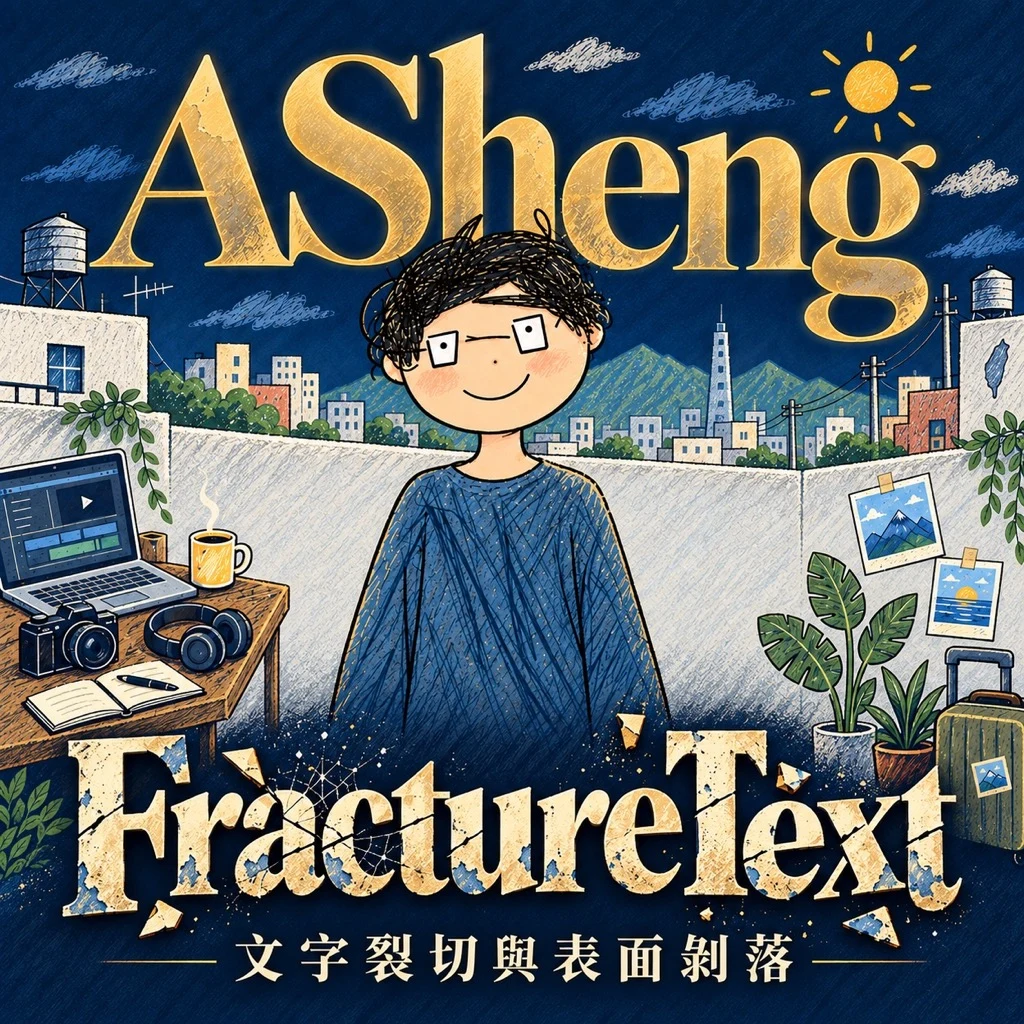 ASheng FractureTextText fracture and peel
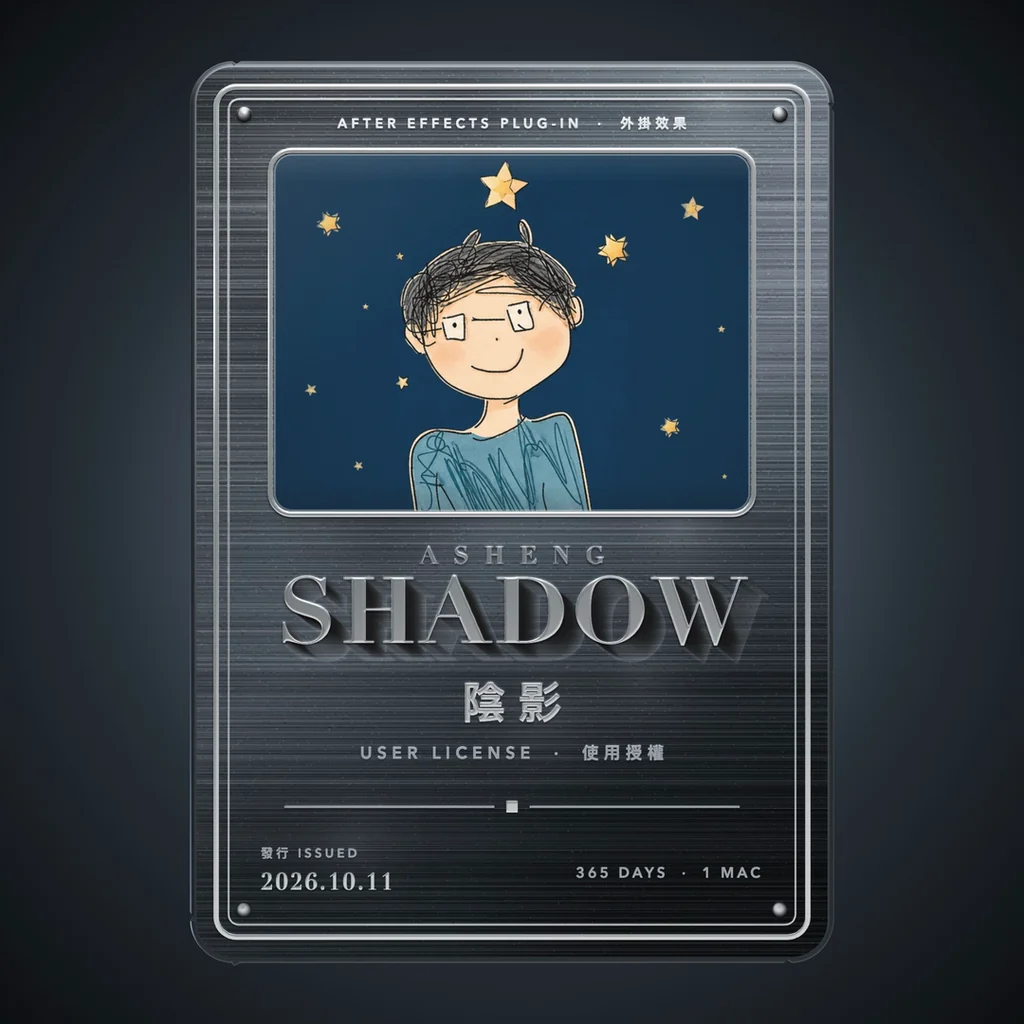 ASheng ShadowSix shadows, one effect
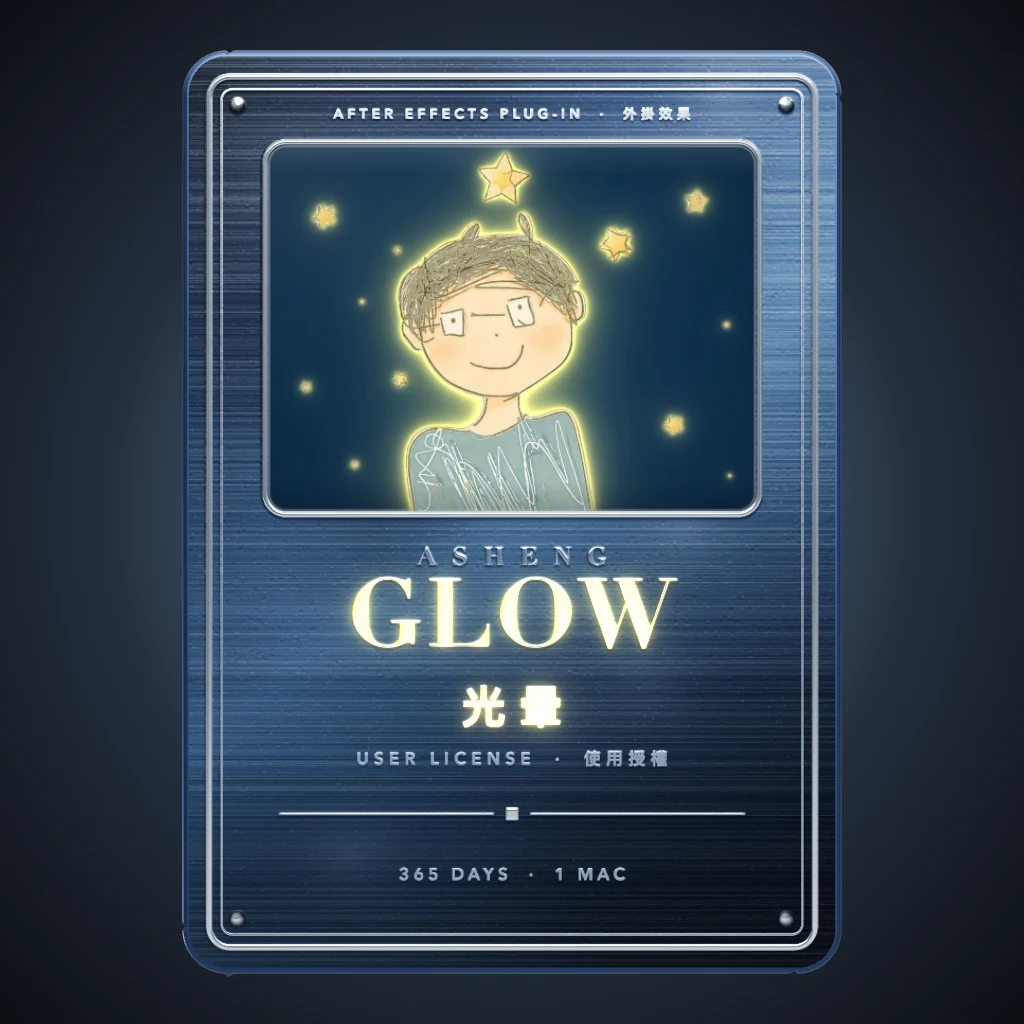 ASheng GlowLight that moves by itself, no keyframes
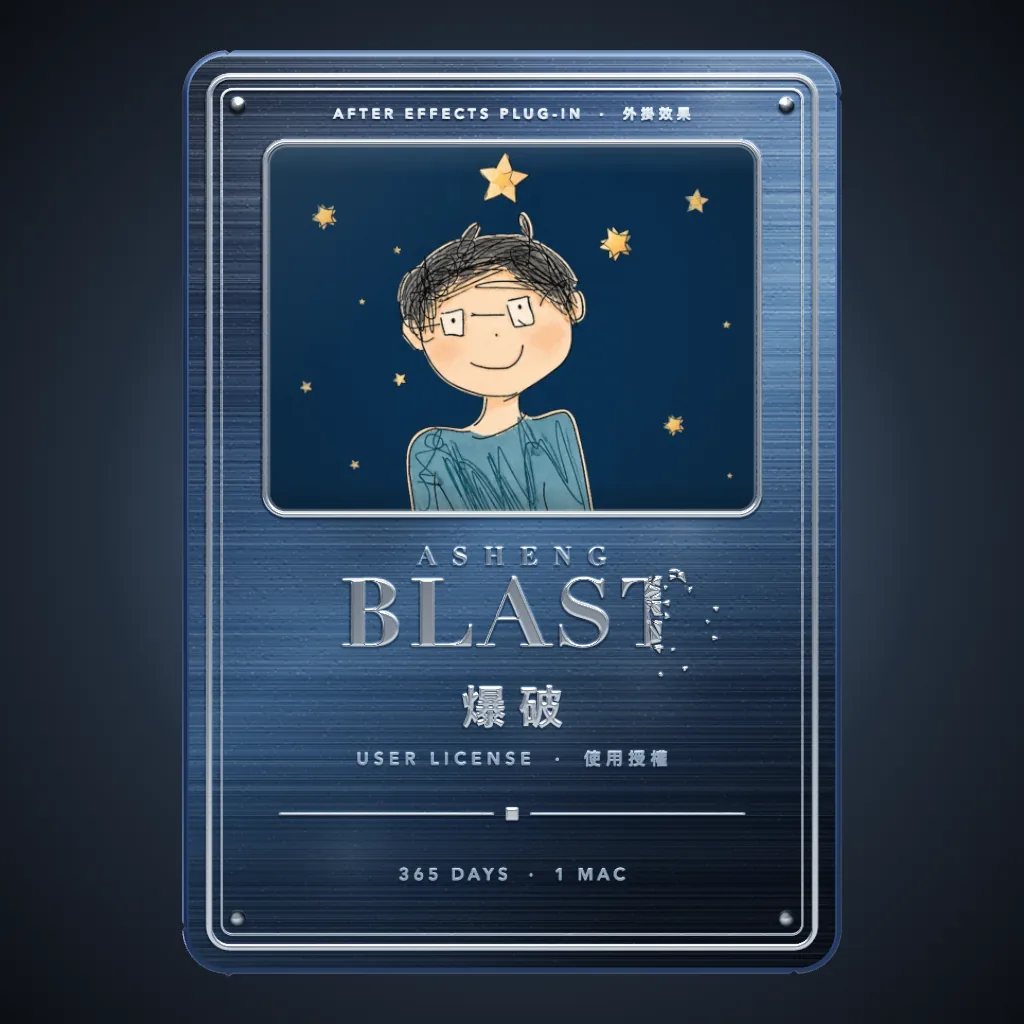 ASheng BlastBlow up the title; the shards fly themselves
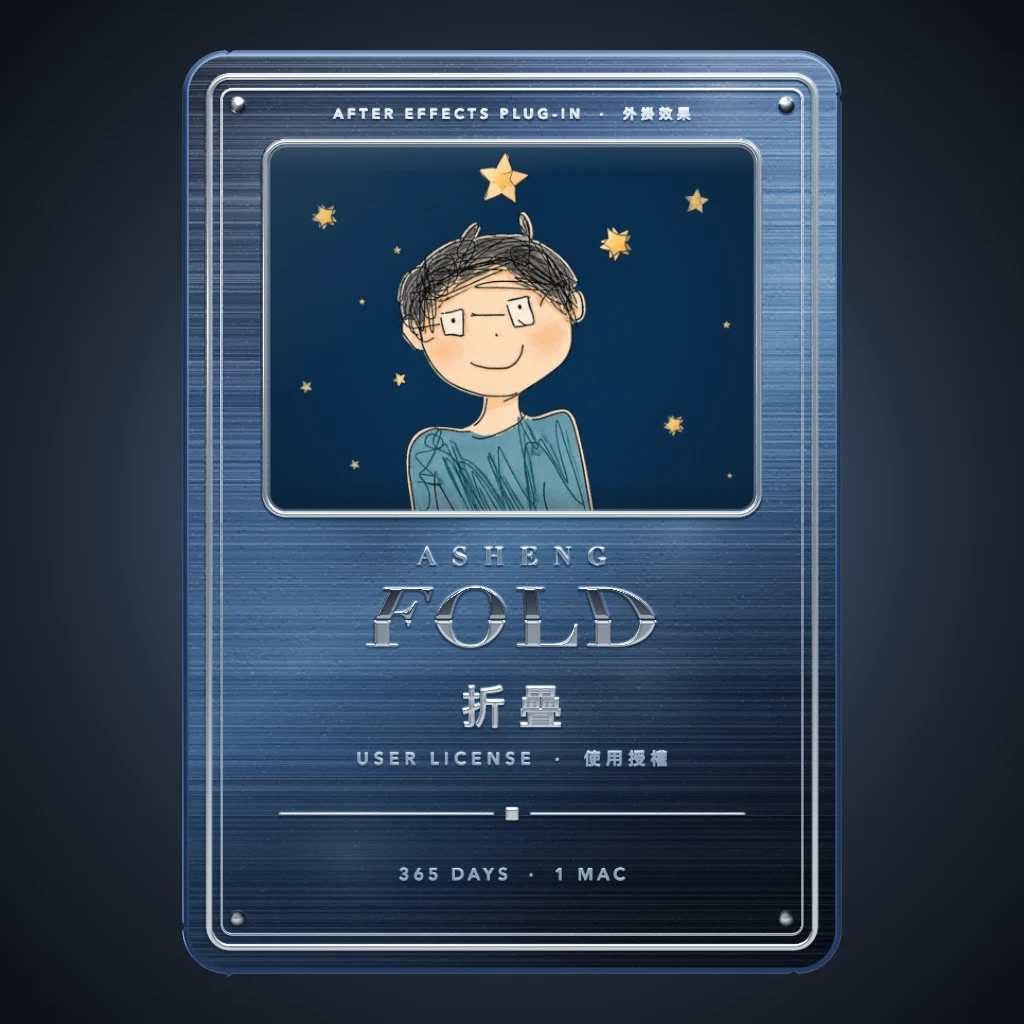 ASheng FoldLayers that really fold like paper
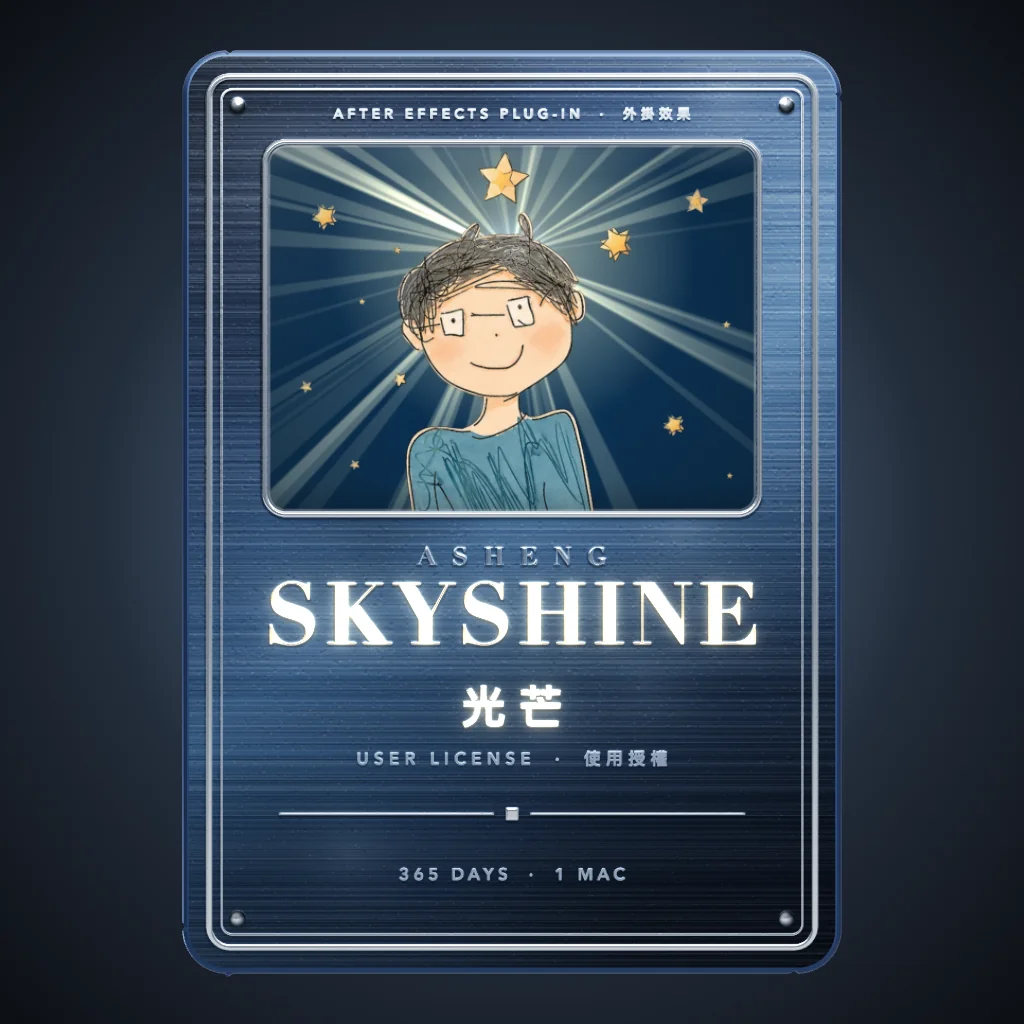 ASheng SkyShineTitles and photos that shoot out rays
 ASheng SkinRetouching that looks untouched
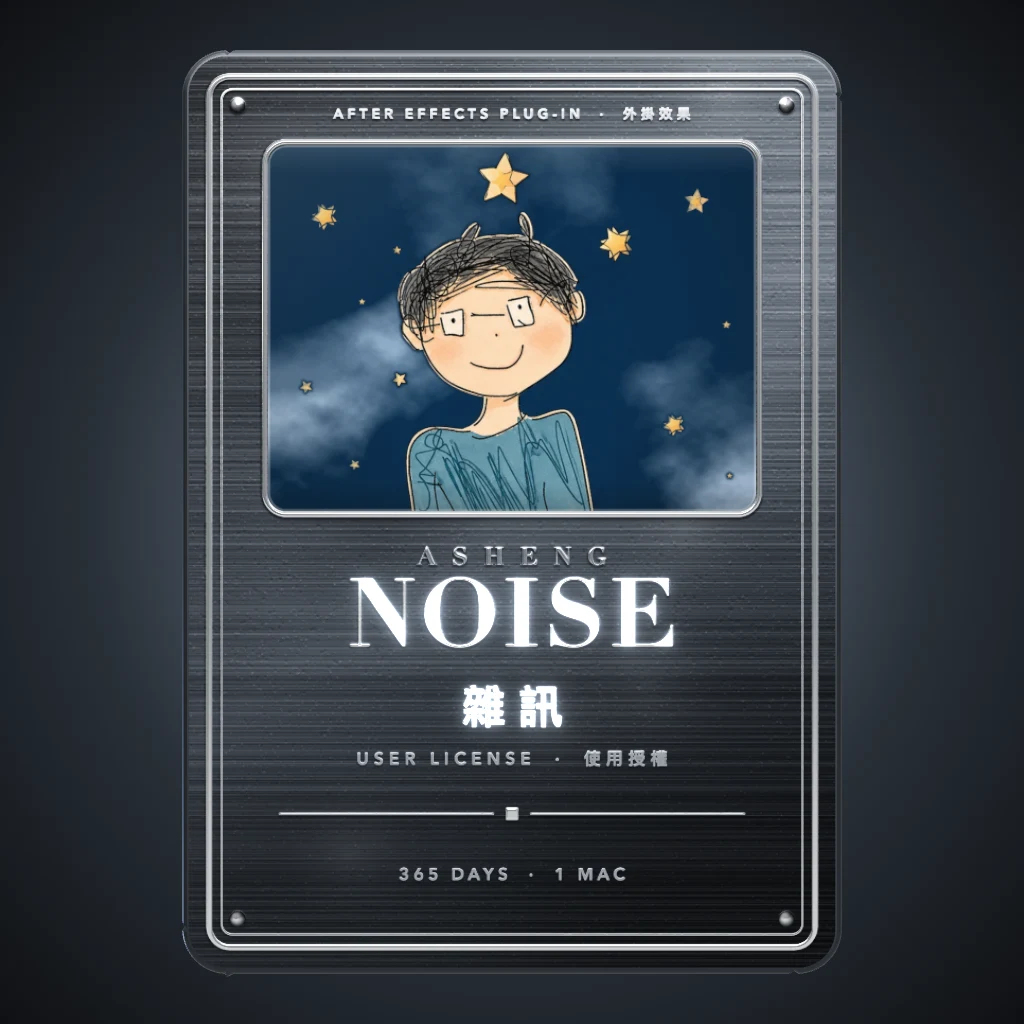 ASheng Noise29 noises that flow
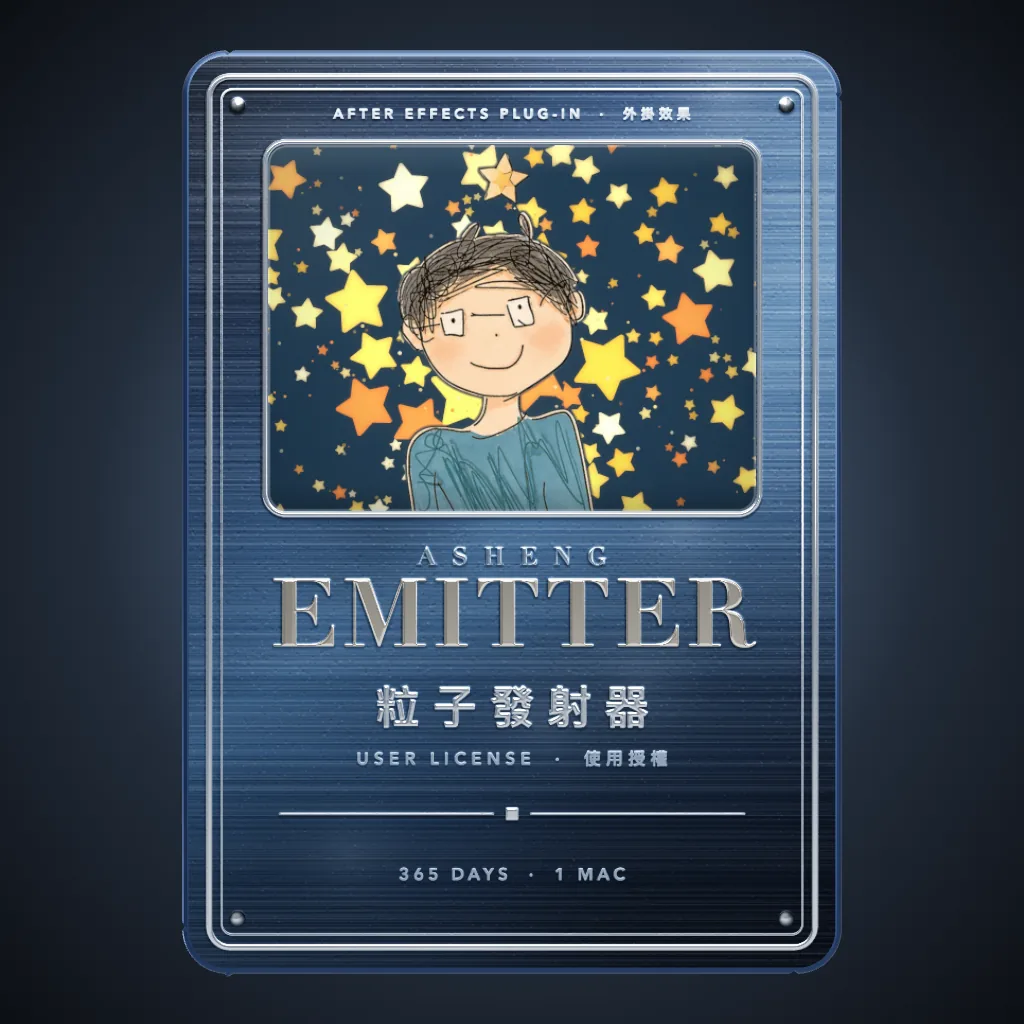 ASheng Emitter34 presets, 36 particle types
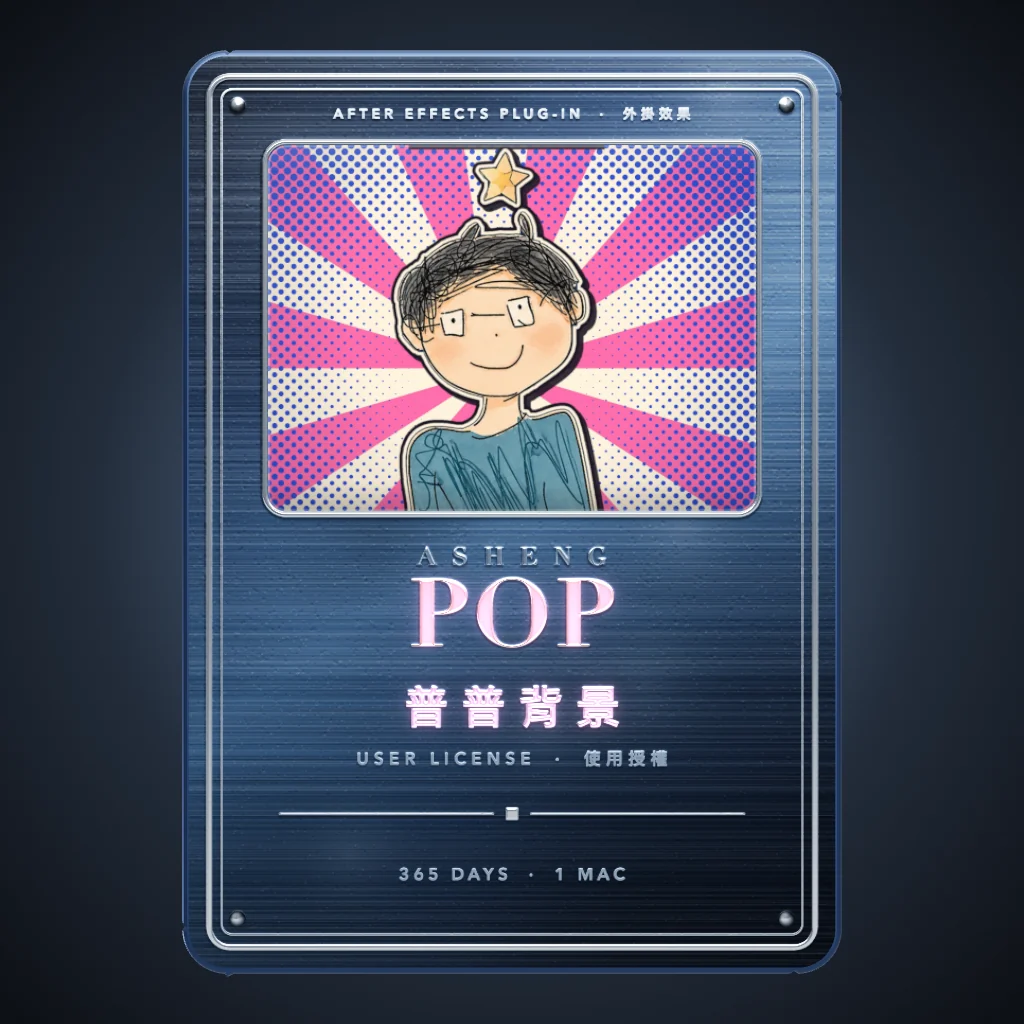 ASheng Pop20 pop-art patterns
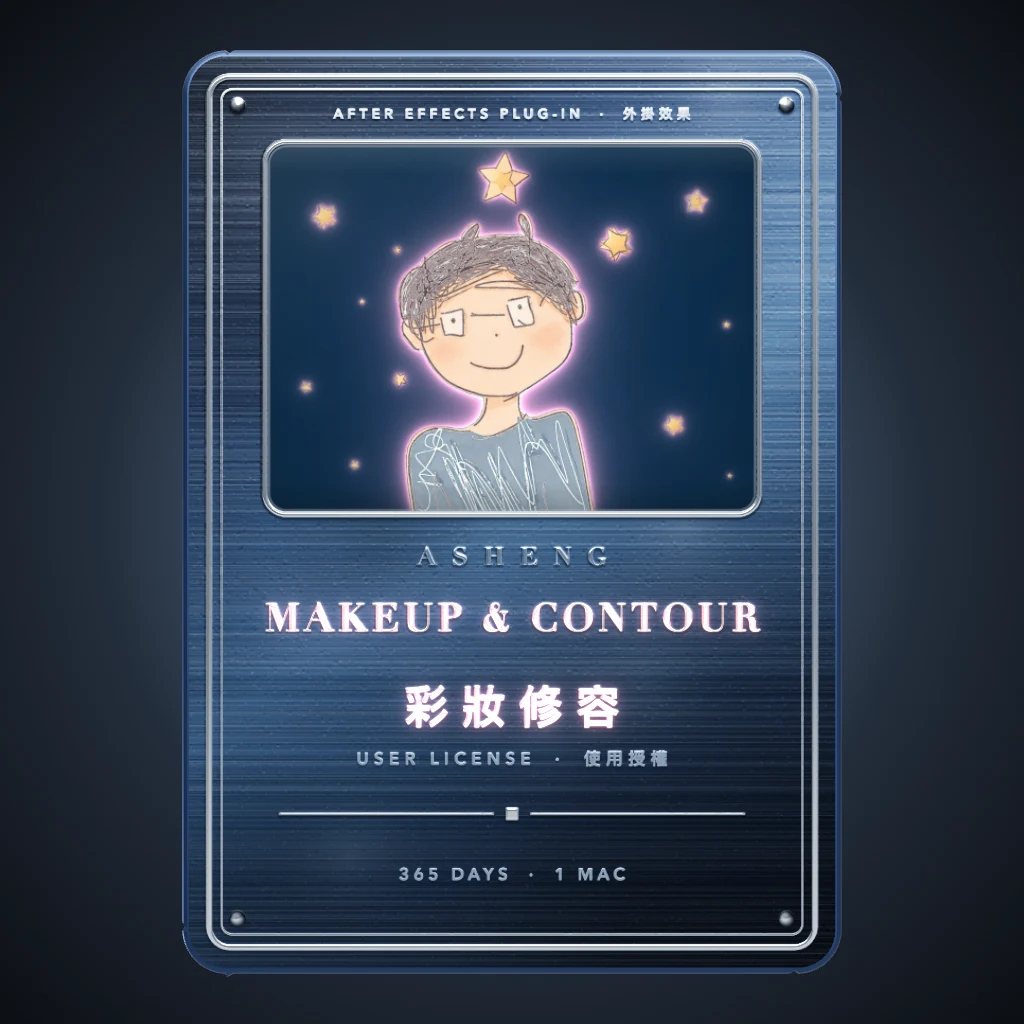 ASheng MakeupContourMakeup that follows the face
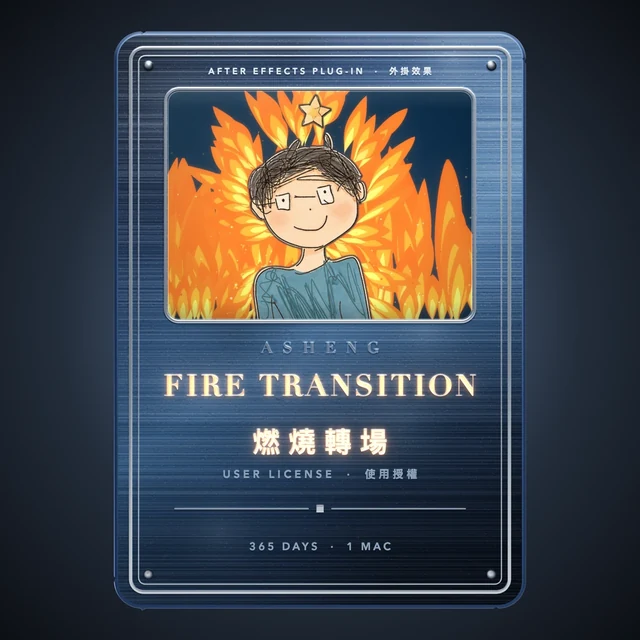 ASheng FireTransitionA transition that burns the picture away
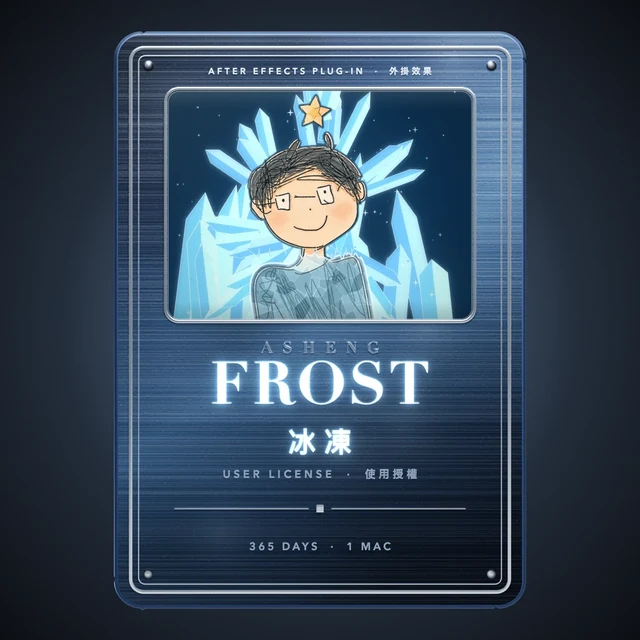 ASheng FrostFreeze the picture bit by bit
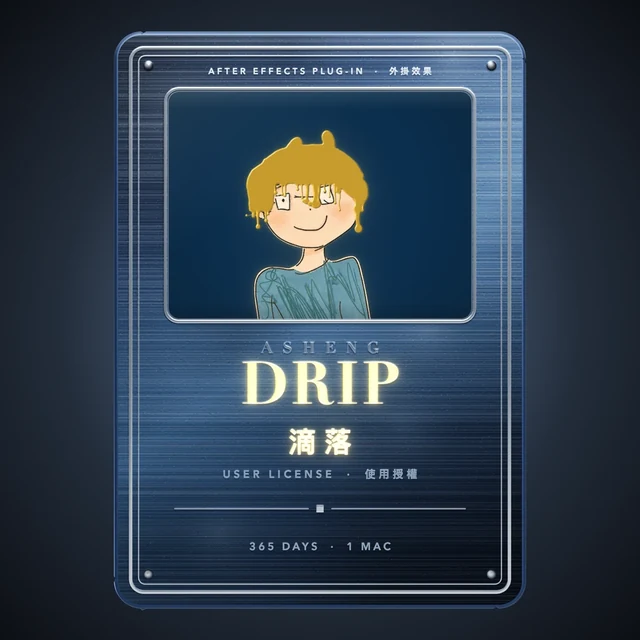 ASheng DripText that grows dripping liquid
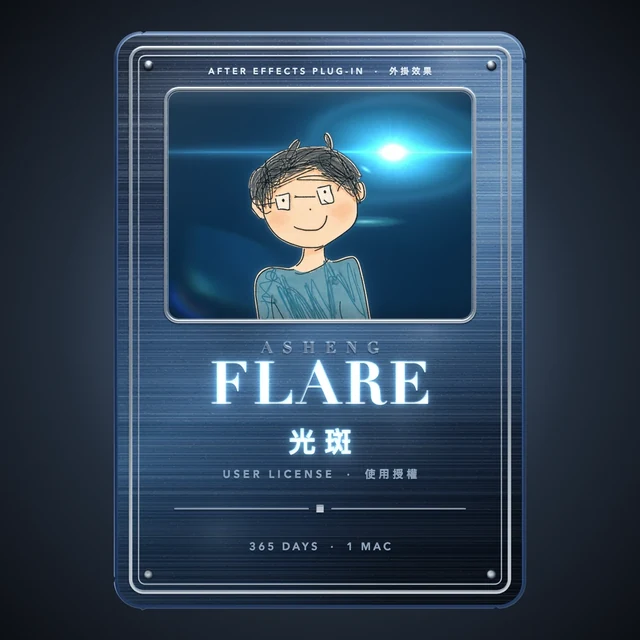 ASheng FlareLens flares with color gradients
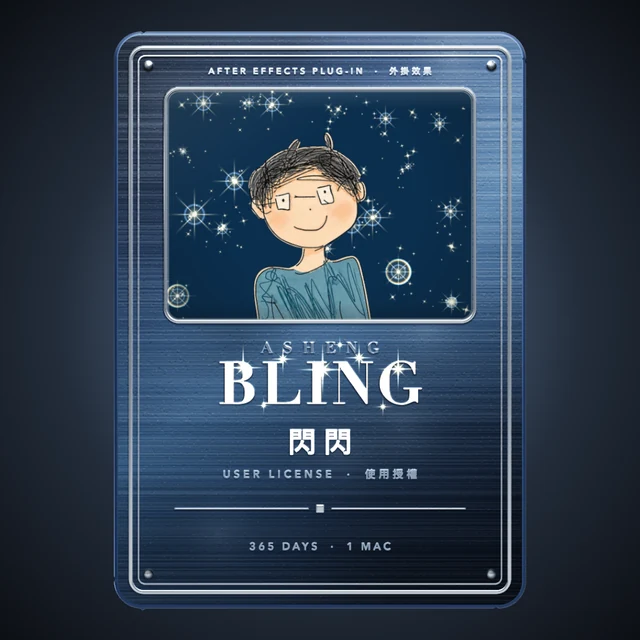 ASheng BlingMake the picture sparkle
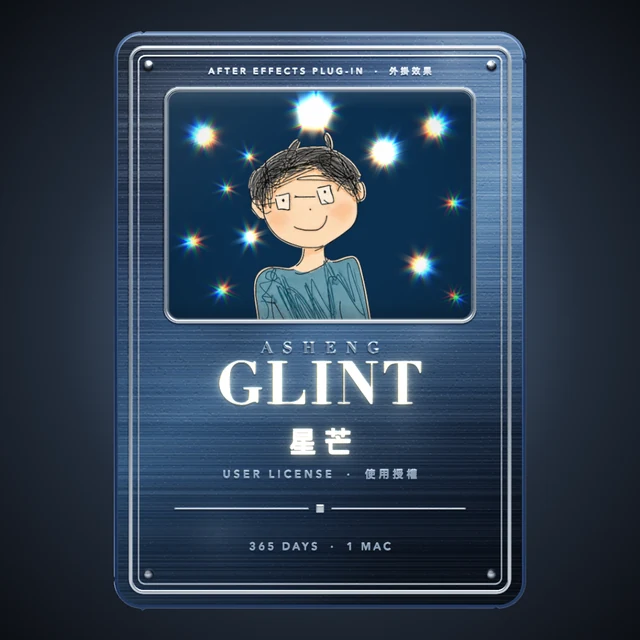 ASheng GlintTurn highlights into starbursts
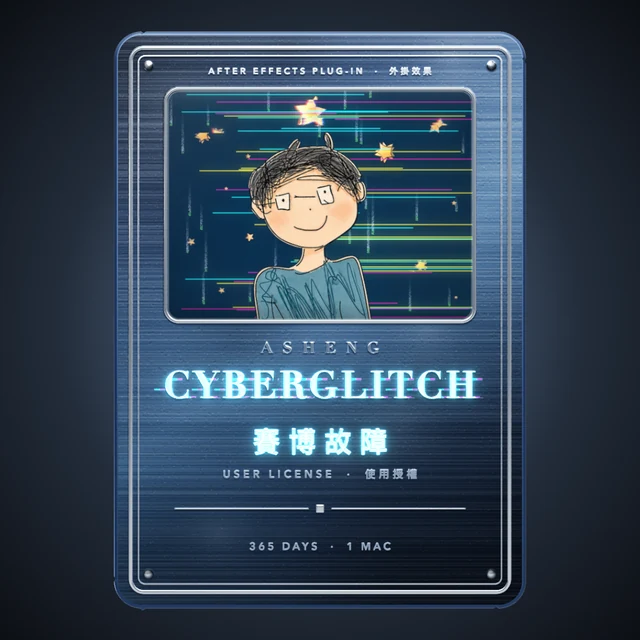 ASheng CyberGlitchCyber-style glitch effects
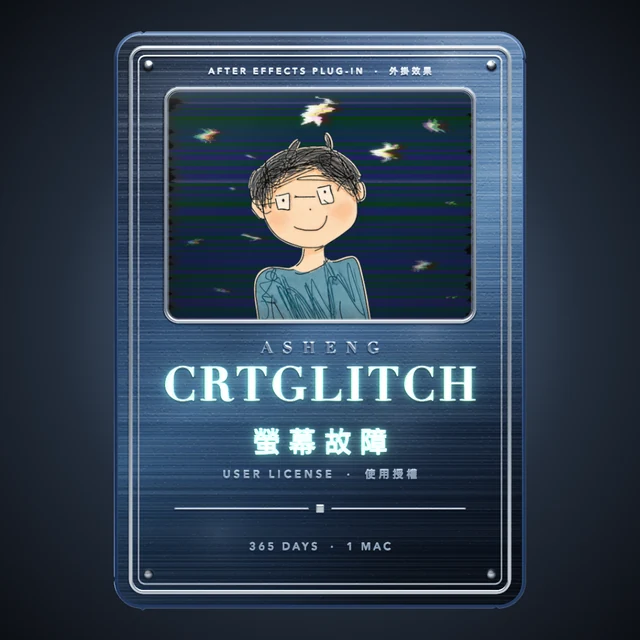 ASheng CRTGlitchOld-TV CRT glitches
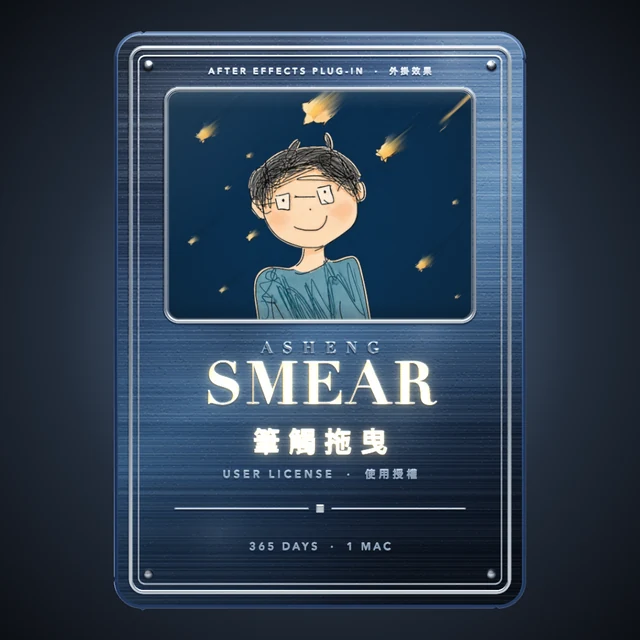 ASheng SmearA brushstroke dragged in one pull
How to activate
Buy once,
activate once.
One pass is active on 1 Mac at a time. Requires an Apple Silicon (M series) Mac, macOS 14 or later and After Effects 2026.
- Buy the pass
Choose a payment method on the purchase page. Pay with USDC on the Base network and the pass is sent to your paying wallet as an NFT; pay in TWD or by USD card (not yet available) and the pass arrives as a license key by email.
- Update the plugins to the latest version
Older plugins do not recognize the pass. Open the free “ASheng Plugin Manager” and click “Update All”, or “Install All” to install every plugin at once.
- Activate once in any plugin
Open AE and open the license helper from the “License” group of any ASheng plugin. NFT pass: connect the wallet that holds it and click “Activate all plugins with the pass”; card purchase: enter the email and key from your order. Every plugin on this Mac activates together.
Good to know
Which plugins does the pass include?
Every ASheng After Effects plugin: currently Disperse, FlowTransition, TextStyle, FractureText, Shadow, Glow, Blast, Fold, SkyShine, Skin, Noise, Emitter, Pop, MakeupContour, FireTransition, Frost, Drip, Flare, Bling, Glint, CyberGlitch, CRTGlitch and Smear — twenty-three in all. After Effects plugins released later join automatically and can be used while the pass is valid.
On how many Macs can I use it?
One pass is active on 1 Mac at a time. Two Macs need two passes. When you change computers, activate with the same pass on the new one to move it over.
What happens after the year is up?
No automatic charge and no renewal. When it expires the plugins return to trial mode (watermarked output); to keep going, buy a new pass.
I already bought a single-plugin license — does it still work?
Yes. Your existing single-plugin license stays valid and can be held alongside the pass.
What form does the pass take? Can it be transferred?
It depends on how you pay. Bought with USDC, it is an NFT on the Base network held in your wallet, and the license follows the wallet; it can be transferred to someone else or resold on OpenSea, after which the license belongs to the new holder. Keep your wallet safe — losing the wallet means losing the pass. Bought in TWD or by USD card, it is a license key bound to the email used at purchase, for your own use only, and cannot be transferred or resold.
How do I pay?
The purchase page offers three methods: TWD payment (credit card, ATM transfer, convenience-store code), USD card (Visa, Mastercard, Apple Pay), and USDC on the Base network. TWD payment and USD card are not yet available; USDC is available now. Payment and activation are separate steps — activation never charges you again.
Can I try without a pass?
Yes. Every plugin can be downloaded, installed and tried for free; output is watermarked until a license is activated.