AFTER EFFECTS PLUGIN · GLOW
ASheng
Glow
Light that moves by itself,
no keyframes needed.
Neon flicker, swaying candlelight, auto power-on at the in point; smoke, dust and arcs flowing inside the light; glow drawn as halftone dots, stripes or rings. 27 built-in presets, ready the moment you apply them.
15 USDC · 365-day license · 1 MacUSD card US$17 (excl. tax, not yet available)
Output is watermarked until a license is activated. The license runs from the time of purchase and does not auto-renew; buy another to keep using it after it expires. The Golden Pass already includes Glow. Prices follow the live plan on the purchase page.
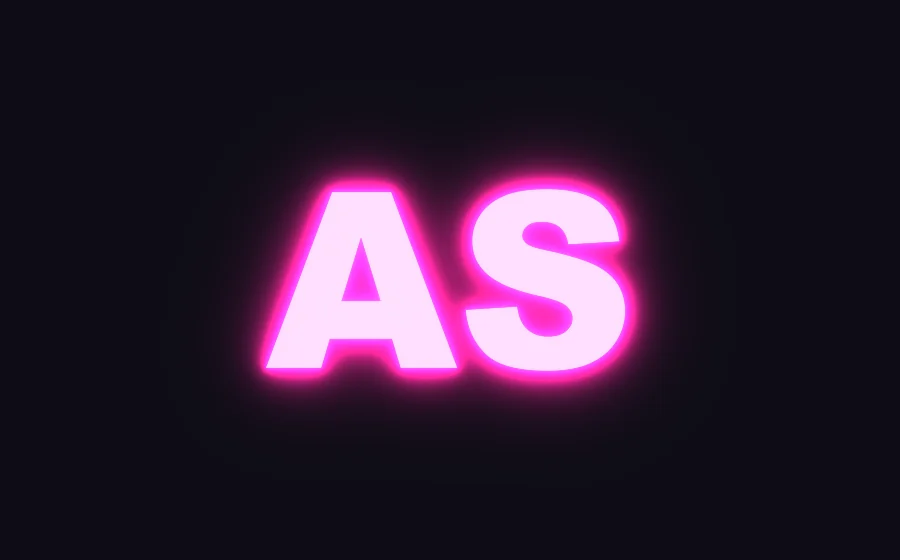
⏩ Auto animation
The light moves on its own,
no keyframes needed.
An ordinary glow needs keyframes or expressions to flicker or light up. Glow picks it from the panel: three flickers — neon, candle, glitch; breathing; or auto power-on at the layer’s in point and power-off at its out point. Trim or extend the layer and the animation follows.
Power-on + neon flicker + smoke in the light can all be on at once. Everything is a panel option; change a value and you change the motion.
⏩ Air in the light
Smoke and dust in the light,
and electricity too.
Turn on “Impurities” and the light gains the texture of air: mist, thick smoke, vortex smoke, dust, arcs, flares, filaments, water caustics… 14 kinds. Pick a flow — drift, expand, contract, orbit, churn, vortex — and a speed of slow, medium or fast, and it flows on its own.
Pop-art light
Light can be drawn
in halftone dots too.
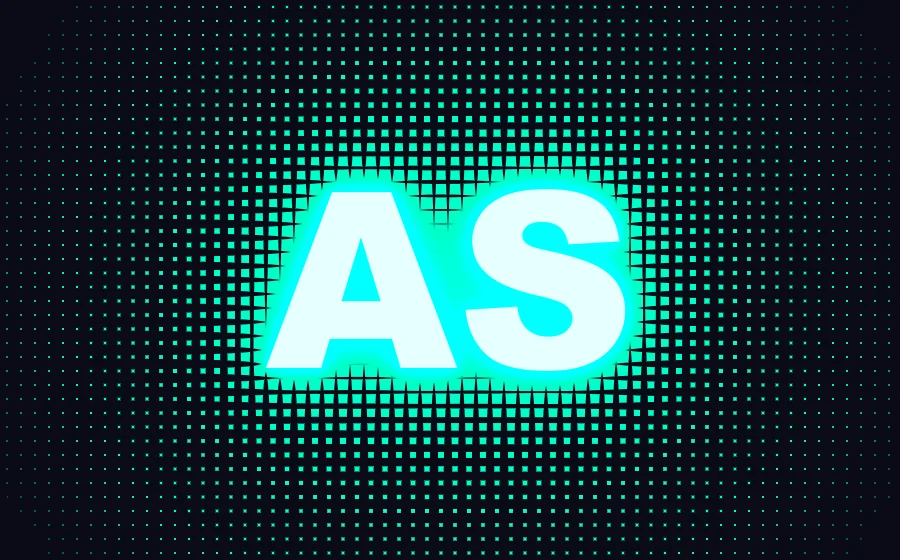
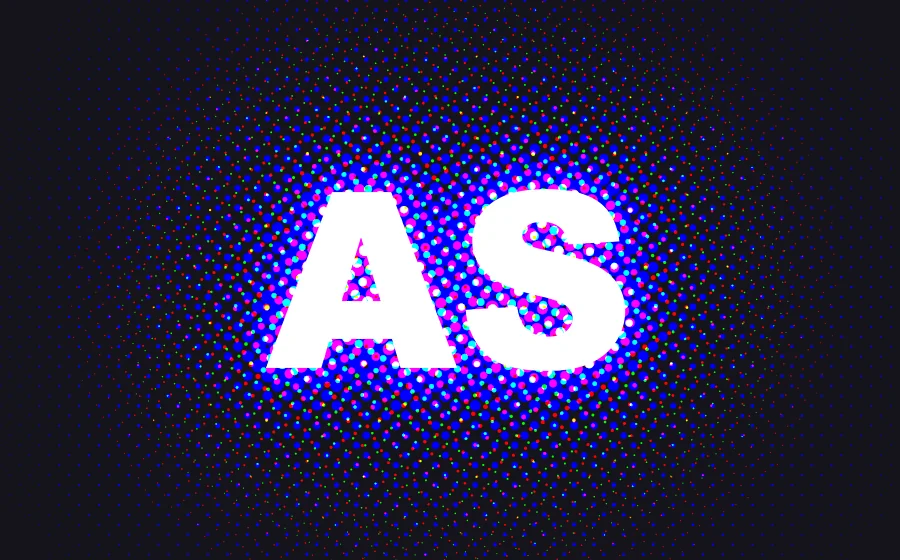
“Light Fill” turns the glow into a print pattern: brighter areas get bigger dots and thicker lines, shrinking outward. Six patterns with adjustable size and angle; choose “⏩ Pulse, Flow, Rotate” and the pattern moves on its own.
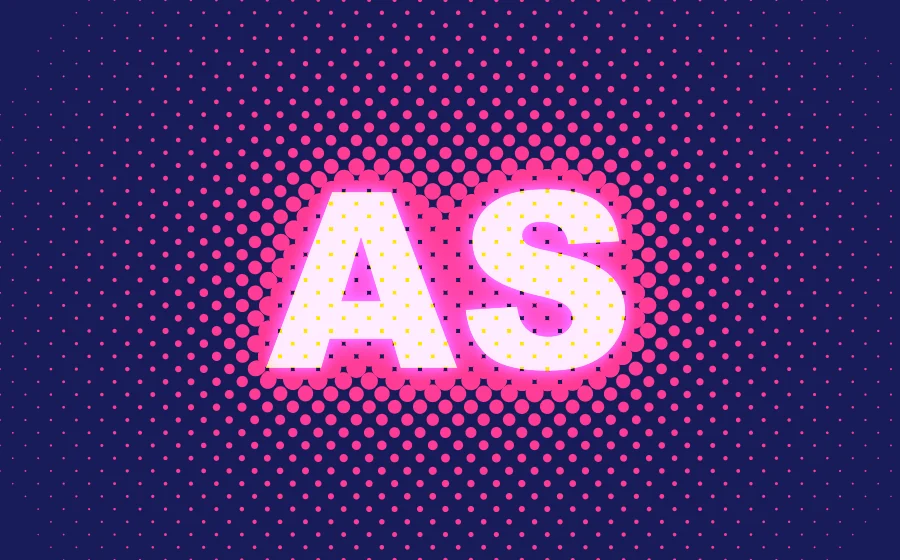
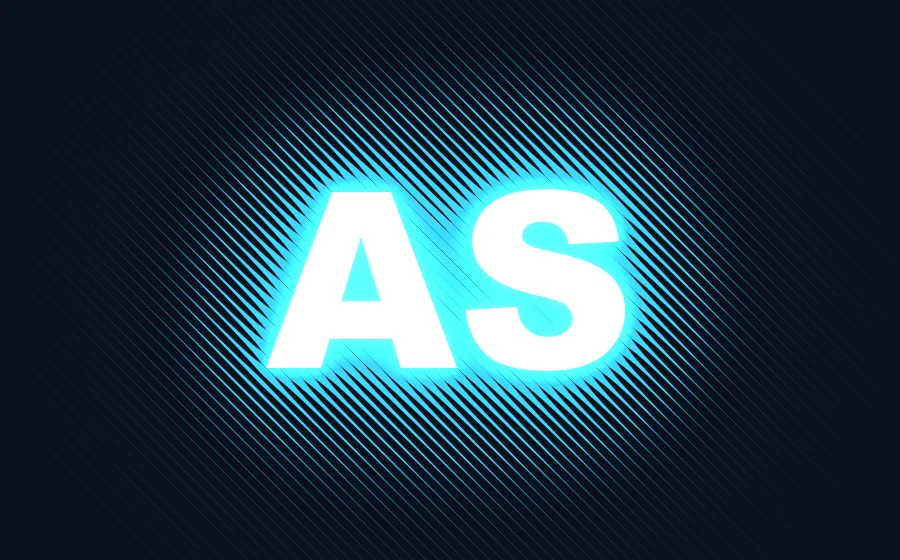

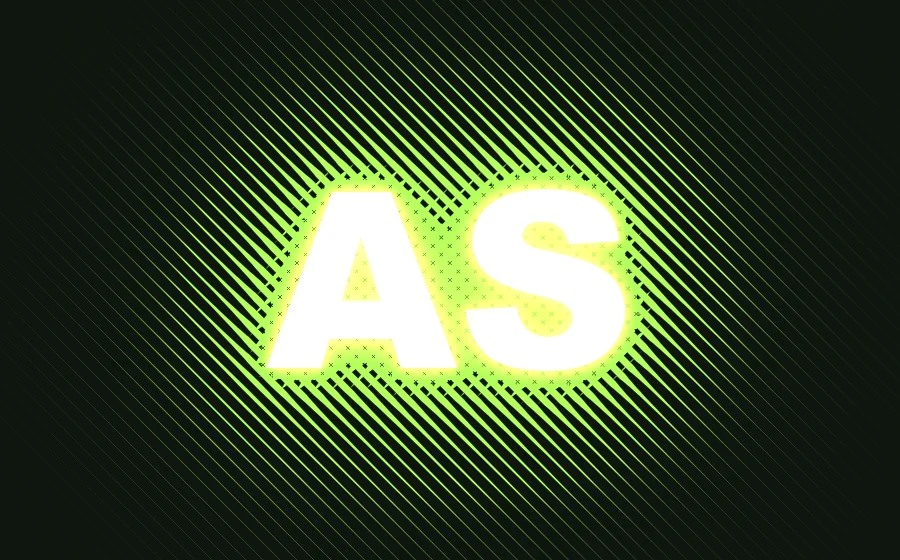
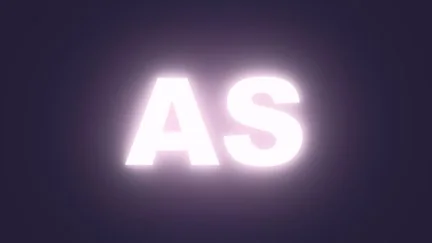
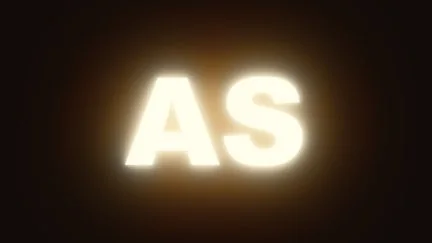
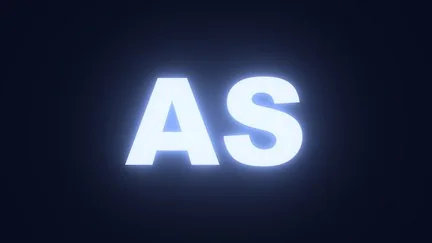
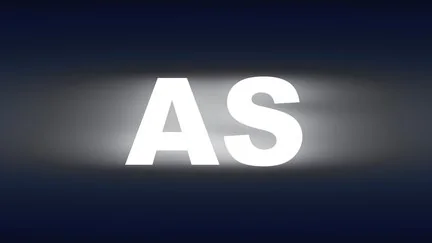
Four glow falloffs
One effect,
four kinds of light.
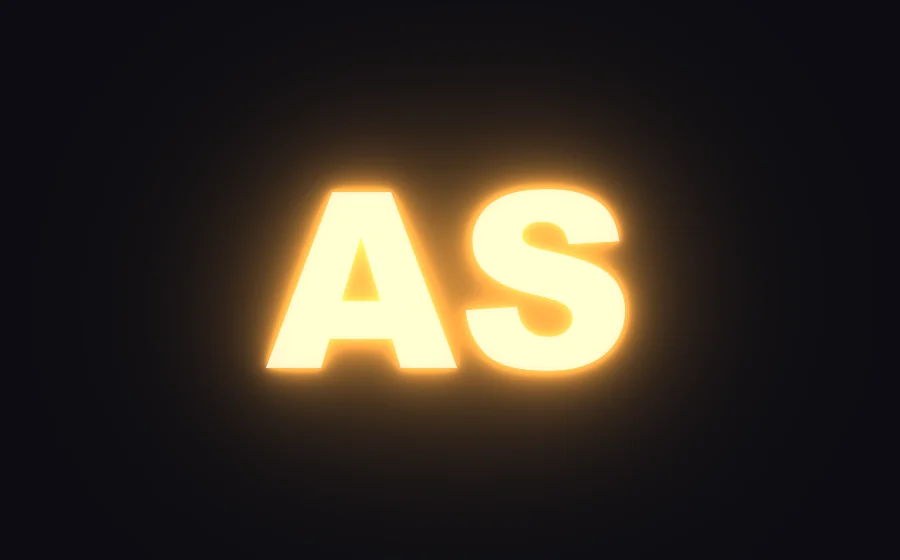
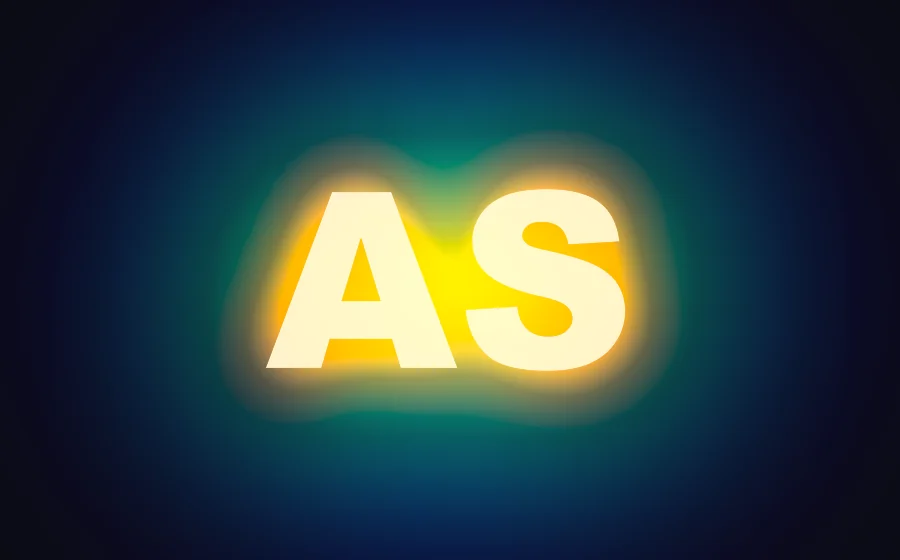
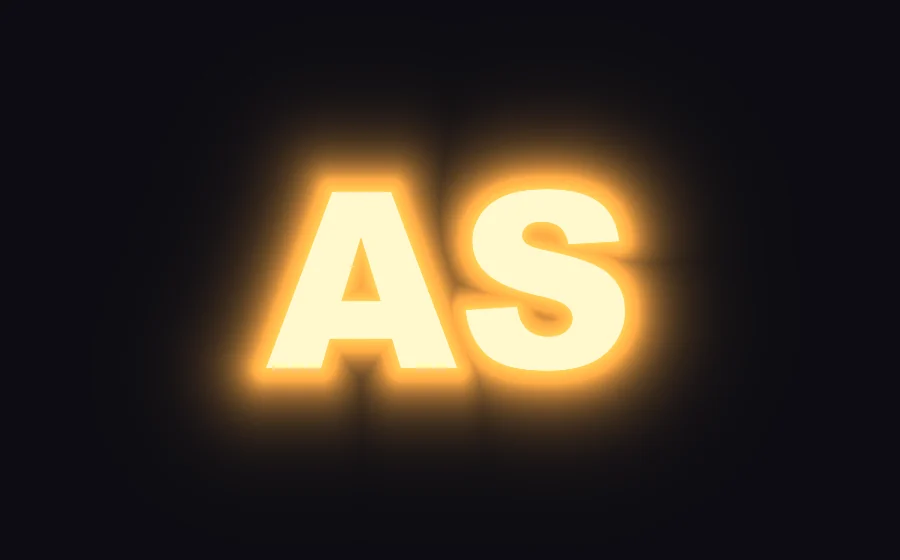
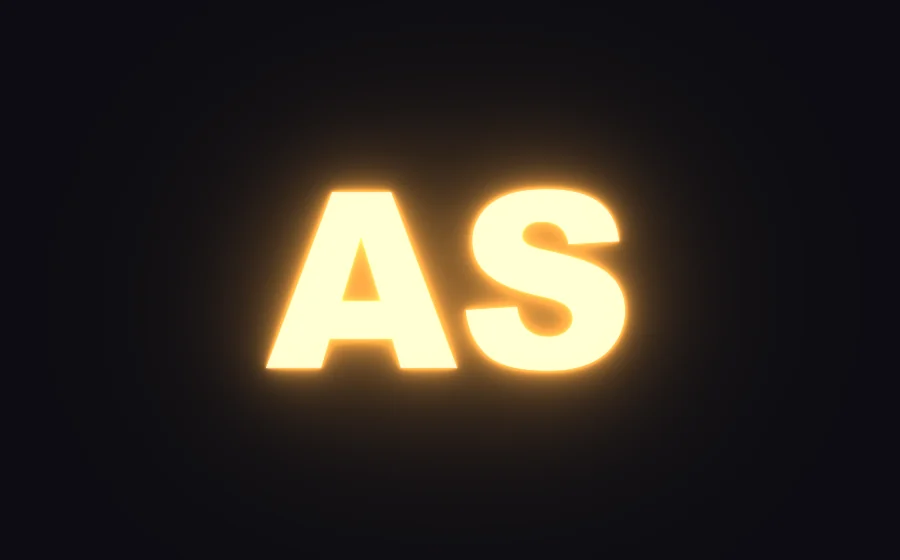
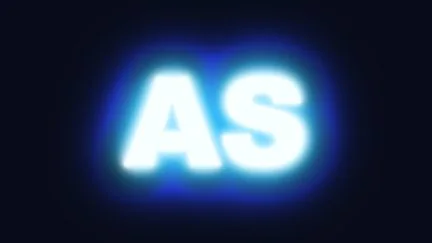
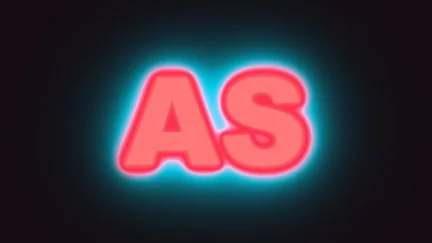
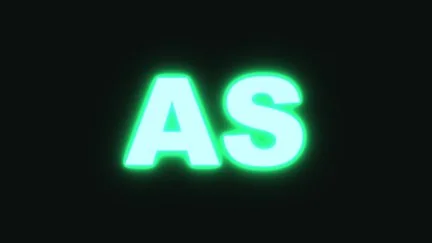
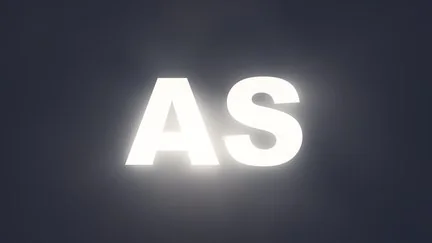
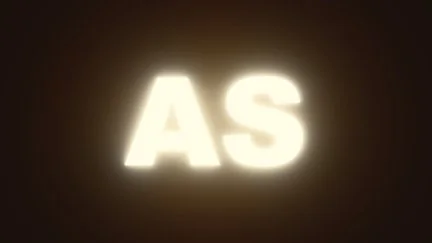
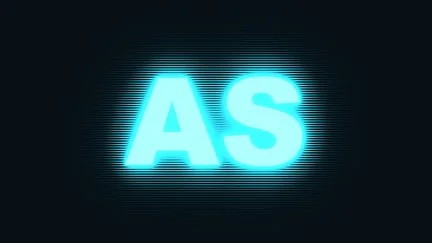
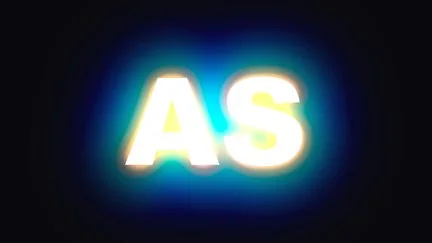
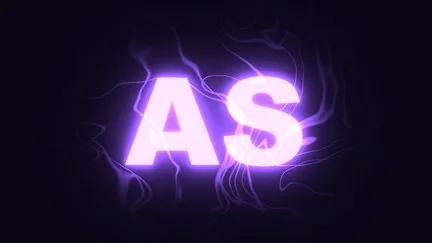
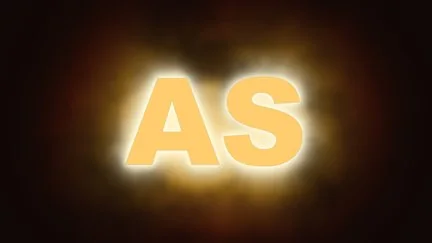
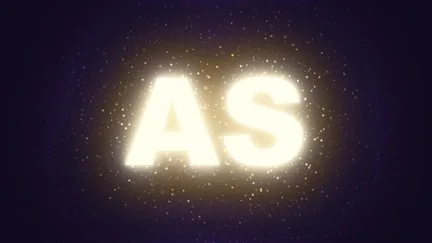
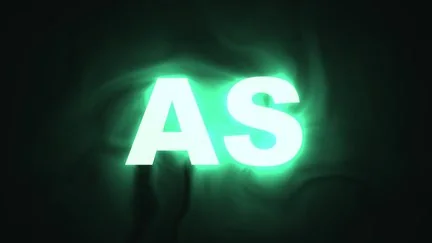
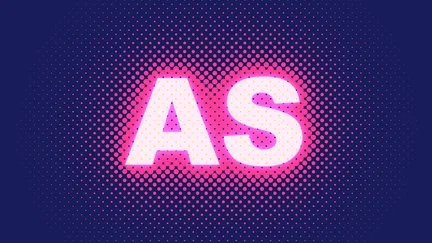
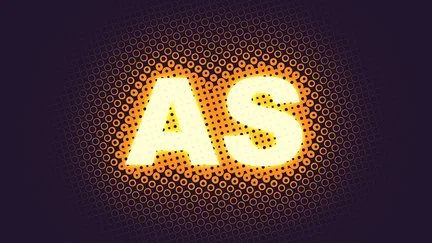
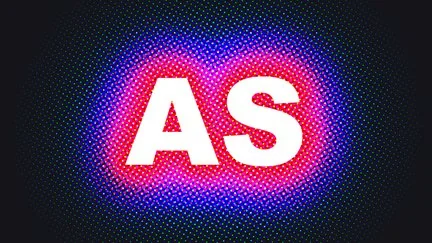
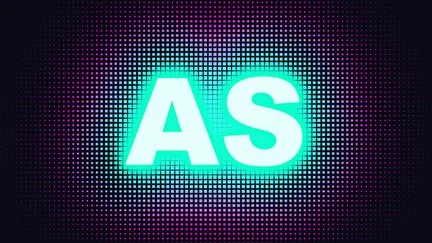
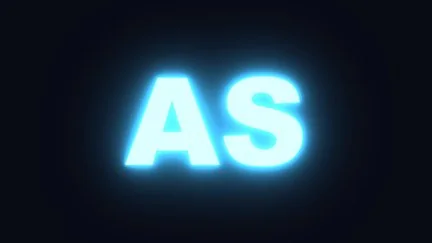
“Falloff” decides how the light spreads outward. The four images below change only this option.
Color
Color changes from the letter’s edge
all the way out.
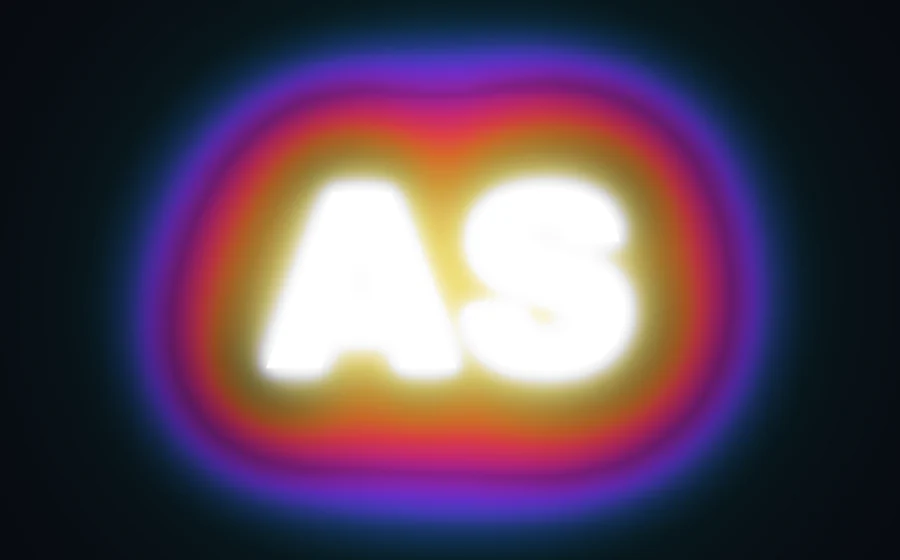
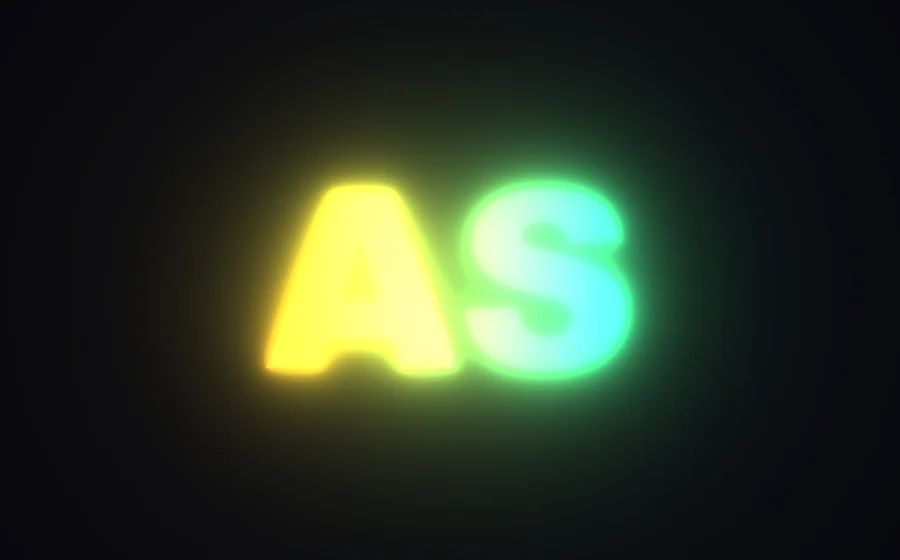
Glow color can be source, solid or gradient. A gradient takes up to 8 colors from the letter’s edge to the outermost ring, for rainbow, fire and neon layering.
Photos and video
Photos and video
work too.
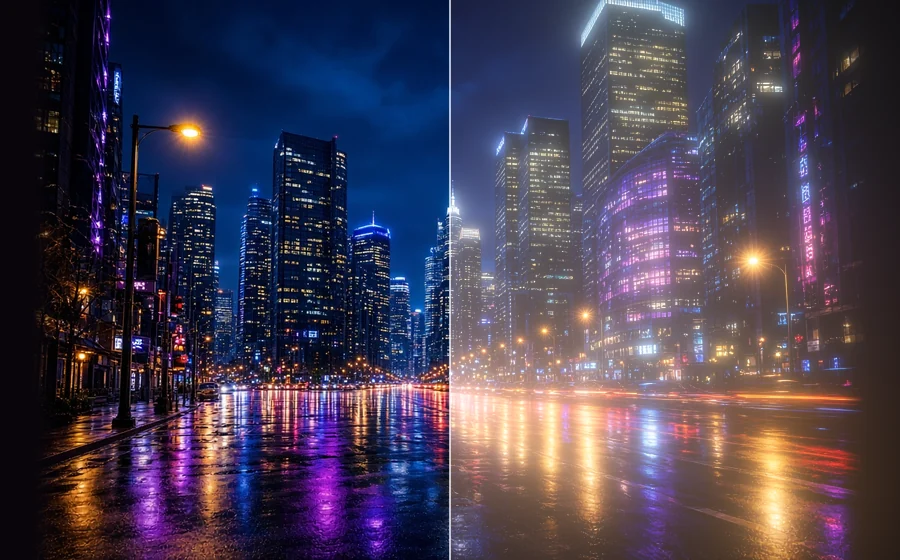
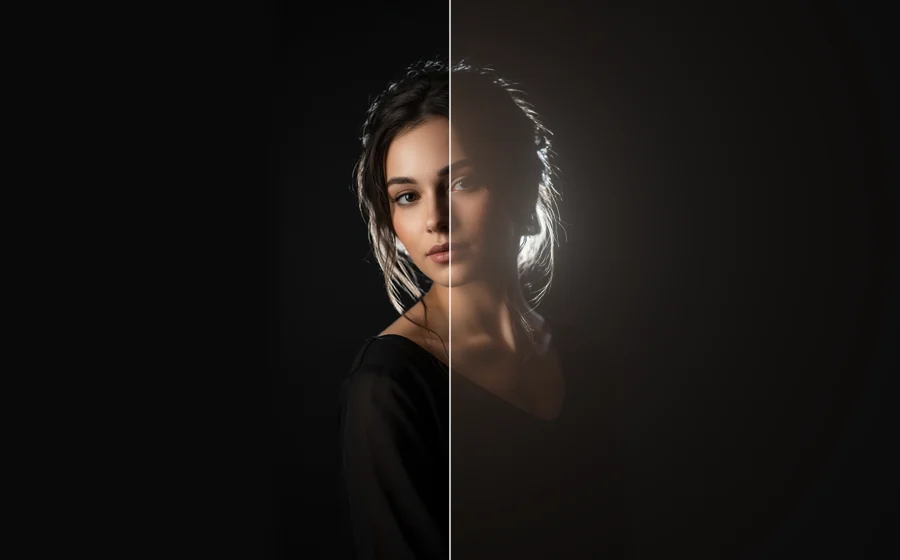
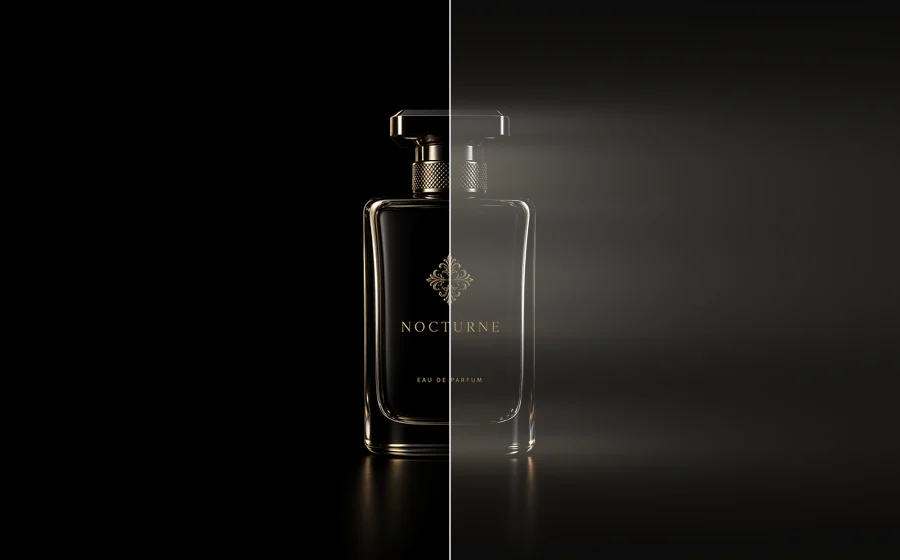
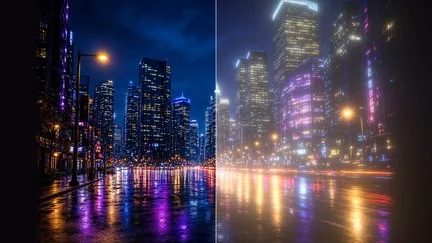
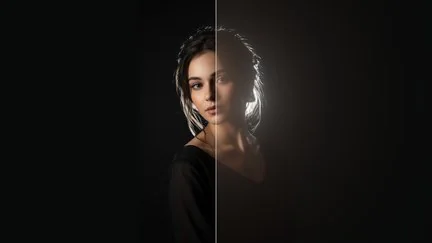
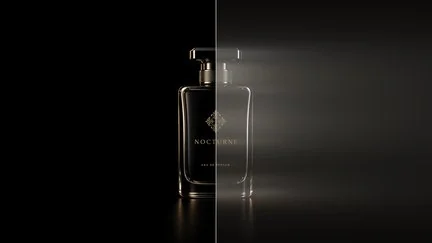
Set “Based on” to luminance and only the bright parts bloom: street lamps, signs, rim light on hair. In each image the left half is the original and the right half the result.
Built-in styles
27 presets,
one click to apply.
Click a thumbnail in the “Presets” group of the effect panel to apply it, then fine-tune. Presets marked ⏩ animate by themselves.


What’s different
Also a glow —
but Glow does these as well.
| What you want | The usual way | ASheng Glow |
|---|---|---|
| Neon, candle, glitch flicker | Keyframes or expressions by hand | Pick one in the ⏩ menu |
| Power on at entry, off at exit | Keyframes at the in and out points | ⏩ Follows the layer’s in and out points automatically |
| Smoke, dust and arcs in the light | Stack separate noise or particle layers | ⏩ 14 built in, 6 flow modes |
| Pop-art glow in dots and stripes | Stack another halftone effect | Glow drawn directly as 6 patterns, and they move |
| Gradient-colored glow | Usually two colors at most | Gradients of up to 8 colors |
| Glow falloff | Usually one | Four: Designed, Spectral, Distance, Physical |
Getting started
Three steps to get going.
Requires an Apple Silicon (M-series) Mac, macOS 14 or later and After Effects 2026. No Intel Mac or Windows version yet.
- Download the installer
Click “Download for Mac” on this page and unzip. The installer is notarized by Apple.
- Quit AE, then install
Save your project, quit After Effects completely with Cmd+Q, then open the installer.
- Add it to a layer
Reopen AE, find ASheng_Glow under “Effect → ASheng - Light”, add it to text or a layer, and start from a preset in the library.
Good to know
Where is it in AE?
Under “ASheng - Light” in the Effect menu; the name is ASheng_Glow.
Does the Golden Pass cover it?
Yes. The Golden Pass covers every ASheng AE plugin, including future releases, so Glow activates directly too.
Do I really not need keyframes?
No. Flicker, breathing, power-on and power-off, flowing impurities and pulsing patterns are all panel options that move once selected. For precise timing, every parameter can still be keyframed.
Does a very large glow get clipped into a square?
“Output” has “Expand Bounds”, default 1000 px. For a very large glow, raise it and the light is no longer clipped at the layer edge.
Which layers can I use it on?
Text, shapes, cut-out images and precomps all work; for photos and video set “Based on: Luminance” so only the bright parts glow.
Does it use the GPU?
Yes. Glow renders on the Apple Silicon GPU (Metal).