AFTER EFFECTS PLUGIN · TEXTURE
ASheng
Pop
One effect,
wall-to-wall pop art.
Halftone dots, checkerboard, sunburst, stripes, houndstooth, Memphis shapes… 20 pop-art patterns and 34 built-in presets ready to use. To tune it yourself there are gradients, self-running scroll and breathe, a handmade stop-motion jitter, and print textures like paper grain, uneven ink and misregistration; patterns can fill text directly too.
10 USD · 365-day license · 1 Mac
Output is watermarked until a license is activated. The license runs from the time of purchase and does not auto-renew; buy another to keep using it after it expires. The Golden Pass already includes Pop. Prices follow the live plan on the purchase page.
Patterns
20 patterns,
one dropdown.
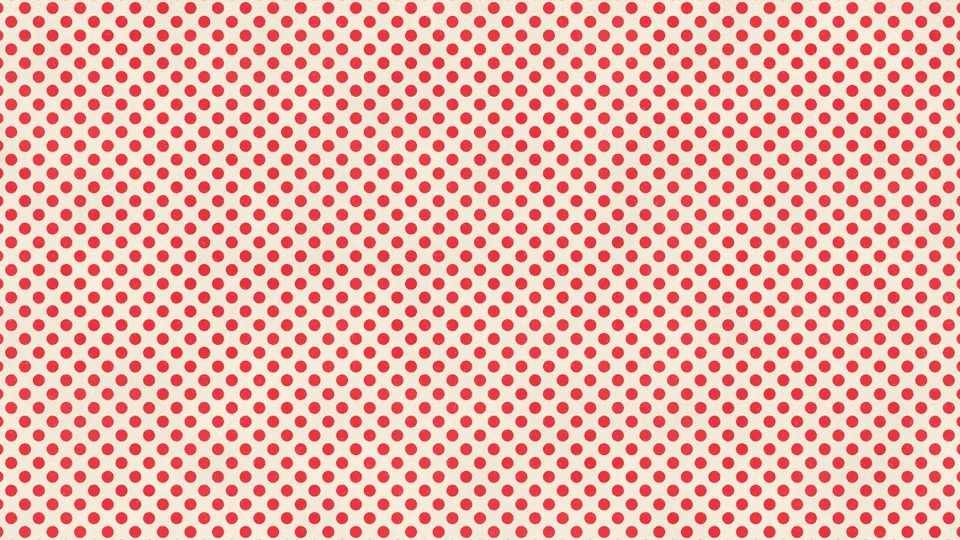
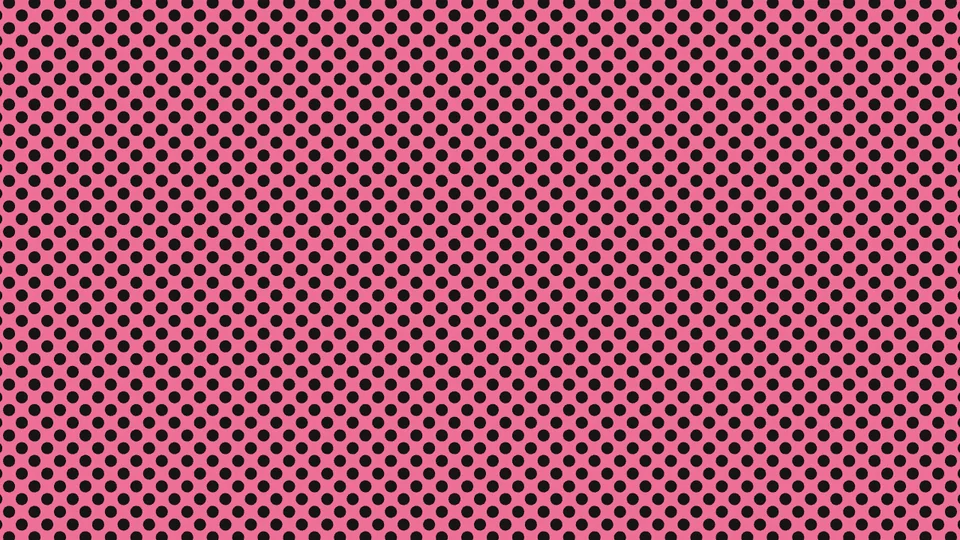
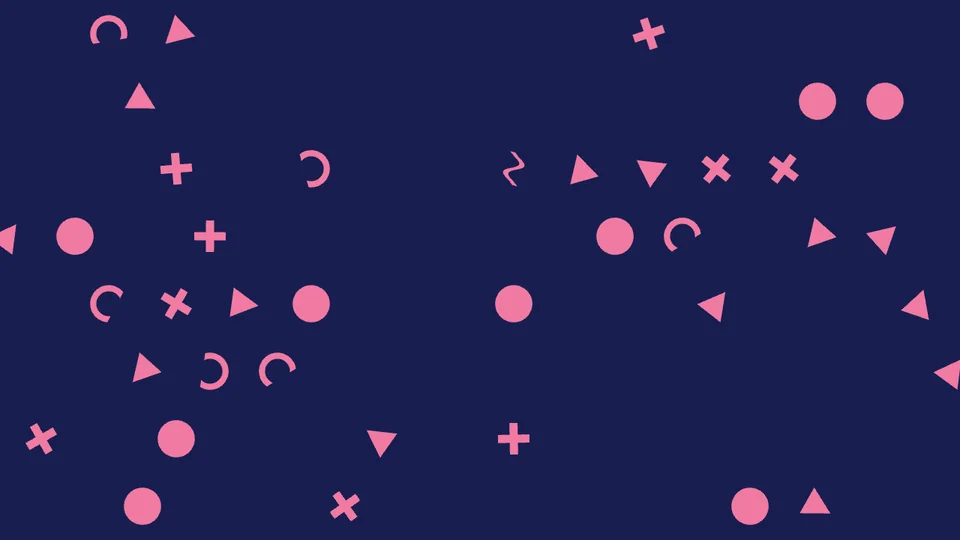
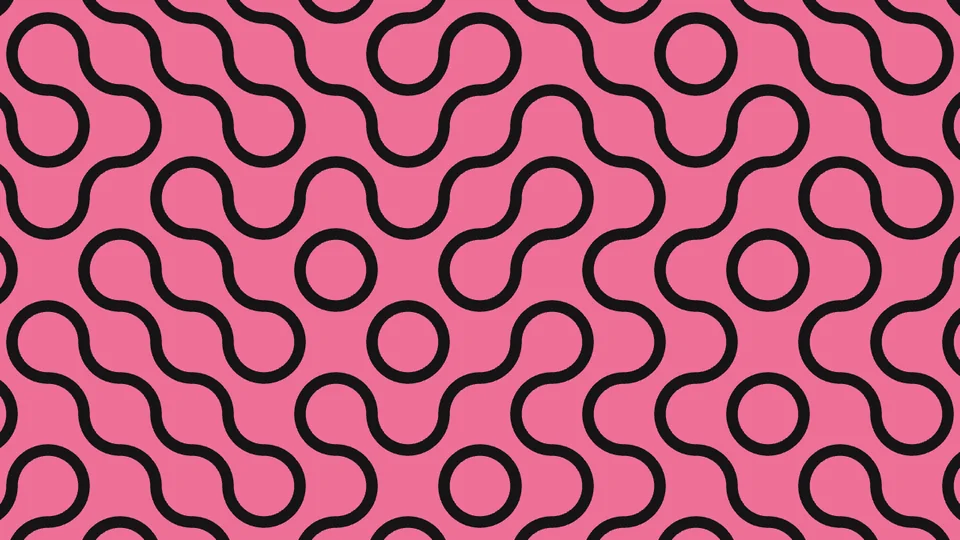
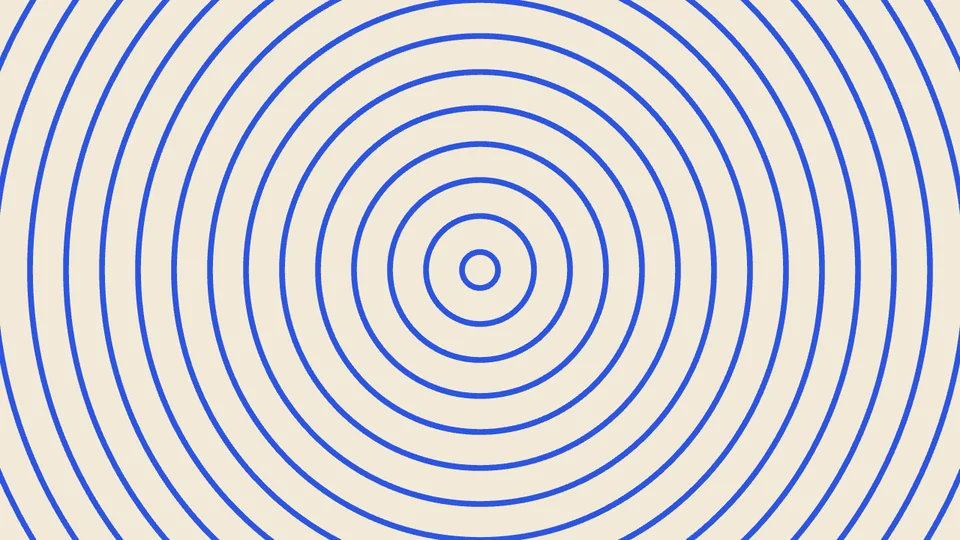
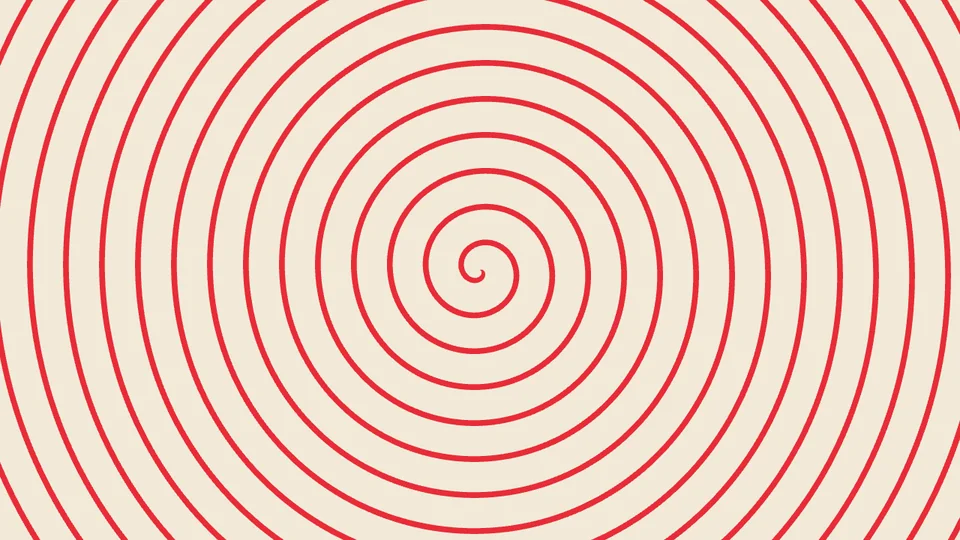
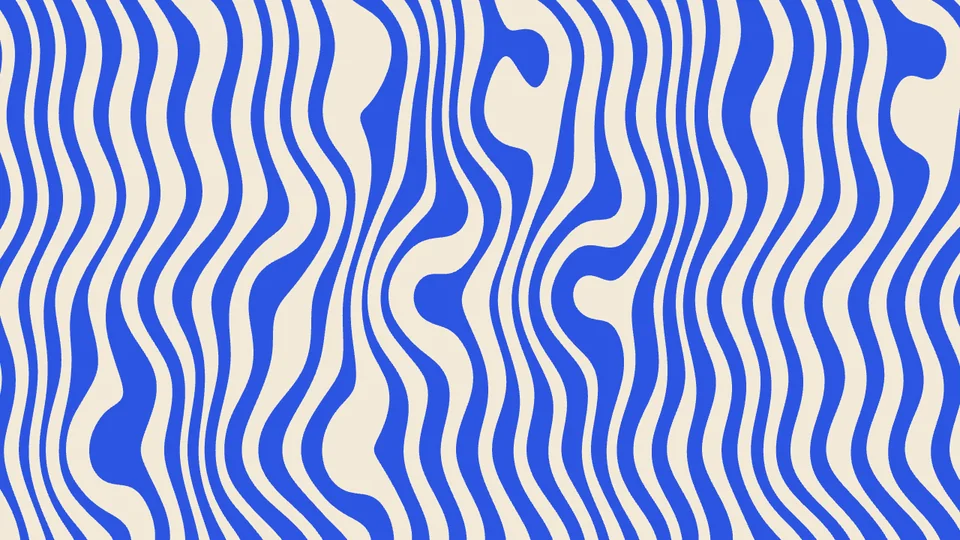
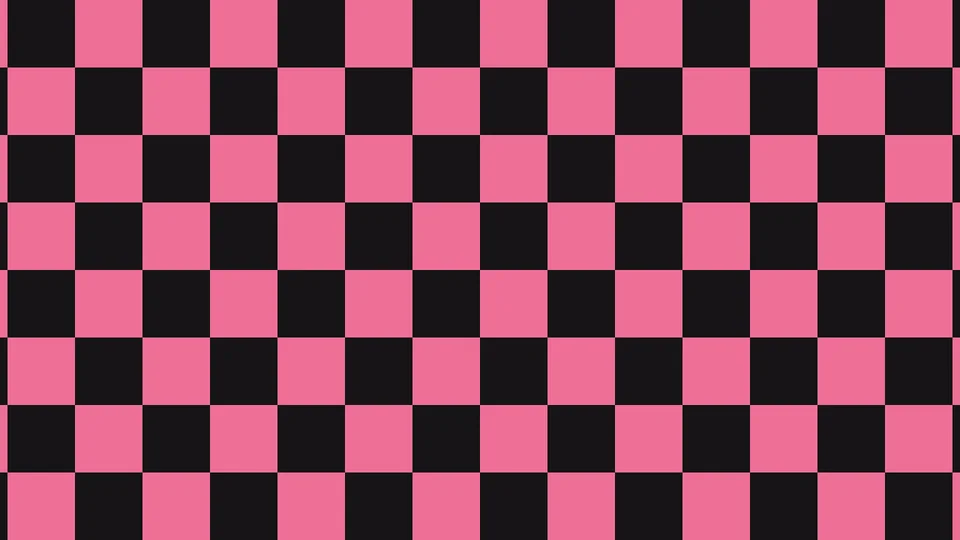
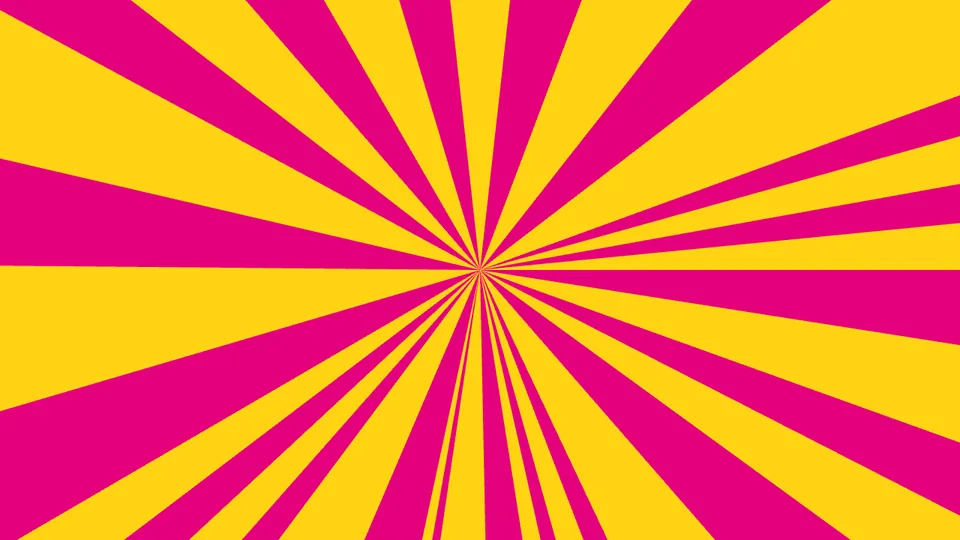
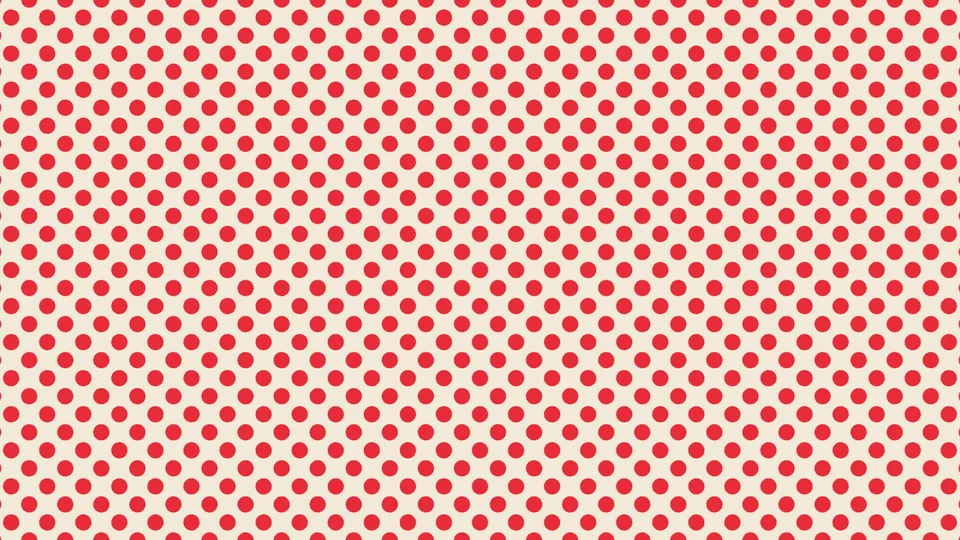
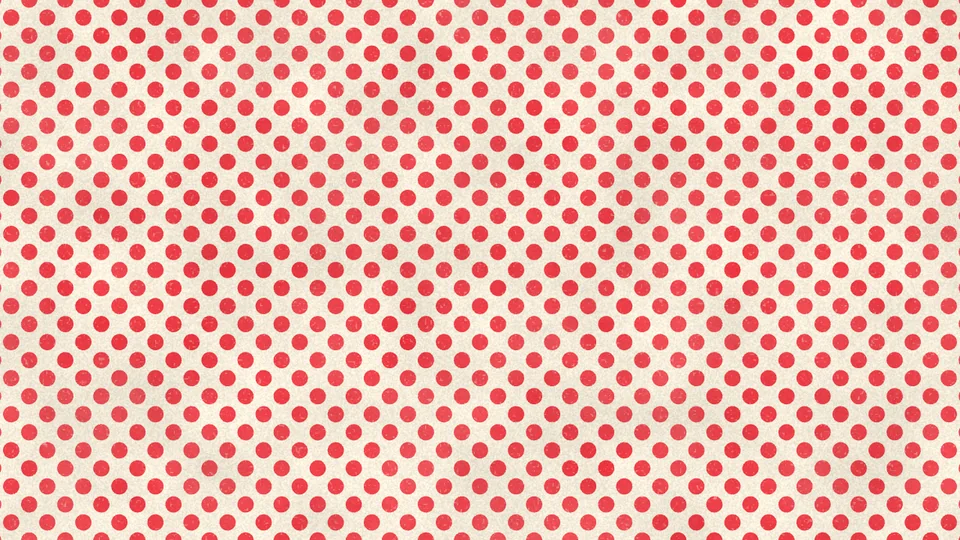
From classic halftone dots, checkerboard and sunburst to houndstooth, plaid, zebra and Memphis shapes. Each pattern has its own controls — spacing, size, angle, curl, aspect ratio — and checkerboard and sunburst can be “uneven”, giving cells and beams varied widths. Every image below uses default values with only the palette changed.
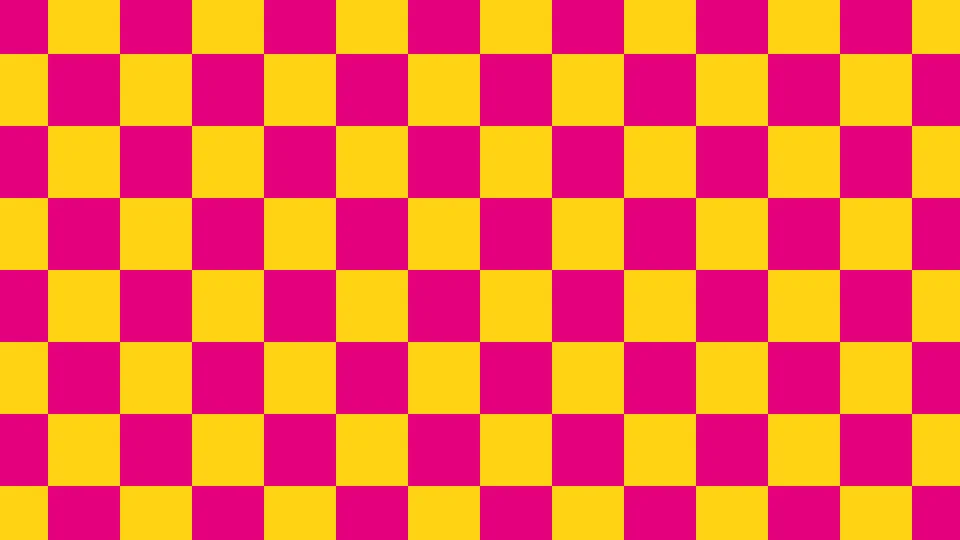
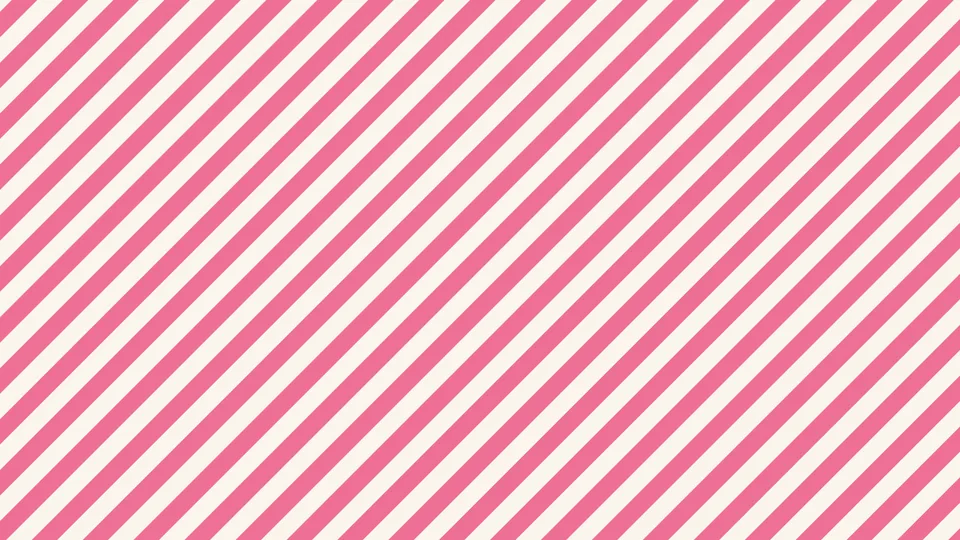
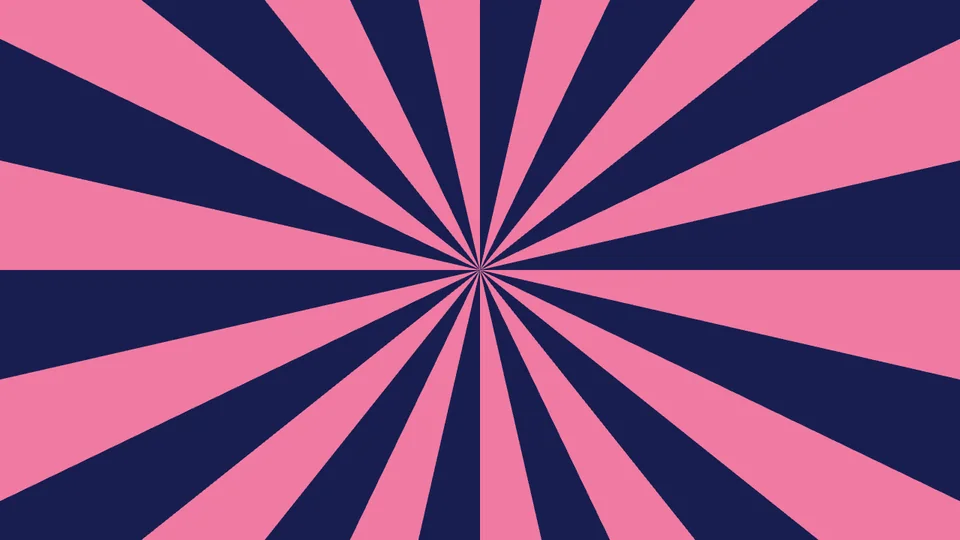
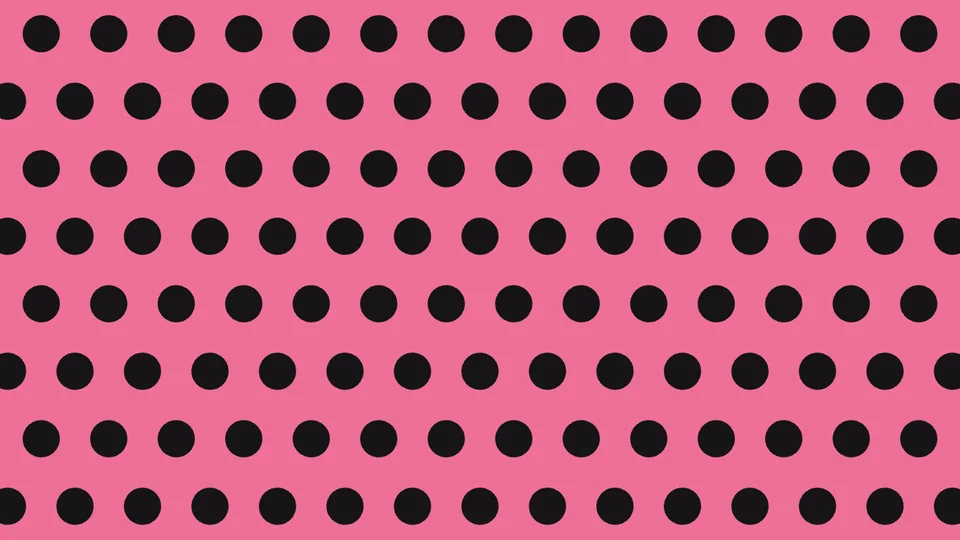
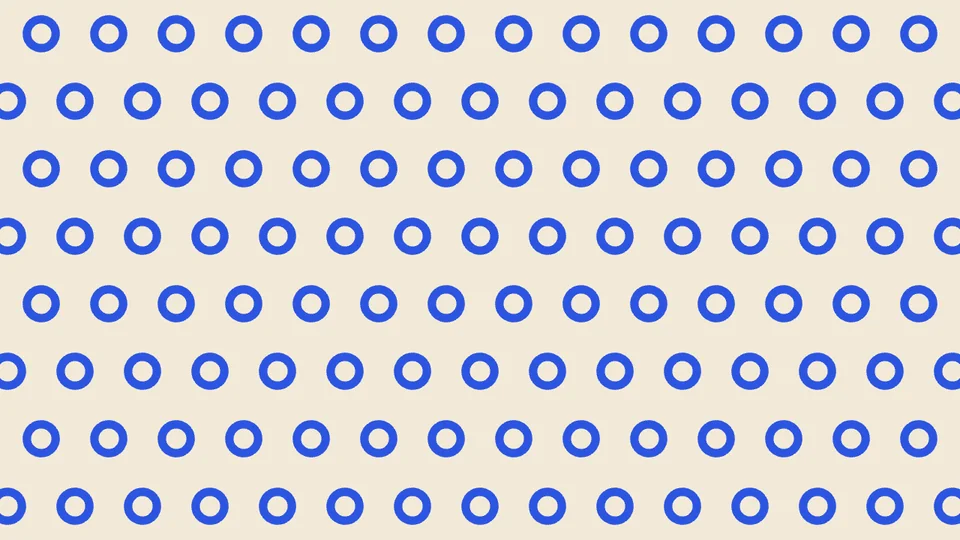
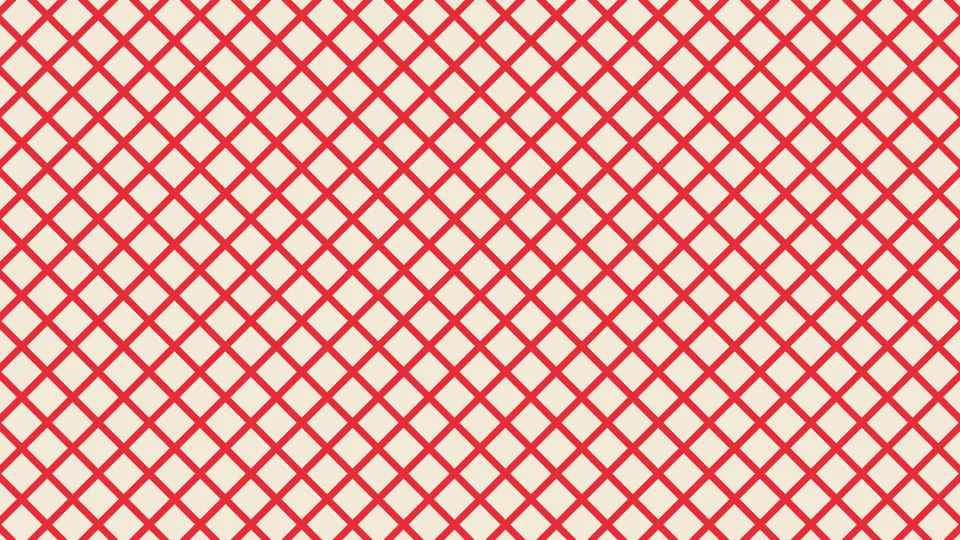
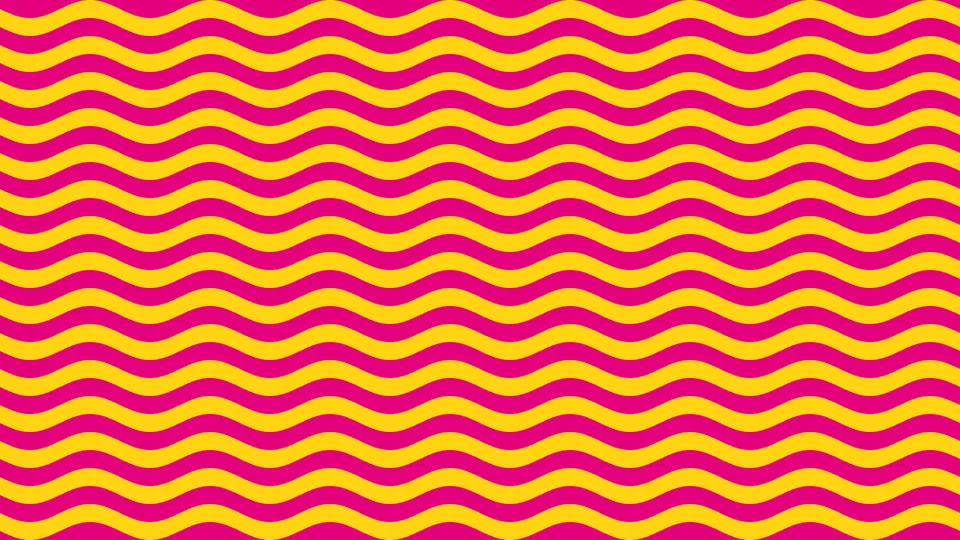
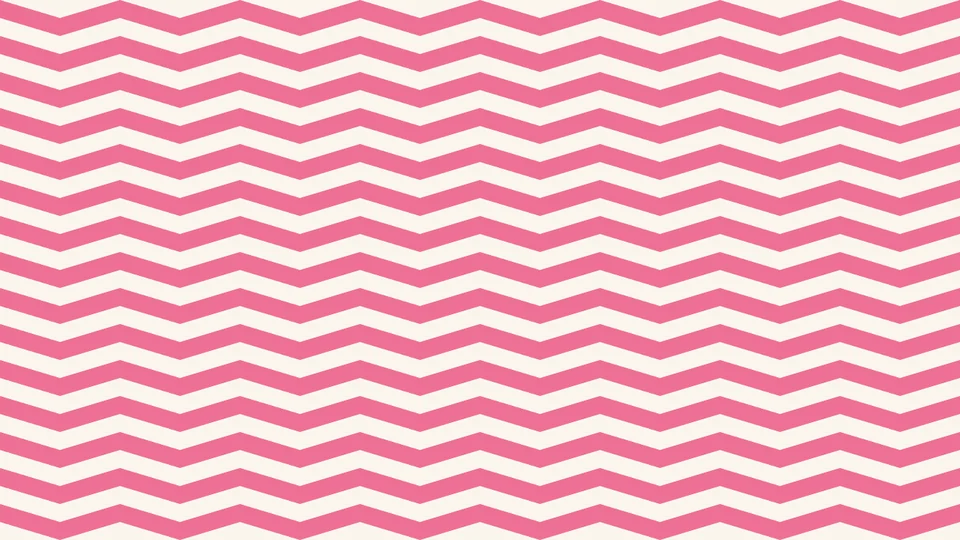
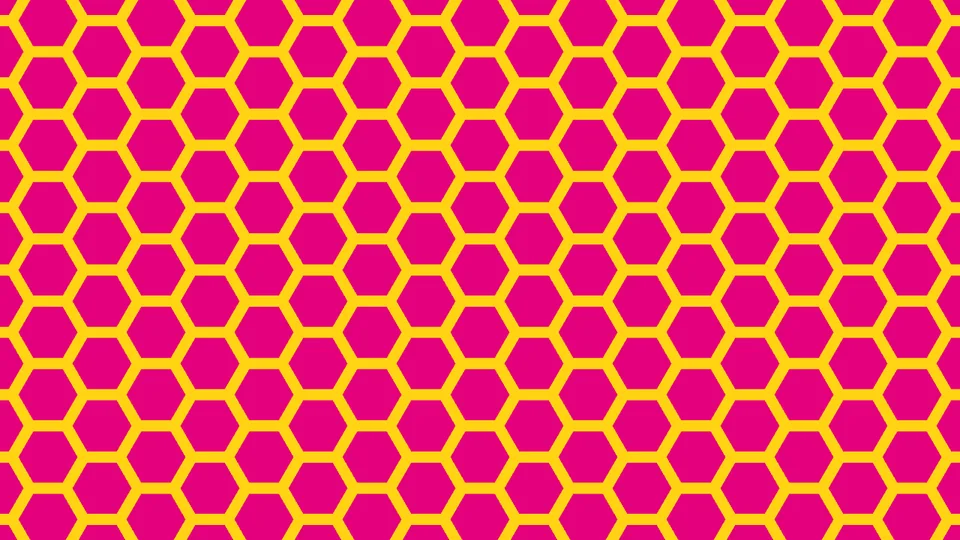
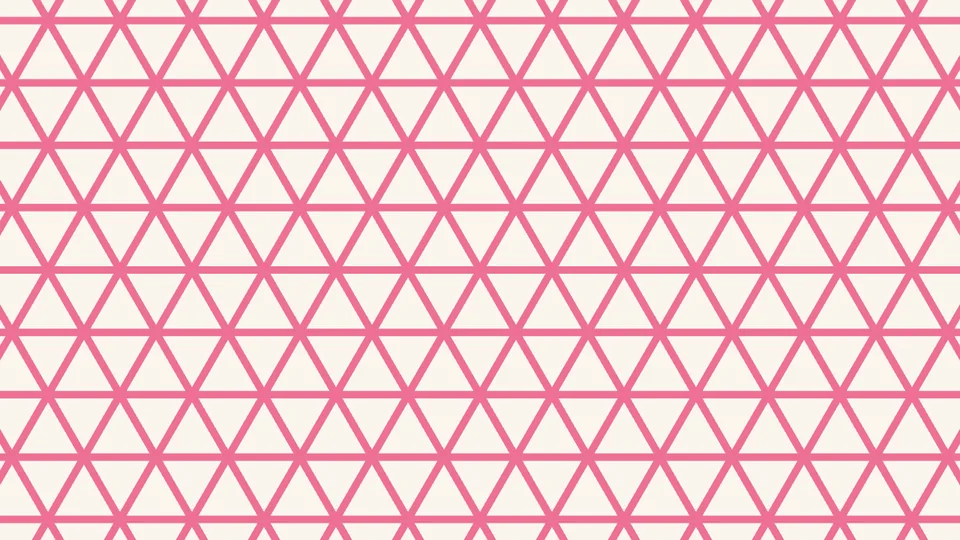
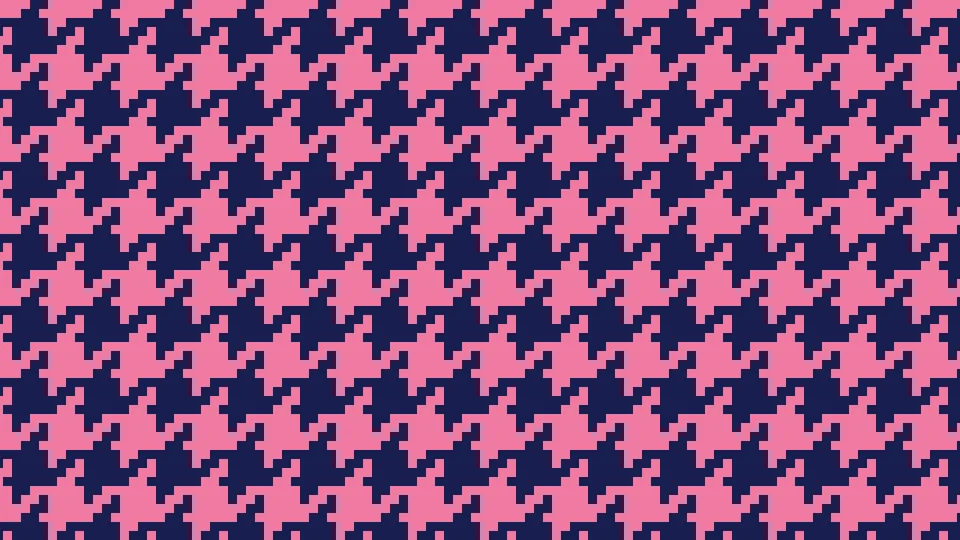
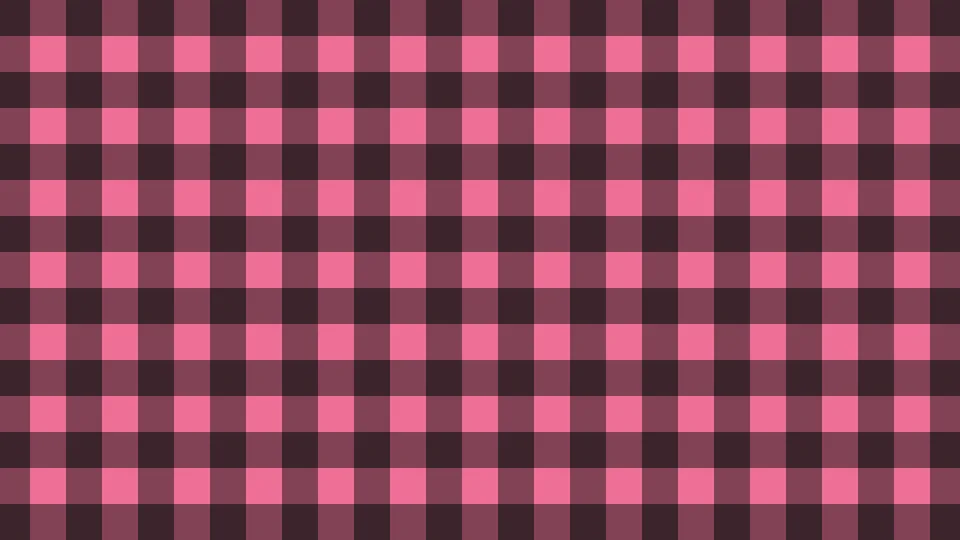
⏩ Motion
No keyframes —
the background moves on its own.
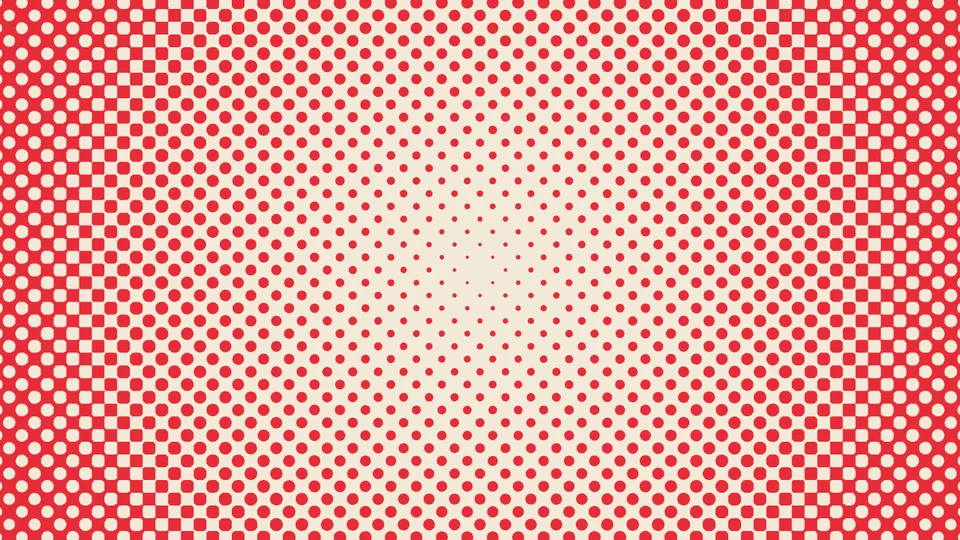
“Motion” offers scroll, breathe or both; breathe can be set in beats per minute to follow the music. Concentric ripples and spirals expand outward instead. “Stop-Motion Jitter” changes every 2, 3 or 4 frames for a hand-drawn, stop-motion feel. Everything also has “Manual” for keyframing yourself.
Gradients and uneven division
Dots that grow from small to large,
cells wide and narrow.
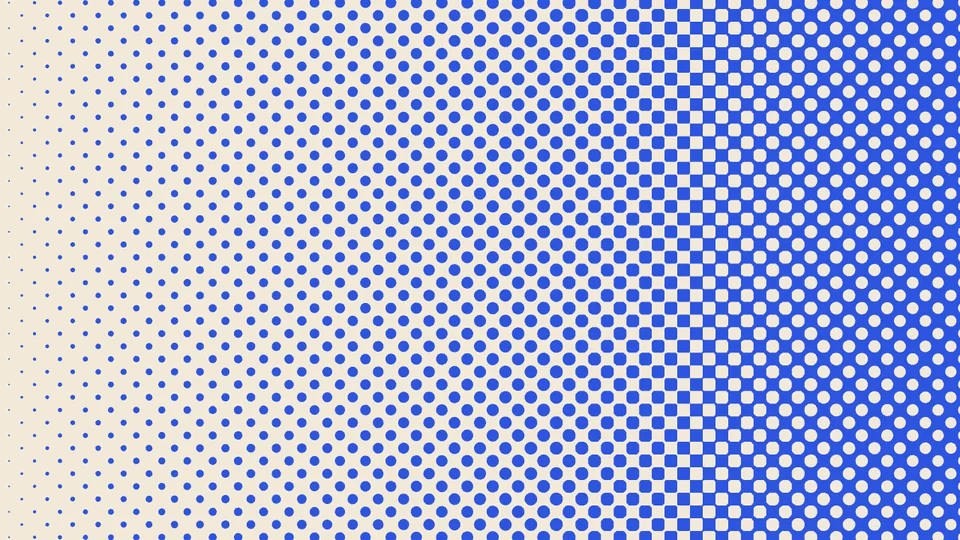
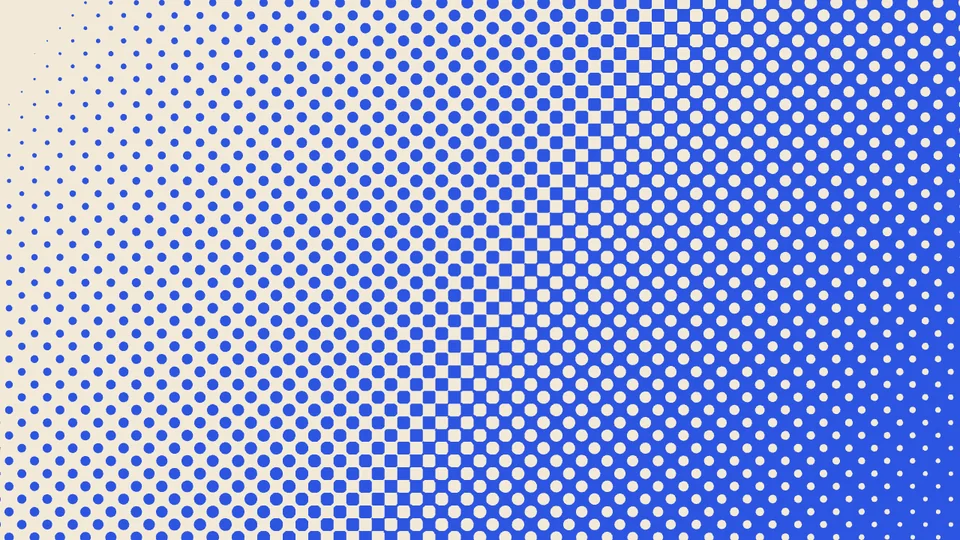
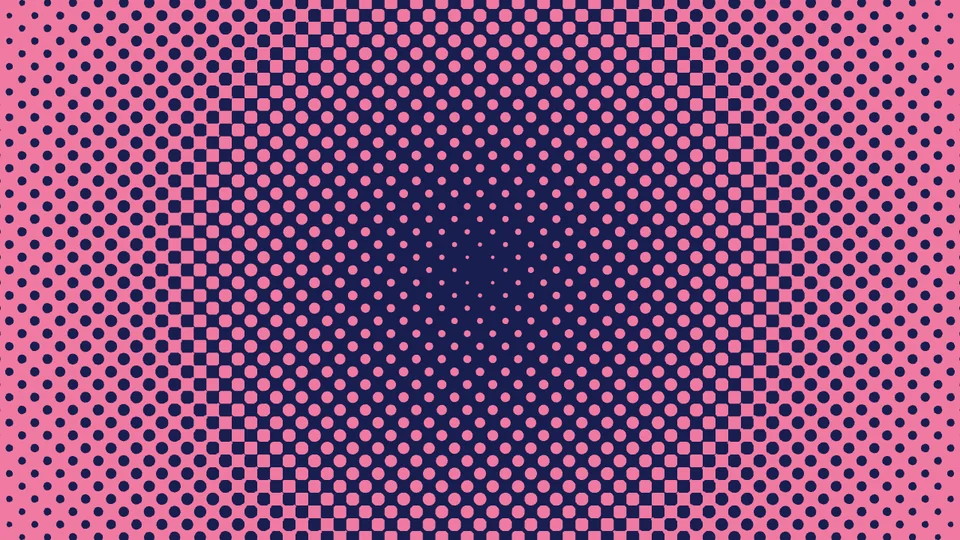
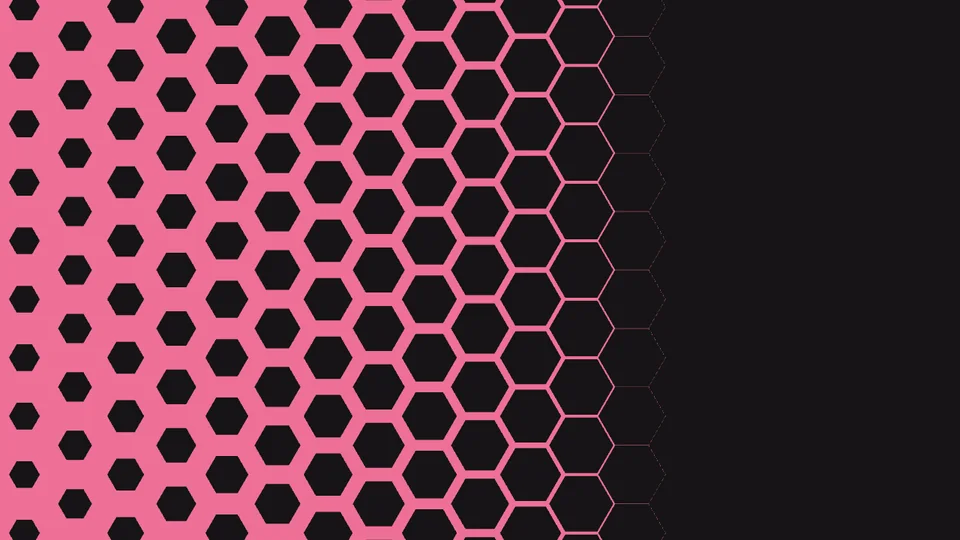
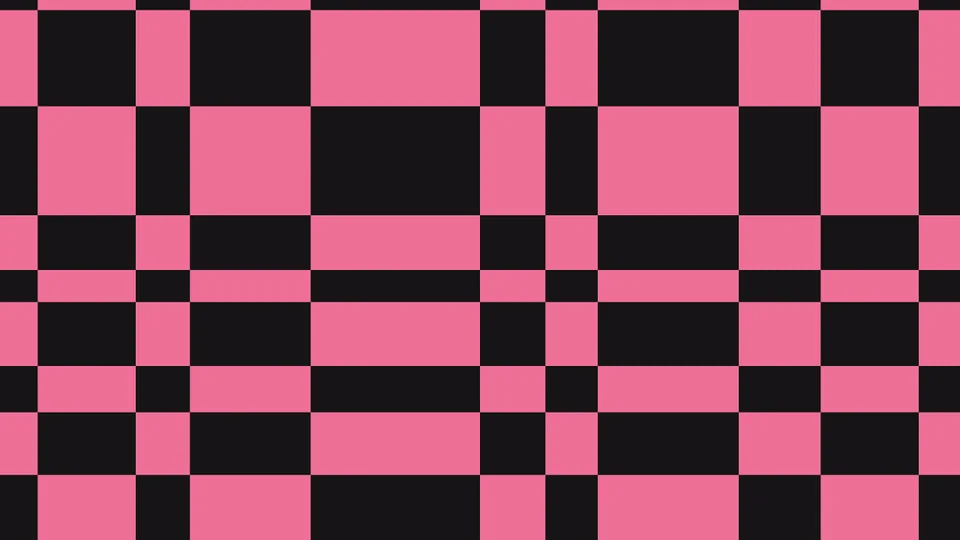
“Gradient” grows dots, hexagons and triangles from one end to the other: direction, start, end, length and offset are adjustable, with one-click reverse. Checkerboard and sunburst have “Distribution”: even, alternating, random, then “Unevenness” and a seed to find the rhythm you want.
Print texture
Like it was really printed on paper.
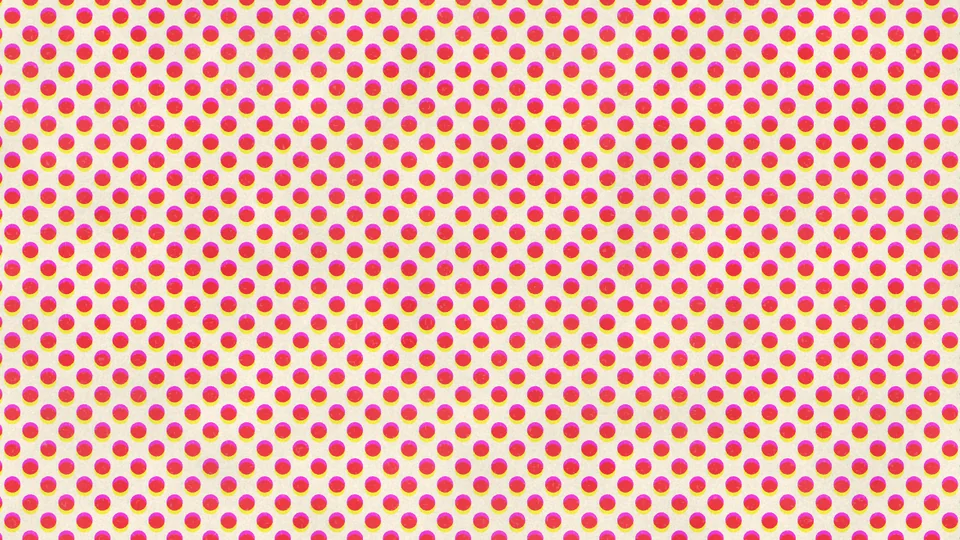
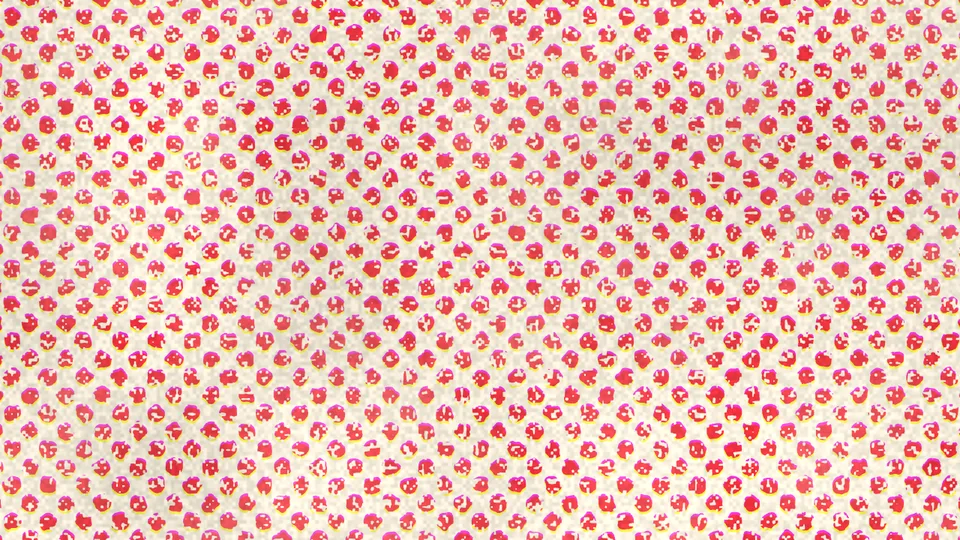
Pop art came from print to begin with. “Paper Grain” adds fiber, “Uneven Ink” varies the density, “Misregistration” prints the colors slightly off. Tick “Advanced Print” for patchy ink, dropouts, ragged edges and bleed, each with its own amount; a new “Texture Seed” is a new sheet of paper.
On text and logos
Patterns fill the letters,
and move with them.
Add Pop to a text or shape layer and “Output” offers three modes: Pattern Fill (the pattern fills the letters), Over Source (keeps the text color with the pattern on top, six blend modes), Alpha Matte (the pattern cuts the text’s transparency only). Tick “Follow Transform” and the pattern travels with the text as it scales, rotates and moves, instead of sitting behind it like wallpaper.
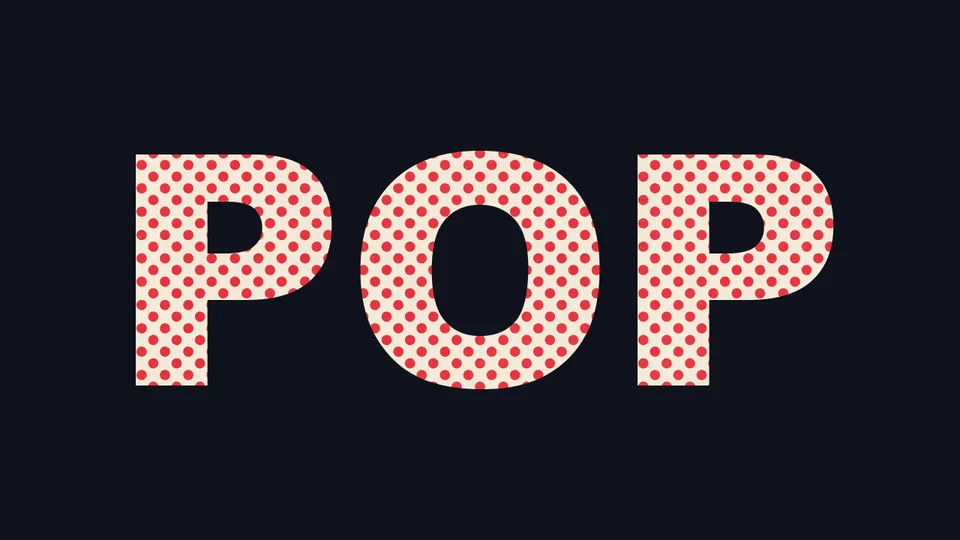
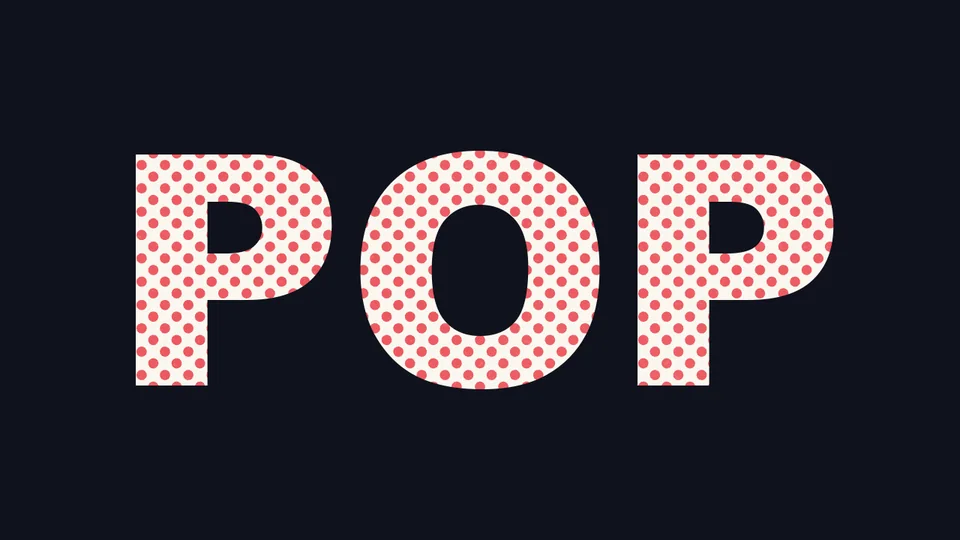
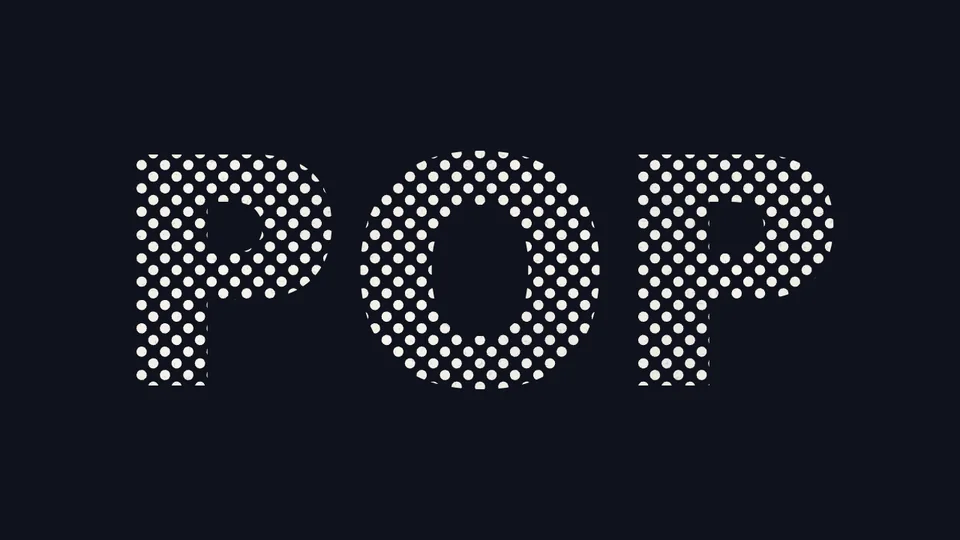
Transparent background, over any footage
Preset library
Once it’s tuned,
save it as your own preset.
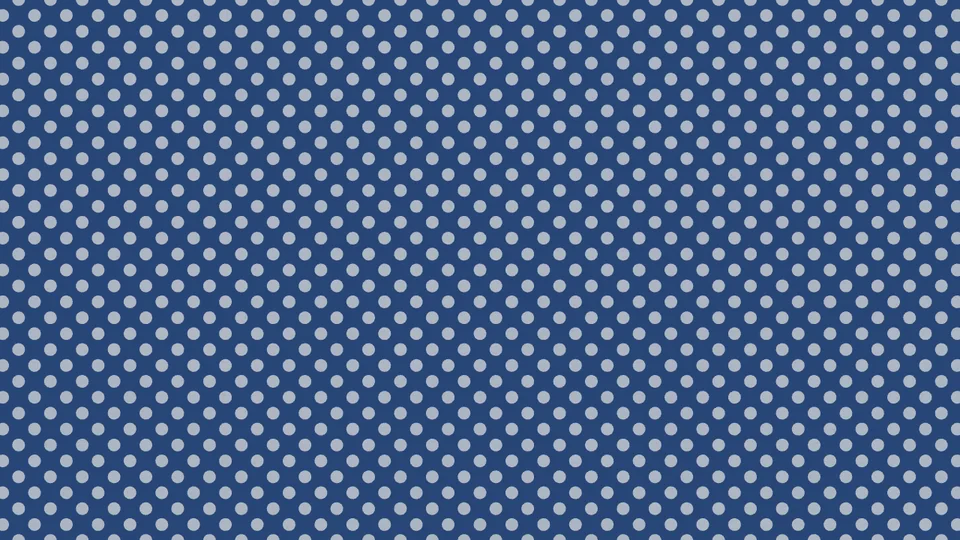
The 34 built-in presets go into the library at install; “Open Preset Library” shows thumbnails and applies with one click; “Save Current Settings” stores what you tuned for later projects. Palettes include Pink Pop, Blue Comic, Pop Art, Silkscreen, Candy and Night Pop, and you can set your own background and ink colors.
What’s different
Making a pop-art background —
Pop wants to cost you less time.
| What you want | The usual way | ASheng Pop |
|---|---|---|
| Dots, checkerboard, sunburst backgrounds | Find stock images, and find again when the resolution is too low | 20 patterns computed directly, sharp at any size |
| Dots growing from small to large | Stack a gradient and a halftone effect, then trial-and-error the settings | One gradient control group: direction, length, reverse |
| A moving background | Keyframe position and rotation or write expressions | ⏩ Scroll, breathe, ripple — moves once selected, even to the beat |
| A printed feel | Stack paper textures and noise separately | Paper grain, uneven ink, misregistration, dropouts and ragged edges built in |
| Patterns in text | Make the background, then a track matte | Add it to the text and choose “Pattern Fill”; the pattern moves with the text |
Getting started
Three steps to get going.
Requires an Apple Silicon (M-series) Mac, macOS 14 or later and After Effects 2026. No Intel Mac or Windows version yet.
- Download the installer
Click “Download for Mac” on this page and unzip. The installer is notarized by Apple.
- Quit AE, then install
Save your project, quit After Effects completely with Cmd+Q, then open the installer.
- Add it to a layer
Reopen AE, find ASheng_T_Pop under “ASheng - Texture”, add it to a solid, text or shape layer, then open the “Preset Library” and pick one.
Good to know
Where is it in AE?
Under “ASheng - Texture” in the Effect menu; the name is ASheng_T_Pop.
Does the Golden Pass cover it?
Yes. The Golden Pass covers every ASheng AE plugin, including future releases, so Pop activates directly.
Which kind of layer should it go on?
As a background, a solid layer is simplest; to fill text, add it to a text or shape layer and choose “Pattern Fill” or “Alpha Matte”.
Does it blur when scaled up?
No. The pattern is computed live by the plugin, not a bitmap, so 4K and larger comps are just as sharp.
Which bit depths are supported?
8-, 16- and 32-bit are all supported.
Does it use the GPU?
Yes. Patterns render on the Apple Silicon GPU (Metal); when the GPU is unavailable it falls back to the CPU with the same result, only slower.
Can I use it without a license?
Yes, you can try it with a watermark on the output. With a valid Pop license NFT or Golden Pass, click “Activate / Manage License” in the “License” group of the effect panel to activate.