AFTER EFFECTS PLUGIN · PARTICLES
ASheng
Emitter
Pick a preset,
and the particles fly.
Snow, rain, cherry blossoms, sparks, confetti, starlight, bursts… 34 built-in presets that work the moment you apply them. To tune it yourself there are 11 emitter shapes, 36 particle types (mix up to 6), six formations, eight color modes, plus wind and turbulence; with 3D on, particles gain depth and follow AE’s camera and lights.
15 USD · 365-day license · 1 Mac
Output is watermarked until a license is activated. The license runs from the time of purchase and does not auto-renew; buy another to keep using it after it expires. The Golden Pass already includes Emitter. Prices follow the live plan on the purchase page.
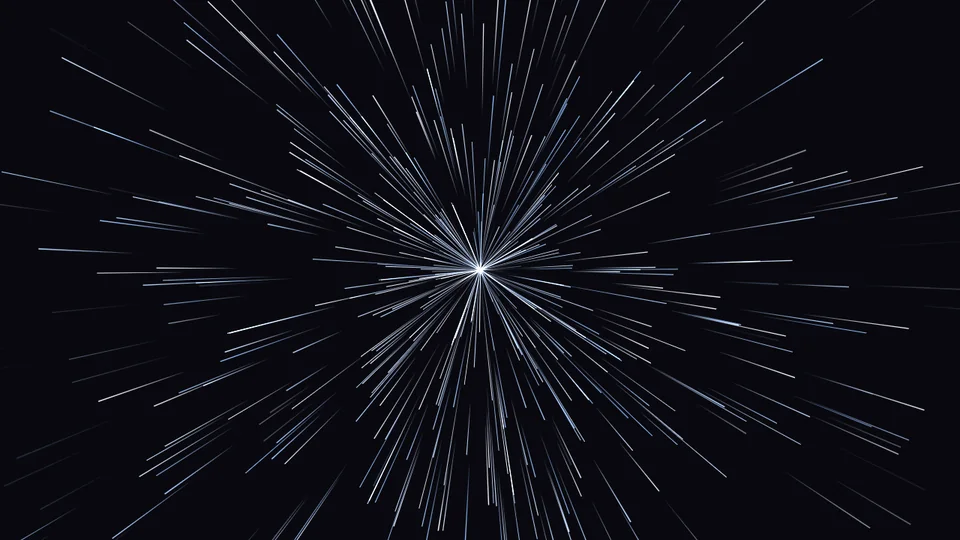
Emitter shapes
Where the particles come from
is up to you.
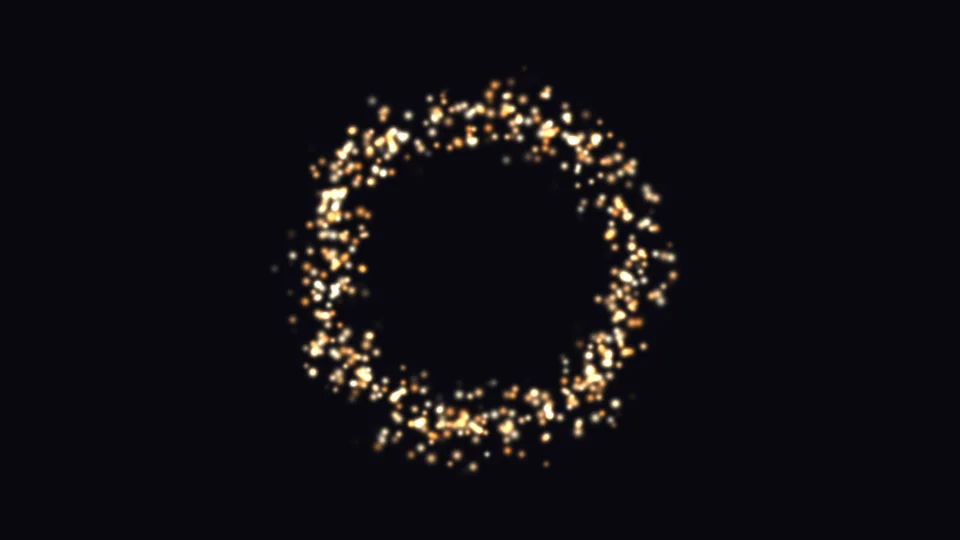
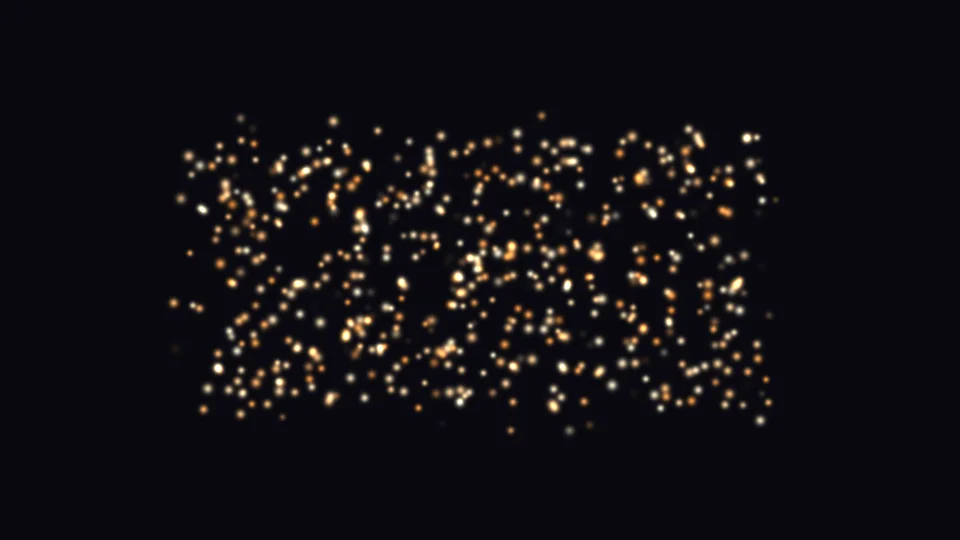
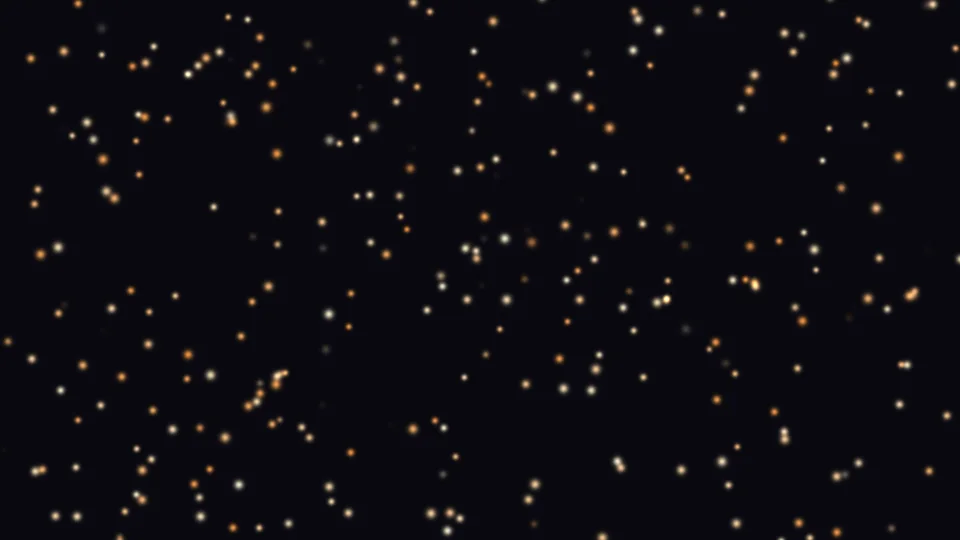
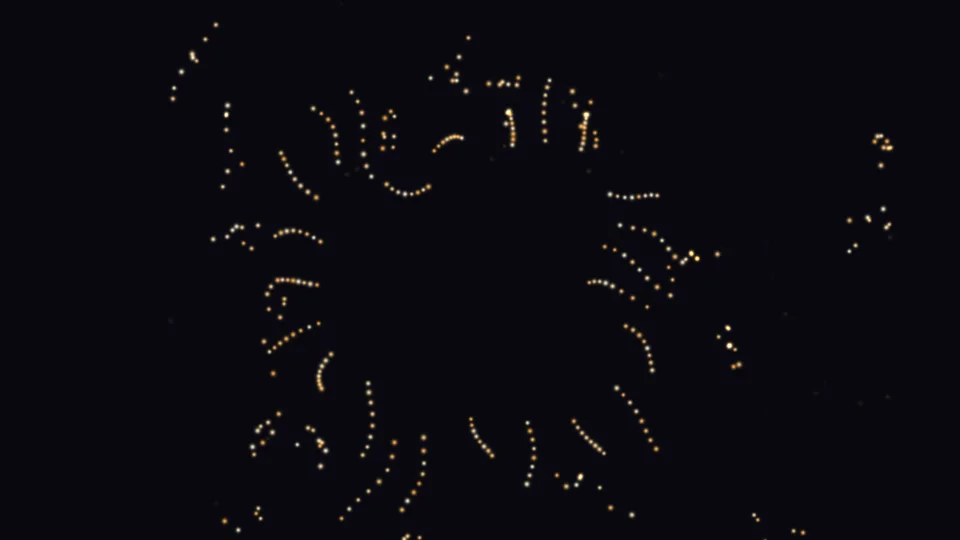
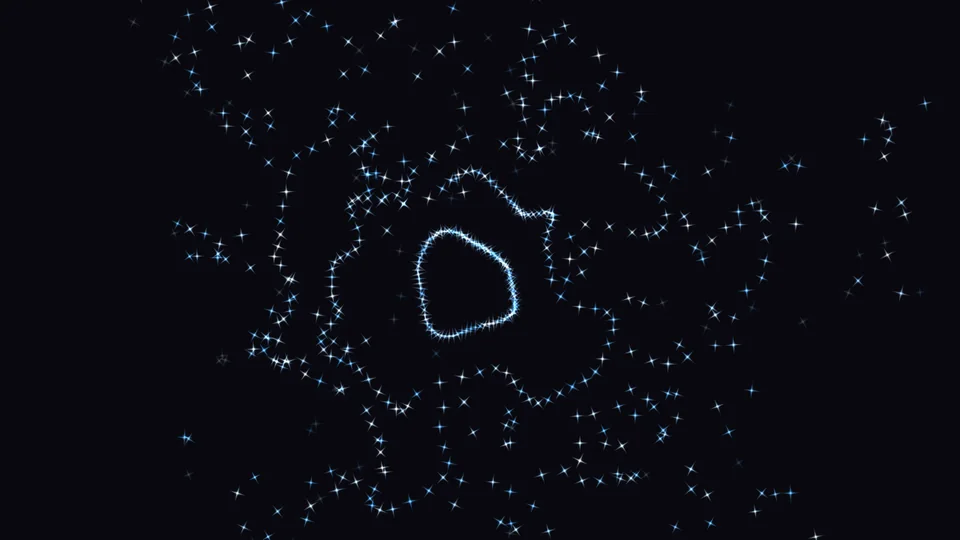
From a point, a line, a circle, a ring, a rectangle, the whole frame, to the shape of “This Layer” (text or logo); use “Top Edge” for snow and “Bottom Edge” for rising particles, and it fills the layer whatever its size. “Direction” can be an angle, outward, or along the shape’s normals; “Spread” sets how wide they scatter.

Formation
Not just one by one —
whole groups fly together.
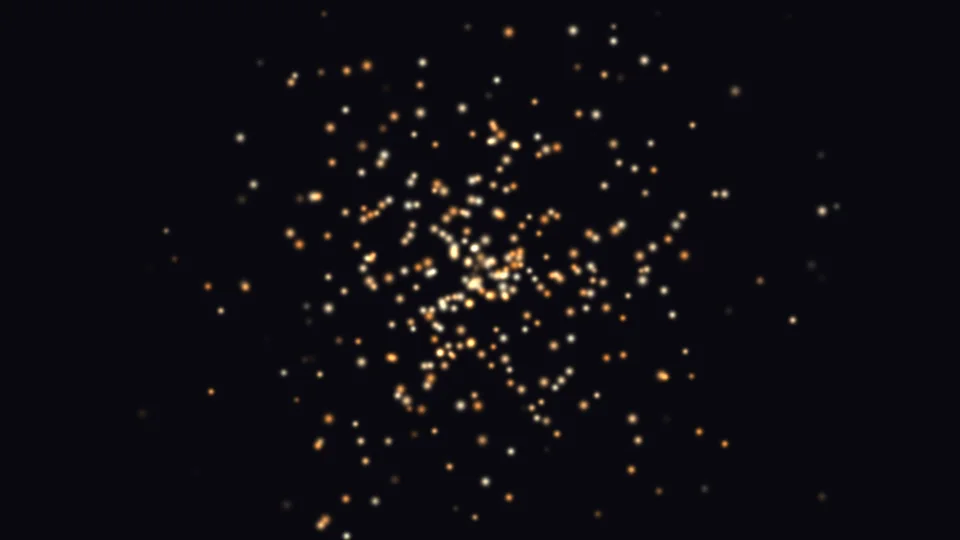
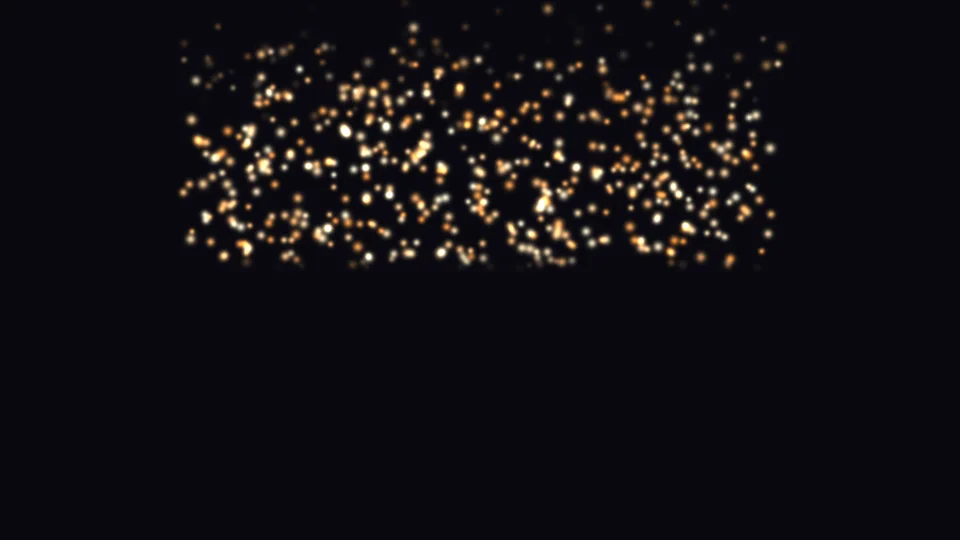
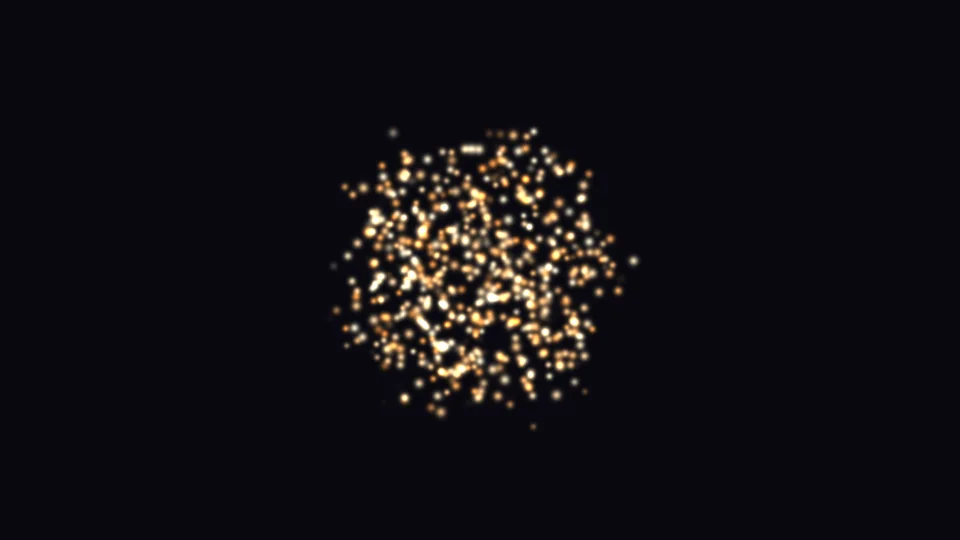
“Formation” groups particles — single, row, grid, circle, triangle, arrow — and emits a whole group at once. “Hold → Scatter” keeps them in formation for a while (hold time, curl) and then breaks them up (scatter time, scatter direction, speed variance). Interval between groups, count per group, all-at-once or sequential wave, and stagger are all adjustable.






Hold → Scatter
Particle library
36 particle types,
mix up to 6 at once.
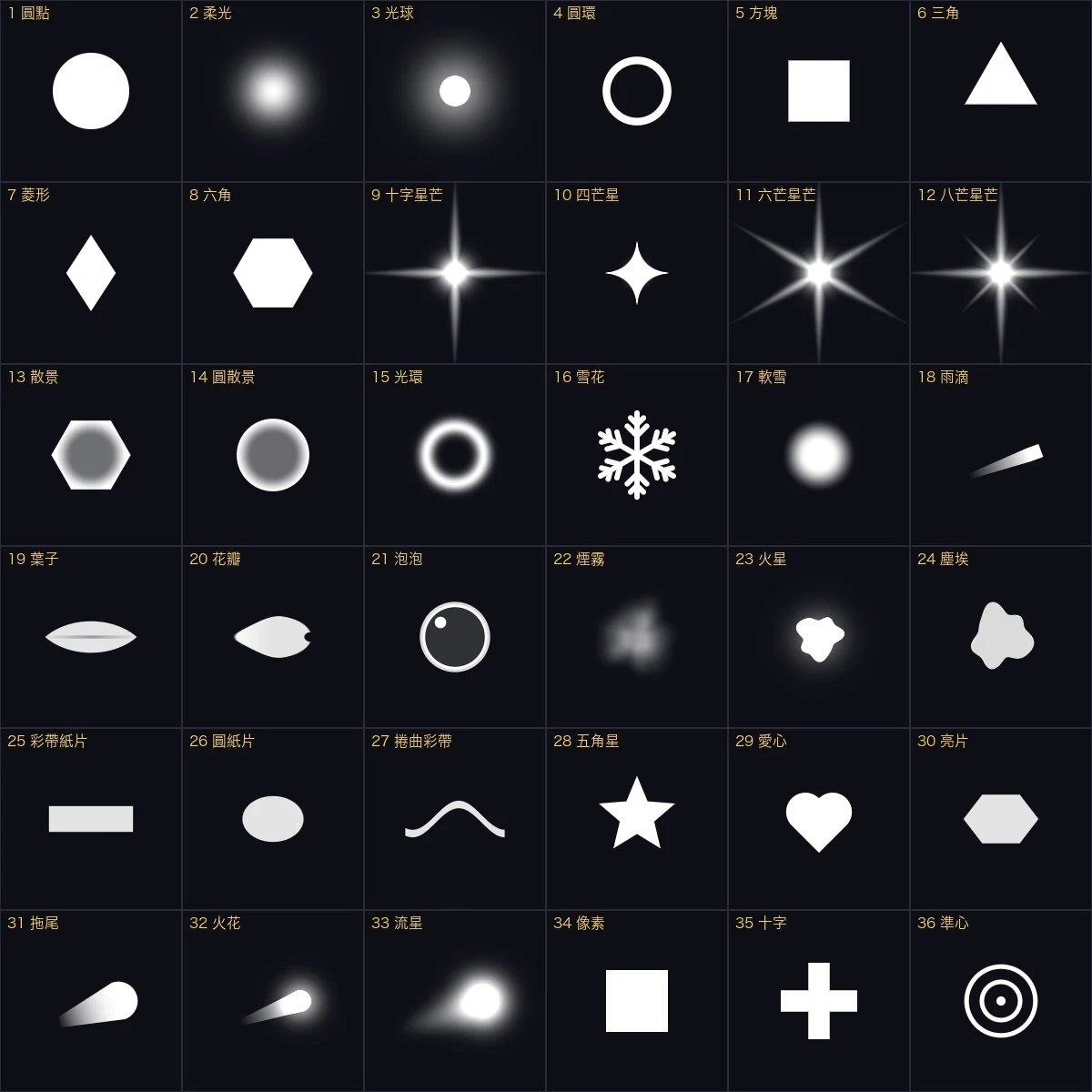
Dots, soft glows, star flares, snowflakes, raindrops, leaves, petals, bubbles, smoke, embers, confetti, hearts, sequins, trails, meteors, crosshairs… all built in, no footage to prepare. The “Particles” button opens a thumbnail window: click to add or remove, pick up to 6, and set each one’s share below.
Mixing types



Color
Eight ways to color,
from solid to gradient.
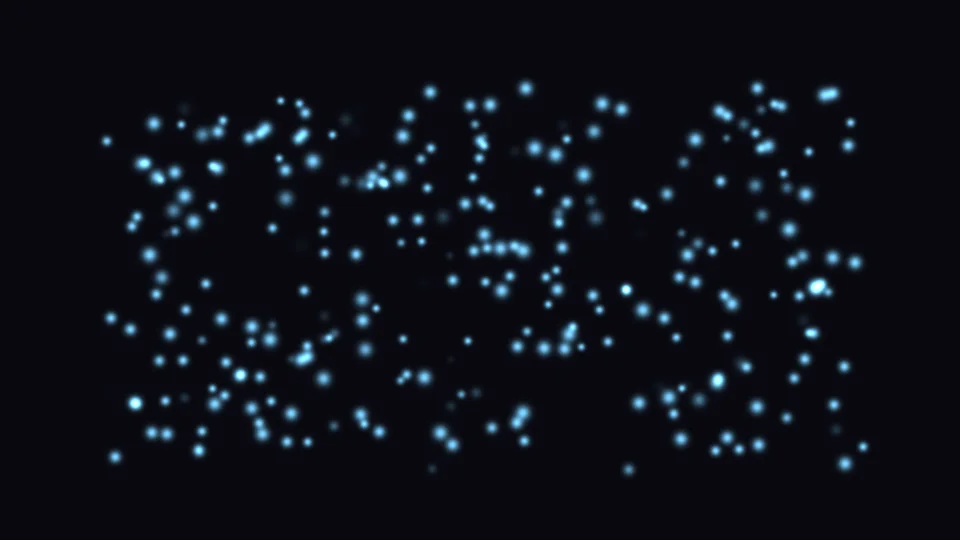
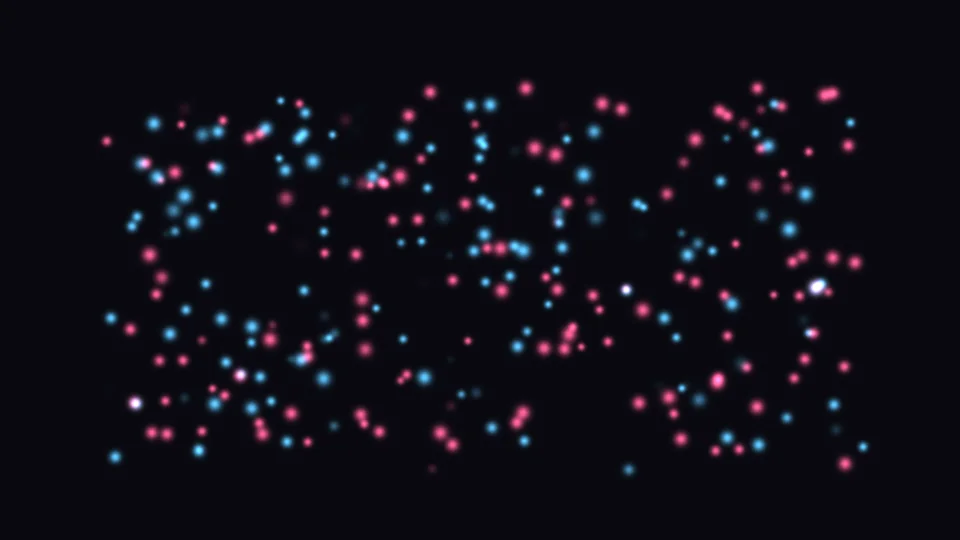
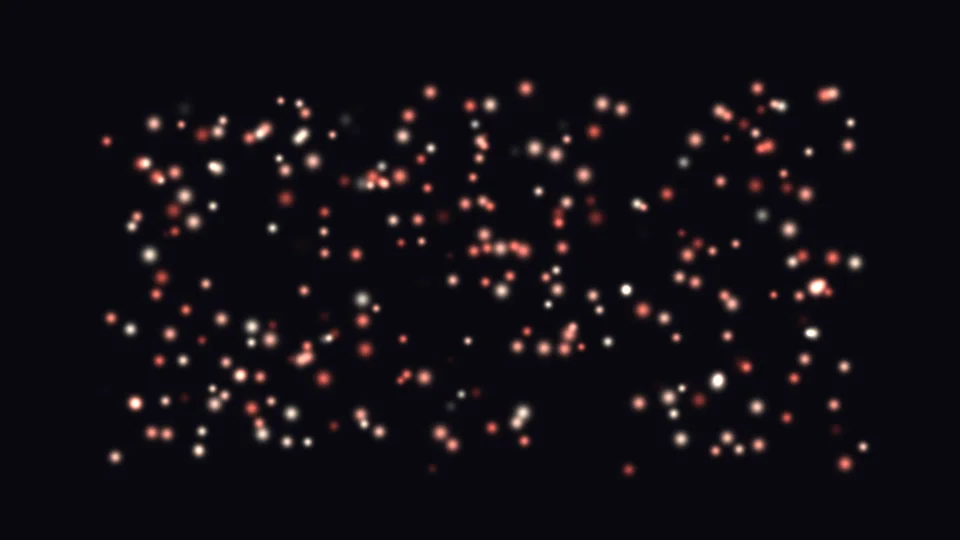
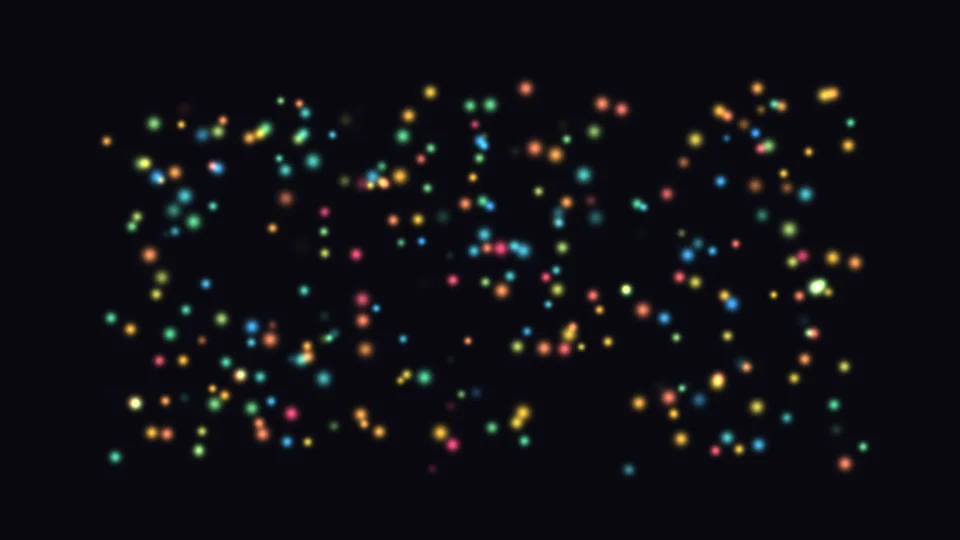
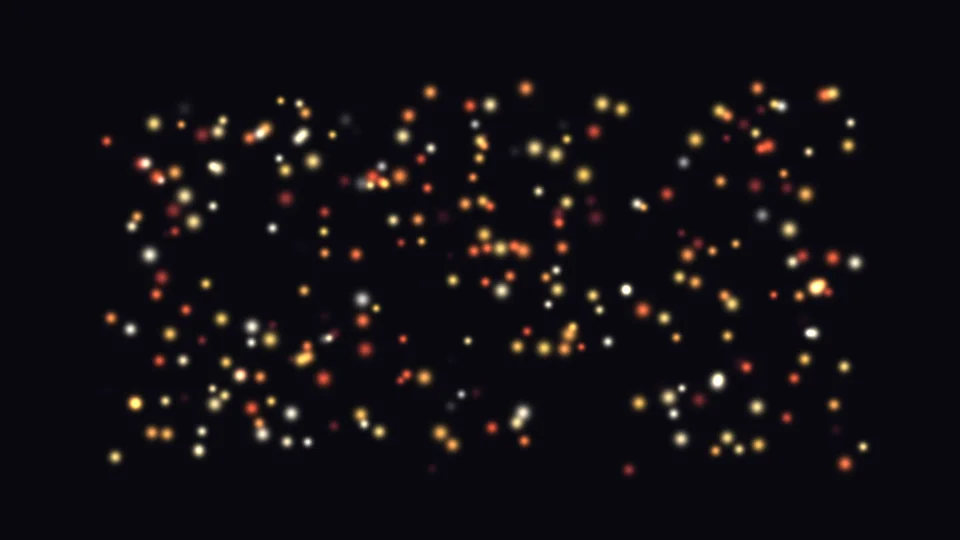
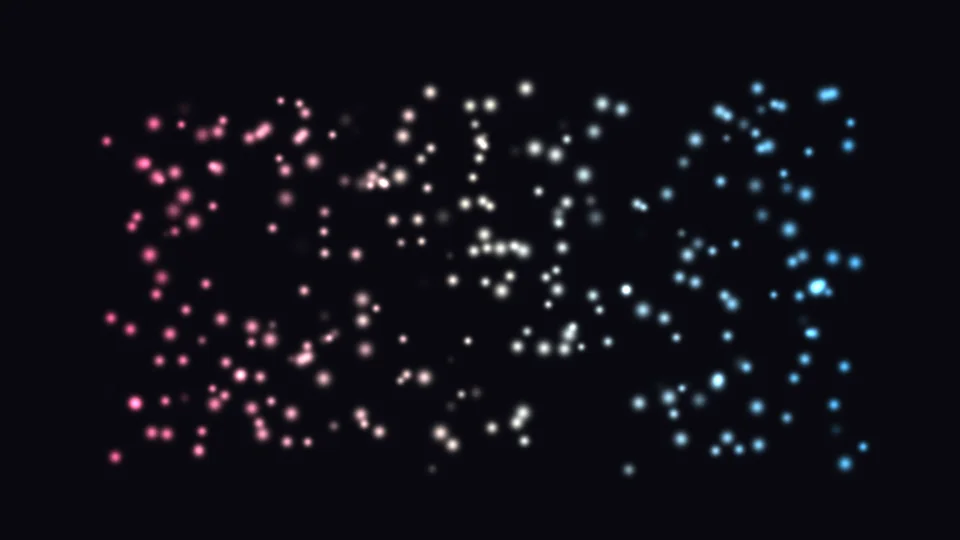
Solid, two-color random, color over life, between two colors, plus three gradient modes: random pick, over life, by position. Gradients take extra stops with per-stop opacity, come with a swatch library, can be saved as your own and reversed in one click. The eighth mode, “Source Colors”, samples the particle color straight from the layer below.
Life · Motion · Wind
Drift, fall, get blown,
get pulled in.
Lifetime and randomness; size over life constant, growing, shrinking, grow-then-shrink or pulsing; opacity fade in/out, fade out only, flash or constant.
Speed and randomness, four speed distributions (uniform, a few fast, a few slow, both), gravity, air drag.
Direction and strength; wind can be uniform or patchy, with eight patchiness sources including a layer; adjust patch size, change speed and sweep speed, and show the wind field.
Seven types: curl, turbulence, blocks, buoyancy, cells, noise, strands. Strength, size, octaves and change speed are adjustable, and the flow can be shown.
Place an attractor in the frame: pull, vortex, range; particles that reach it can be absorbed and vanish. A negative pull repels instead.
Off, follow comp settings, or on, with shutter angle and phase. With 3D on, particles flying toward the camera trail longer.
3D and lights
Particles have depth
and are lit by AE’s lights.
Tick “Enable 3D” on the emitter: particles gain depth — smaller far away, larger up close, fading out first as they near the lens. The plugin reads the comp’s active camera (depth of field can follow it) and up to 8 lights — ambient, parallel, point, spot — point lights brighten near and dim far, spotlights darken outside the cone, and light color tints the particles. With no lights in the comp, particles are unlit, just like AE layers.
On text and logos
Particles grow out of the letters.
Set the emitter shape to “This Layer” and particles emit from the shape of text or a logo; sample by alpha, luminance or edges, with an adjustable threshold. “Stacking” offers particles on top, source on top, particles only, particles cut out of source, or inside source only.
Preset library
Once it’s tuned,
save it as your own preset.
The 34 built-in presets go into the library at install; “Open Preset Library” shows thumbnails and applies with one click; “Save Current Settings” stores what you tuned for later projects. Presets you edit are never overwritten by updates, and deleted ones don’t come back on their own.
What’s different
Making particles —
Emitter wants to cost you less time.
| What you want | The usual way | ASheng Emitter |
|---|---|---|
| Snow, rain, confetti, sparks | Each one needs a particle setup from scratch | 34 built-in presets — apply, then fine-tune |
| Choosing particle shapes | Prepare sprite images or draw masks yourself | 36 built in, picked from a thumbnail window, mix up to 6 |
| Rows, circles, arrows | Place and animate each one by hand | Formation: row, grid, circle, triangle, arrow |
| Hold, then scatter | Work out each particle’s launch time and direction yourself | Hold time, curl, scatter time — three fields |
| Growing from text or a logo | Make a separate mask, then emit from a layer | Emitter shape “This Layer” reads the shape directly |
| Patchy wind, turbulence | Layer on a wind field or expressions | Built-in wind and seven turbulence types, with wind field and flow display |
| 3D, camera, lights | Switch to a 3D particle system or a separate project | Tick Enable 3D; it reads AE’s camera and lights |
Getting started
Three steps to get going.
Requires an Apple Silicon (M-series) Mac, macOS 14 or later and After Effects 2026. No Intel Mac or Windows version yet.
- Download the installer
Click “Download for Mac” on this page and unzip. The installer is notarized by Apple.
- Quit AE, then install
Save your project, quit After Effects completely with Cmd+Q, then open the installer.
- Add it to a layer
Reopen AE, find ASheng_Emitter under “ASheng - Particles”, add it to a solid, adjustment, text or shape layer, then open the “Preset Library” and pick one.
Good to know
Where is it in AE?
Under “ASheng - Particles” in the Effect menu; the name is ASheng_Emitter.
Does the Golden Pass cover it?
Yes. The Golden Pass covers every ASheng AE plugin, including future releases, so Emitter activates directly.
Which kind of layer should it go on?
A solid or adjustment layer is simplest; text and shape layers work too, with “This Layer” emitting from their shape. To use the 3D camera and lights, the effect must sit on a 2D layer.
Is the result the same every time?
Particles are driven by the “Random Seed”; with the same seed, positions are identical every render. Change the seed for a different look.
Which bit depths are supported?
8-, 16- and 32-bit are all supported.
Does it use the GPU?
Yes. Particles render on the Apple Silicon GPU (Metal); when the GPU is unavailable it falls back to the CPU with the same result, only slower.
Can I use it without a license?
Yes, you can try it with a watermark on the output. With a valid Emitter license NFT or Golden Pass, click “Activate / Manage License” in the “License” group of the effect panel to activate.