AFTER EFFECTS PLUGIN · PAPER FOLD
ASheng
Fold
Fold your title
like real paper.
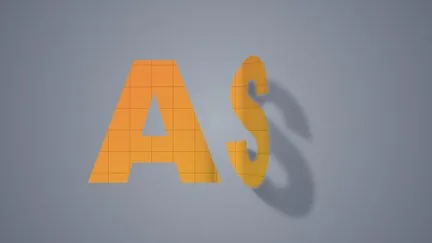
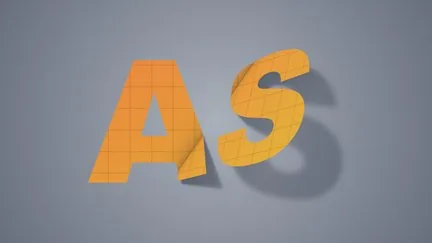
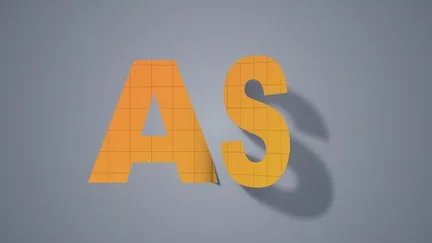
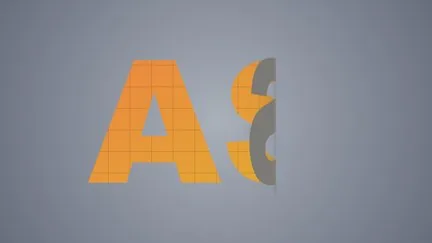
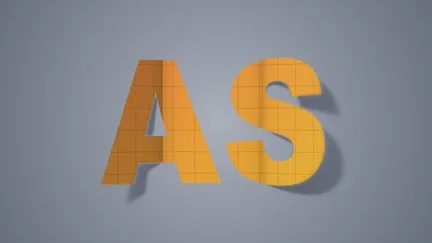
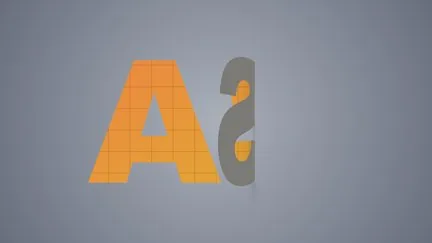
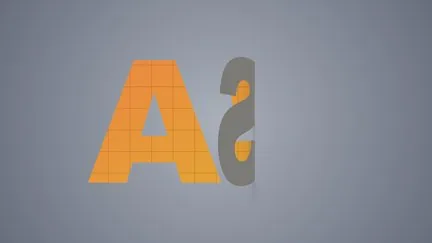
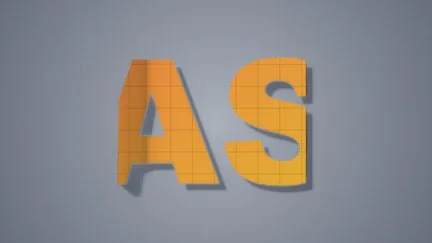
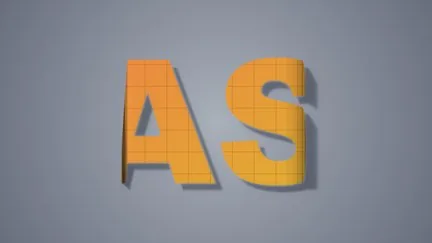
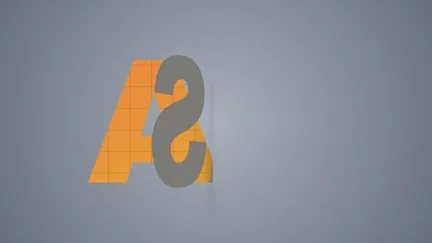
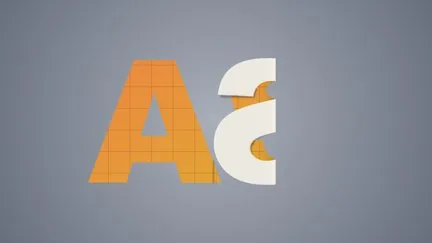
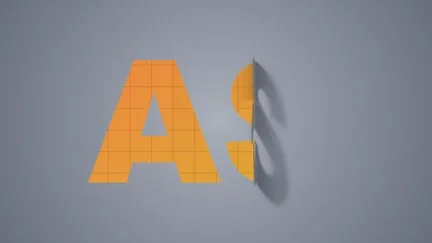
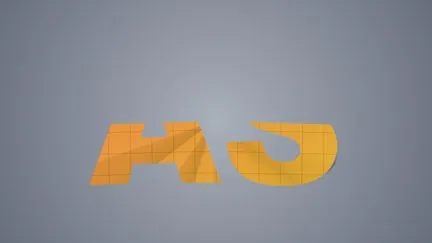
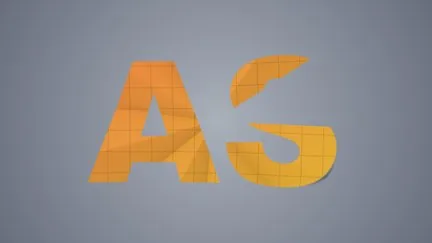
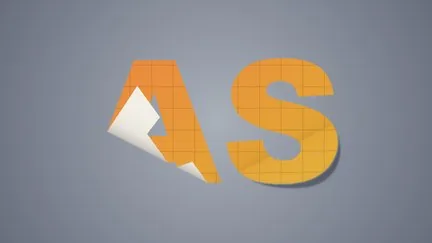
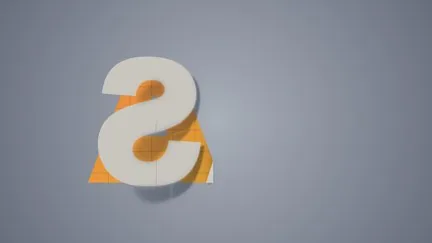
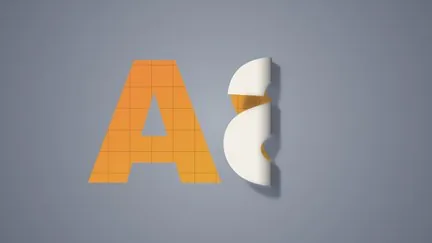
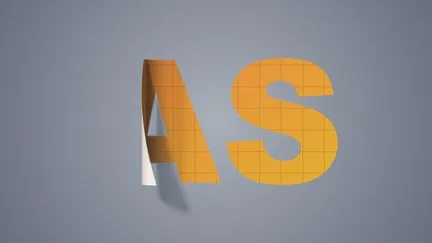
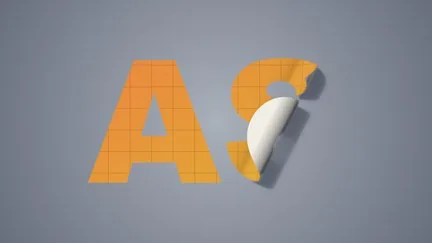
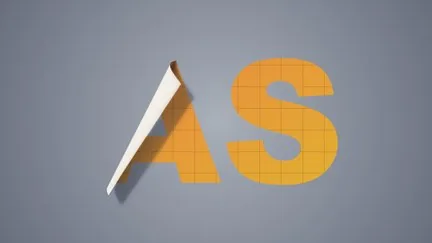
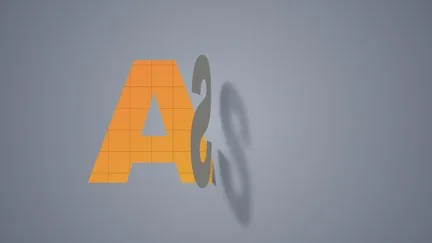
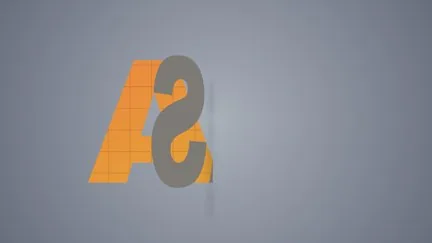
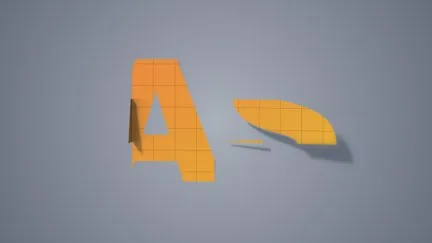
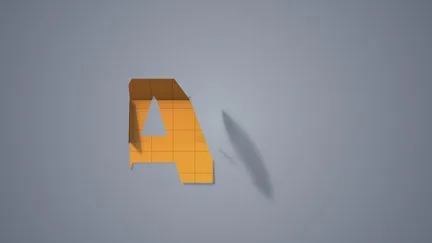
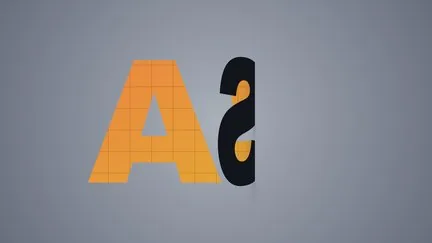
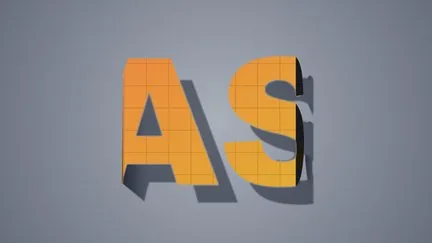
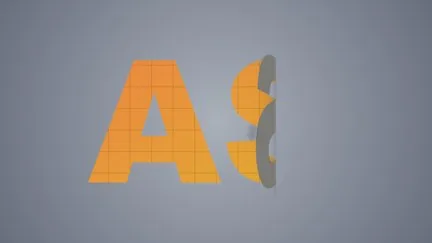
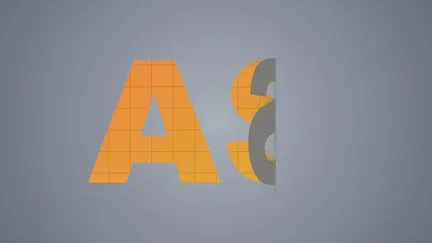
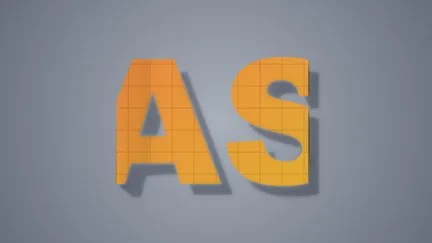
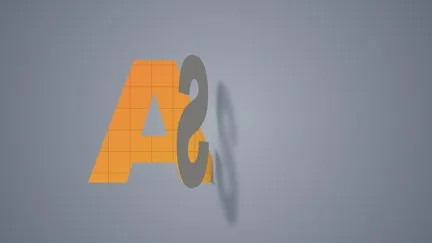
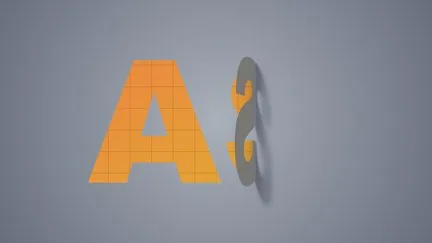
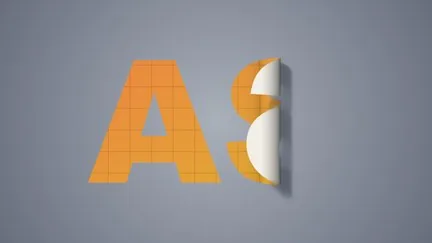
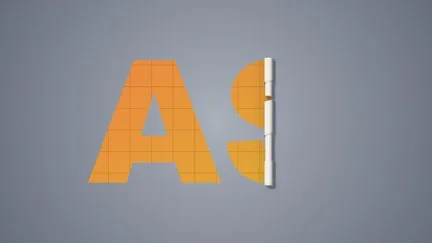
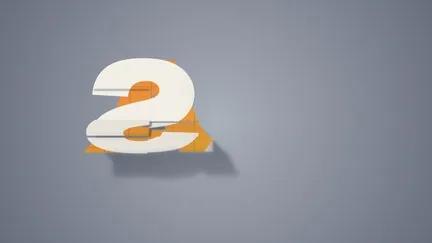
17 fold types: single fold, gatefold, accordion, page curl, corner peel, scroll, book page, box, Miura fold… Fold lines follow text and shapes; the layer unfolds as it appears and folds up as it ends, with no keyframes. The paper has a back side, shading with a sense of thickness, and a shadow that falls on the background. 47 built-in presets, ready the moment you apply them.
10 USD · 365-day license · 1 Mac
Output is watermarked until a license is activated. The license runs from the time of purchase and does not auto-renew; buy another to keep using it after it expires. The Golden Pass already includes Fold. Prices follow the live plan on the purchase page.
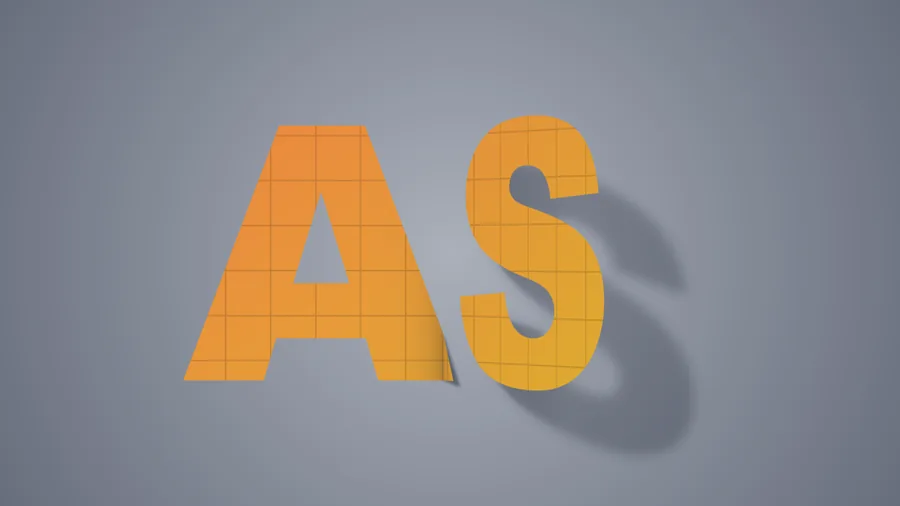
⏩ Auto fold
Unfolds as the layer appears,
folds up as it ends.
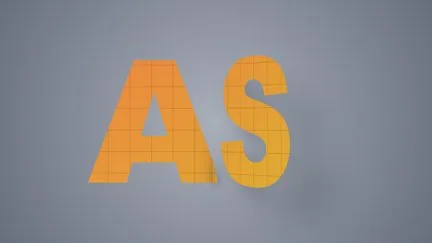
Ordinary paper folds mean working out timing and keyframing progress yourself. Fold just lets you choose under “Auto Fold”: ⏩ Unfold at In Point (starts as a folded stack and flattens out), ⏩ Fold at Out Point (folds up before the layer ends), or both. Trim or extend the layer and the animation follows; the length is set in “Fold Duration”.
Set “Auto Fold” to “Off” and fold progress (fold angle for a single fold) becomes an ordinary parameter you can keyframe on your own schedule.
Fold lines follow the object
However small the text or large the layer,
the fold lands on the text.
Text and shape layers often have a layer box the size of the whole frame while the text occupies one corner. Fold first measures the object’s real bounds, then places fold lines, grid and door widths; move the object and the folds move with it. In both examples below the layer is the whole frame, the text is a small block in the middle, moving back and forth.
17 fold types
One word,
seventeen ways to fold it.
Each frame below is folded only about ¼–⅓ of the way; any further would cover the word and hide what makes each fold distinct. To fold all the way, set “Fold Progress” to 100%.
Single line
Multiple lines
Curved
Book
3D
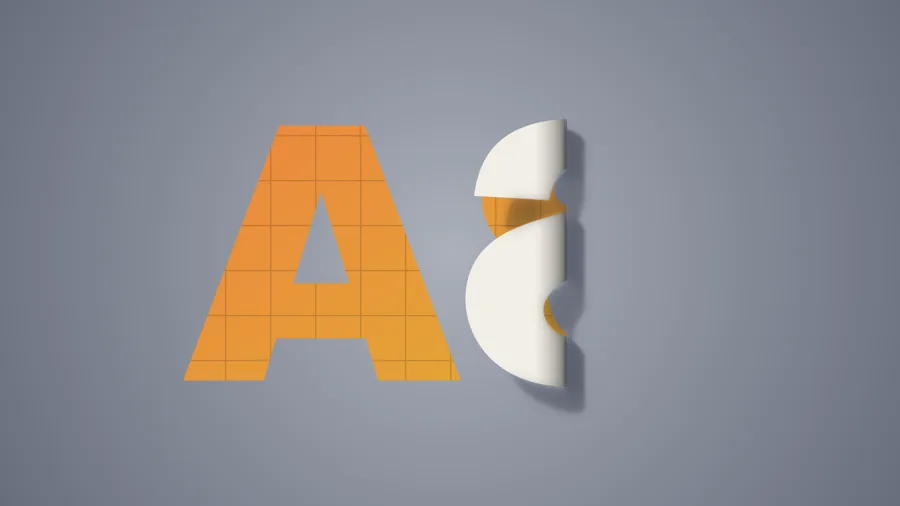
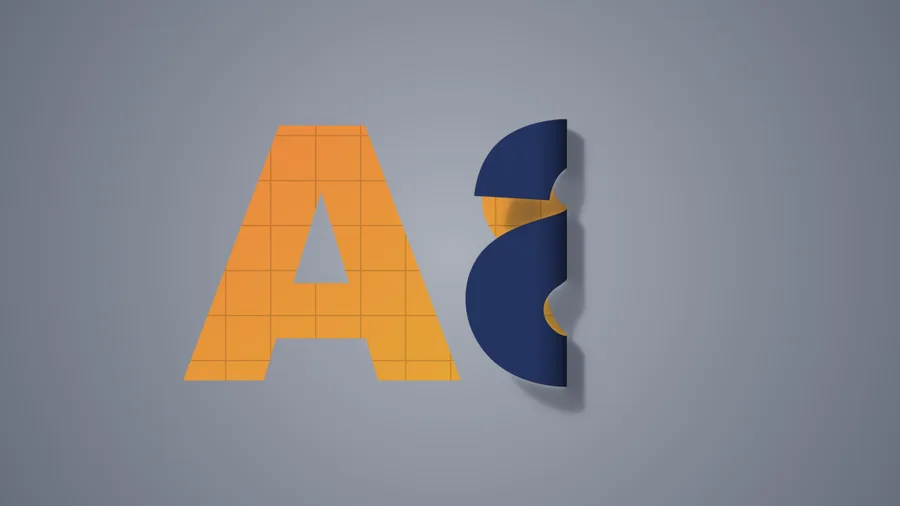
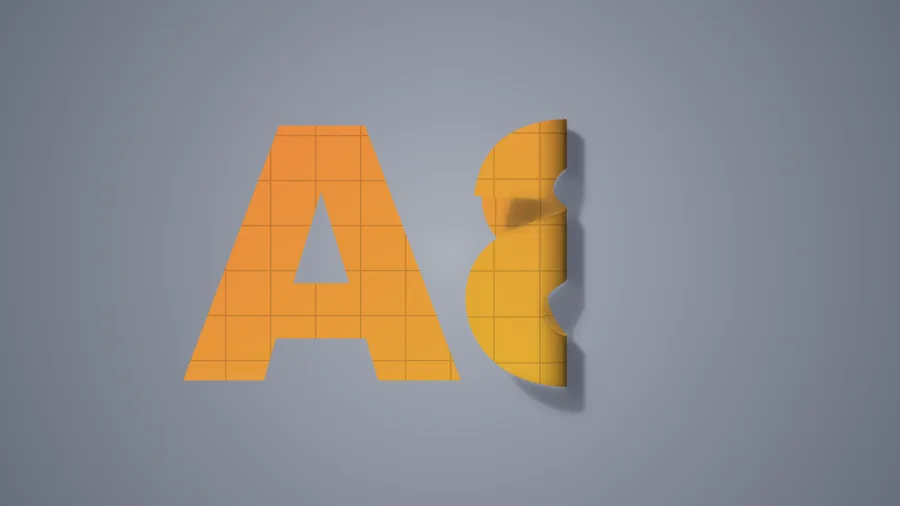
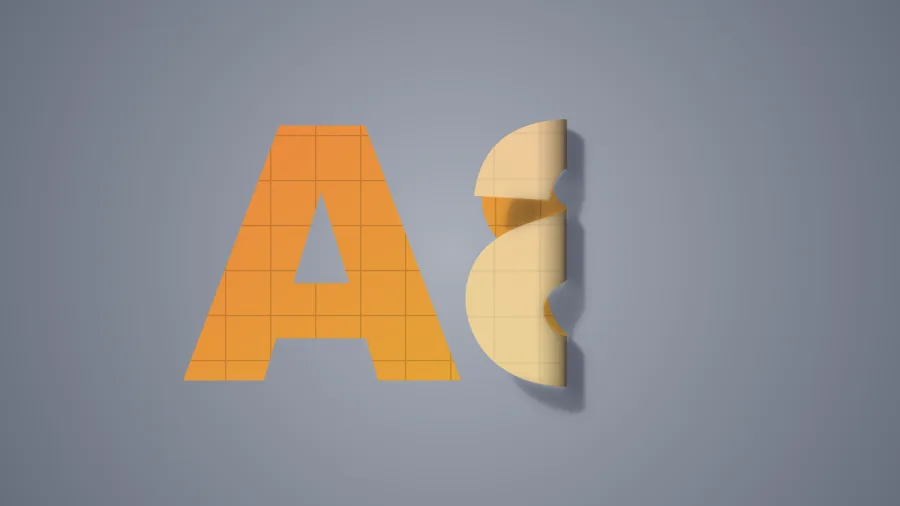
The back of the paper
The side that flips up
looks however you decide.
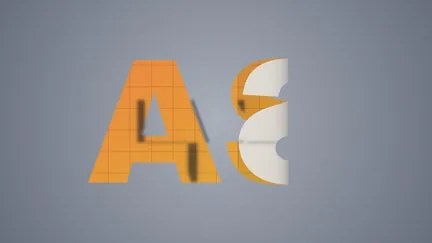
Four “Back Style” options: paper color (any color you like), the same image, the front image showing through (amount adjustable), or another layer as the back.
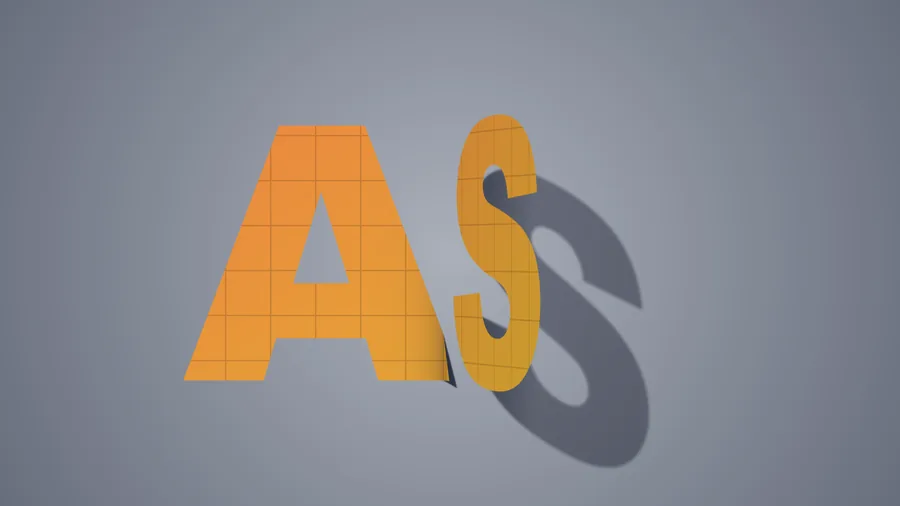
Light and shadow
Where the light comes from, how hard the shadow,
how wide the lens — all adjustable.
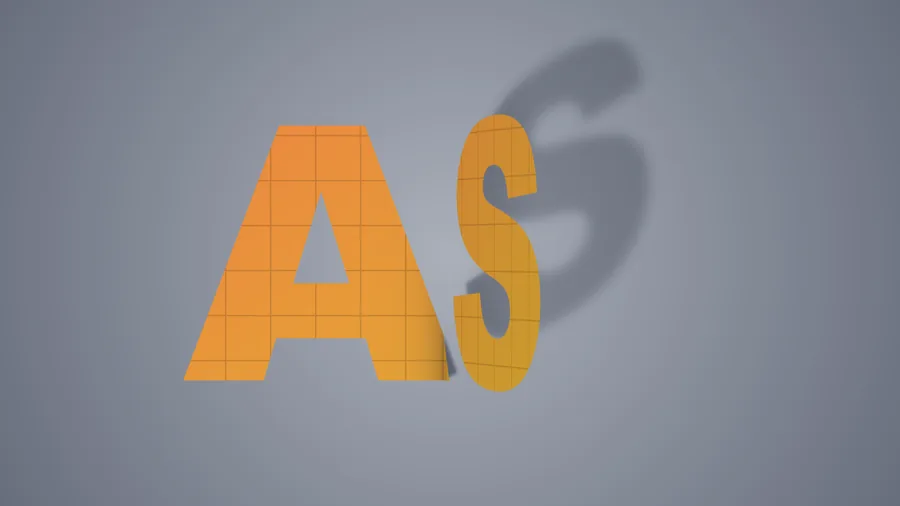
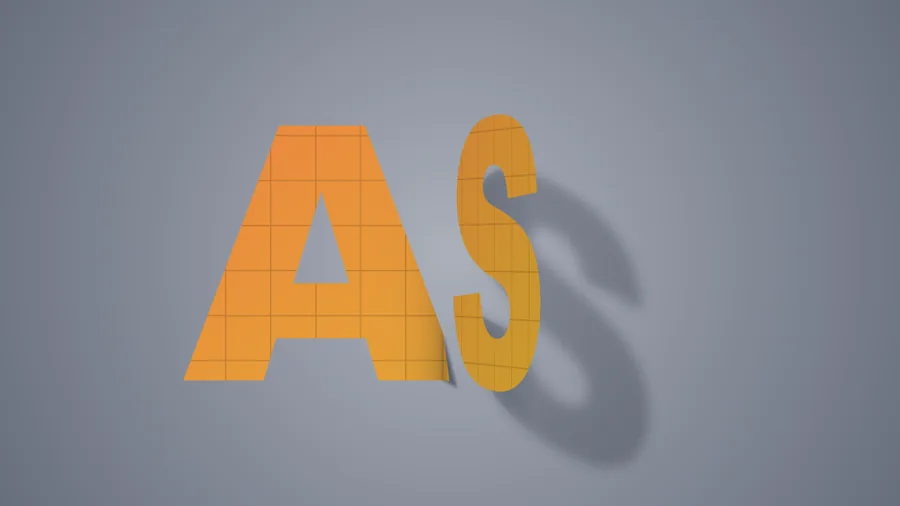
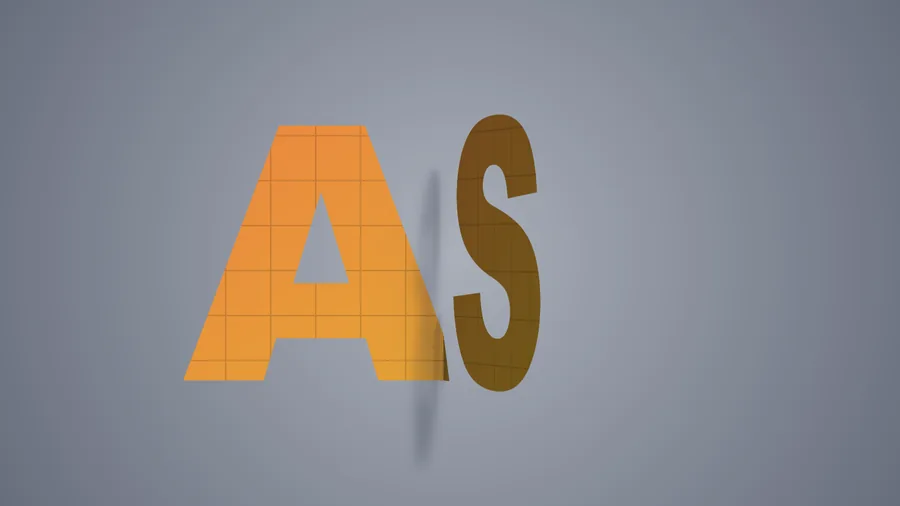
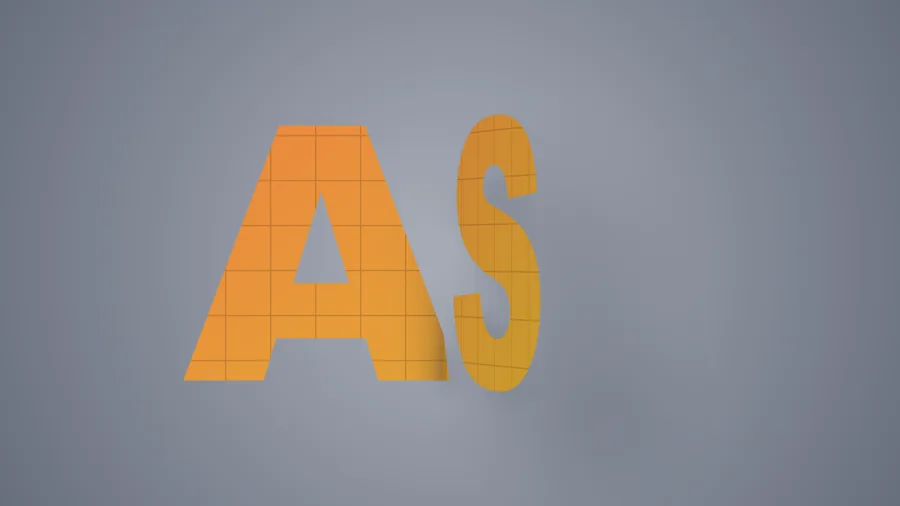
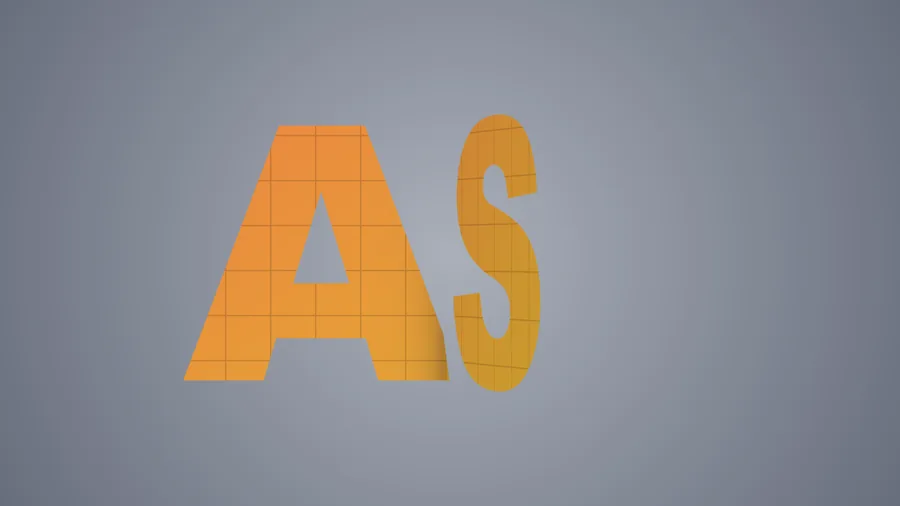
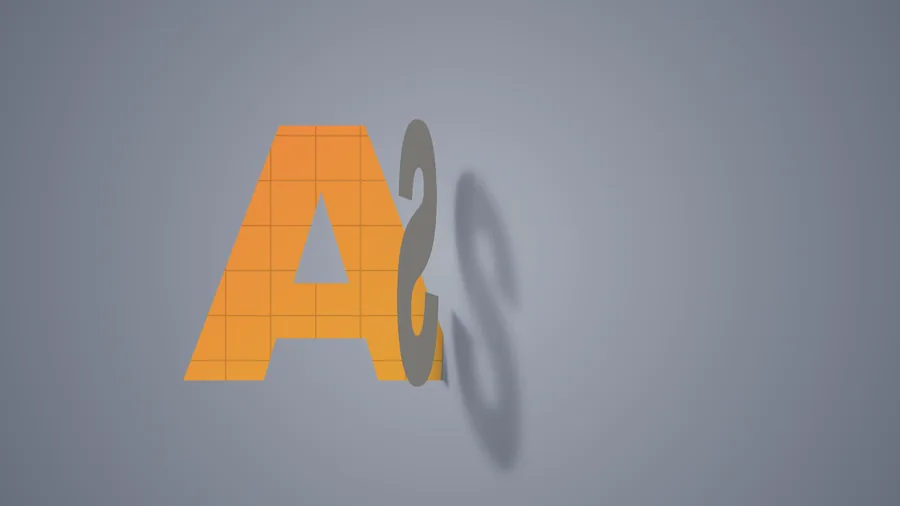
As the paper lifts, its shadow falls on the background — shorter the lower it goes, shrinking all the way to zero instead of vanishing. Light angle and height, shading on the lifted panel, the dark crease band, shadow density and softness, and perspective strength each have their own slider.
Light angle
Shadow
Lens perspective
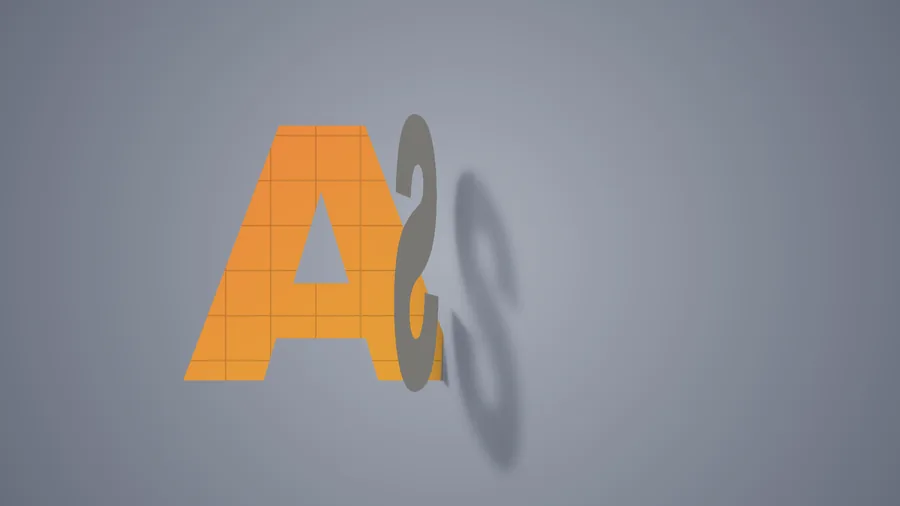
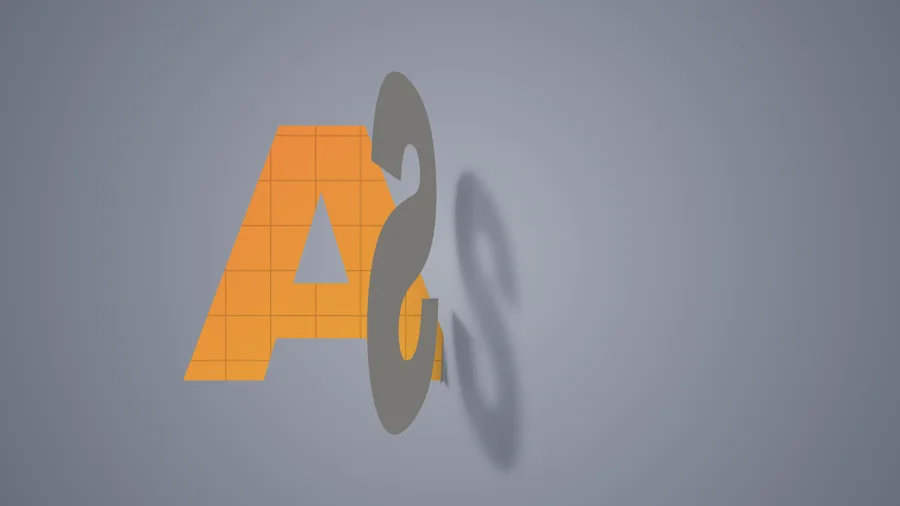
Built-in styles
47 presets,
one click to apply.
Click a thumbnail in the “Presets” group of the effect panel to apply it, then fine-tune. Presets marked ⏩ animate by themselves.

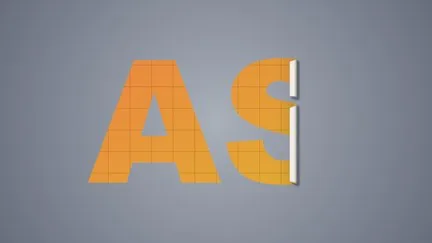
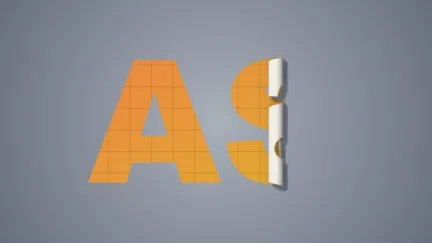
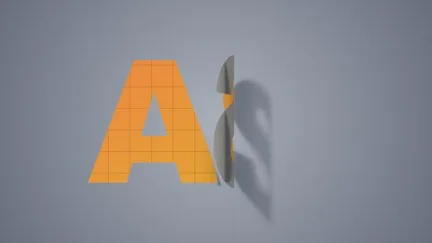
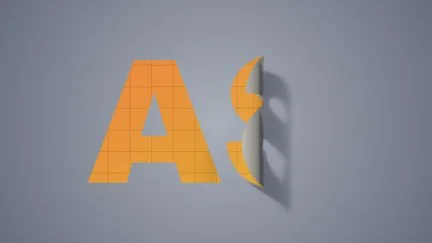
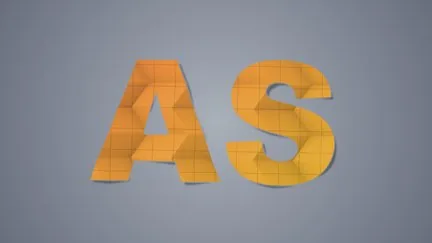
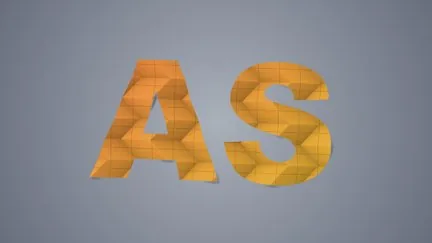
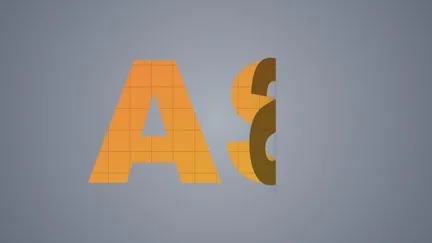
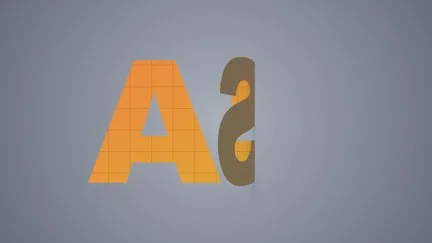
What’s different
Folding paper —
Fold wants to cost you less time.
| What you want | The usual way | ASheng Fold |
|---|---|---|
| Title unfolds on entry, folds on exit | Keyframe progress at the in and out points | Pick one in the ⏩ menu; it follows the layer’s in and out points |
| Different folds | Built-in effects mostly offer only page curl | 17 fold types, switched within one effect |
| Folding small text and shapes | With a full-frame layer box, folds land in empty space | Measures the object’s bounds first; folds follow the object |
| The back of the paper | Build a separate back-side layer | Paper color, same image, see-through, or another layer |
| The shadow of the lifted paper | Draw the shadow by hand or stack another layer | Shadow falls on the background and shrinks smoothly to zero |
| Render speed | CPU rendering | Apple Silicon GPU (Metal), falling back to CPU automatically |
Getting started
Three steps to get going.
Requires an Apple Silicon (M-series) Mac, macOS 14 or later and After Effects 2026. No Intel Mac or Windows version yet.
- Download the installer
Click “Download for Mac” on this page and unzip. The installer is notarized by Apple.
- Quit AE, then install
Save your project, quit After Effects completely with Cmd+Q, then open the installer.
- Add it to a layer
Reopen AE, find ASheng_Fold under “Effect → ASheng - Perspective”, add it to text or a layer, and start from a preset in the library.
Good to know
Why do the videos fold only a little?
At about a quarter to a third, the paper’s thickness, shading and shadow show best; fold further and the word is covered, hiding what makes each fold distinct. To fold all the way, set “Fold Progress” (“Fold Angle” for a single fold) to 100% (180°).
Does the Golden Pass cover it?
Yes. The Golden Pass covers every ASheng AE plugin, including future releases, so Fold activates directly.
Really no keyframes for the animation?
With ⏩ Unfold at In Point / Fold at Out Point, none. To control timing yourself, set “Auto Fold” to “Off” and every parameter can still be keyframed.
Which layers can I use it on?
Text, shapes, images, video and precomps all work. The fold line defaults to the object’s center; to move it, drag the “Fold Position” point.
Does it use the GPU?
Yes. Fold renders on the Apple Silicon GPU (Metal); when this machine’s GPU is unavailable it falls back to the CPU with the same result, only slower. “Renderer” in the “Lens” group can also be set to CPU manually.
Can I use it without a license?
Yes, you can try it with a watermark on the output. With a valid Fold license NFT or Golden Pass, click “Activate / Manage License” in the “License” group of the effect panel to activate.