AFTER EFFECTS PLUGIN · CYBERGLITCH
ASheng
CyberGlitch
Cyberpunk glitches,
in one effect.
CyberGlitch puts the broken look of neon streets, holograms and system breaches into one effect: block shifts and slice tears do the “breaking”, chromatic glow, glow and cyber grading do the “neon”, and scan sweeps, data bars, edge wireframes and data rain do the “cyber”. Nine modules, each with a strength where 0 means off; bursts fire on their own without keyframes and can reshuffle their setup every time. 10 built-in presets, then fine-tune with sliders.
15 USD · 365-day license · 1 Mac
Output is watermarked until a license is activated. A license starts when the purchase completes and does not auto-renew; buy another when it expires. The Golden Pass already includes CyberGlitch. The live plan on the purchase page sets the price.
Three layers · signal
Break the picture first,
make it glow, then add the cyber.
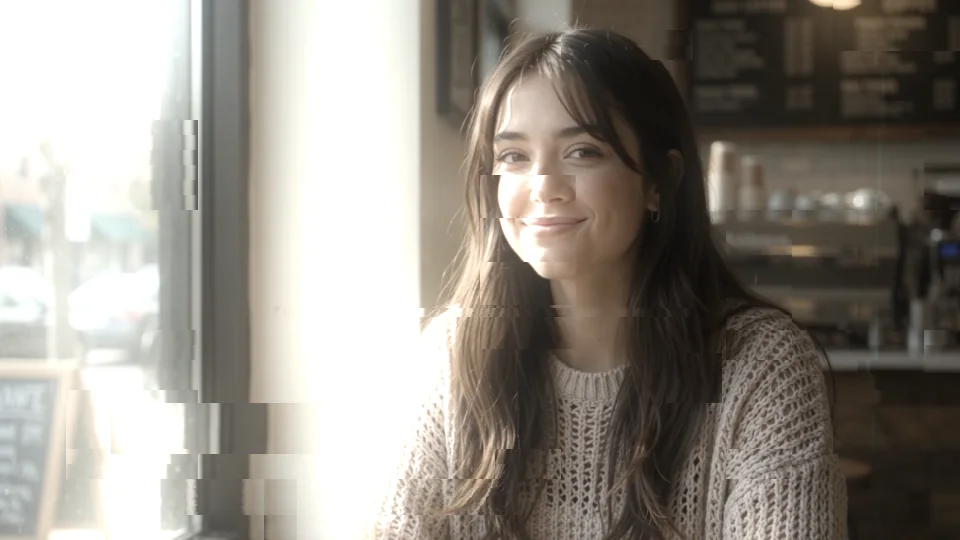
The effect has three layers: the “signal” layer displaces the picture, the “neon” layer makes it glow and colors it, and the “cyber” layer adds interface-like scanlines and data bars. Every module has its own strength; at 0 it is fully off and costs nothing, so there are no separate switches. The signal layer first: “Blocks” moves rectangular chunks around, “Slices” cuts the picture into thin horizontal strips that shift sideways. The three images below use the same photo and seed, only the modules change.
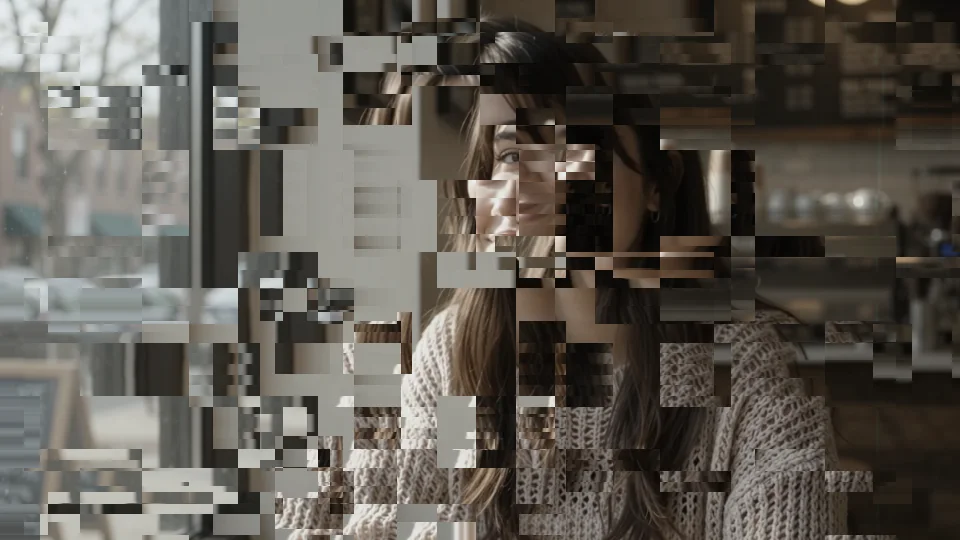
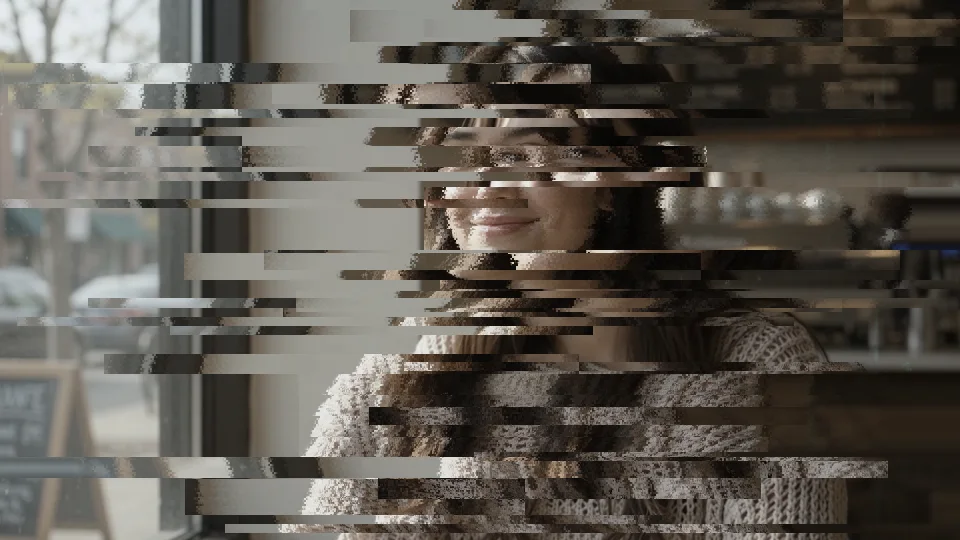
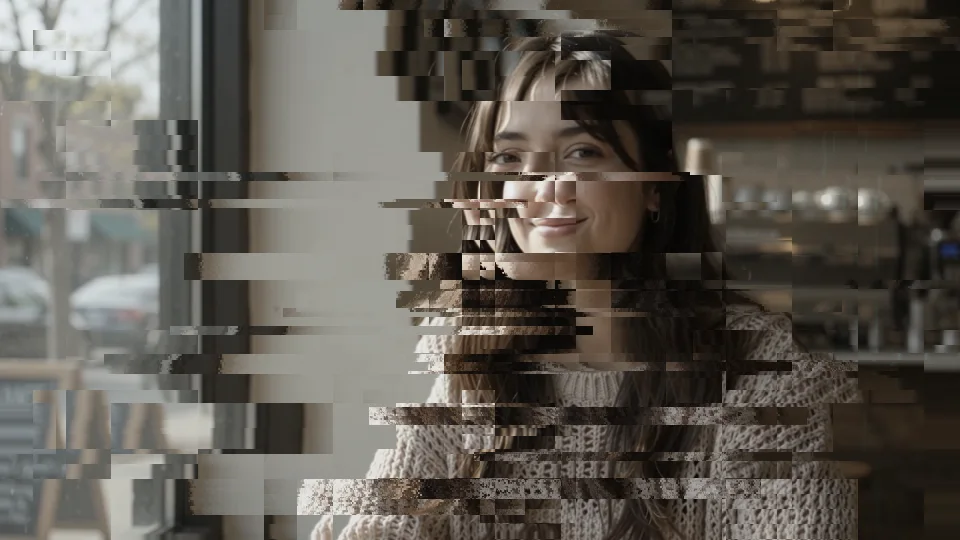
Neon layer
Chromatic glow, glow, grading:
all three together make the mood.
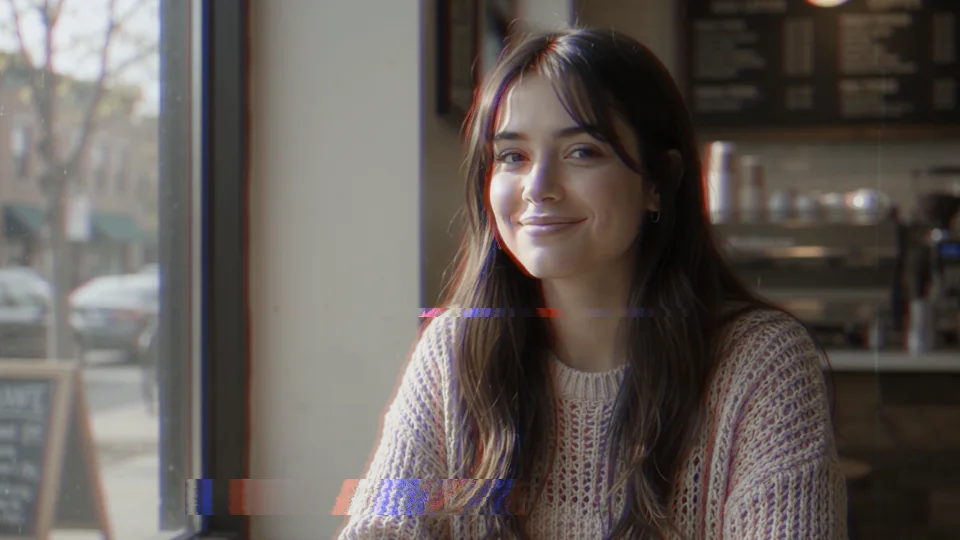
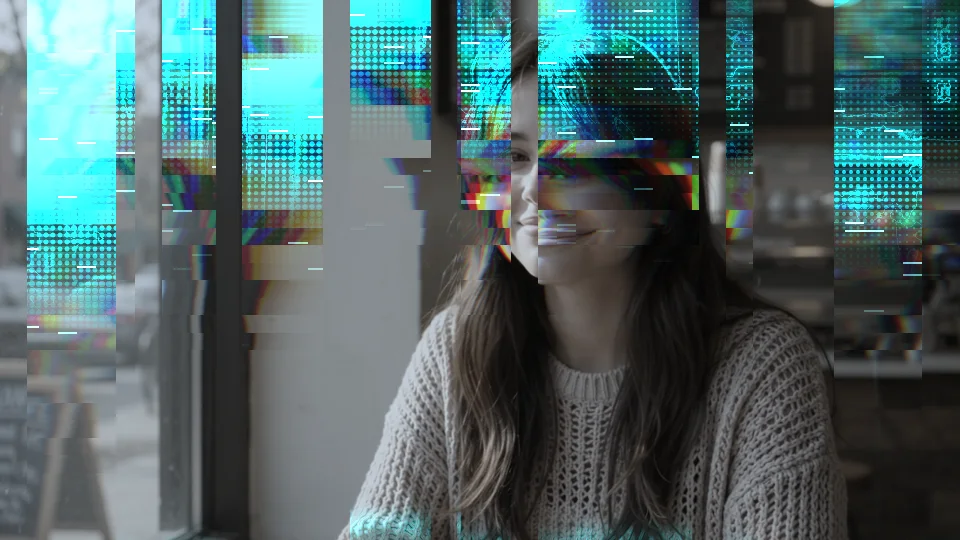
“Chroma Glow” splits red, green and blue apart; the split can follow the glitch or appear only at edges. “Glow” blooms the bright areas, sourced from “Effect Light” (only the glitch itself glows) or “Whole Image”. “Cyber Grade” recolors shadows and highlights in two colors, purple and cyan by default; purple and magenta gives a whole other mood; grade only the glitched areas or the whole frame.


Cyber layer
Scan sweeps, data bars, wireframes, data rain:
this layer is where the name comes from.
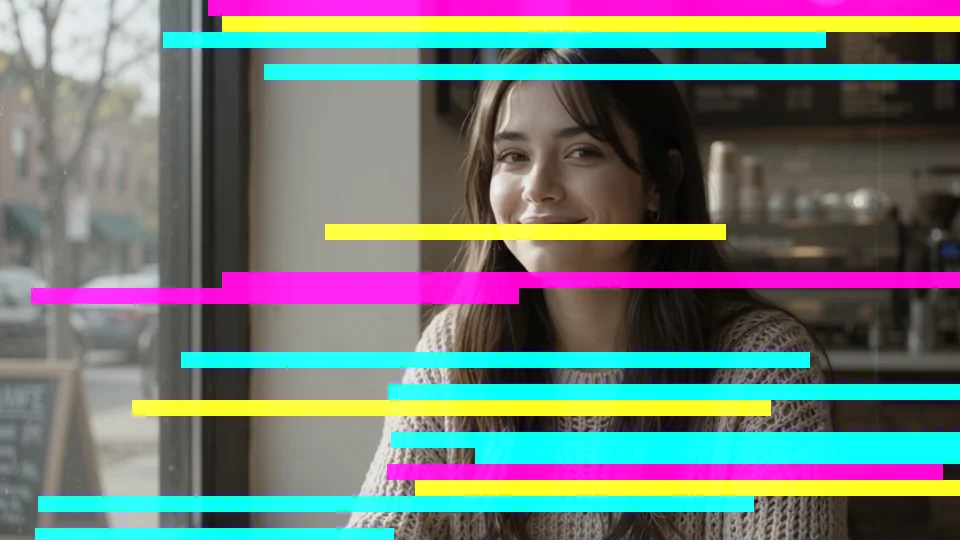
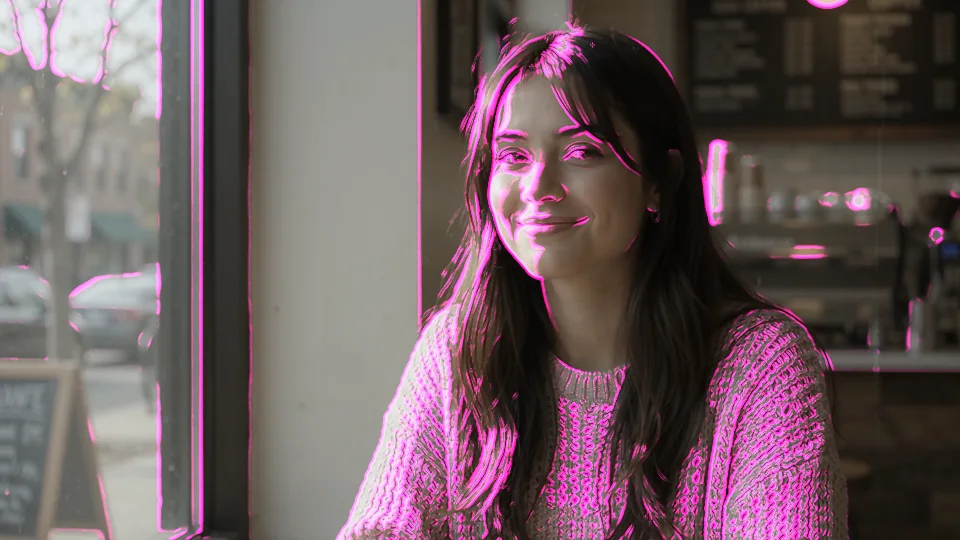
“Sweep” runs a beam of light across the frame: down, up, up-and-down, right, left or left-and-right; width, trail, lines, refraction, RGB split, afterimage, data view and echo all have sliders, so it can be a cold laser scan or a broken, flickering projection. “Data Bars” are glowing horizontal bars, “Edge Wire” traces the outlines of the picture as lines, and “Data Rain” drops strings of characters from above.
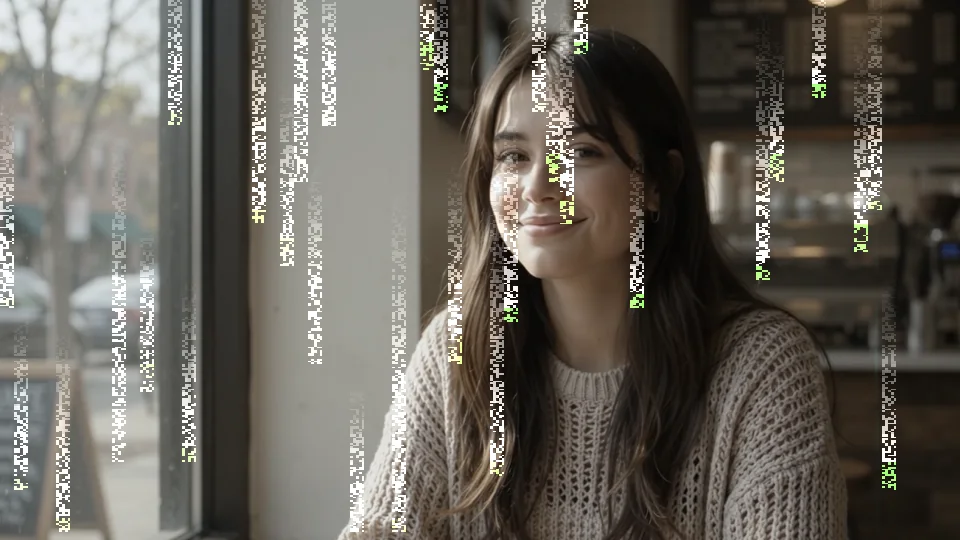
⏩ Trigger and auto-vary
Bursts fire on their own,
and reshuffle every time.
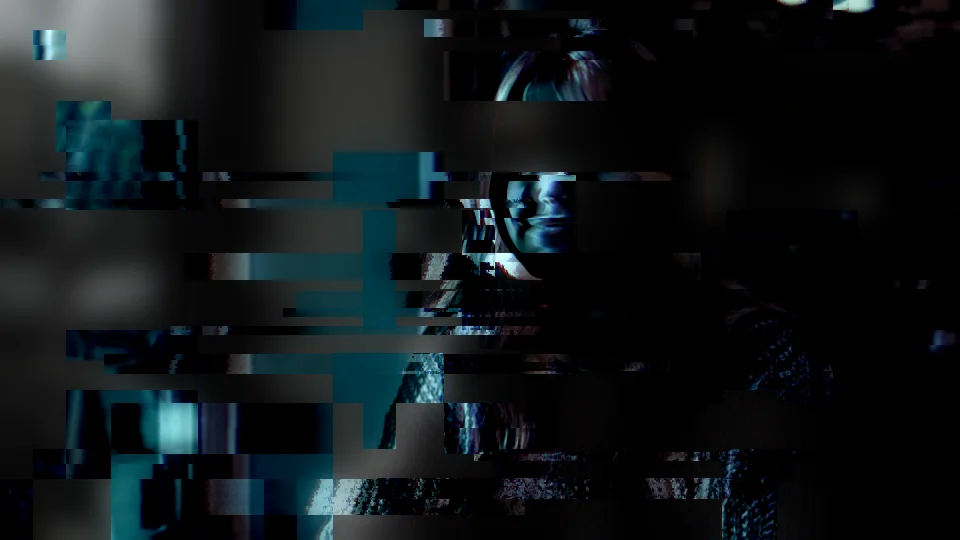
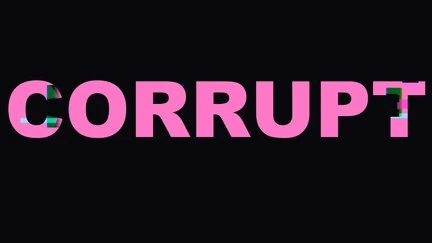
“⏩ Trigger” sets roughly how many bursts per second and “Burst” the chance and the visible share of each: low values mean mostly clean with the occasional run of hits, like real bad signal rather than an always-on filter; a trigger of 0 keeps it on constantly. “Seed” picks a new random set. Turn on “⏩ Auto Vary” and every burst redraws its setup: look, area, strength and target can each be allowed to change; colors never change, so the palette stays consistent. This clip is the “Corrupted Memory” preset: the random blocks change position and size with every burst.
Region
Where the glitch happens
is up to you.
All modules share one region mask: “Full Frame”, “Rectangle” (center, width, height), “Random Blocks” (count, min and max size, variation, and whether they shuffle with each trigger, on their own timer or not at all), and “Border”, which breaks only the edges. Every region has feather and invert. The four images below share the same settings, only the region changes.
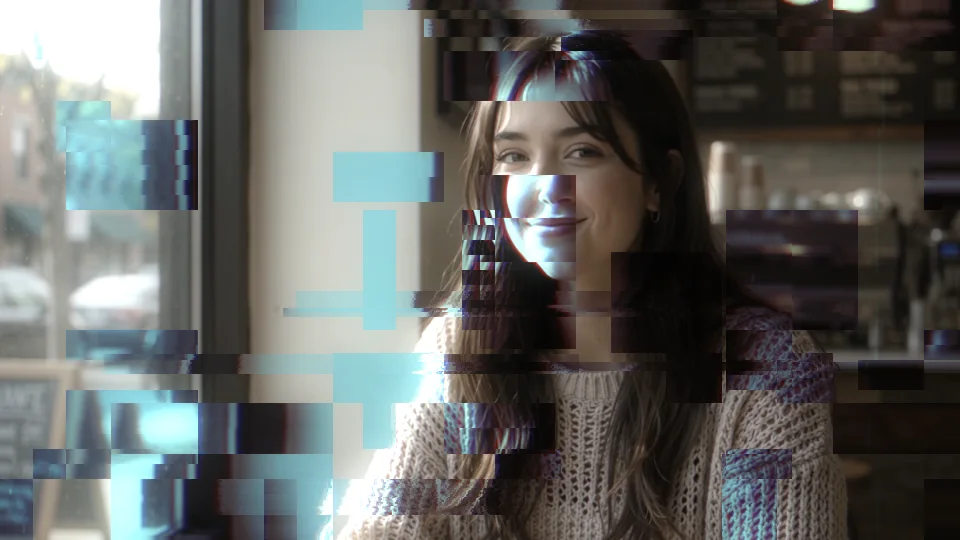
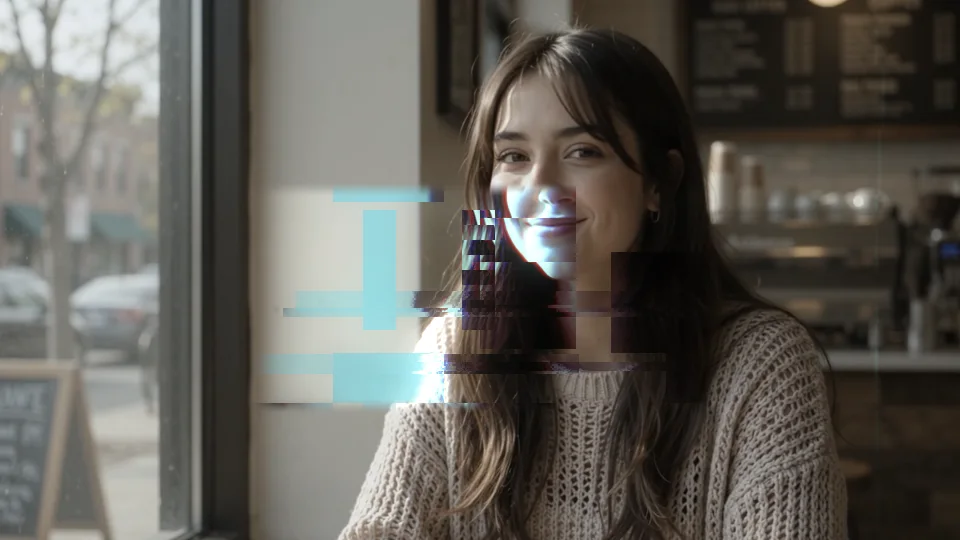
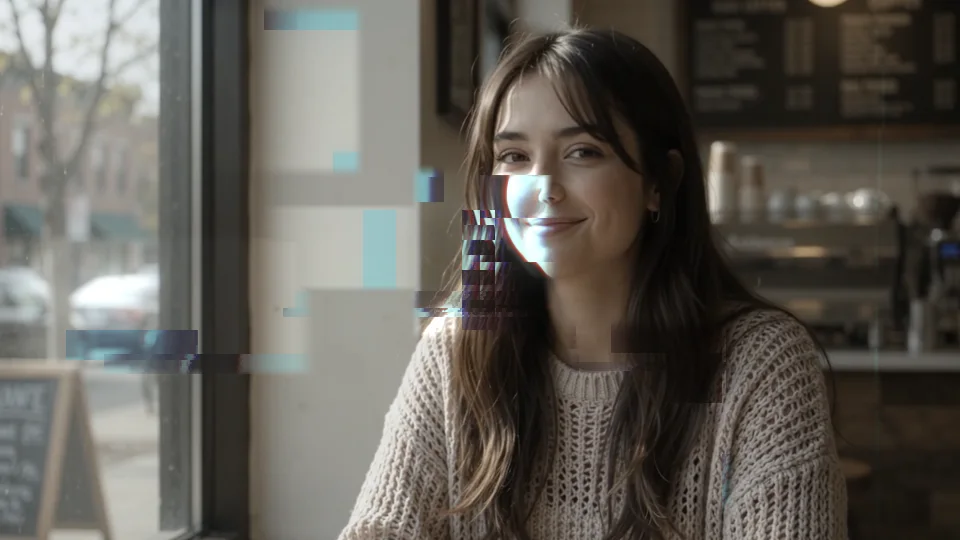
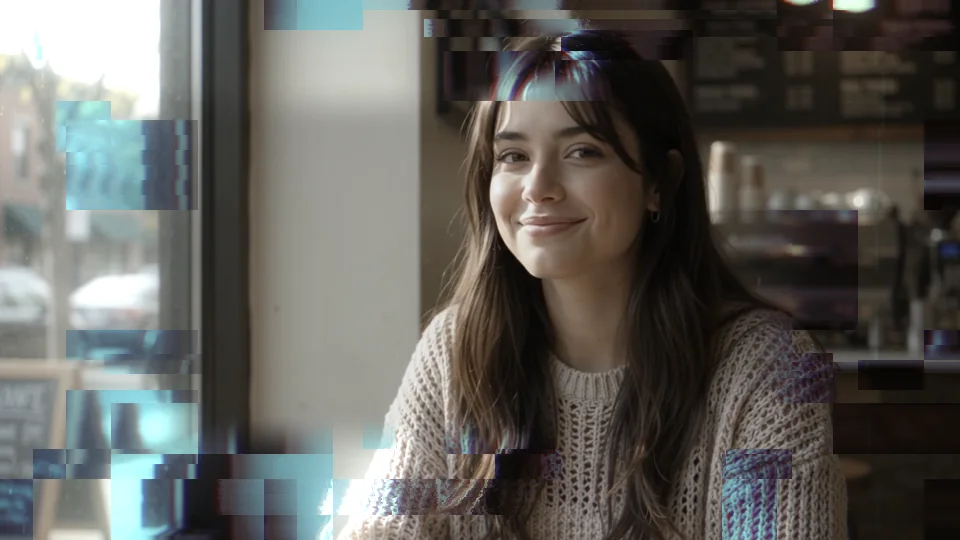
“Apply To” adds one more filter: everything, highlights only, shadows only, or opaque areas only. “Stacking” for the output can be the effect, light only (just the light the glitch adds, handy for compositing on other layers), or the source only.
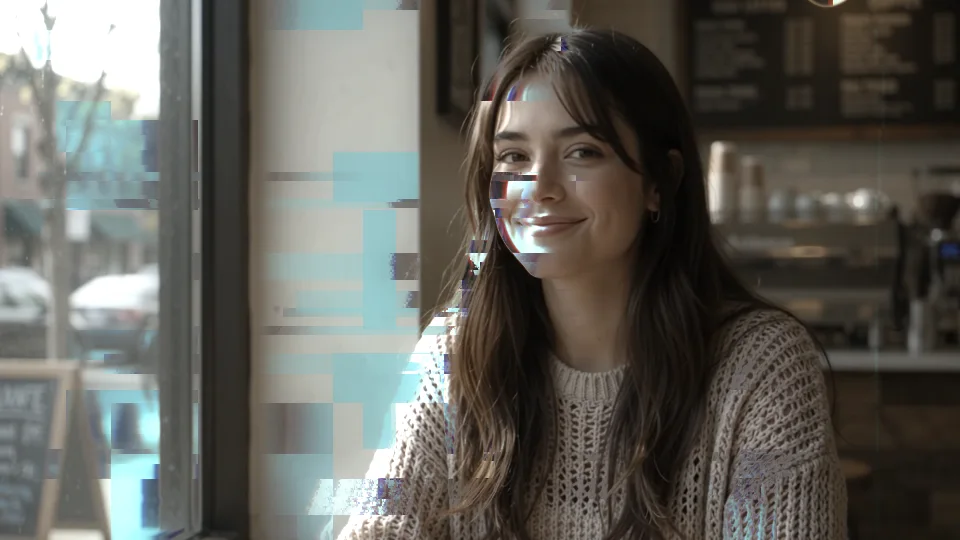
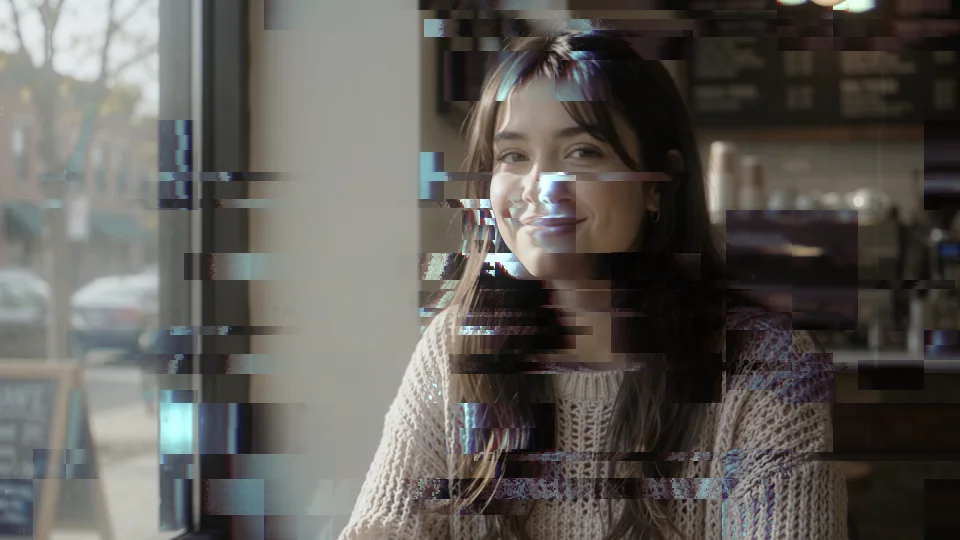
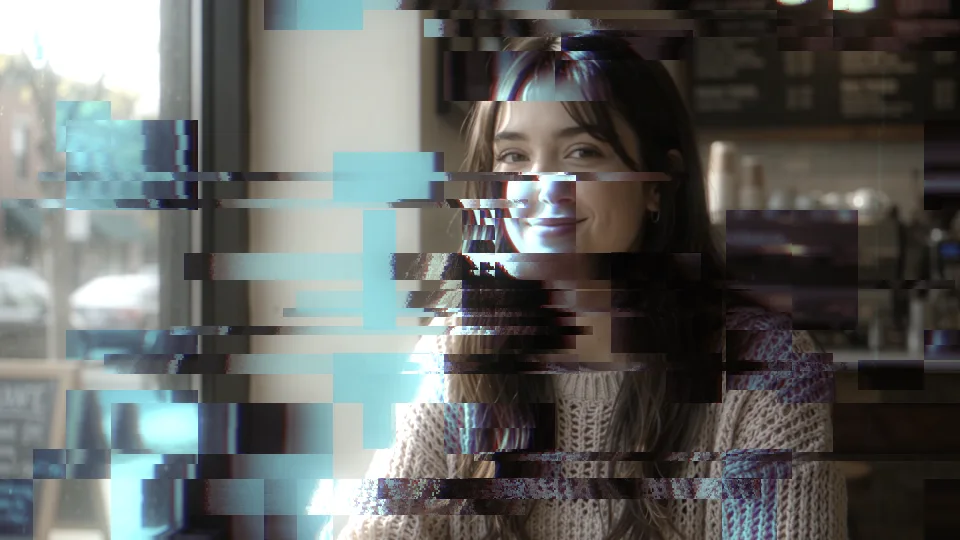
10 built-in presets
Neon alley, hologram call, system breach,
one click to apply.
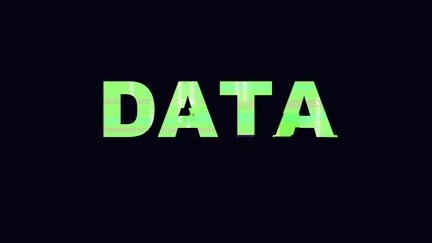
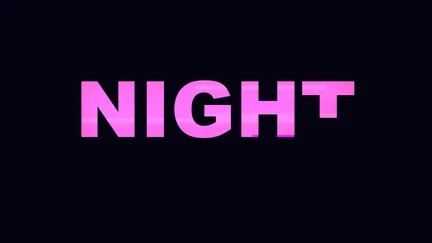
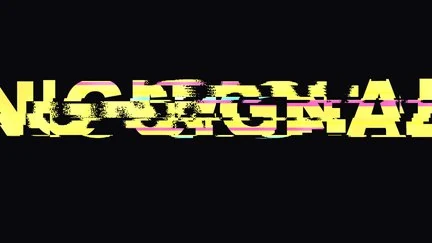
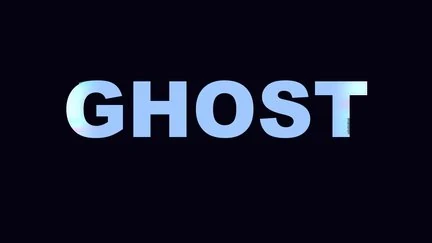
10 presets come built in: Neon Alley, Hologram Call, System Breach, Data Flood, Billboard Night, Signal Lost, Ghost Protocol, Corrupted Memory, Street Scan and Overload, from a billboard that barely breaks and just glows hard to a Signal Lost that tears the whole frame. Each is a complete parameter snapshot: apply it, fine-tune, and save your own; the library is shared, so your saved presets live alongside. All thumbnails are rendered by the plugin. The “Style” menu on the effect also has five quick starting points (Neon Street, Hologram, Breach, Data Flood, Billboard) that load a set of suggested values at once.


Getting started
Three steps to get going.
Requires an Apple Silicon (M-series) Mac, macOS 14 or later and After Effects 2026. No Intel Mac or Windows version yet.
- Download the installer
Click “Download for Mac” on this page and unzip. The installer is notarized by Apple.
- Quit AE, then install
Save your project, quit After Effects completely with Cmd+Q, then open the installer; the 10 built-in presets are added to the library at the same time.
- Add it to a layer
Reopen AE, find ASheng_CyberGlitch in the “ASheng - Stylize” category, add it to a text, photo or video layer, then pick a preset or set each module’s strength yourself.
Good to know
Where is it in AE?
In the Effect menu under “ASheng - Stylize”, named ASheng_CyberGlitch.
Will it glitch non-stop?
No. By default it fires in bursts and the picture is clean most of the time; “⏩ Trigger” sets how often, “Burst” the chance of a burst, and a trigger of 0 keeps it on constantly.
Can the glitch be limited to part of the frame?
Yes. “Region” offers a rectangle, random blocks and a border band, and “Apply To” can further limit it to highlights, shadows or opaque areas.
Does every burst look the same?
By default the same settings are used; turn on “⏩ Auto Vary” and each burst redraws its setup, with look, area, strength and target individually allowed to change, while colors stay the same.
Does the Golden Pass cover it?
Yes. The Golden Pass includes every ASheng AE plugin, including future ones, so CyberGlitch activates right away.
Can I output only the light and composite it myself?
Yes. Set “Stacking” to “Glow Only” and the output contains only the light the glitch adds.
Which bit depths are supported?
8-, 16- and 32-bit are all supported.
Does it use the GPU?
Yes. “GPU Acceleration” is on by default and renders on the Apple Silicon GPU (Metal); if the GPU is unavailable it falls back to the CPU with the same picture, just slower.
Does it support Premiere Pro?
After Effects only for now.
Can I use it without a license?
You can try it with a watermark on the output. With a valid CyberGlitch license or a Golden Pass, click “Activate / Manage” in the “License” group of the effect panel to activate.