AFTER EFFECTS PLUGIN · LIGHT RAYS
ASheng
SkyShine
Let titles and photos
shoot out rays of light.
Volumetric beams shoot out from a light source for sunlight breaking through, stage followspots, sweeps and light in the air. Beams radiate from any center point, with length, width, brightness and color adjustable; they flow, flicker, and can carry mist and dust. 30 built-in presets, ready the moment you apply them.
15 USD · 365-day license · 1 Mac
Output is watermarked until a license is activated. The license runs from the time of purchase and does not auto-renew; buy another to keep using it after it expires. The Golden Pass already includes SkyShine. Prices follow the live plan on the purchase page.
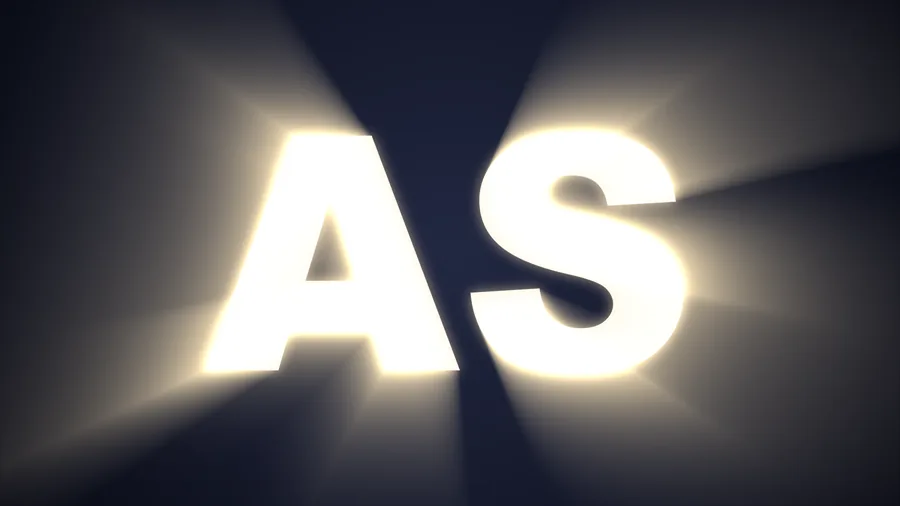
⏩ Streak texture
The beams aren’t static —
they flow and sweep.
“Streak Texture” in the “Beam Animation” group grows fine light-and-dark stripes inside the beams that move on their own: crossing, swinging, flowing outward along the beam, sweeping in one direction. No keyframes; speed, density and layer count are adjustable.
Cross, swing, flow out, drift, slide, directional. Speed can be Still / Slow / Medium / Fast or custom; “Layer Speed Variance” gives each layer its own pace.
⏩ Flicker
Light that breathes,
wavers and flickers.
No row of brightness keyframes needed. Eight flicker characters: random, candle, glitch, breathe, heartbeat, strobe, lightning, neon, each with its own speed and strength; beams can be out of sync, and you can flicker only the beams or everything together.
Air in the light
A beam needs
dust and smoke in it.
Real beams are visible only because something is in the air. “Atmosphere” adds dust, smoke and mist in nine kinds: mist, smoke, vortex, ripple, gas, caustics, dust, cloud, grain. Amount, size, detail, drift direction and speed are adjustable.
Light source
Where the light comes from
is up to you.
Beams radiate from the “Light Source → Center” point — put it anywhere, or keyframe it to move. What in the frame emits light: by luminance (bright areas glow), by alpha (the object’s outline), or edges only.
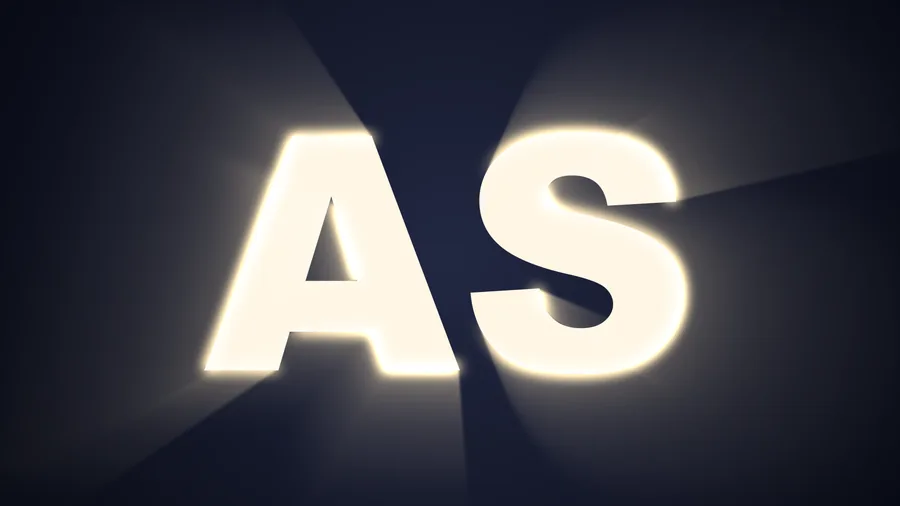
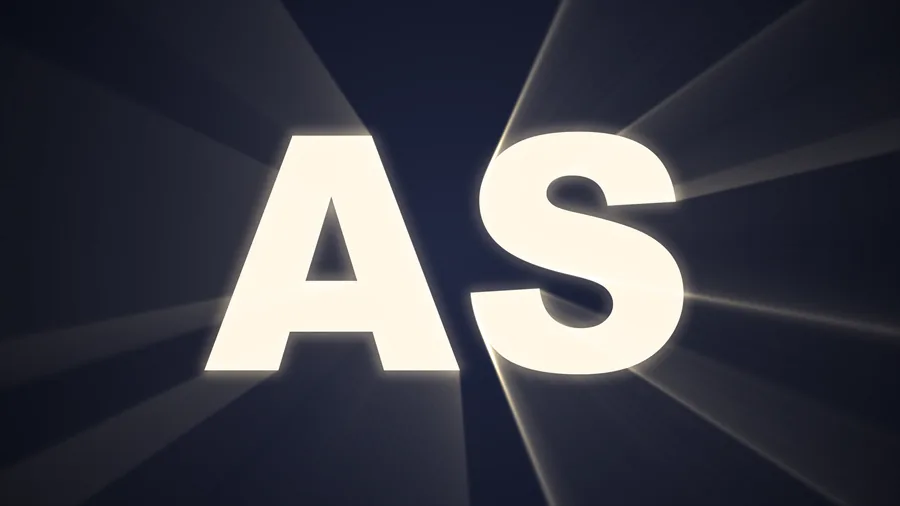
⏩ Zone glow
Light only
within one zone.
Limit where the beams appear: a band sweeping across, or a circle slowly growing, with everything outside untouched. To draw the zone yourself, apply a layer mask and the light appears only inside it.
Shaping the beams
Length and glow,
one slider each.
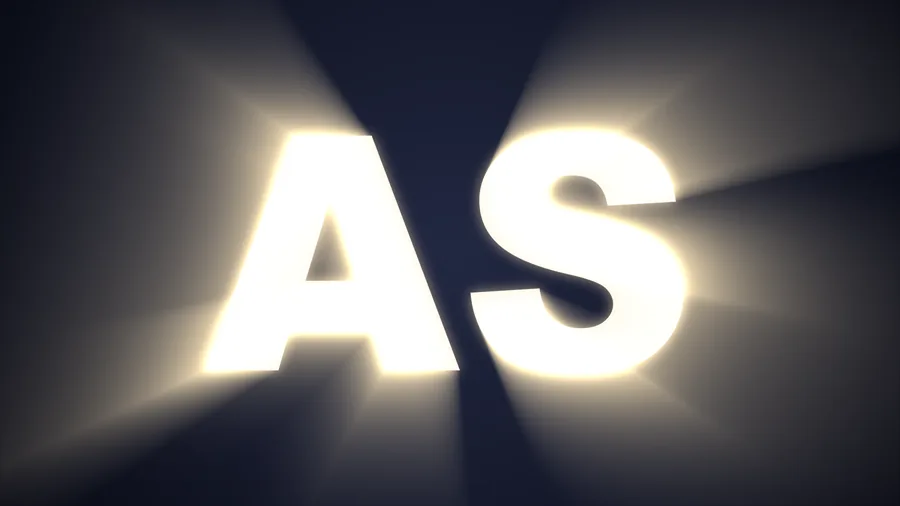
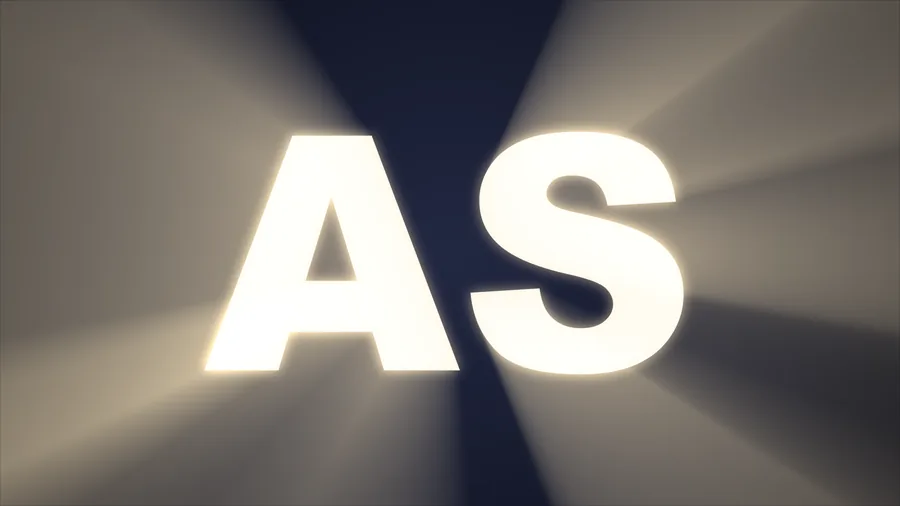
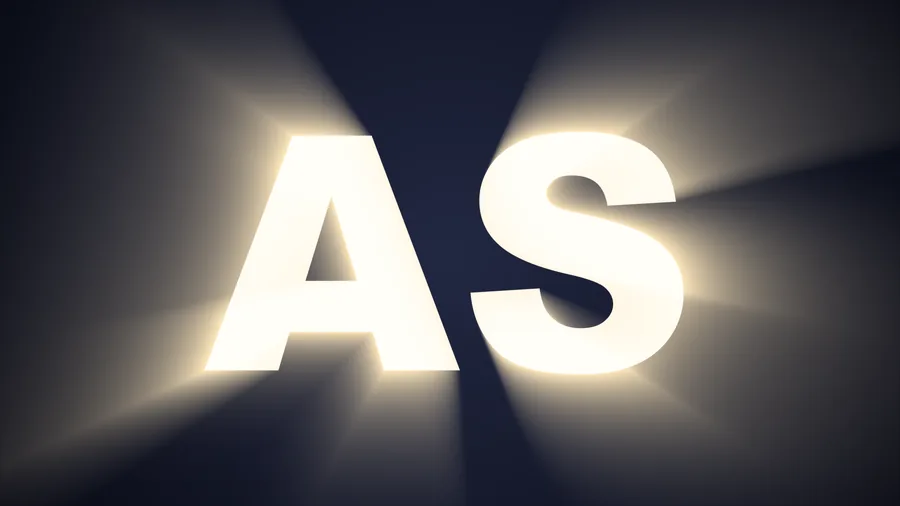
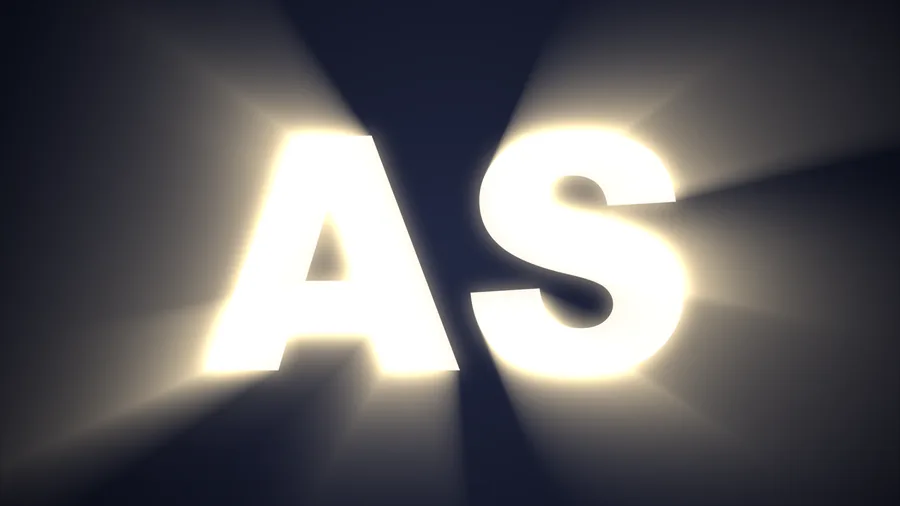
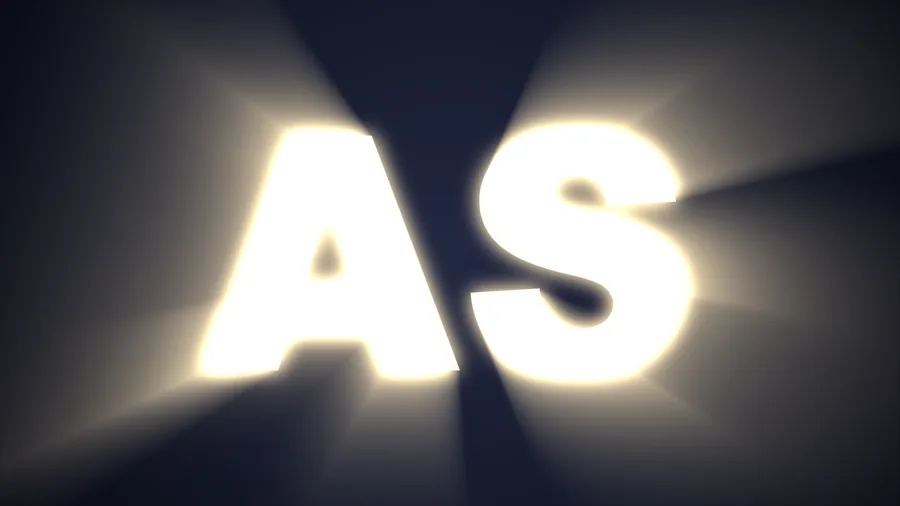
There are also brightness, falloff, beam blur, reverse, boost and more. Below is “Classic Shine” with a single parameter changed.
Beam length
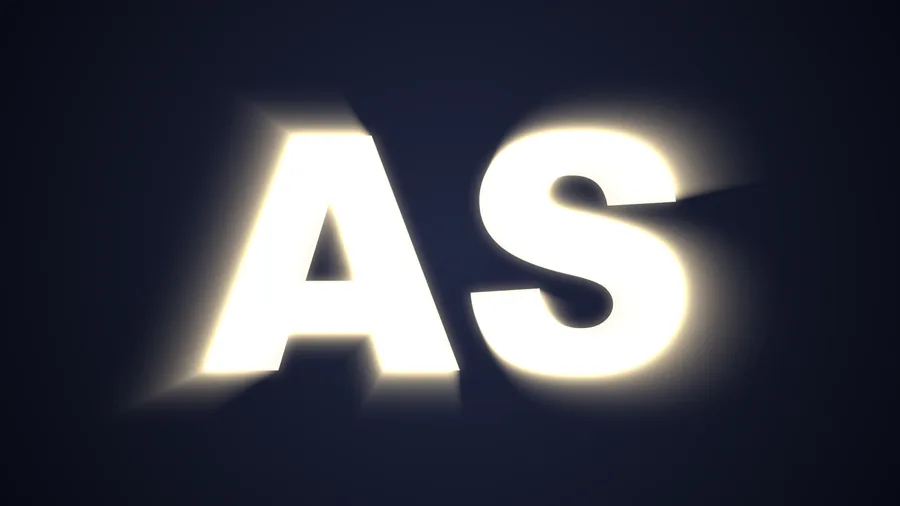
Glow
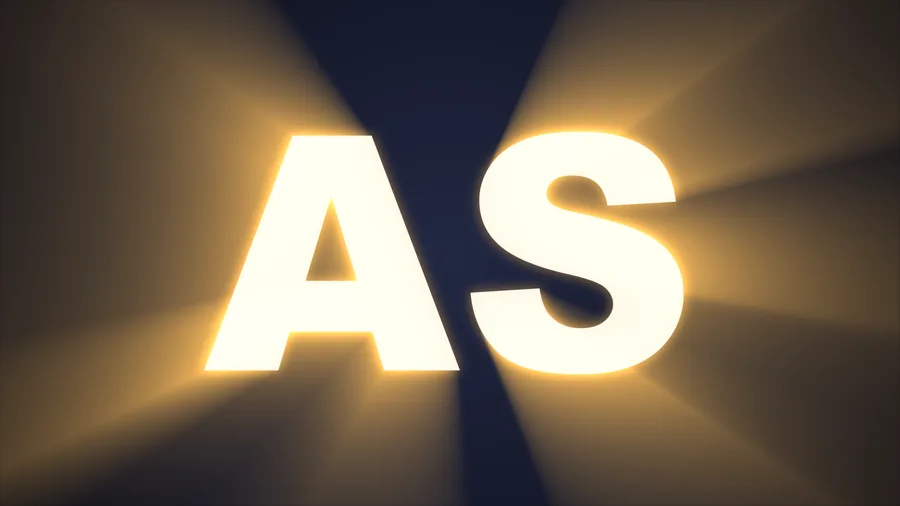
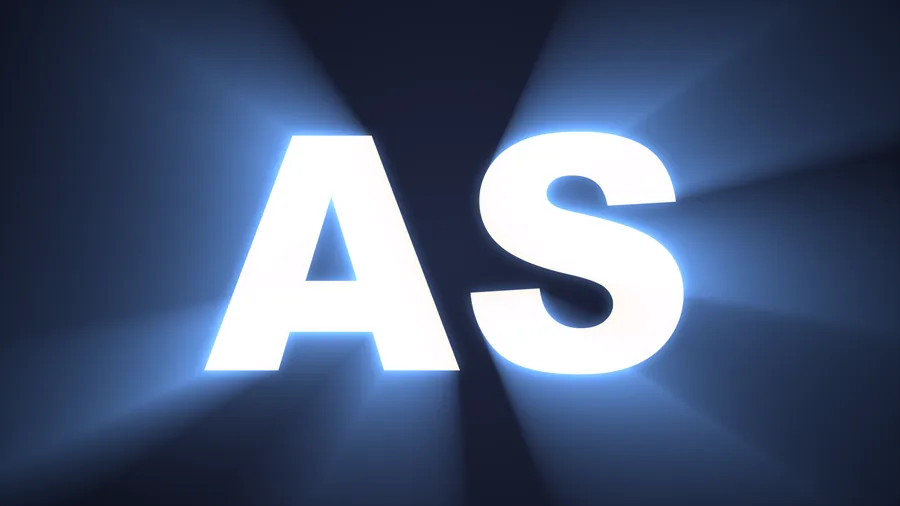
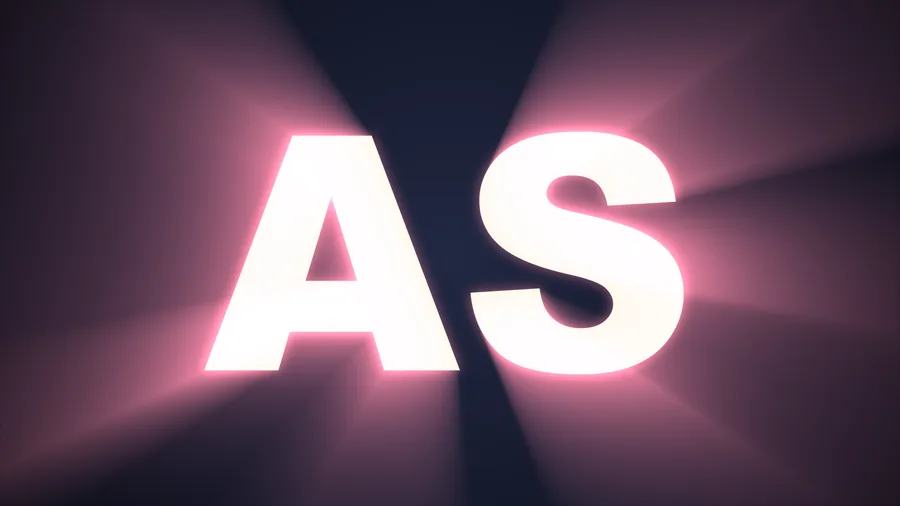
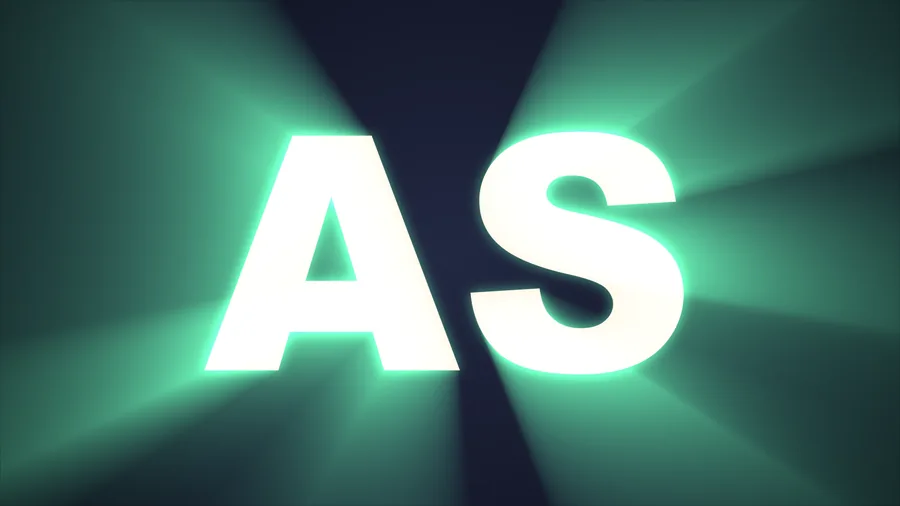
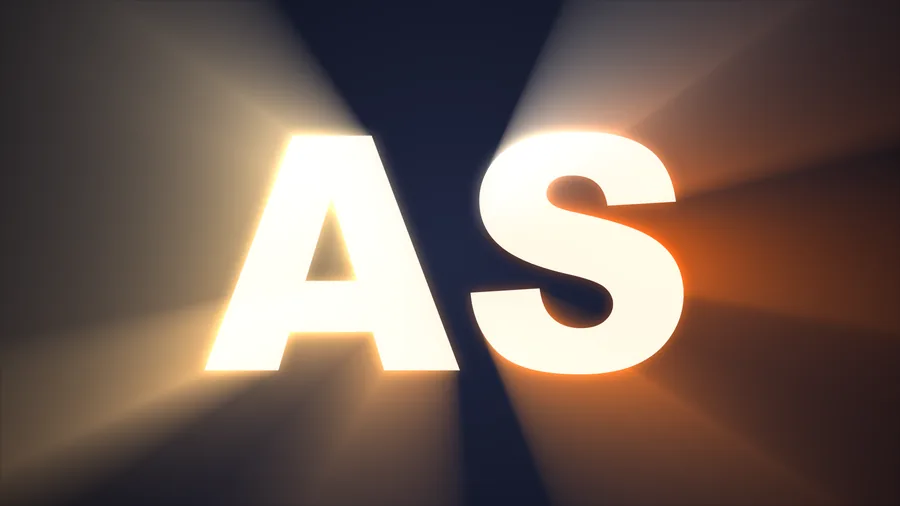
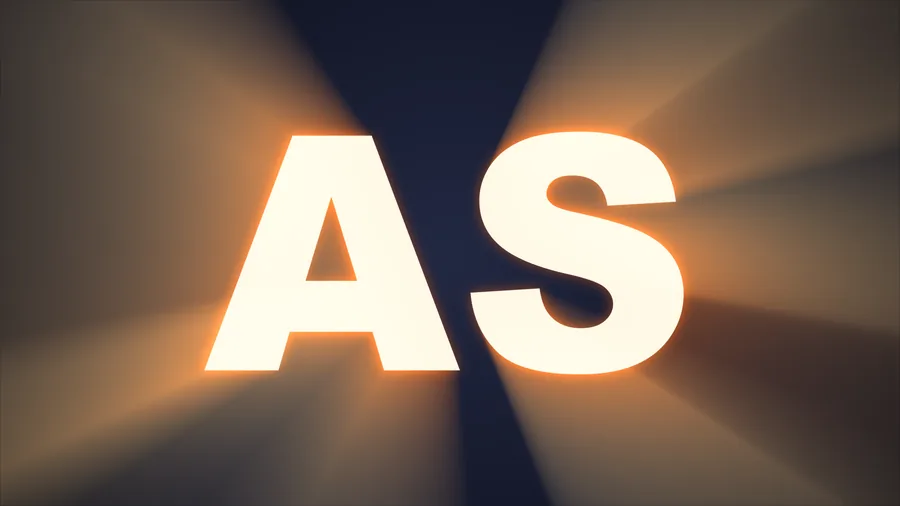
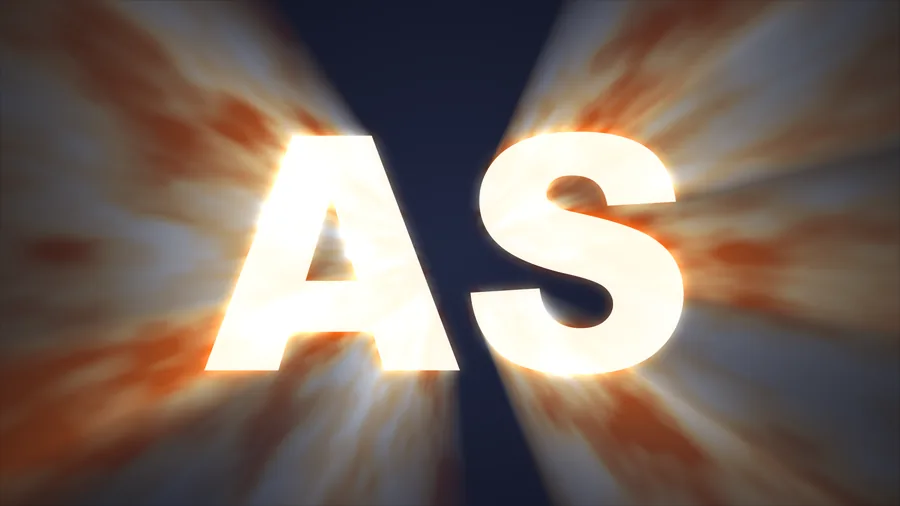
Eight coloring modes
What color the light is
has eight answers.
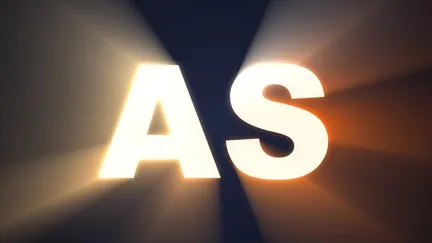
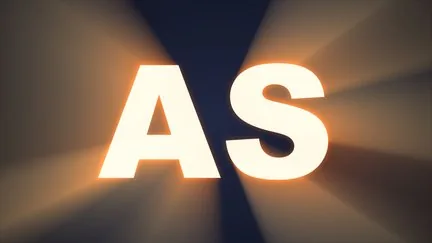
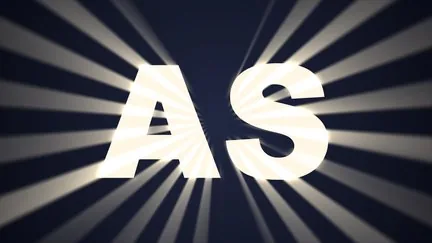
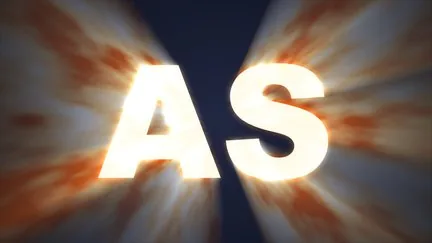
Source color (follows the picture), solid, gradient by luminance, by distance, by angle, texture map, stripes, procedural noise. The eight images below show some of them; each can be fine-tuned further.

Put together
Stack it all
and you have a shot.
Built-in styles
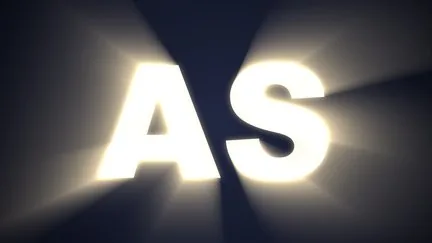
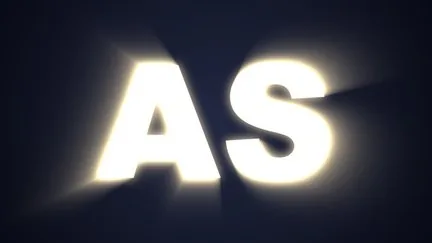
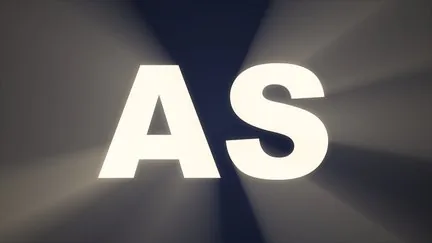
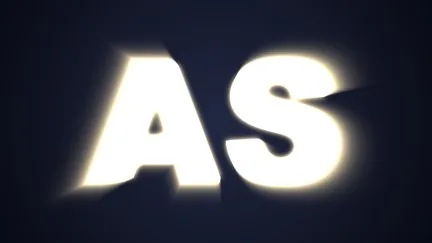
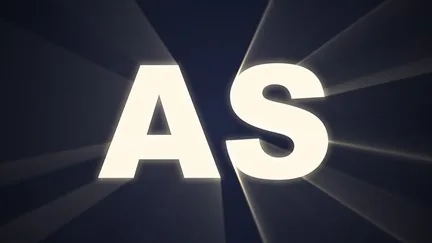
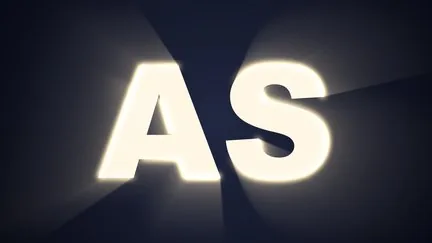
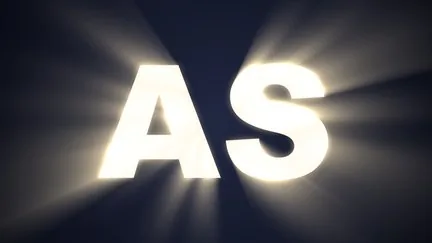
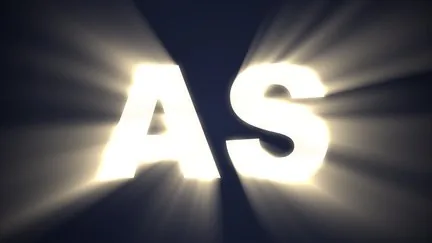
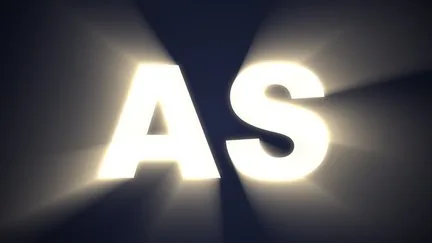
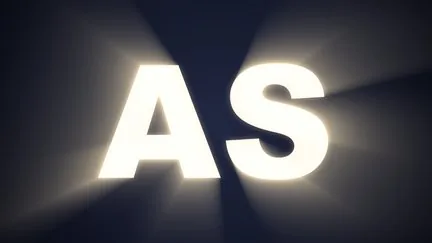
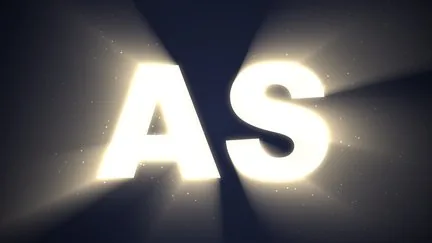
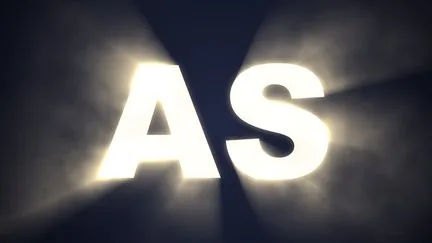
30 presets,
one click to apply.
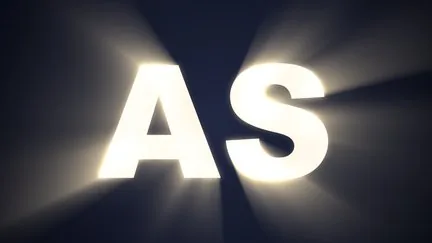
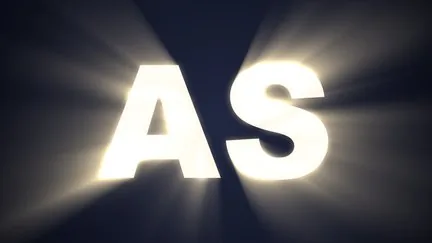
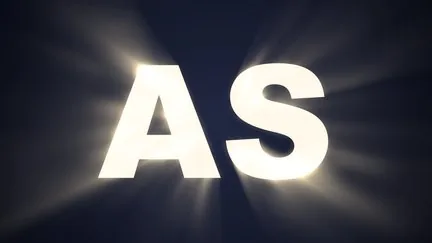
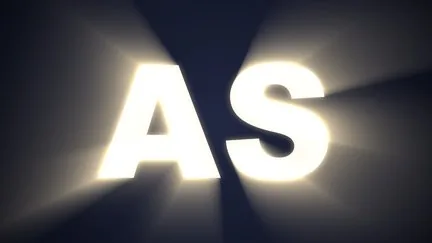
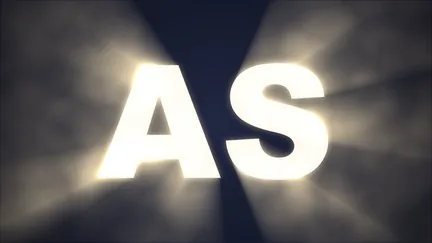
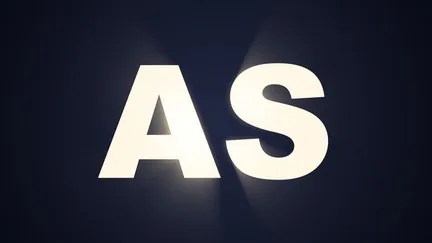
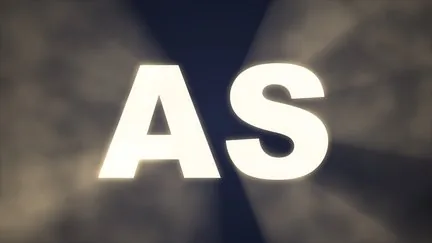
Click a thumbnail in the effect panel’s “Preset Library” to apply it, then fine-tune as needed; your own settings can be saved as presets too. Those marked ⏩ move on their own.



What’s different
Making light rays —
SkyShine wants to cost you less time.
| What you want | The usual way | ASheng SkyShine |
|---|---|---|
| Beams that move and have texture | Stack textures and keyframe by hand | ⏩ Six streak-texture motions, just pick one |
| Flicker | A row of random brightness keyframes | ⏩ Eight flicker characters with their own speed and strength |
| Dust and mist in the light | Stack a particle or smoke layer | Nine “Atmosphere” kinds that follow the beams |
| Light in one zone only | Make your own mask and stack another layer | A band, a circle, or a layer mask |
| Light color | A solid or one gradient | Eight coloring modes, including gradients by distance and angle |
| Render speed | All CPU rendering | The costly radial blur runs on the Apple Silicon GPU (Metal), falling back to CPU automatically |
Getting started
Three steps to get going.
Requires an Apple Silicon (M-series) Mac, macOS 14 or later and After Effects 2026. No Intel Mac or Windows version yet.
- Download the installer
Click “Download for Mac” on this page and unzip. The installer is notarized by Apple.
- Quit AE, then install
Save your project, quit After Effects completely with Cmd+Q, then open the installer.
- Add it to a layer
Reopen AE, find ASheng_SkyShine under “Effect → ASheng - Light”, add it to text or a layer, and start from a preset in the library.
Good to know
Beams disappear on a 3D layer?
Go to “Composition Settings → 3D Renderer” and choose Classic 3D. Advanced 3D does not support effects on 3D layers — an After Effects limitation; 2D and adjustment layers are unaffected.
Does the Golden Pass cover it?
Yes. The Golden Pass covers every ASheng AE plugin, including future releases, so SkyShine activates directly.
Do I really not need keyframes?
Streak texture and flicker move on their own, no keyframes needed. For manual control set “⏩ Motion” to “Still”; every parameter can still be keyframed.
Which layers can I use it on?
Text, shapes, images, video and precomps all work. To move the light, drag the “Center” point in the “Light Source” group, or keyframe it.
Which bit depths are supported?
8-, 16- and 32-bit are all supported.
Does it use the GPU?
Yes. The costly radial blur runs on the Apple Silicon GPU (Metal), the rest on the CPU. When the GPU is unavailable it falls back to the CPU with the same result, only slower.
Can I use it without a license?
Yes, you can try it with a watermark on the output. With a valid SkyShine license NFT or Golden Pass, click “Activate / Manage License” in the “License” group of the effect panel to activate.