AFTER EFFECTS PLUGIN · NEON
ASheng
Neon
Draw a path,
and light it up.
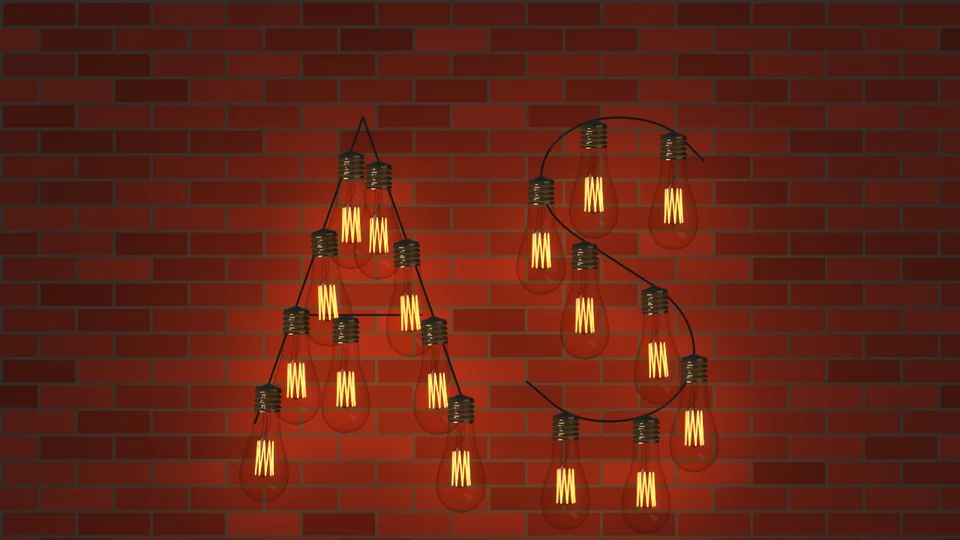
Neon lays neon tubes or a whole row of bulbs along a mask path: each mask becomes one tube or one row of bulbs. The background can be Light the Layer, so the glow spills onto the picture below, or Lights Only, so you get the light on its own to composite. There are 39 looks and 16 motions, and two motions can be mixed to build the usual signs: switching on, marquee chase, faulty flicker and breathing.
15 USDC · 365-day license · 1 MacUSD card US$17 (excl. tax, not yet available)
Output carries a watermark until a license is activated. The license starts when the purchase completes and does not renew automatically; buy another when it expires. The Golden Pass already includes Neon. The price on the purchase page is the live one.
Three steps
Draw, pick, animate —
three steps to light.
Everything happens in the Effect Controls, so you never leave AE. To browse looks and motions as you go, open the bundled Designer, choose from the same style library, and apply it to AE in one click.
- 1Draw a mask path
Draw masks with the Pen tool on a layer; each mask becomes one neon tube or one row of bulbs. Lettering, frames and outlines all work, and a path can be closed or open.
- 2Pick tubes or bulbs
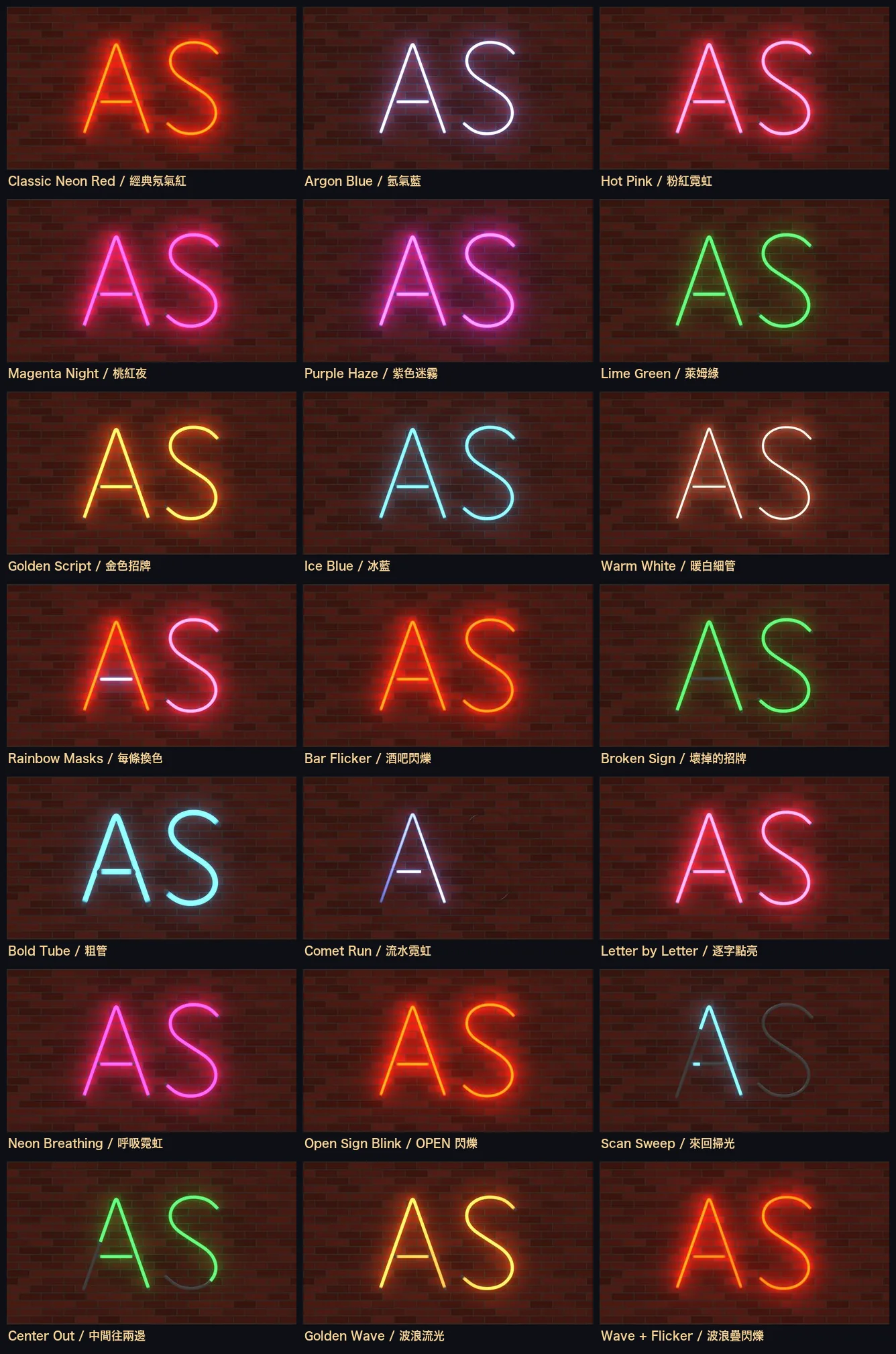
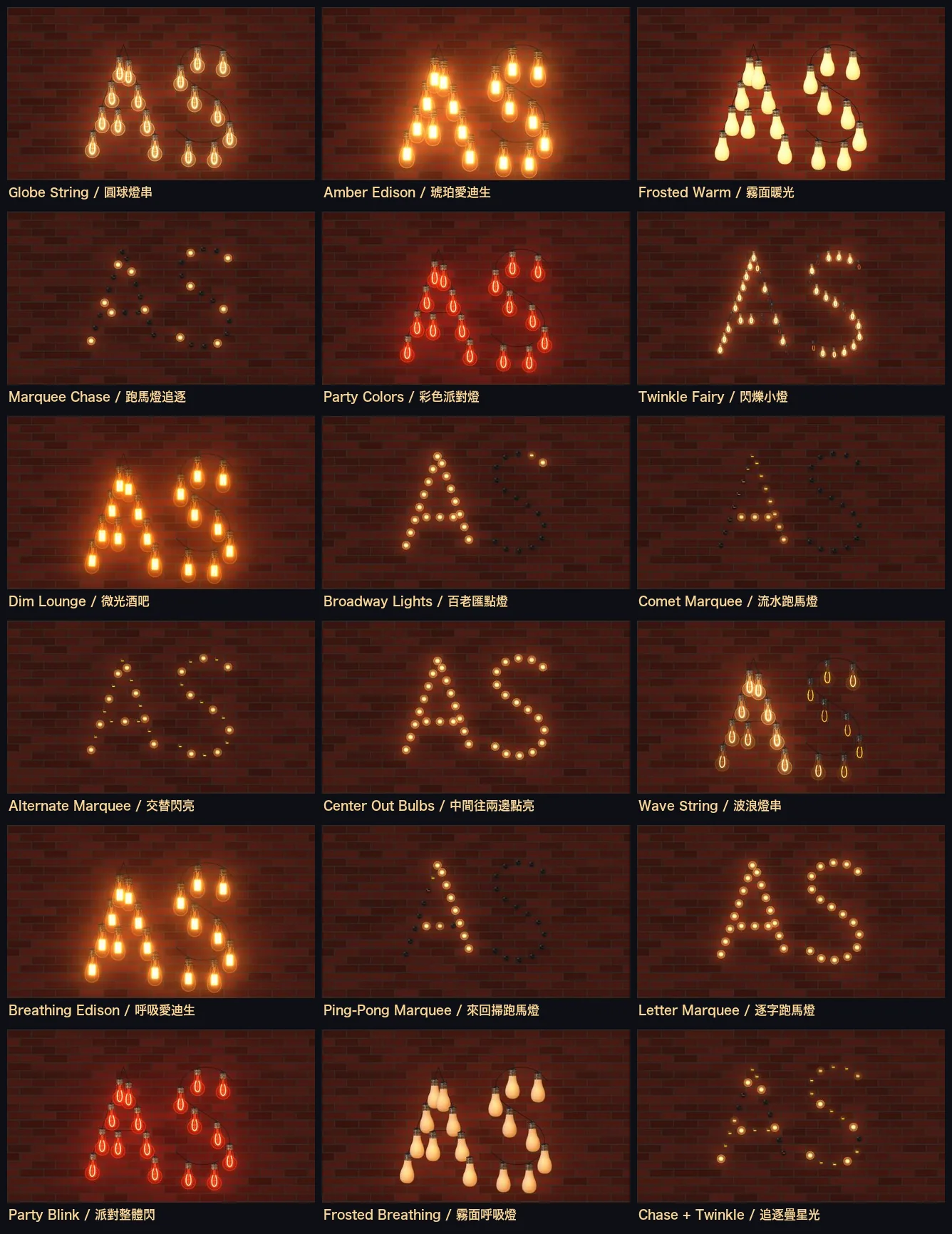
Choose Neon Tube or Light Bulb in Kind, then pick a look from the style wall: 21 for tubes and 18 for bulbs. There are 12 gas colors, and you can set your own color too.
- 3Pick a motion
Motion offers 16 choices: always on, switch on, flicker, faulty, chase, sequential light-up, flow, ping-pong sweep, breathe and more. Tune speed and rhythm, and add a second motion to blend when you want something richer.
Two kinds
Tubes and bulbs,
each with a whole wall of looks.
There are 21 tube looks: Classic Neon Red, Argon Blue, Hot Pink, Purple Haze, Lime Green, Golden Script, Warm White thin tube and a Bold Tube, plus animated ones such as Bar Flicker, Broken Sign and Open Sign Blink. There are 18 bulb looks: Globe String, Amber Edison, Frosted Warm, Party Colors, Twinkle Fairy and Broadway Lights, again with animated ones such as marquee chases and breathing. Every look is a ready-made style: click to apply it, then fine-tune; bulb size is adjustable too.
Motion
16 motions,
from chase to breathing.
Motions come in five families: chase, sequential light-up, flow, whole-sign blinking and old-sign flicker. On top of the 16 basic motions there are 24 ready-made motion styles that set speed and rhythm in one click. The four clips below show four motions: comet chase, ping-pong sweep, center-out and wave.
A / B mix
Two motions,
on the same path.
Beside Motion A there is Motion B, and Blend decides how the two combine, which makes “chase plus random twinkle” possible, something a single motion cannot do. Below are some bulb examples: flow, alternate, letter by letter, and a chase-plus-random-twinkle mix.
Unlit look
Even when the lights are off,
they should look right.
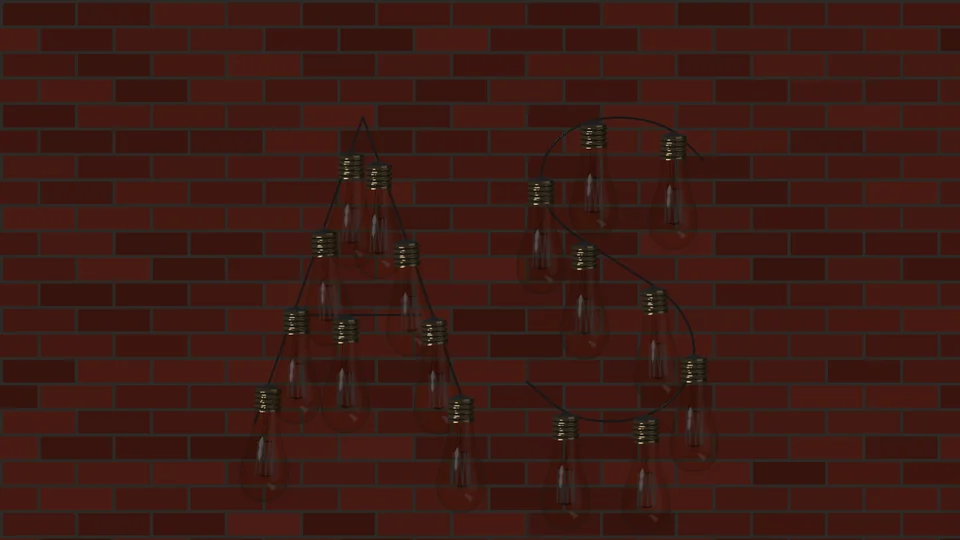
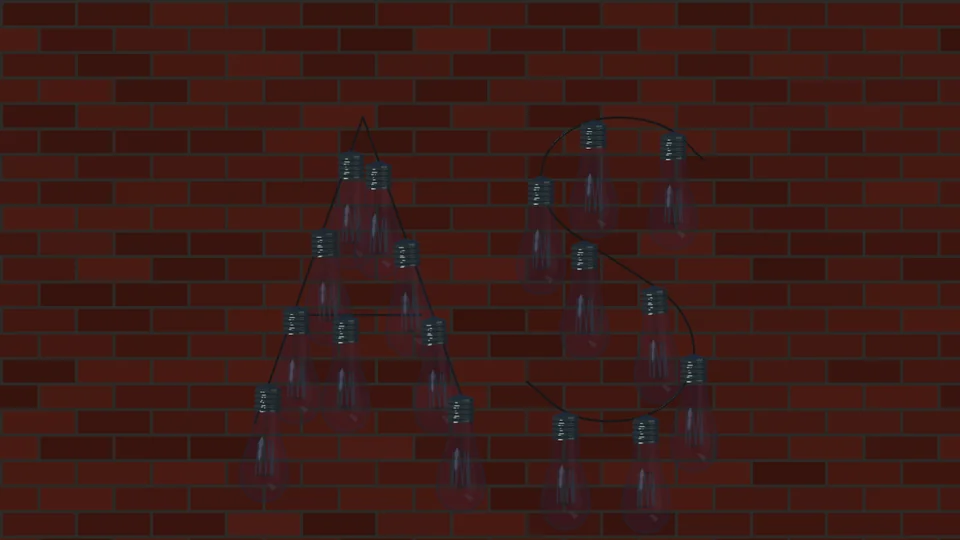
In marquee and flicker motions most bulbs spend much of the time off, so the unlit look matters. Unlit bulbs have adjustable Opacity, Brightness and Tint, an optional Idle Glow, and a Glass Reflection, so they read as real bulbs instead of black dots. Power pushes the whole row from fully dark to fully lit for a switch-on ramp.
Get started
Start in three steps.
Requires an Apple Silicon (M series) Mac, macOS 14 or later and After Effects 2026. There are no Intel Mac or Windows versions for now.
- Download the installer
Press “Download for Mac” on this page and unzip it. The installer is notarized by Apple.
- Quit AE, then install
Save your project, quit After Effects completely with Cmd+Q, then open the installer.
- Add it to a layer
Reopen AE, find ASheng_Neon in the “ASheng - Light” category, add it to a layer, and draw masks along the paths you want lit.
Good to know
Where do I find it in AE?
In the Effects menu under the “ASheng - Light” category, named ASheng_Neon.
Do I have to draw masks?
Yes. Neon lays lights along mask paths, so without a mask there is nothing to light. Each mask is one tube or one row of bulbs.
Can I render the lights alone?
Yes. Set Background to Lights Only to output just the light for compositing; choose Light the Layer and the glow spills onto the picture below.
Does it support the GPU?
Not yet; for now it is CPU only. With many tubes or bulbs the preview can be slow, so lower the preview resolution while you work.
Does the Golden Pass work?
Yes. The Golden Pass includes all of ASheng’s AE plugins, including ones released later, so Neon can be activated with it right away.
Does it support Premiere Pro?
For now only After Effects is supported.
Can I use it without a license?
You can try it; the output carries a watermark. With a valid Neon license NFT or the Golden Pass, press the status button at the top of the Effect Controls (it shows “Trial”) to open the license helper and activate.